
Background Eraser is a photo editing app that lets you easily erase parts of your pictures to delete unwanted sections or add other elements to them. For example, you can get rid of the background of an image and keep the parts of it that you care about.
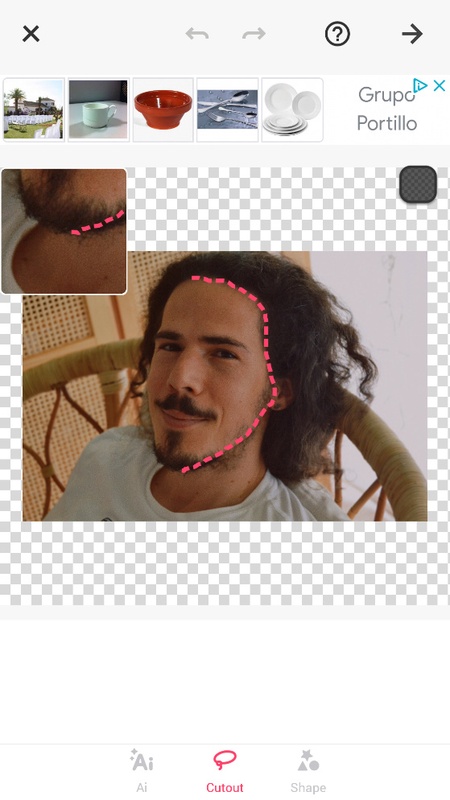
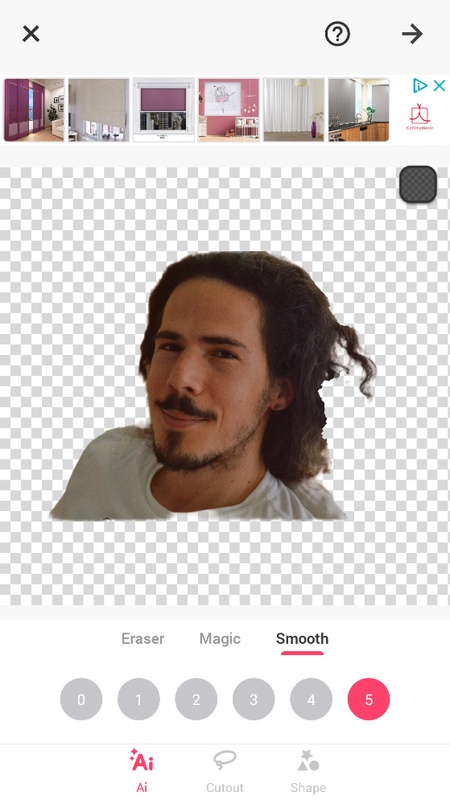
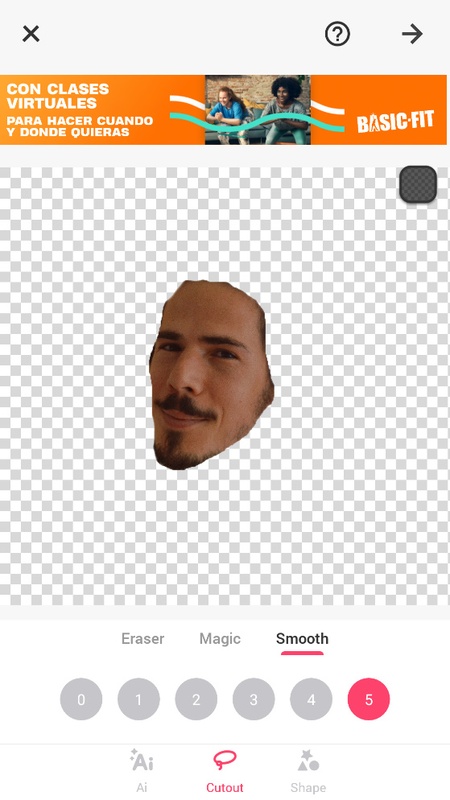
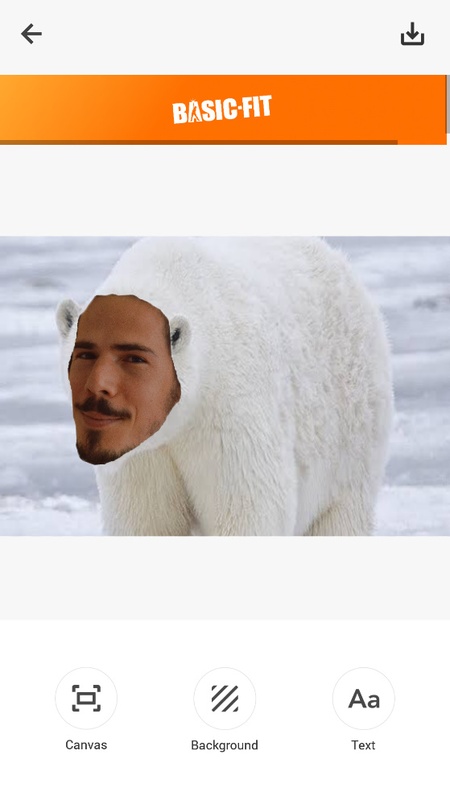
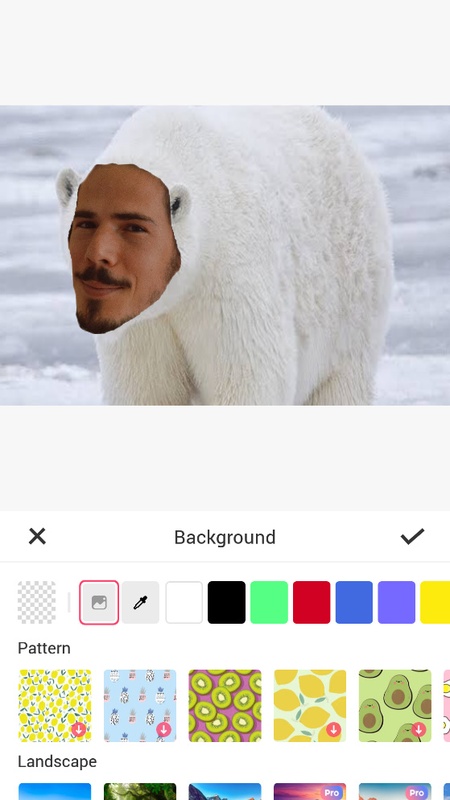
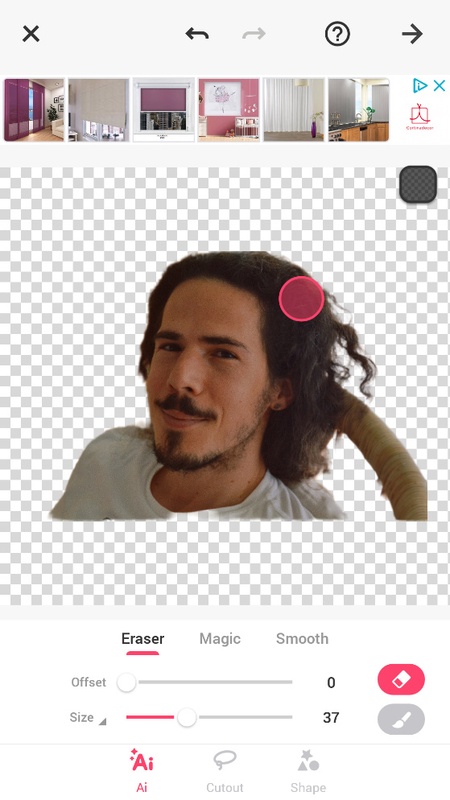
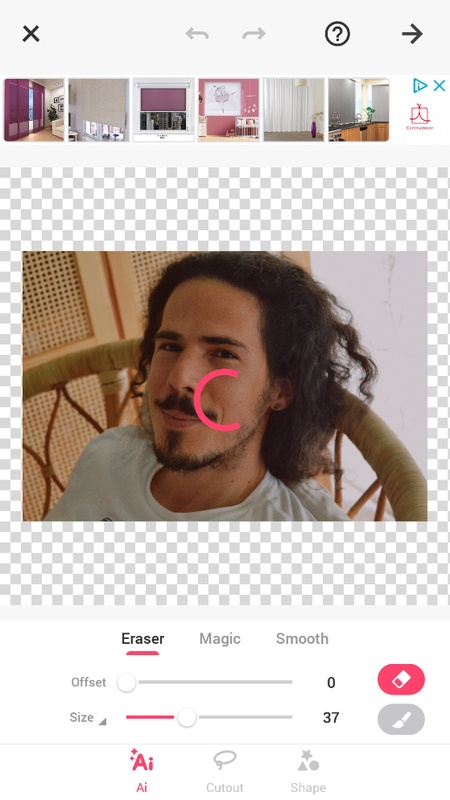
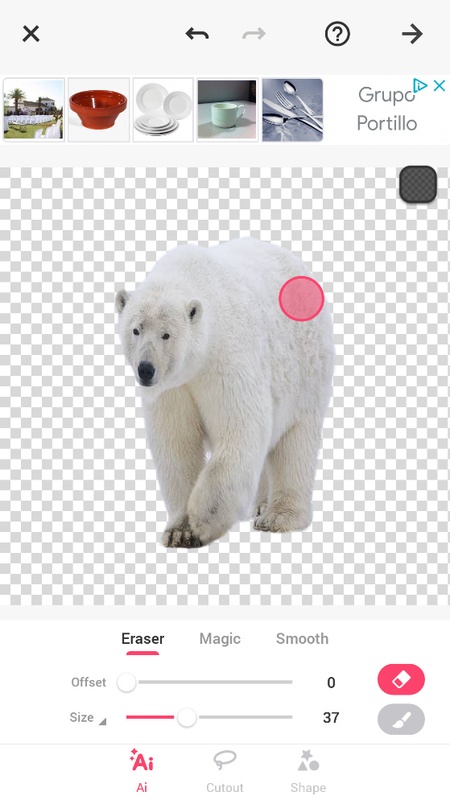
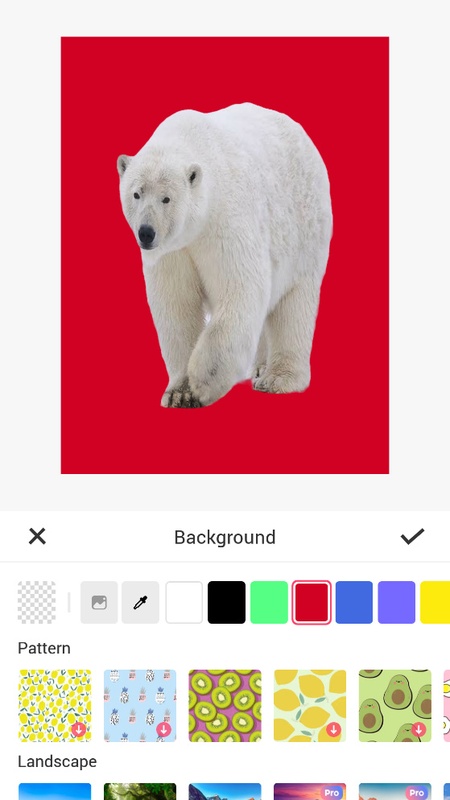
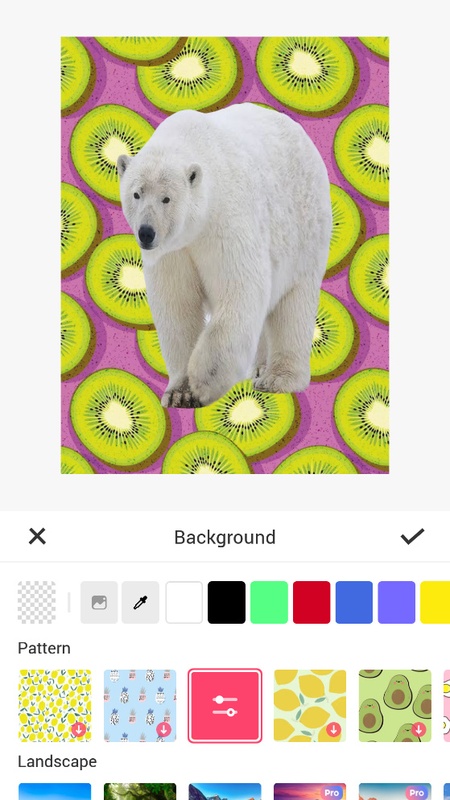
The way Background Eraser works is pretty straightforward: you just have to take a photo or choose one you already have on your phone. Then, you'll open up the section of the app for erasing the background or elements from the image. Erase the part of the photo you want using any of the techniques the app offers: you can use your finger to blur out certain sections, or use the lasso tool to select what you want to keep and delete the rest, or even use a smart selector that selects elements of the same color in the image. With this app, you can also remove the background of a photo and replace it with another one, or remove a person's face and replace it with someone else's, for example. Plus, the app also features an automatic detector that selects the image outline and smoothes the edges to make the job look even more professional.
Background Eraser is a photo editing app that lets you easily erase parts of your pictures to delete unwanted sections or add other elements to them. For example, you can get rid of the background of an image and keep the parts of it that you care about.
The way Background Eraser works is pretty straightforward: you just have to take a photo or choose one you already have on your phone. Then, you'll open up the section of the app for erasing the background or elements from the image. Erase the part of the photo you want using any of the techniques the app offers: you can use your finger to blur out certain sections, or use the lasso tool to select what you want to keep and delete the rest, or even use a smart selector that selects elements of the same color in the image. With this app, you can also remove the background of a photo and replace it with another one, or remove a person's face and replace it with someone else's, for example. Plus, the app also features an automatic detector that selects the image outline and smoothes the edges to make the job look even more professional.