

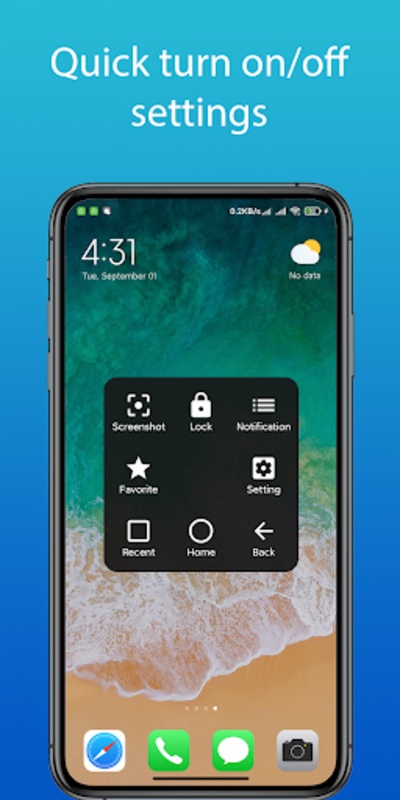
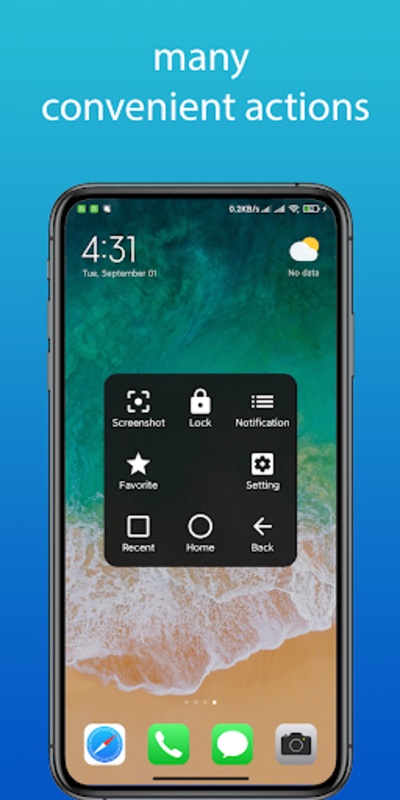
Enhance your device navigation with Easy Touch, Home & Back Button, an ingenious application designed to streamline your smartphone experience. This app brings an array of convenient features within a floating assistive touch interface, offering you quick access to essential functions without the need for physical buttons.
The main purpose of this app is to simplify your day-to-day phone usage, providing intuitive tools like virtual home and back buttons, as well as easy navigation to recent apps. Whether you're looking to adjust the volume, take swift screenshots, or record your screen, it handles these tasks effortlessly. The application also includes a quick lock screen feature, enabling you to secure your device with a single touch.
Easy Touch, Home & Back Button
Easy Touch, Home & Back Button is a highly customizable Android app that provides quick and convenient access to a range of essential device functions, including the home button, back button, recent apps, and more. It is designed to enhance user experience by offering a floating assistive menu that can be easily accessed from any screen, regardless of the app or activity being used.
Key Features
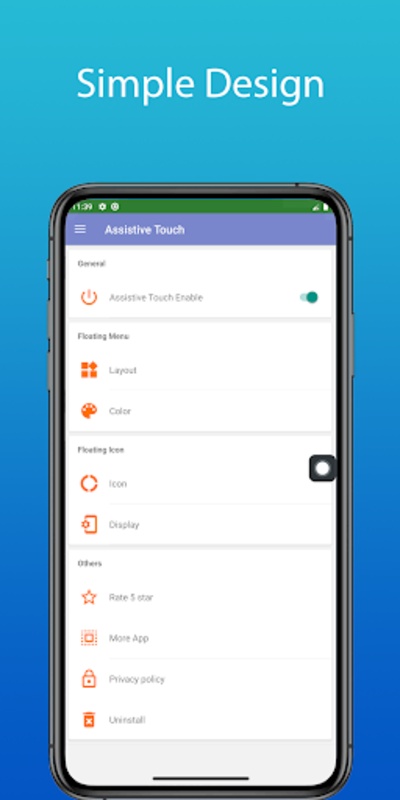
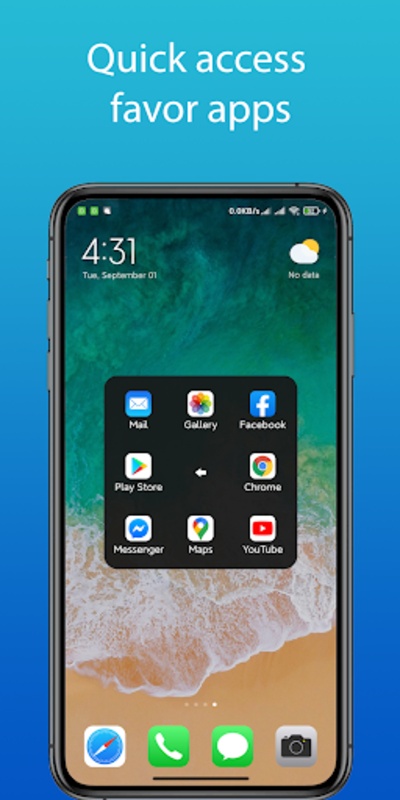
* Assistive Menu: Easy Touch provides a customizable floating menu that can be positioned anywhere on the screen. This menu includes essential buttons such as home, back, recent apps, power, volume controls, and more.
* Customizable Buttons: Users can customize the buttons on the assistive menu to include their preferred functions, such as launching specific apps, opening settings, or performing other actions.
* Gestures: Easy Touch supports various gestures, including tapping, swiping, and holding, which can be assigned to specific actions. This allows users to quickly access functions without having to navigate through multiple menus or settings.
* Accessibility: Easy Touch is designed to be accessible to users with disabilities or those who have difficulty using the physical buttons on their device. It provides alternative ways to perform common tasks, such as using gestures or voice commands.
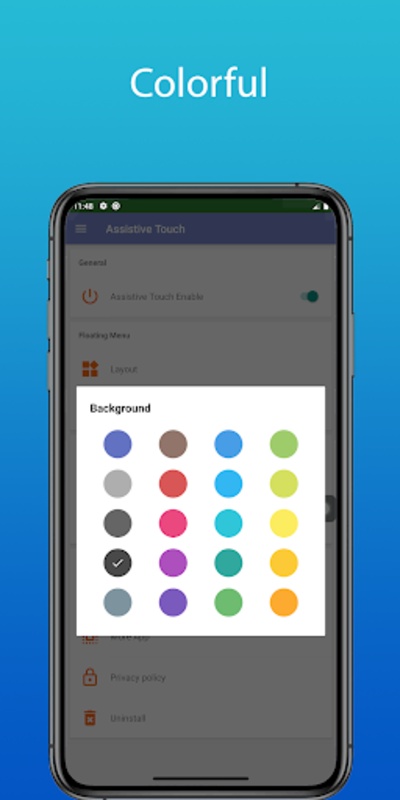
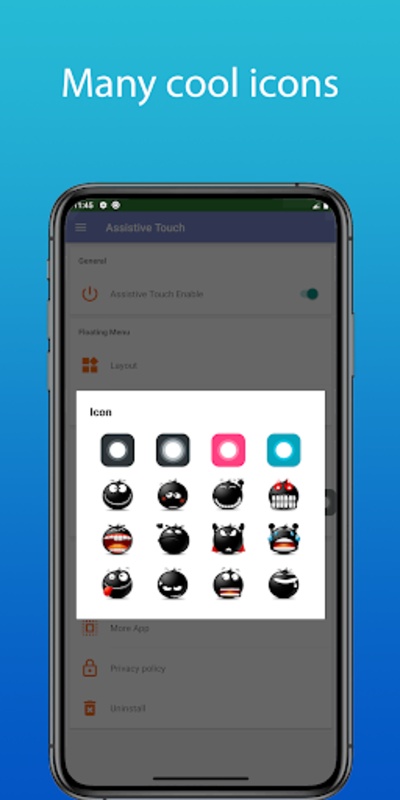
* Theme Customization: Users can personalize the appearance of the assistive menu by choosing from a variety of themes and colors. This allows them to match the menu to their device's overall aesthetic or personal preferences.
Benefits of Using Easy Touch
* Enhanced Accessibility: Easy Touch provides an alternative way to access device functions, making it easier for users with disabilities or difficulty using physical buttons.
* Increased Convenience: The floating assistive menu allows users to quickly access essential functions without having to navigate through multiple menus or settings.
* Customizable Experience: Users can tailor the assistive menu to their specific needs and preferences by customizing the buttons, gestures, and appearance.
* Improved Productivity: Easy Touch helps users save time and effort by providing quick access to frequently used functions, allowing them to focus on their tasks.
* Enhanced User Experience: By offering a convenient and customizable assistive menu, Easy Touch improves the overall user experience on Android devices.
Enhance your device navigation with Easy Touch, Home & Back Button, an ingenious application designed to streamline your smartphone experience. This app brings an array of convenient features within a floating assistive touch interface, offering you quick access to essential functions without the need for physical buttons.
The main purpose of this app is to simplify your day-to-day phone usage, providing intuitive tools like virtual home and back buttons, as well as easy navigation to recent apps. Whether you're looking to adjust the volume, take swift screenshots, or record your screen, it handles these tasks effortlessly. The application also includes a quick lock screen feature, enabling you to secure your device with a single touch.
Easy Touch, Home & Back Button
Easy Touch, Home & Back Button is a highly customizable Android app that provides quick and convenient access to a range of essential device functions, including the home button, back button, recent apps, and more. It is designed to enhance user experience by offering a floating assistive menu that can be easily accessed from any screen, regardless of the app or activity being used.
Key Features
* Assistive Menu: Easy Touch provides a customizable floating menu that can be positioned anywhere on the screen. This menu includes essential buttons such as home, back, recent apps, power, volume controls, and more.
* Customizable Buttons: Users can customize the buttons on the assistive menu to include their preferred functions, such as launching specific apps, opening settings, or performing other actions.
* Gestures: Easy Touch supports various gestures, including tapping, swiping, and holding, which can be assigned to specific actions. This allows users to quickly access functions without having to navigate through multiple menus or settings.
* Accessibility: Easy Touch is designed to be accessible to users with disabilities or those who have difficulty using the physical buttons on their device. It provides alternative ways to perform common tasks, such as using gestures or voice commands.
* Theme Customization: Users can personalize the appearance of the assistive menu by choosing from a variety of themes and colors. This allows them to match the menu to their device's overall aesthetic or personal preferences.
Benefits of Using Easy Touch
* Enhanced Accessibility: Easy Touch provides an alternative way to access device functions, making it easier for users with disabilities or difficulty using physical buttons.
* Increased Convenience: The floating assistive menu allows users to quickly access essential functions without having to navigate through multiple menus or settings.
* Customizable Experience: Users can tailor the assistive menu to their specific needs and preferences by customizing the buttons, gestures, and appearance.
* Improved Productivity: Easy Touch helps users save time and effort by providing quick access to frequently used functions, allowing them to focus on their tasks.
* Enhanced User Experience: By offering a convenient and customizable assistive menu, Easy Touch improves the overall user experience on Android devices.