
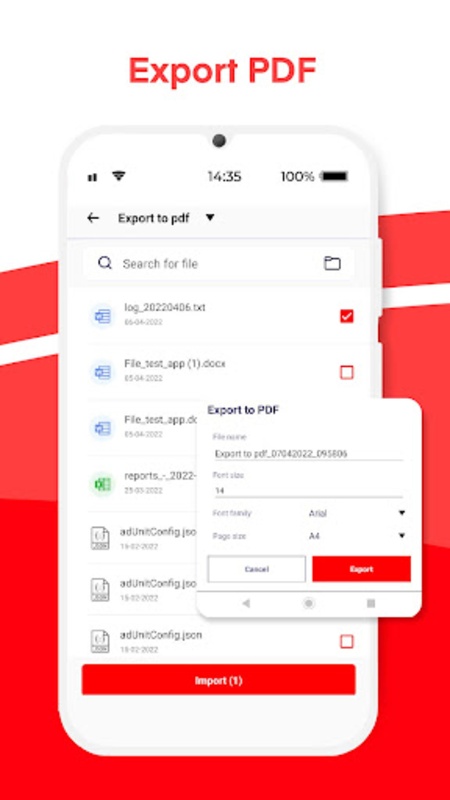
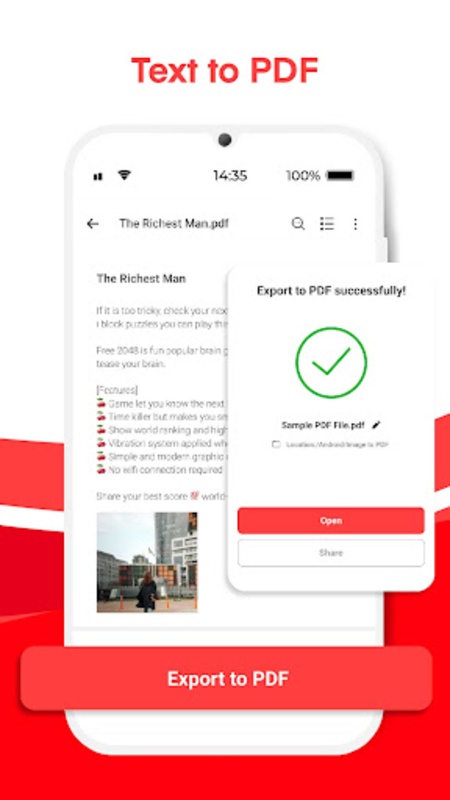
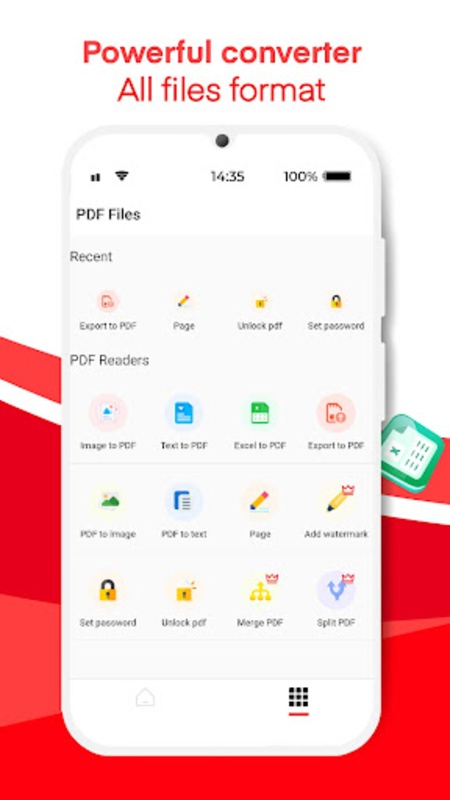
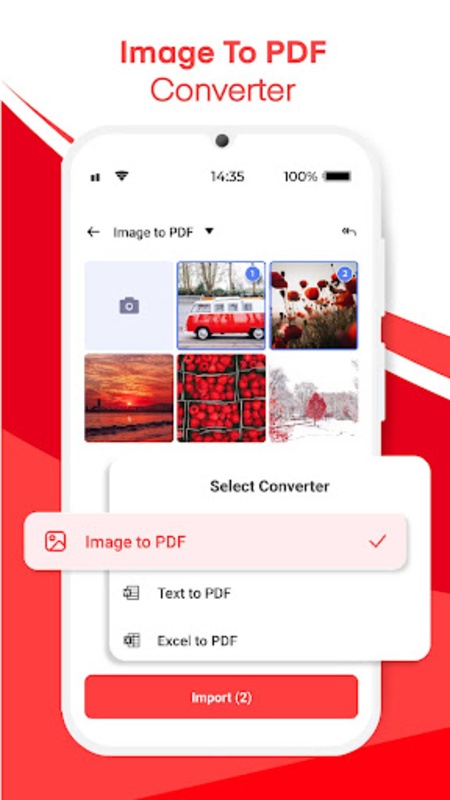
Image to PDF Converter is a comprehensive tool designed to simplify the process of transforming various files, including images and documents, into PDF format. Serving as an all-in-one solution for anyone needing to convert, edit, read, and manage PDF documents efficiently, it is equally beneficial for school, work, or personal needs.
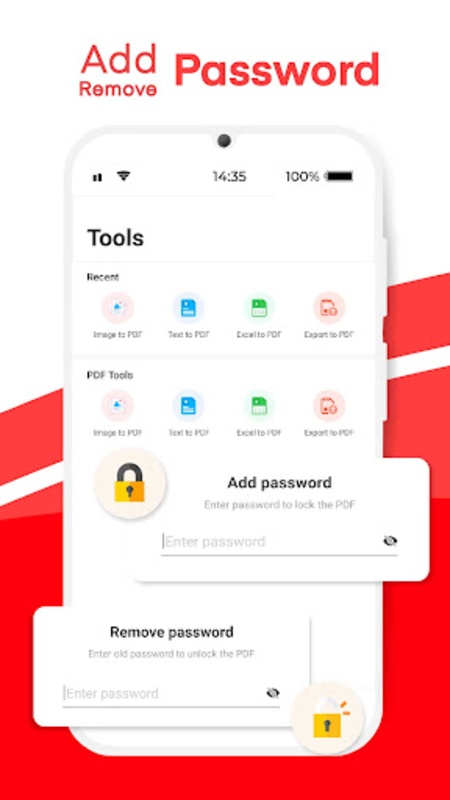
With this tool, users have the ability to quickly turn JPG, PNG, and other image formats into PDFs. It also supports converting text and Excel files into PDF, and vice versa. The importance of security is acknowledged with features allowing one to password-protect PDFs or unlock them when necessary.
Image to PDF Converter: A Comprehensive Summary
Image to PDF Converter is a software application designed to convert image files into portable document format (PDF) files. This conversion process allows users to create digital documents that are widely compatible, secure, and easy to share.
Key Features:
* Batch Conversion: Convert multiple images to PDF simultaneously, saving time and effort.
* Image Resizing: Adjust the size and resolution of images before conversion to optimize file size and quality.
* PDF Customization: Set document properties such as page size, orientation, margins, and metadata.
* Security: Encrypt PDF files with passwords to protect sensitive information.
* OCR Support: Convert scanned documents or images containing text into searchable PDF files using optical character recognition (OCR) technology.
Benefits of Using Image to PDF Converter:
* Improved Document Management: Create organized and searchable PDF files for easy retrieval and archiving.
* Enhanced Collaboration: Share PDF documents with colleagues and clients seamlessly across different platforms.
* Secure File Sharing: Protect sensitive information by encrypting PDF files with passwords.
* Space Optimization: Reduce file sizes by compressing images while maintaining quality, saving storage space.
* Cross-Platform Compatibility: Access and view PDF files on any device or operating system.
Applications:
Image to PDF Converter finds applications in various scenarios:
* Document Creation: Convert scanned documents, receipts, or presentations into digital PDF files.
* Digital Archiving: Preserve and organize important images in a secure and accessible format.
* E-Book Creation: Compile images and text into digital books or magazines.
* Web Development: Optimize images for web pages and presentations by converting them to PDF.
* Marketing and Advertising: Create visually appealing brochures, flyers, and marketing materials in PDF format.
How to Use Image to PDF Converter:
1. Import Images: Drag and drop or select images to be converted.
2. Adjust Settings: Choose the desired PDF properties, such as page size, orientation, and image quality.
3. Convert: Click the "Convert" button to start the conversion process.
4. Save: Specify the destination folder and file name for the resulting PDF file.
Choosing the Right Image to PDF Converter:
When selecting an Image to PDF Converter, consider the following factors:
* Features: Determine the specific features you require, such as batch conversion, OCR support, and PDF customization.
* Compatibility: Ensure the software is compatible with your operating system and image formats.
* Ease of Use: Opt for a converter with a user-friendly interface and intuitive workflow.
* File Quality: Evaluate the quality of the converted PDF files to ensure they meet your standards.
* Customer Support: Look for a converter with reliable customer support in case of any issues.
Image to PDF Converter is a comprehensive tool designed to simplify the process of transforming various files, including images and documents, into PDF format. Serving as an all-in-one solution for anyone needing to convert, edit, read, and manage PDF documents efficiently, it is equally beneficial for school, work, or personal needs.
With this tool, users have the ability to quickly turn JPG, PNG, and other image formats into PDFs. It also supports converting text and Excel files into PDF, and vice versa. The importance of security is acknowledged with features allowing one to password-protect PDFs or unlock them when necessary.
Image to PDF Converter: A Comprehensive Summary
Image to PDF Converter is a software application designed to convert image files into portable document format (PDF) files. This conversion process allows users to create digital documents that are widely compatible, secure, and easy to share.
Key Features:
* Batch Conversion: Convert multiple images to PDF simultaneously, saving time and effort.
* Image Resizing: Adjust the size and resolution of images before conversion to optimize file size and quality.
* PDF Customization: Set document properties such as page size, orientation, margins, and metadata.
* Security: Encrypt PDF files with passwords to protect sensitive information.
* OCR Support: Convert scanned documents or images containing text into searchable PDF files using optical character recognition (OCR) technology.
Benefits of Using Image to PDF Converter:
* Improved Document Management: Create organized and searchable PDF files for easy retrieval and archiving.
* Enhanced Collaboration: Share PDF documents with colleagues and clients seamlessly across different platforms.
* Secure File Sharing: Protect sensitive information by encrypting PDF files with passwords.
* Space Optimization: Reduce file sizes by compressing images while maintaining quality, saving storage space.
* Cross-Platform Compatibility: Access and view PDF files on any device or operating system.
Applications:
Image to PDF Converter finds applications in various scenarios:
* Document Creation: Convert scanned documents, receipts, or presentations into digital PDF files.
* Digital Archiving: Preserve and organize important images in a secure and accessible format.
* E-Book Creation: Compile images and text into digital books or magazines.
* Web Development: Optimize images for web pages and presentations by converting them to PDF.
* Marketing and Advertising: Create visually appealing brochures, flyers, and marketing materials in PDF format.
How to Use Image to PDF Converter:
1. Import Images: Drag and drop or select images to be converted.
2. Adjust Settings: Choose the desired PDF properties, such as page size, orientation, and image quality.
3. Convert: Click the "Convert" button to start the conversion process.
4. Save: Specify the destination folder and file name for the resulting PDF file.
Choosing the Right Image to PDF Converter:
When selecting an Image to PDF Converter, consider the following factors:
* Features: Determine the specific features you require, such as batch conversion, OCR support, and PDF customization.
* Compatibility: Ensure the software is compatible with your operating system and image formats.
* Ease of Use: Opt for a converter with a user-friendly interface and intuitive workflow.
* File Quality: Evaluate the quality of the converted PDF files to ensure they meet your standards.
* Customer Support: Look for a converter with reliable customer support in case of any issues.