
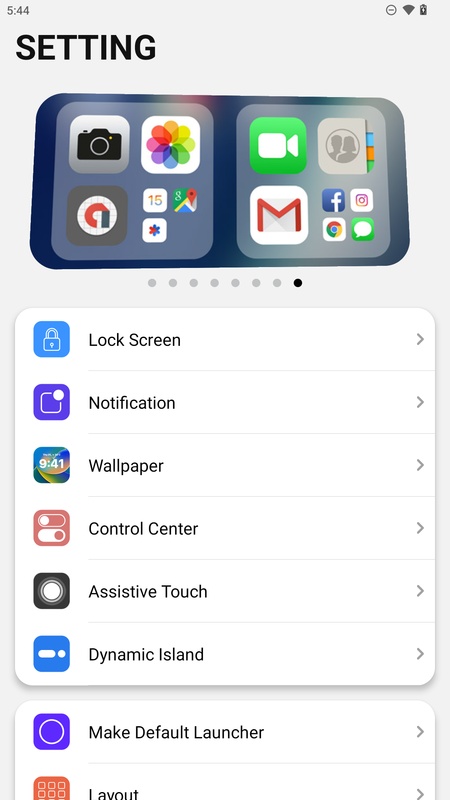
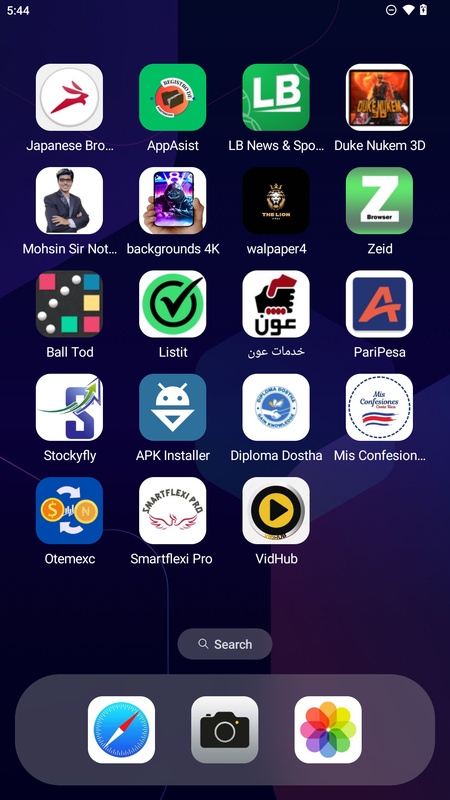
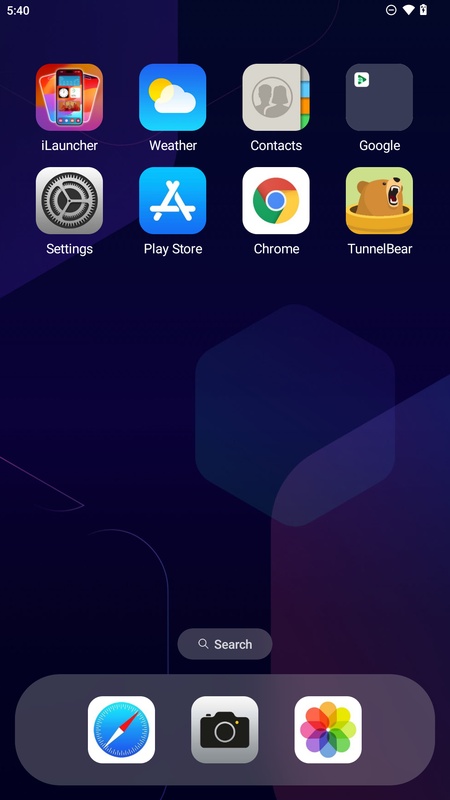
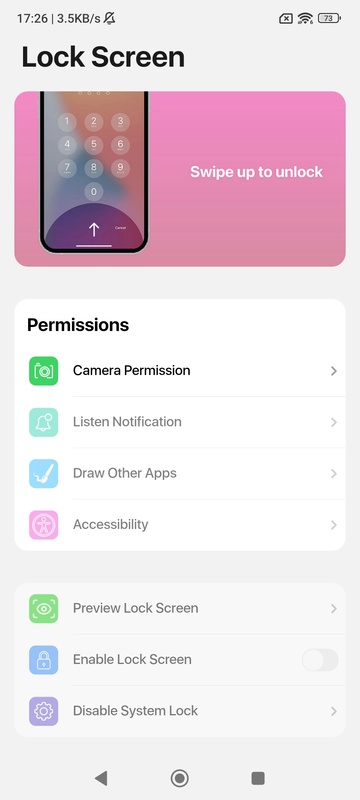
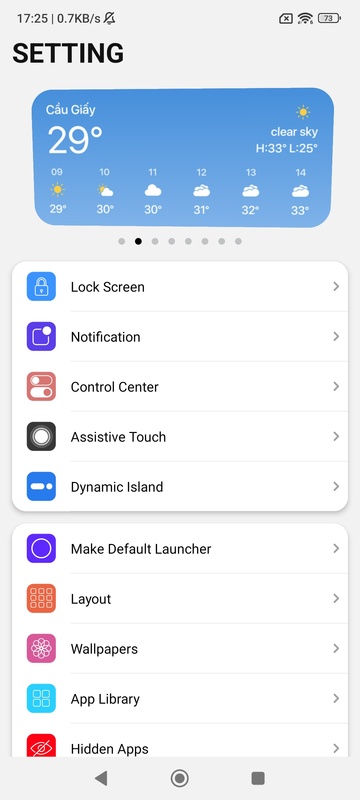
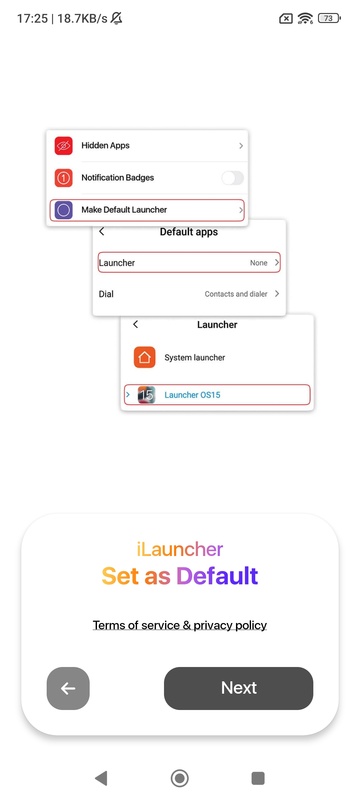
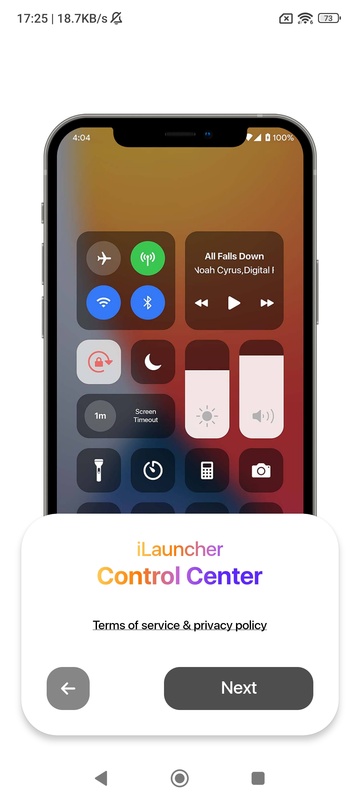
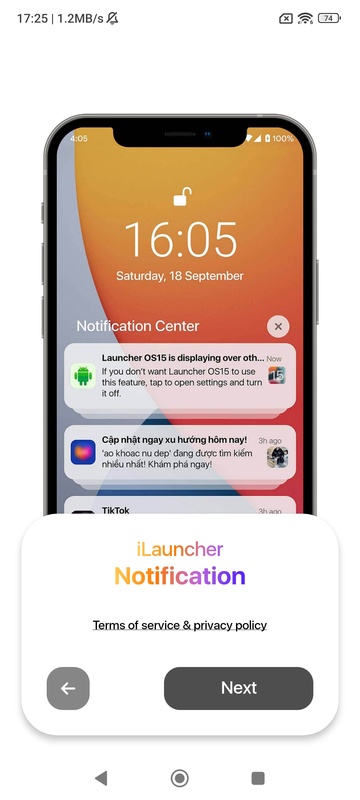
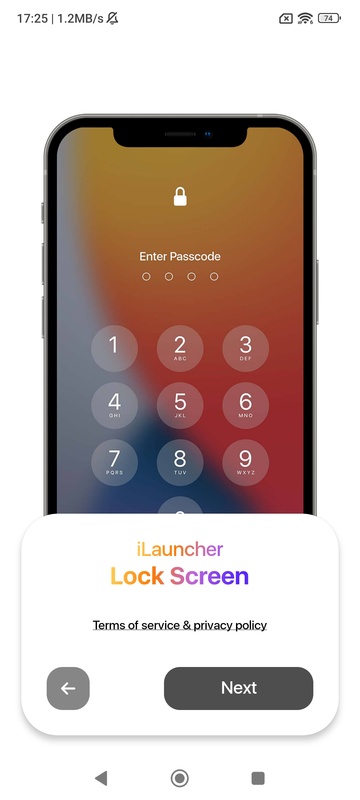
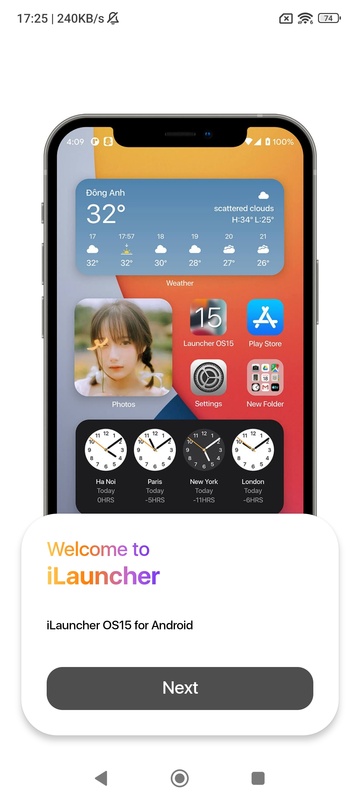

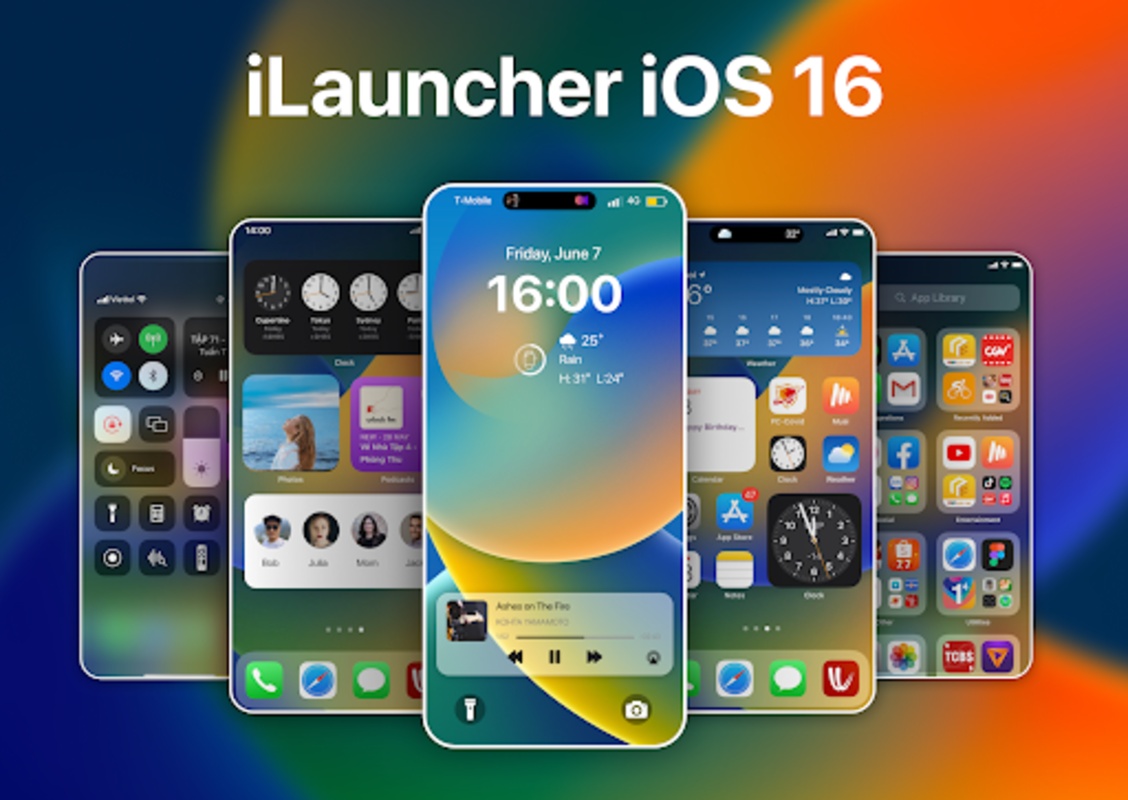
Launcher iOS17 - iLauncher is a launcher for Android that allows you to enjoy the modern aesthetics of iOS, the Apple operating system used by the iPhone. With Launcher iOS17 - iLauncher, you can customize any app's icons and name, change the desktop grid, activate infinite scrolling, hide or show the search bar, or add several apps to the same folder.
iOS widgets and Dynamic Island included
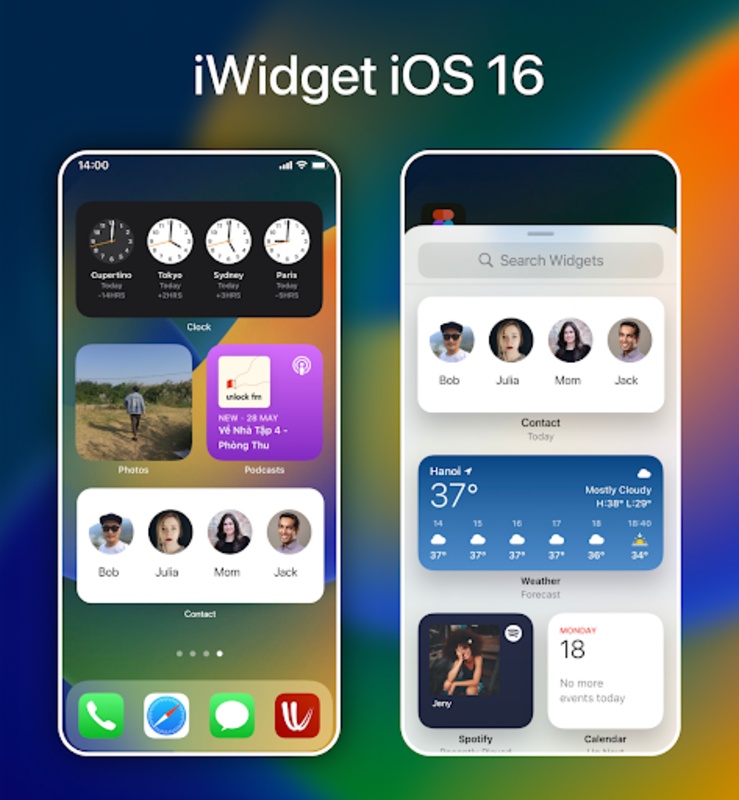
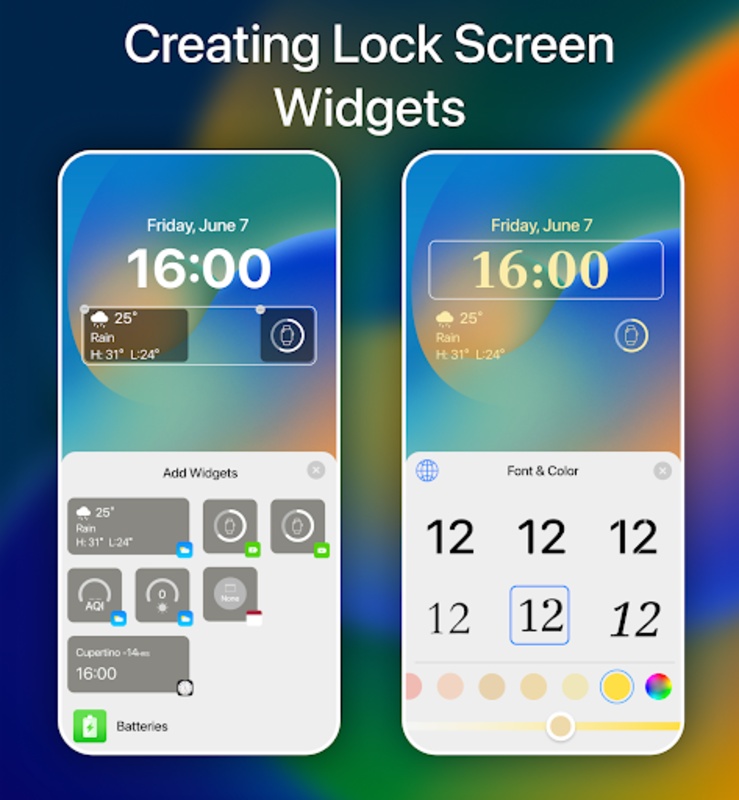
The widgets in Launcher iOS17 - iLauncher also feature iOS aesthetics. You can fill the screen with them, including battery, calendar, weather, photos, clock, contacts, etc. And, of course, Dynamic Island is integrated directly into the launcher.
Launcher iOS17 - iLauncher: A Comprehensive Overview
Launcher iOS17, also known as iLauncher, is an iOS-style launcher app designed to bring the aesthetics and functionality of the iPhone's operating system to Android devices. With its intuitive interface, customizable widgets, and a wide range of personalization options, iLauncher offers a seamless and personalized mobile experience.
Intuitive Interface
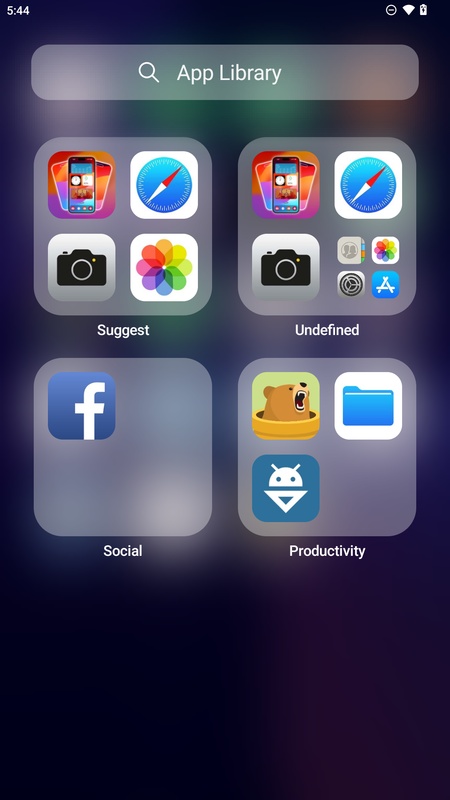
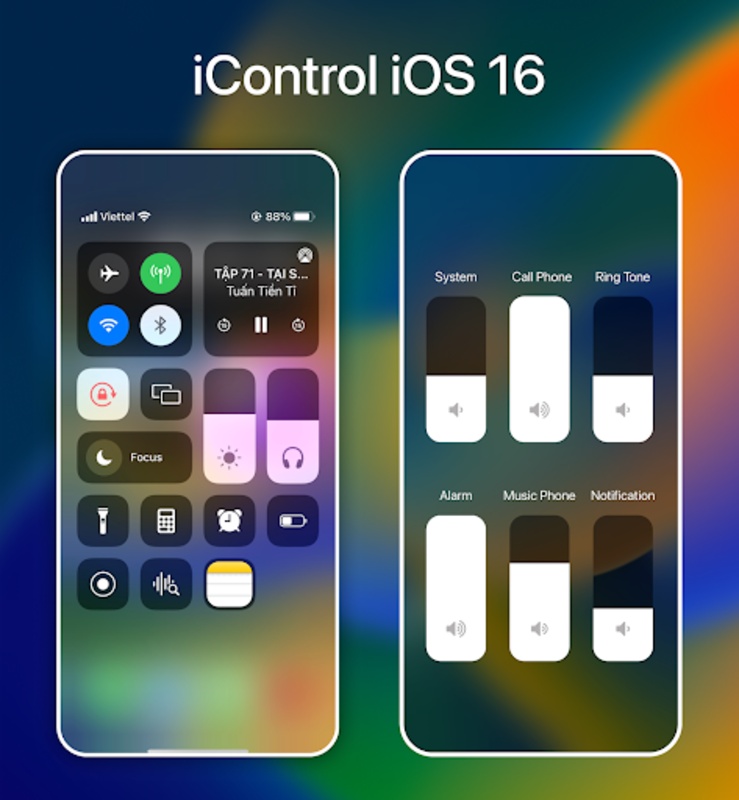
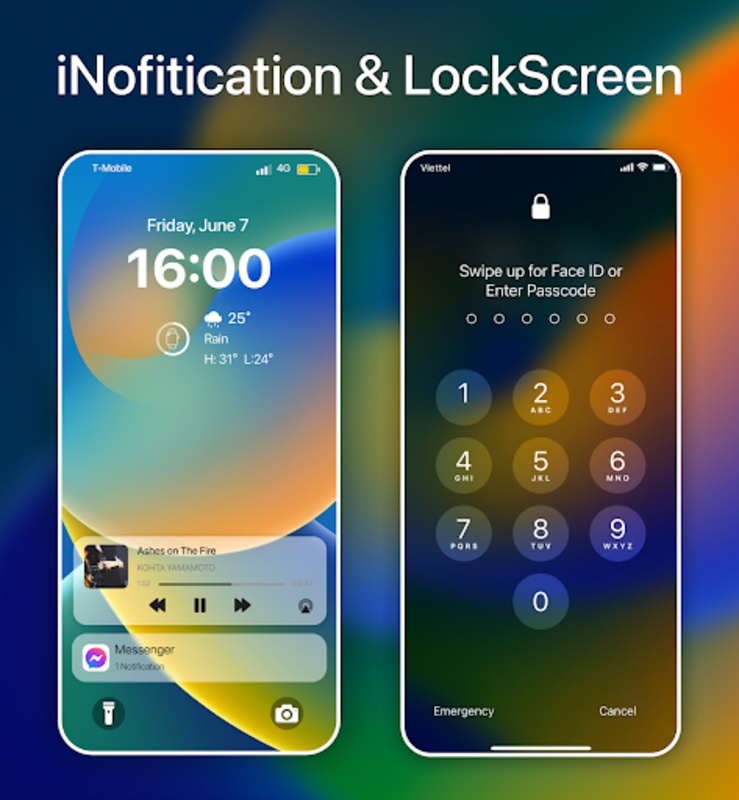
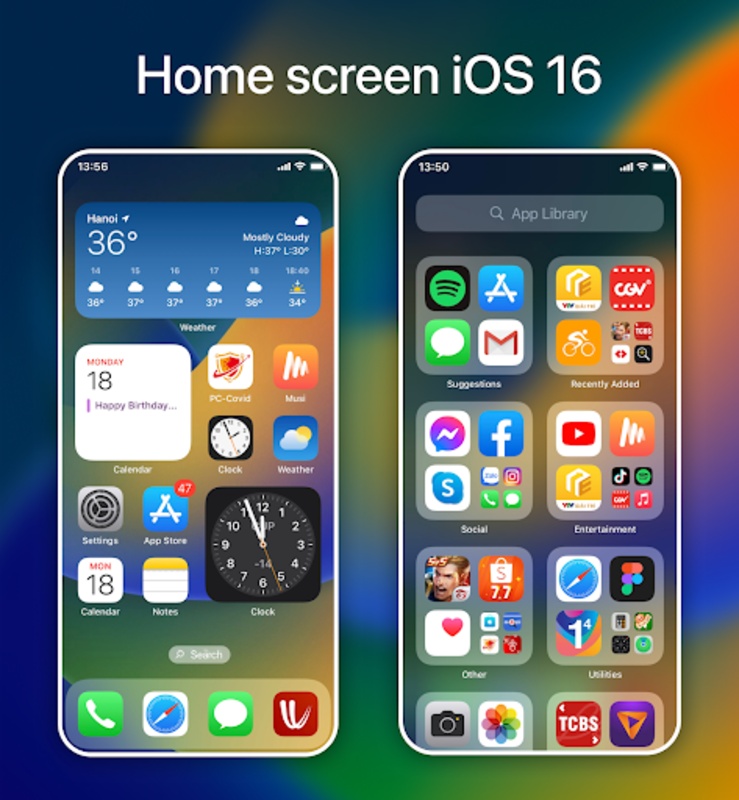
iLauncher features a familiar and easy-to-navigate interface that mimics the iOS home screen. The app drawer, dock, and notification center are all conveniently accessible, allowing users to quickly find and launch their favorite apps.
Customizable Widgets
iLauncher provides a variety of customizable widgets that can be added to the home screen for quick access to essential information and functionality. Users can choose from widgets such as weather, calendar, clock, and music player, and customize their appearance to match their personal preferences.
Wide Range of Personalization Options
iLauncher offers extensive personalization options to tailor the user experience. Users can change the wallpaper, app icons, and even the layout of the home screen. The app also supports custom themes, allowing users to create a truly unique and personalized mobile environment.
Gesture Support
iLauncher incorporates gesture support for quick and intuitive navigation. Users can swipe up to open the app drawer, swipe down to access the notification center, and pinch to zoom out to the home screen. These gestures enhance the user experience and make it more efficient to navigate the launcher.
Privacy and Security
iLauncher prioritizes user privacy and security. The app does not collect or store any personal information, ensuring that user data remains protected.
Battery Optimization
iLauncher is designed to be battery-friendly. It optimizes the use of system resources to minimize battery consumption, ensuring that users can enjoy their personalized mobile experience without sacrificing battery life.
Overall Impression
Launcher iOS17 - iLauncher is a well-designed and highly customizable launcher app that brings the iOS experience to Android devices. Its intuitive interface, customizable widgets, and wide range of personalization options make it an excellent choice for users who seek a seamless and personalized mobile experience.
Launcher iOS17 - iLauncher is a launcher for Android that allows you to enjoy the modern aesthetics of iOS, the Apple operating system used by the iPhone. With Launcher iOS17 - iLauncher, you can customize any app's icons and name, change the desktop grid, activate infinite scrolling, hide or show the search bar, or add several apps to the same folder.
iOS widgets and Dynamic Island included
The widgets in Launcher iOS17 - iLauncher also feature iOS aesthetics. You can fill the screen with them, including battery, calendar, weather, photos, clock, contacts, etc. And, of course, Dynamic Island is integrated directly into the launcher.
Launcher iOS17 - iLauncher: A Comprehensive Overview
Launcher iOS17, also known as iLauncher, is an iOS-style launcher app designed to bring the aesthetics and functionality of the iPhone's operating system to Android devices. With its intuitive interface, customizable widgets, and a wide range of personalization options, iLauncher offers a seamless and personalized mobile experience.
Intuitive Interface
iLauncher features a familiar and easy-to-navigate interface that mimics the iOS home screen. The app drawer, dock, and notification center are all conveniently accessible, allowing users to quickly find and launch their favorite apps.
Customizable Widgets
iLauncher provides a variety of customizable widgets that can be added to the home screen for quick access to essential information and functionality. Users can choose from widgets such as weather, calendar, clock, and music player, and customize their appearance to match their personal preferences.
Wide Range of Personalization Options
iLauncher offers extensive personalization options to tailor the user experience. Users can change the wallpaper, app icons, and even the layout of the home screen. The app also supports custom themes, allowing users to create a truly unique and personalized mobile environment.
Gesture Support
iLauncher incorporates gesture support for quick and intuitive navigation. Users can swipe up to open the app drawer, swipe down to access the notification center, and pinch to zoom out to the home screen. These gestures enhance the user experience and make it more efficient to navigate the launcher.
Privacy and Security
iLauncher prioritizes user privacy and security. The app does not collect or store any personal information, ensuring that user data remains protected.
Battery Optimization
iLauncher is designed to be battery-friendly. It optimizes the use of system resources to minimize battery consumption, ensuring that users can enjoy their personalized mobile experience without sacrificing battery life.
Overall Impression
Launcher iOS17 - iLauncher is a well-designed and highly customizable launcher app that brings the iOS experience to Android devices. Its intuitive interface, customizable widgets, and wide range of personalization options make it an excellent choice for users who seek a seamless and personalized mobile experience.