


Protect Your Privacy, Lock Apps on Your Phone with One-Tap.
Want to lock popular apps like Facebook, WhatsApp, Snapchat, Instagram & Gmail on your device? Looking for a way to keep your confidential data secured & protected from prying eyes? With so many apps in the market claiming to secure user’s data saved on smartphones. Systweak brings one such app known as AppLock -Fast AppLocker with Fingerprint & Password that secure your apps & private stuff in a single-click!
As our smartphones often hold an excessive amount of important and sensitive information. Such as mobile banking apps, messaging apps, gallery, & social media apps, which all are required to be secured from people snooping on your phone. Although there are screen locks for the purpose, but having an additional security does no harm, right?
Thankfully, you can use AppLock -Fast AppLocker with Fingerprint & Password by Systweak Software, that does the task for you and helps you to secure your data on Android device easily!
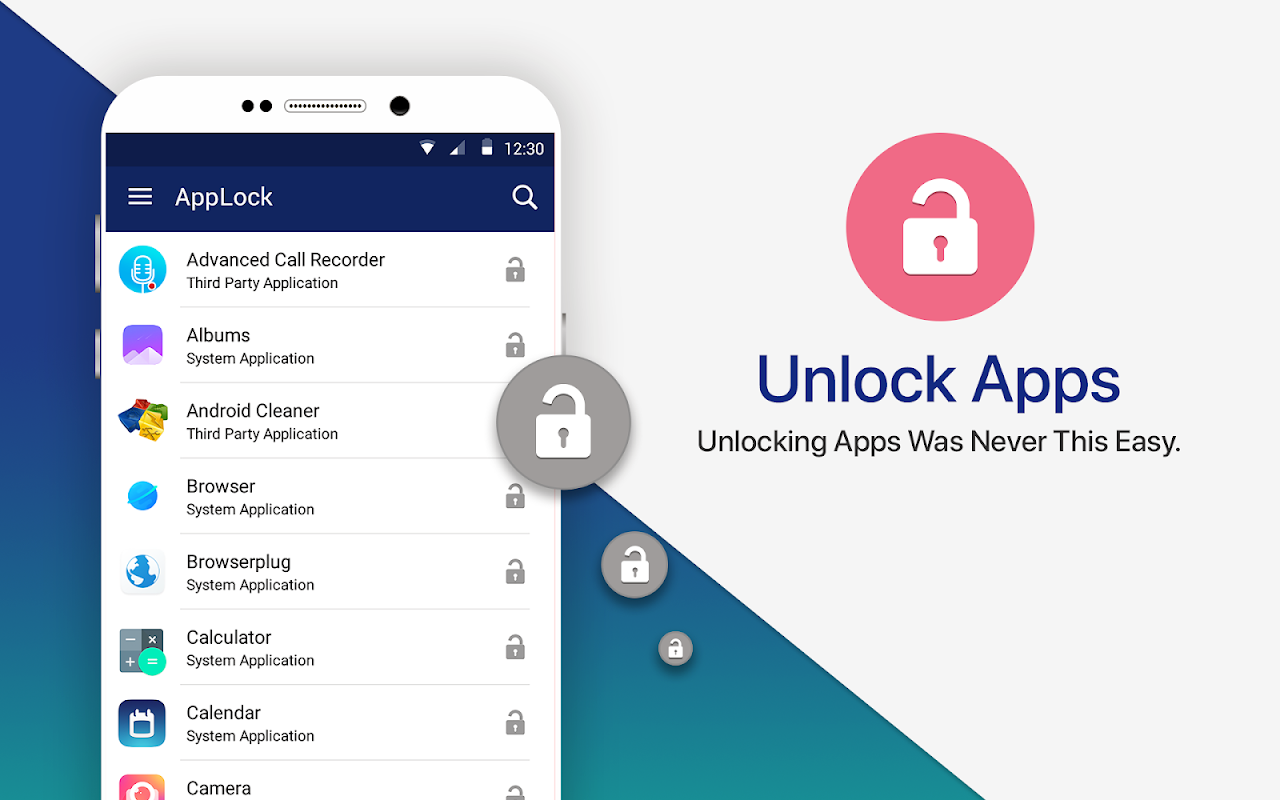
It’s a lightweight & a must-have personal security application that prevents unauthorized access & keep bad guys out from snooping on you. It allows you to lock and protect apps using Passcode and fingerprint unlocking options. And doesn’t share your personal data with third parties. Additionally, it’s one of the most simple-to-use tool, and it just requires a single-tap to lock & unlock an application!
Download this best app lock for Android to have an additional layer of security to protect all your apps and confidential data with ease!
To get started with AppLock-Fast AppLocker with FingerPrint & Password:
• Install the Application.
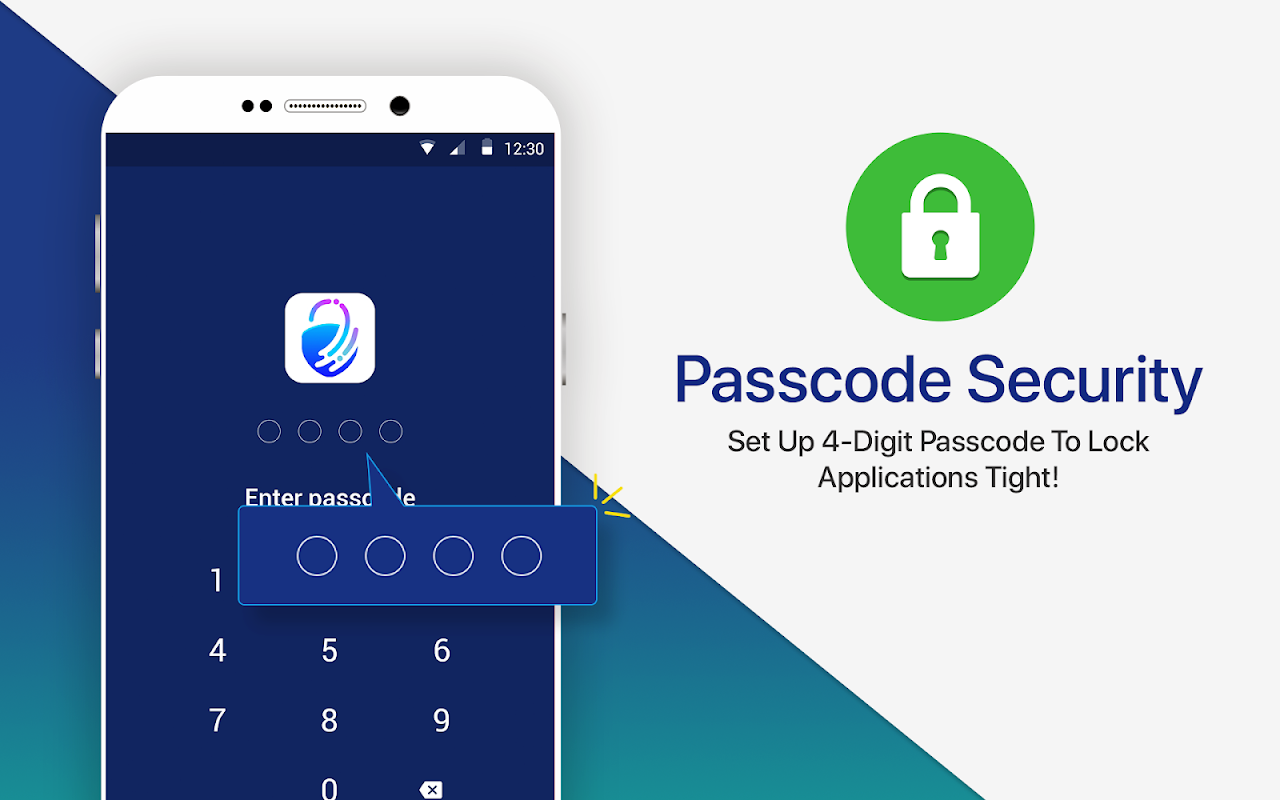
• Set a 4-digit passcode or fingerprint scanning.
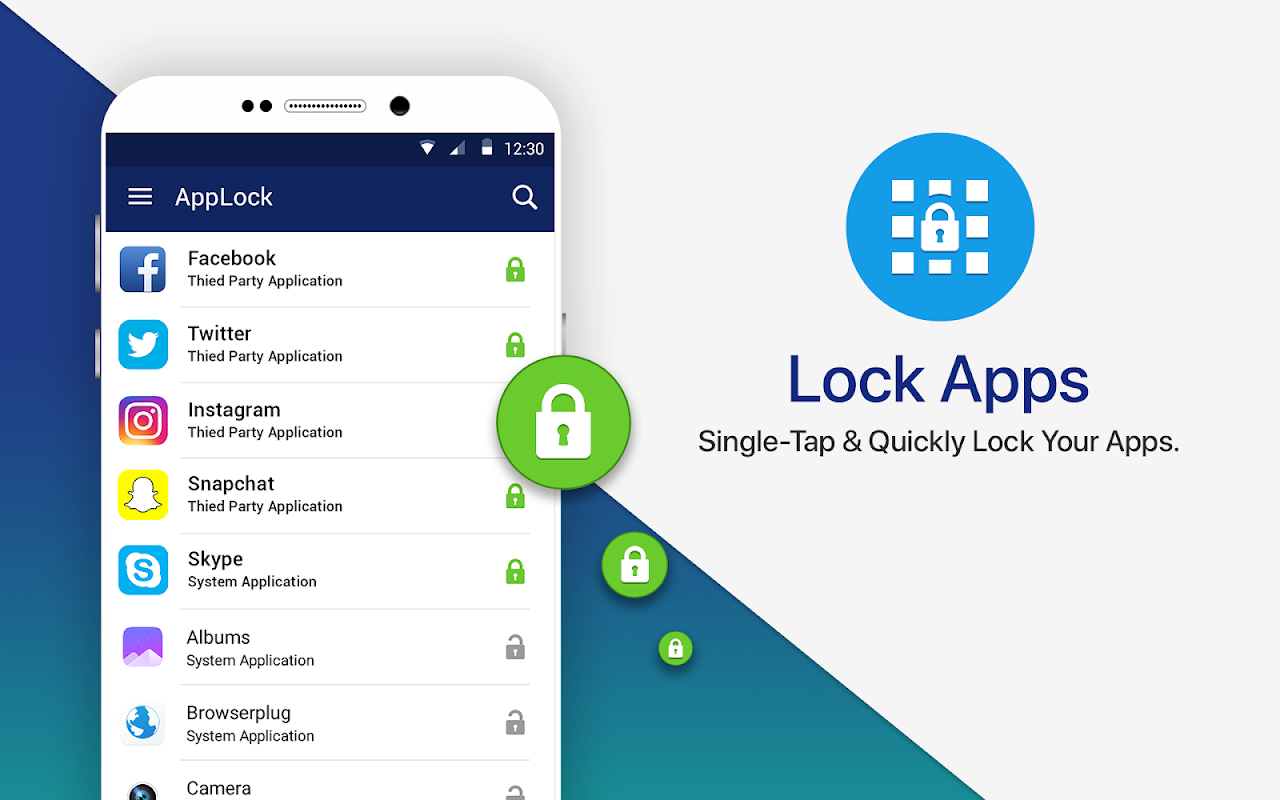
• Start locking applications you want to protect by tapping on ‘Lock’ icon.
This smart app lock tool is a one-stop way to keep prying eyes out of your gallery, messaging apps & social media. And it boasts the following functionalities:
• Ability to lock down just any app on your device.
• Supports locking via Passcode & Fingerprint.
• Simple & Easy-To-Use.
• Mail recovery option, in case you forget your old passcode.
• Easy reset password option, to set a new passcode.
• Ad-free.
• Light-weight.
• Doesn’t affect battery life.
• Do not share users data with third-parties.
To change your Application password:
• Open the app.
• Go to Change Passcode option.
• Enter the new 4-digit passcode.
Yes, Fingerprint app lock is supported to provide even better & tighter security for your apps and other crucial data.
It’s damn simple to recover your password via AppLock-Fast AppLocker with FingerPrint & Password:
• Launch the app.
• Click on ‘three dots’ icon present at the top-right corner > select Forgot Passcode.
• Click ‘OK’ to log out.
• A recovery email will be sent to your registered email id.
• Find your old passcode and get started with Secure Lock for Apps again.
No, Secure Lock for Apps doesn’t save or share its user's data with third-parties.
This smart app protector is an ideal solution for people who are genuinely concerned about privacy and security. Download it now for optimum app lock security!
Don’t forget to rate us & share your valuable feedback!
Protect Your Privacy, Lock Apps on Your Phone with One-Tap.
Want to lock popular apps like Facebook, WhatsApp, Snapchat, Instagram & Gmail on your device? Looking for a way to keep your confidential data secured & protected from prying eyes? With so many apps in the market claiming to secure user’s data saved on smartphones. Systweak brings one such app known as AppLock -Fast AppLocker with Fingerprint & Password that secure your apps & private stuff in a single-click!
As our smartphones often hold an excessive amount of important and sensitive information. Such as mobile banking apps, messaging apps, gallery, & social media apps, which all are required to be secured from people snooping on your phone. Although there are screen locks for the purpose, but having an additional security does no harm, right?
Thankfully, you can use AppLock -Fast AppLocker with Fingerprint & Password by Systweak Software, that does the task for you and helps you to secure your data on Android device easily!
It’s a lightweight & a must-have personal security application that prevents unauthorized access & keep bad guys out from snooping on you. It allows you to lock and protect apps using Passcode and fingerprint unlocking options. And doesn’t share your personal data with third parties. Additionally, it’s one of the most simple-to-use tool, and it just requires a single-tap to lock & unlock an application!
Download this best app lock for Android to have an additional layer of security to protect all your apps and confidential data with ease!
To get started with AppLock-Fast AppLocker with FingerPrint & Password:
• Install the Application.
• Set a 4-digit passcode or fingerprint scanning.
• Start locking applications you want to protect by tapping on ‘Lock’ icon.
This smart app lock tool is a one-stop way to keep prying eyes out of your gallery, messaging apps & social media. And it boasts the following functionalities:
• Ability to lock down just any app on your device.
• Supports locking via Passcode & Fingerprint.
• Simple & Easy-To-Use.
• Mail recovery option, in case you forget your old passcode.
• Easy reset password option, to set a new passcode.
• Ad-free.
• Light-weight.
• Doesn’t affect battery life.
• Do not share users data with third-parties.
To change your Application password:
• Open the app.
• Go to Change Passcode option.
• Enter the new 4-digit passcode.
Yes, Fingerprint app lock is supported to provide even better & tighter security for your apps and other crucial data.
It’s damn simple to recover your password via AppLock-Fast AppLocker with FingerPrint & Password:
• Launch the app.
• Click on ‘three dots’ icon present at the top-right corner > select Forgot Passcode.
• Click ‘OK’ to log out.
• A recovery email will be sent to your registered email id.
• Find your old passcode and get started with Secure Lock for Apps again.
No, Secure Lock for Apps doesn’t save or share its user's data with third-parties.
This smart app protector is an ideal solution for people who are genuinely concerned about privacy and security. Download it now for optimum app lock security!
Don’t forget to rate us & share your valuable feedback!





