

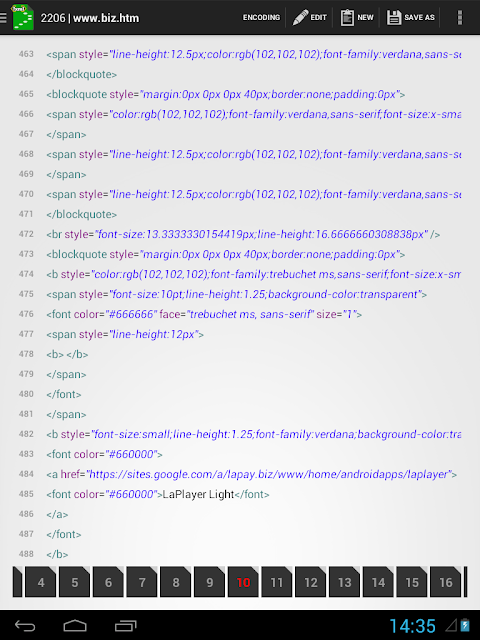
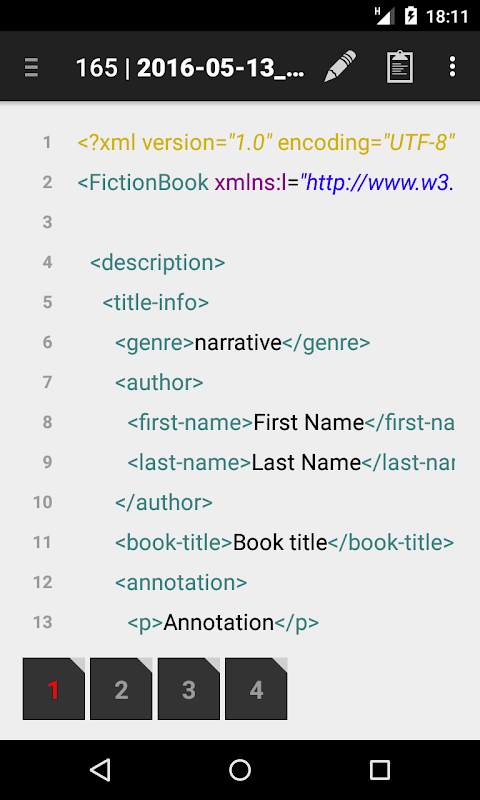
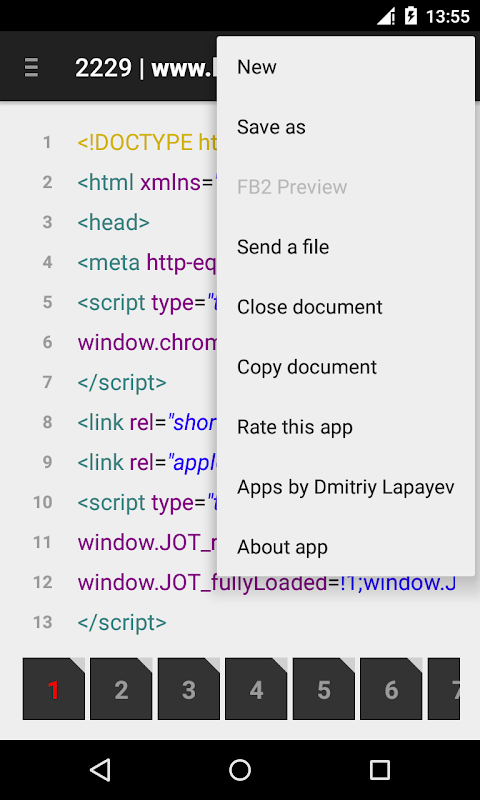
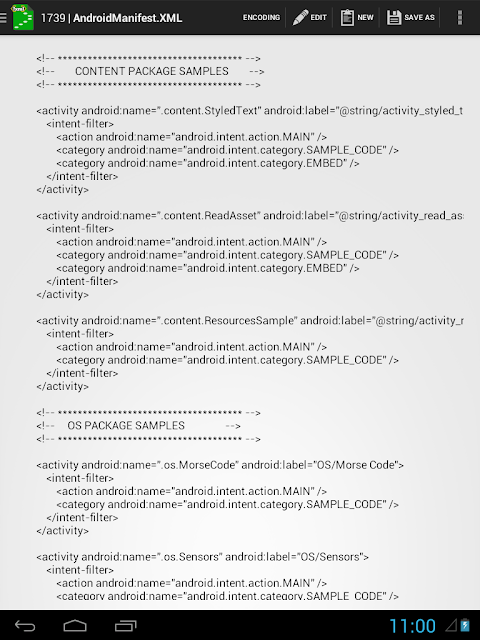
The application is designed for viewing and editing .xml, .html and other text files. Implemented the opportunity of the editing by two ways: by rows and page by page.
Implemented:
1) the ability to open files in different encodings;
2) auto-detect encodigs:
• KOI8-R
• MACCYRILLIC
• IBM866
• IBM855
• WINDOWS-1251
• WINDOWS-1252
• WINDOWS-1253
• WINDOWS-1255
• ISO-8859-5
• ISO-8859-7
• ISO-8859-8
• ISO-2022-CN
• ISO-2022-JP
• ISO-2022-KR
• BIG-5
• UTF-8
• UTF-16BE | UTF-16LE
• UTF-32BE | UTF-32LE
3) saving file with selected encoding;
4) creation of the new ("buffer") document;
5) open a file from another application;
6) preview of the .FB2 file;
7) sending a file (with applications: Google drive, mail...);
8) copying document in the application folder "XML Editor" (for Android 4.4 or above);
9) "find/change text" dialog (menu).
XML Editor refers to software applications designed for creating, modifying, validating, and managing XML (Extensible Markup Language) documents. These editors cater to a wide range of users, from novice programmers to experienced developers, by providing tools to simplify the often complex structure of XML. The core function of an XML editor is to present the XML data in a user-friendly format, often with features like syntax highlighting, code completion, and tree-based views, which makes it easier to navigate and understand the document's hierarchy.
A good XML editor will include validation features to ensure the XML document adheres to a specific schema (like XSD or DTD) or other predefined rules. This validation process helps identify errors such as missing tags, incorrect attributes, or invalid data types, preventing issues when the XML data is used in applications. Advanced editors may also support transformations using XSLT (Extensible Stylesheet Language Transformations) to convert XML documents into other formats, such as HTML or plain text. Debugging tools are also valuable, allowing developers to step through XSLT transformations and pinpoint problems.
Furthermore, many XML editors offer collaboration features, enabling multiple users to work on the same document simultaneously. They might also integrate with version control systems like Git, facilitating tracking changes and managing different versions of the XML file. Some editors provide specialized features for specific XML vocabularies, such as those used in particular industries or applications, like configuration files or data exchange formats. Ultimately, the choice of an XML editor depends on the user's specific needs, the complexity of the XML documents they are working with, and their preferred development environment.
The application is designed for viewing and editing .xml, .html and other text files. Implemented the opportunity of the editing by two ways: by rows and page by page.
Implemented:
1) the ability to open files in different encodings;
2) auto-detect encodigs:
• KOI8-R
• MACCYRILLIC
• IBM866
• IBM855
• WINDOWS-1251
• WINDOWS-1252
• WINDOWS-1253
• WINDOWS-1255
• ISO-8859-5
• ISO-8859-7
• ISO-8859-8
• ISO-2022-CN
• ISO-2022-JP
• ISO-2022-KR
• BIG-5
• UTF-8
• UTF-16BE | UTF-16LE
• UTF-32BE | UTF-32LE
3) saving file with selected encoding;
4) creation of the new ("buffer") document;
5) open a file from another application;
6) preview of the .FB2 file;
7) sending a file (with applications: Google drive, mail...);
8) copying document in the application folder "XML Editor" (for Android 4.4 or above);
9) "find/change text" dialog (menu).
XML Editor refers to software applications designed for creating, modifying, validating, and managing XML (Extensible Markup Language) documents. These editors cater to a wide range of users, from novice programmers to experienced developers, by providing tools to simplify the often complex structure of XML. The core function of an XML editor is to present the XML data in a user-friendly format, often with features like syntax highlighting, code completion, and tree-based views, which makes it easier to navigate and understand the document's hierarchy.
A good XML editor will include validation features to ensure the XML document adheres to a specific schema (like XSD or DTD) or other predefined rules. This validation process helps identify errors such as missing tags, incorrect attributes, or invalid data types, preventing issues when the XML data is used in applications. Advanced editors may also support transformations using XSLT (Extensible Stylesheet Language Transformations) to convert XML documents into other formats, such as HTML or plain text. Debugging tools are also valuable, allowing developers to step through XSLT transformations and pinpoint problems.
Furthermore, many XML editors offer collaboration features, enabling multiple users to work on the same document simultaneously. They might also integrate with version control systems like Git, facilitating tracking changes and managing different versions of the XML file. Some editors provide specialized features for specific XML vocabularies, such as those used in particular industries or applications, like configuration files or data exchange formats. Ultimately, the choice of an XML editor depends on the user's specific needs, the complexity of the XML documents they are working with, and their preferred development environment.





