


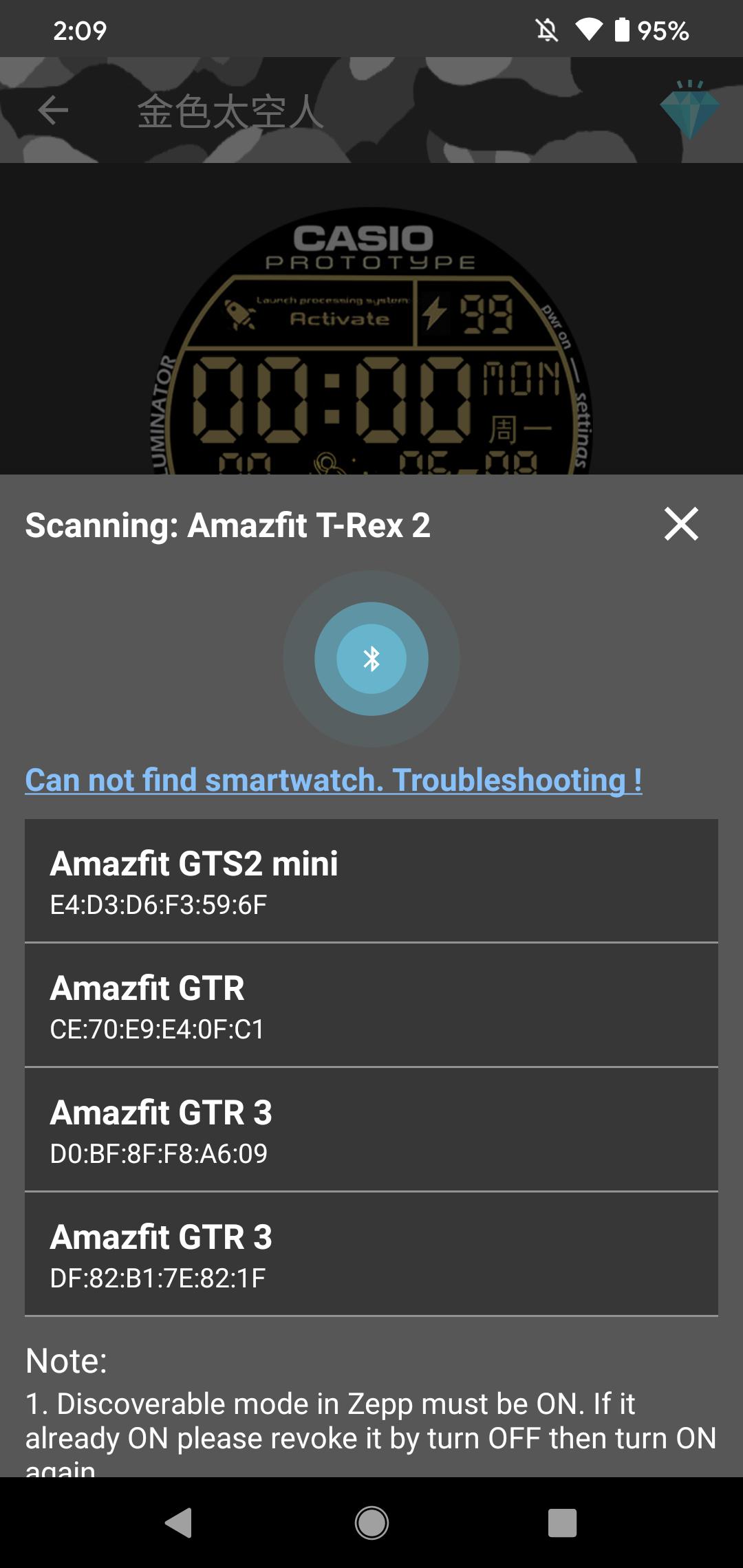
Application for changing Amazfit T-Rex , T-Rex Pro, T-Rex 2 watch face.
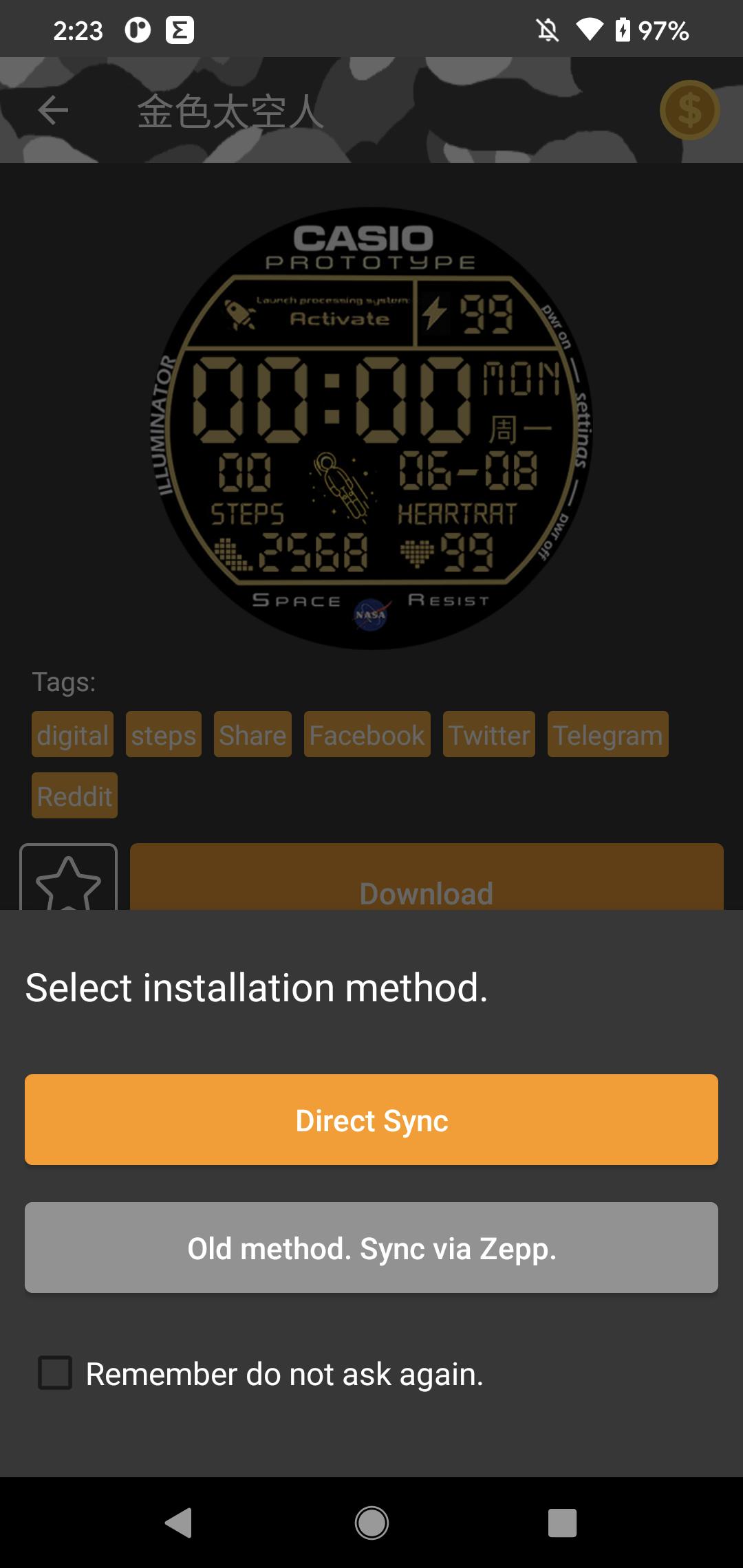
*** DIRECT SYNC WATCH FACE TO DEVICE IS SUPPORTED ***
Super easy to sync watch face to your watch.
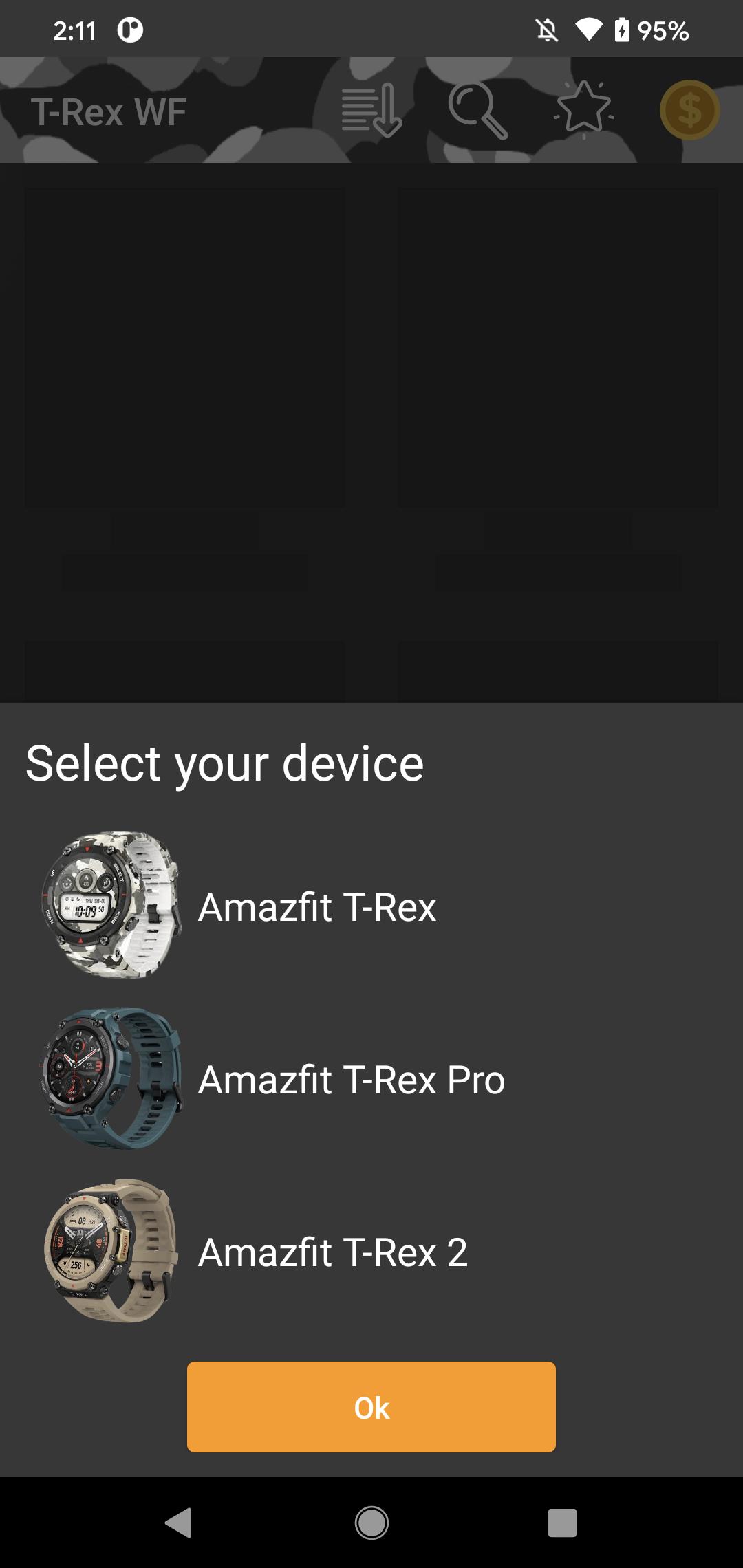
This app is the collection of the super cool watch faces for Amazfit T-Rex, T-Rex Pro, T-Rex 2
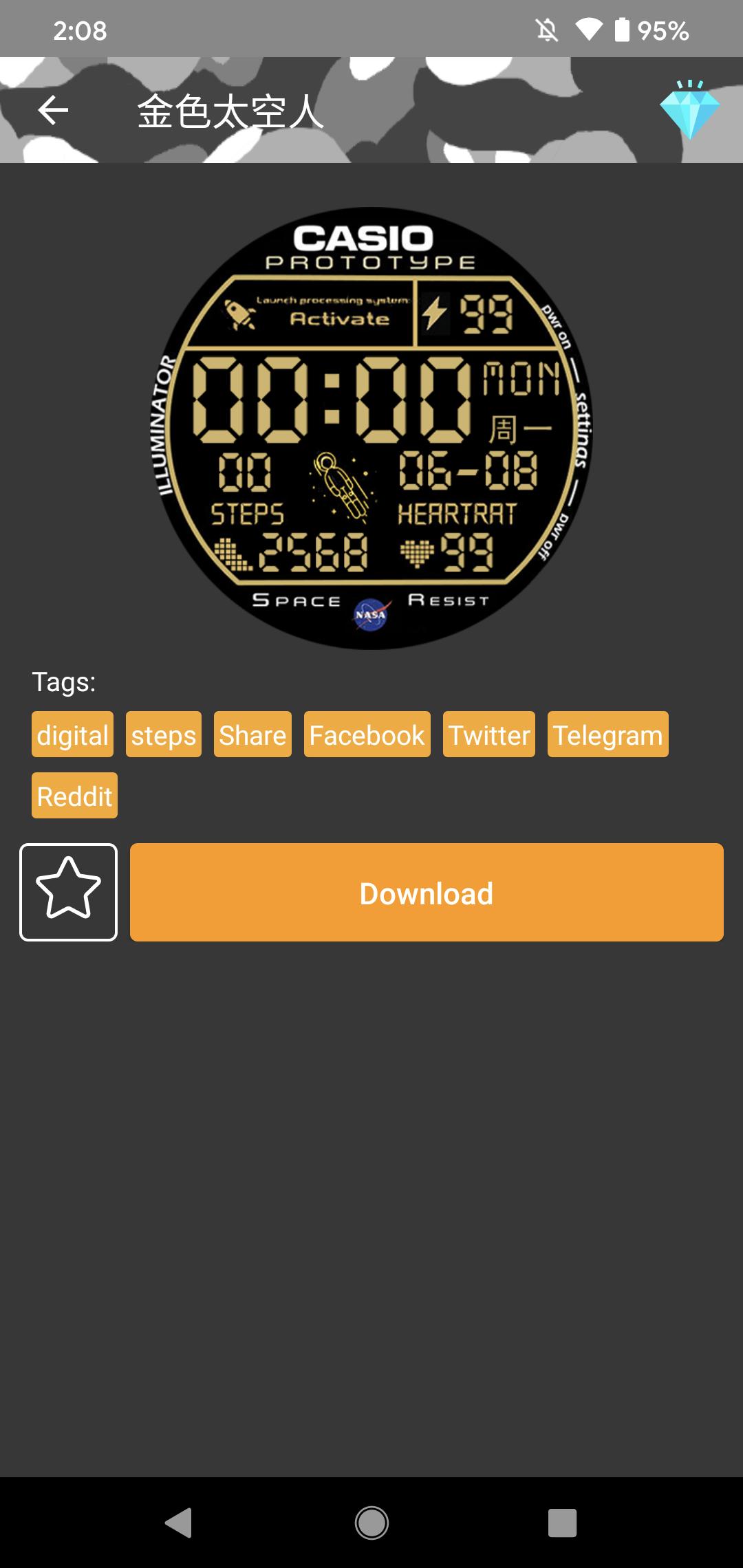
Users can download, add to favorites, search, filter, sorting watch faces.
A super simple way to sync download watch face into the watch.
Update regularly
A lot of super cool faces are waiting for you.
What's New in the Latest Version 6.9.4
Last updated on Mar 5, 2024
Update app
Amazfit T-Rex - Watch FaceThe Amazfit T-Rex is a rugged smartwatch designed for outdoor enthusiasts. It features a durable construction, long battery life, and a variety of fitness tracking features. The watch also comes with a number of pre-installed watch faces, but you can also download and install custom watch faces from the Amazfit app.
Installing Custom Watch Faces
To install a custom watch face, you will need to download the Amazfit app on your smartphone. Once you have installed the app, open it and tap on the "Profile" tab. Then, tap on the "My Devices" section and select your T-Rex watch.
Next, tap on the "Watch Faces" section and then tap on the "+" button. This will open the Amazfit app store, where you can browse and download custom watch faces.
Once you have found a watch face that you like, tap on the "Download" button. The watch face will then be downloaded to your watch.
Using Custom Watch Faces
Once you have downloaded a custom watch face, you can apply it to your watch by opening the Amazfit app and tapping on the "Profile" tab. Then, tap on the "My Devices" section and select your T-Rex watch.
Next, tap on the "Watch Faces" section and then tap on the watch face that you want to apply. The watch face will then be applied to your watch.
Customizing Watch Faces
Some custom watch faces allow you to customize the appearance of the watch face. To customize a watch face, open the Amazfit app and tap on the "Profile" tab. Then, tap on the "My Devices" section and select your T-Rex watch.
Next, tap on the "Watch Faces" section and then tap on the watch face that you want to customize. Then, tap on the "Customize" button.
This will open the watch face customization menu, where you can change the appearance of the watch face. The options that are available will vary depending on the watch face that you are customizing.
Conclusion
Custom watch faces are a great way to personalize your Amazfit T-Rex watch. There are a wide variety of custom watch faces available, so you can find one that fits your style. Installing and using custom watch faces is easy, and you can even customize the appearance of some watch faces to make them even more unique.
Application for changing Amazfit T-Rex , T-Rex Pro, T-Rex 2 watch face.
*** DIRECT SYNC WATCH FACE TO DEVICE IS SUPPORTED ***
Super easy to sync watch face to your watch.
This app is the collection of the super cool watch faces for Amazfit T-Rex, T-Rex Pro, T-Rex 2
Users can download, add to favorites, search, filter, sorting watch faces.
A super simple way to sync download watch face into the watch.
Update regularly
A lot of super cool faces are waiting for you.
What's New in the Latest Version 6.9.4
Last updated on Mar 5, 2024
Update app
Amazfit T-Rex - Watch FaceThe Amazfit T-Rex is a rugged smartwatch designed for outdoor enthusiasts. It features a durable construction, long battery life, and a variety of fitness tracking features. The watch also comes with a number of pre-installed watch faces, but you can also download and install custom watch faces from the Amazfit app.
Installing Custom Watch Faces
To install a custom watch face, you will need to download the Amazfit app on your smartphone. Once you have installed the app, open it and tap on the "Profile" tab. Then, tap on the "My Devices" section and select your T-Rex watch.
Next, tap on the "Watch Faces" section and then tap on the "+" button. This will open the Amazfit app store, where you can browse and download custom watch faces.
Once you have found a watch face that you like, tap on the "Download" button. The watch face will then be downloaded to your watch.
Using Custom Watch Faces
Once you have downloaded a custom watch face, you can apply it to your watch by opening the Amazfit app and tapping on the "Profile" tab. Then, tap on the "My Devices" section and select your T-Rex watch.
Next, tap on the "Watch Faces" section and then tap on the watch face that you want to apply. The watch face will then be applied to your watch.
Customizing Watch Faces
Some custom watch faces allow you to customize the appearance of the watch face. To customize a watch face, open the Amazfit app and tap on the "Profile" tab. Then, tap on the "My Devices" section and select your T-Rex watch.
Next, tap on the "Watch Faces" section and then tap on the watch face that you want to customize. Then, tap on the "Customize" button.
This will open the watch face customization menu, where you can change the appearance of the watch face. The options that are available will vary depending on the watch face that you are customizing.
Conclusion
Custom watch faces are a great way to personalize your Amazfit T-Rex watch. There are a wide variety of custom watch faces available, so you can find one that fits your style. Installing and using custom watch faces is easy, and you can even customize the appearance of some watch faces to make them even more unique.





