


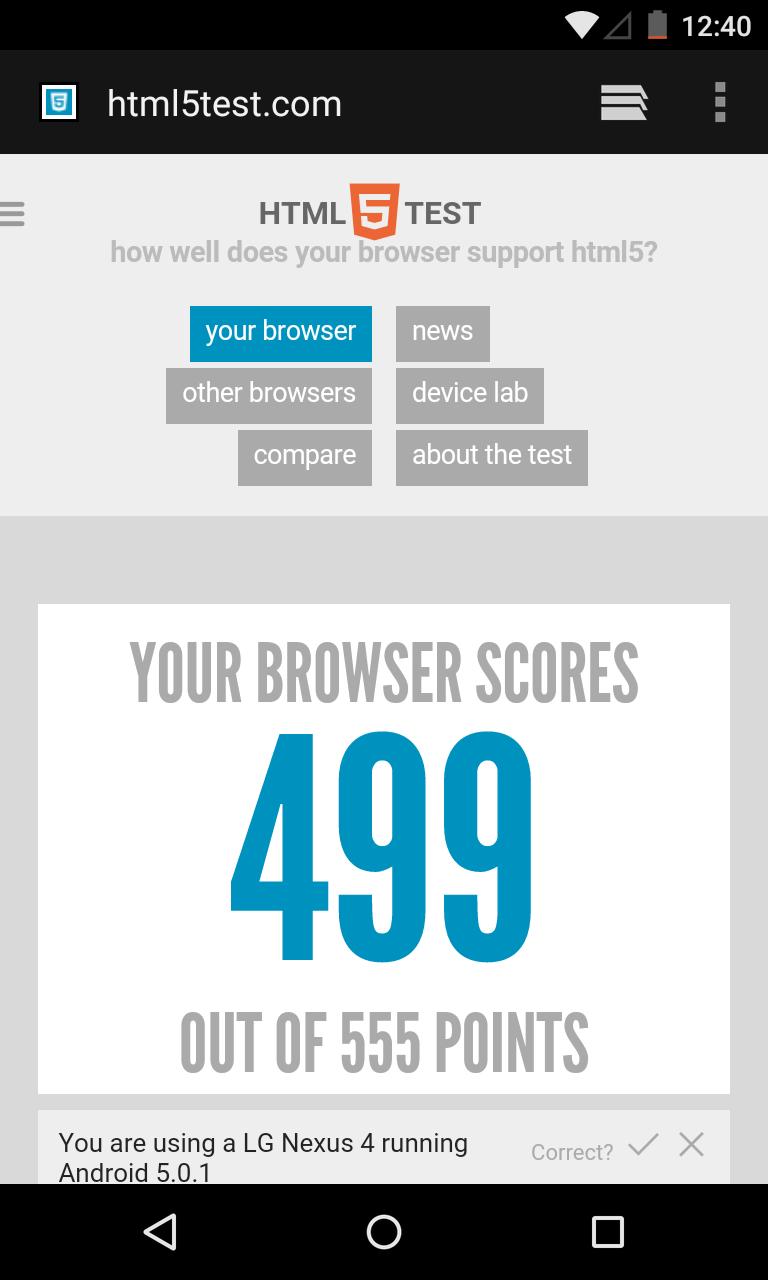
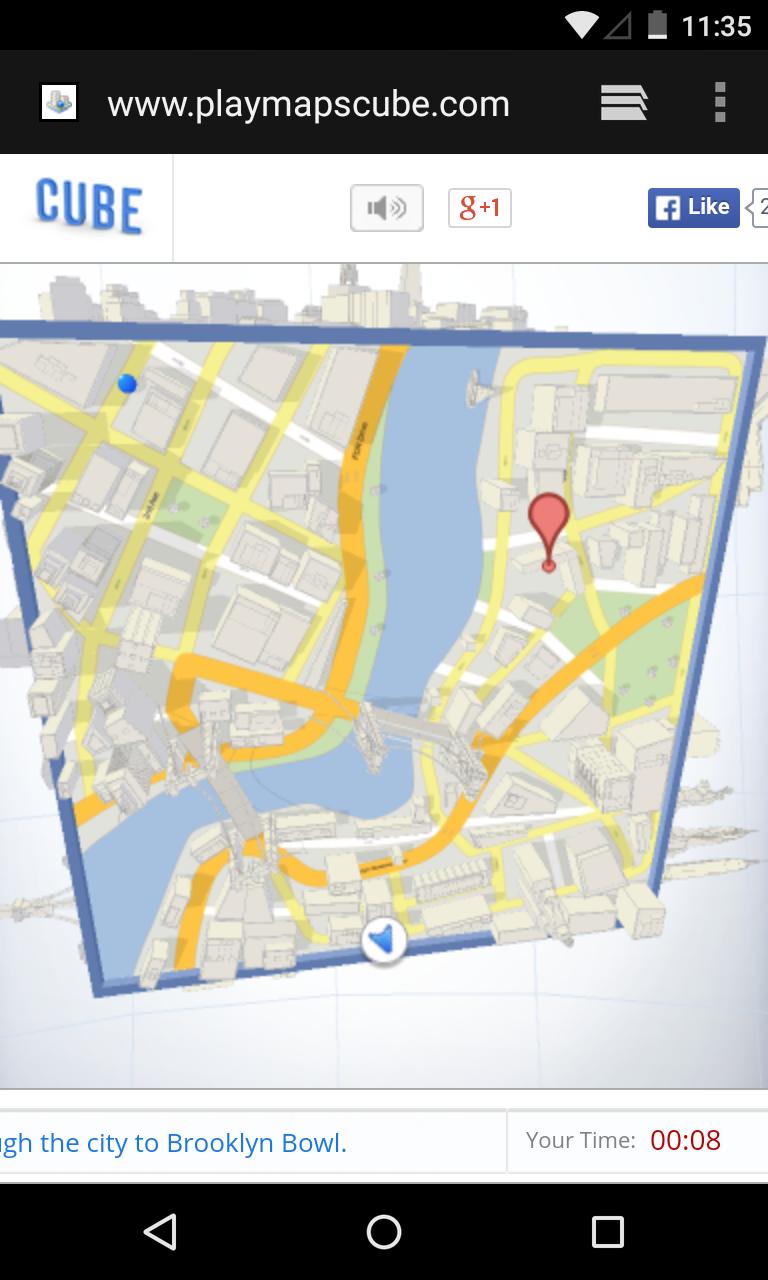
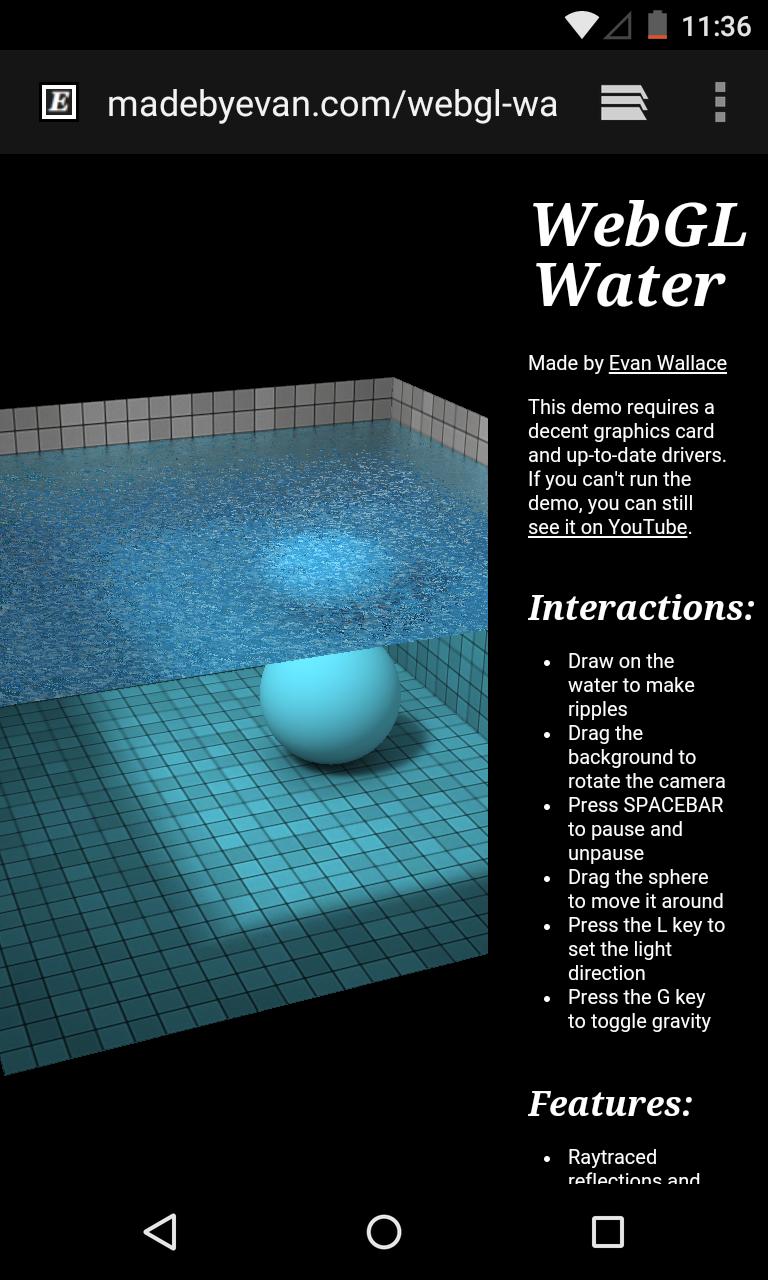
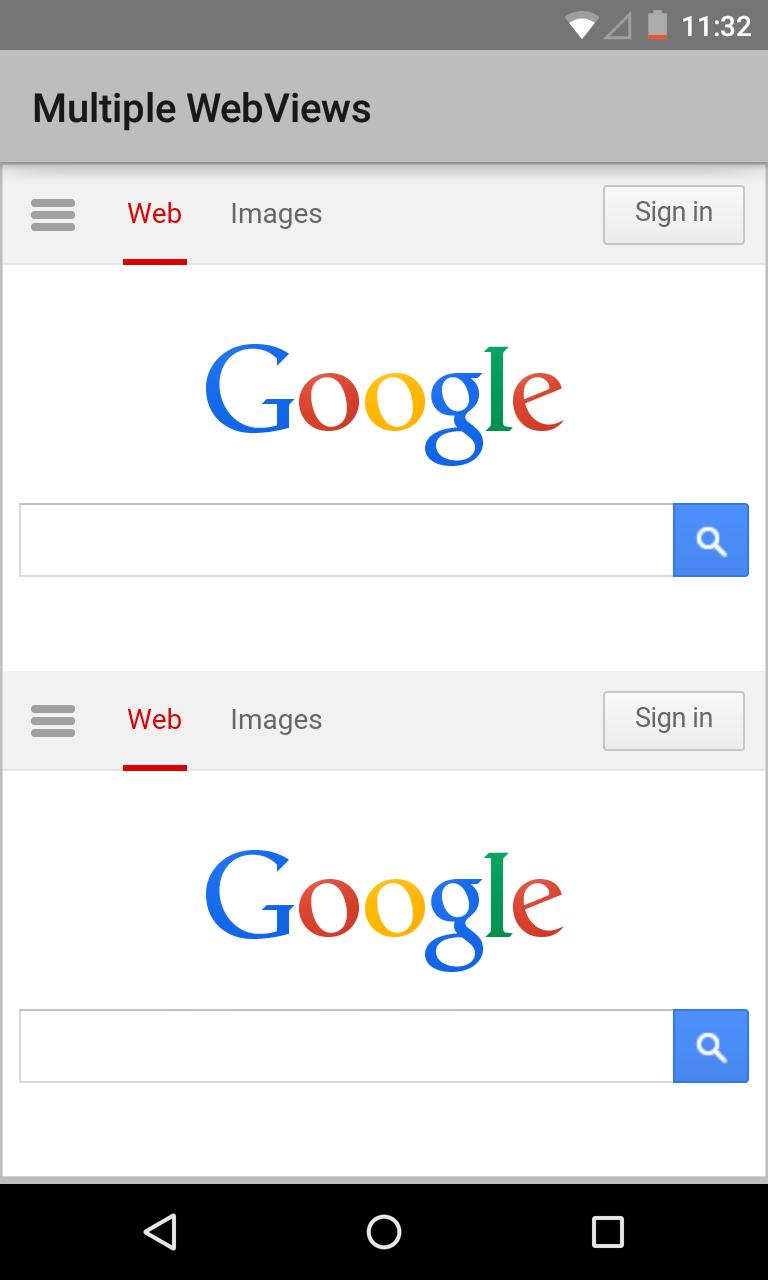
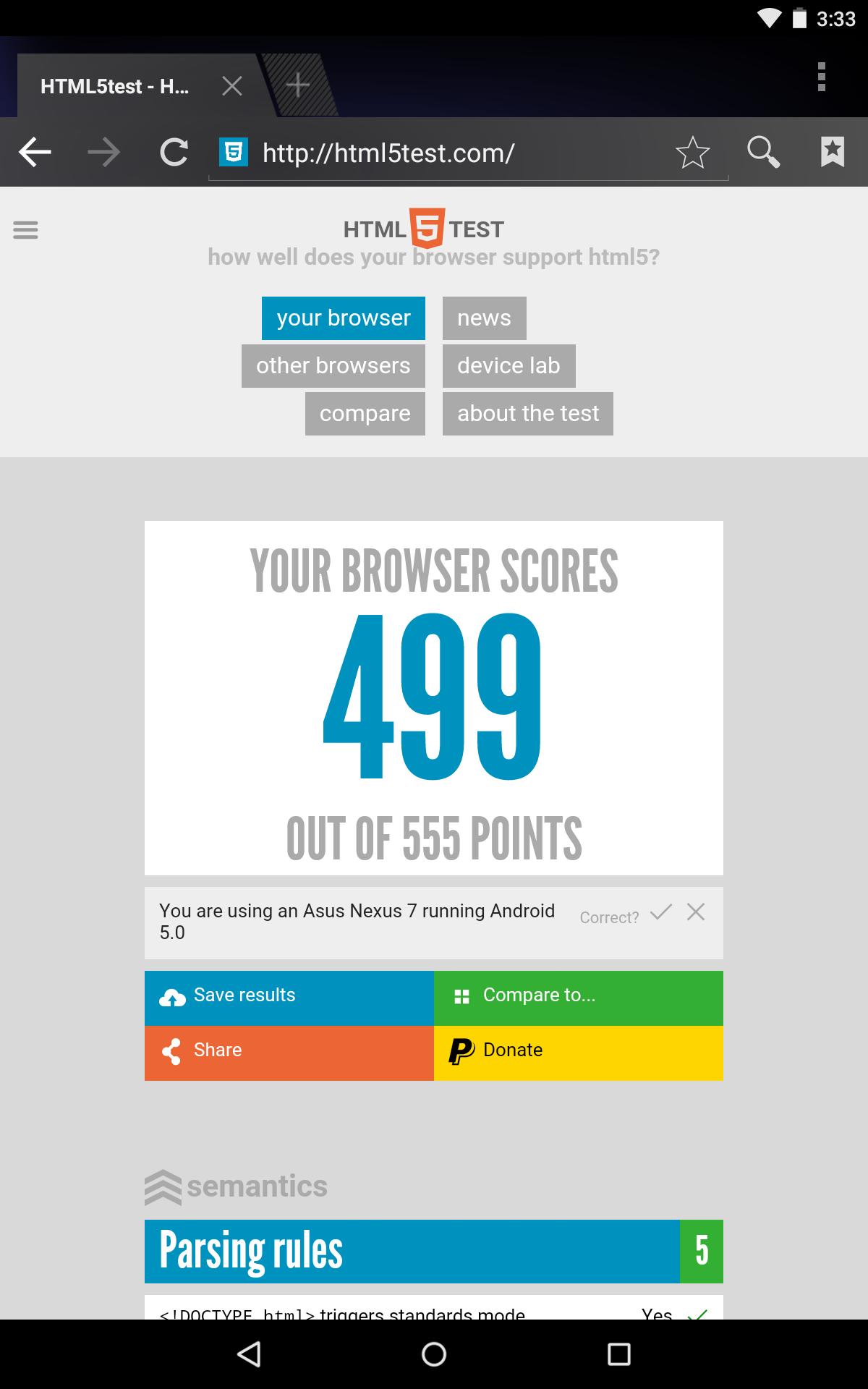
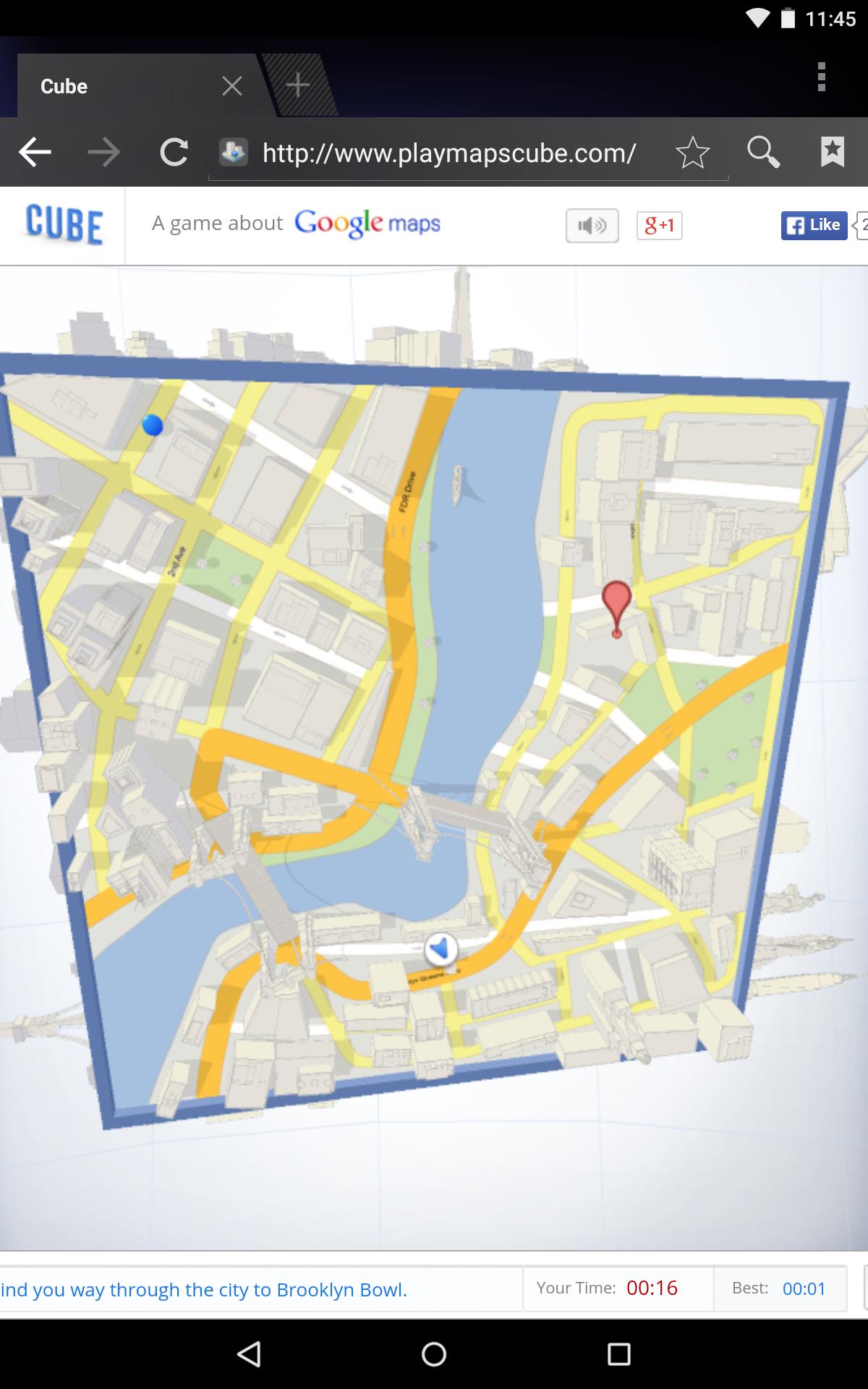
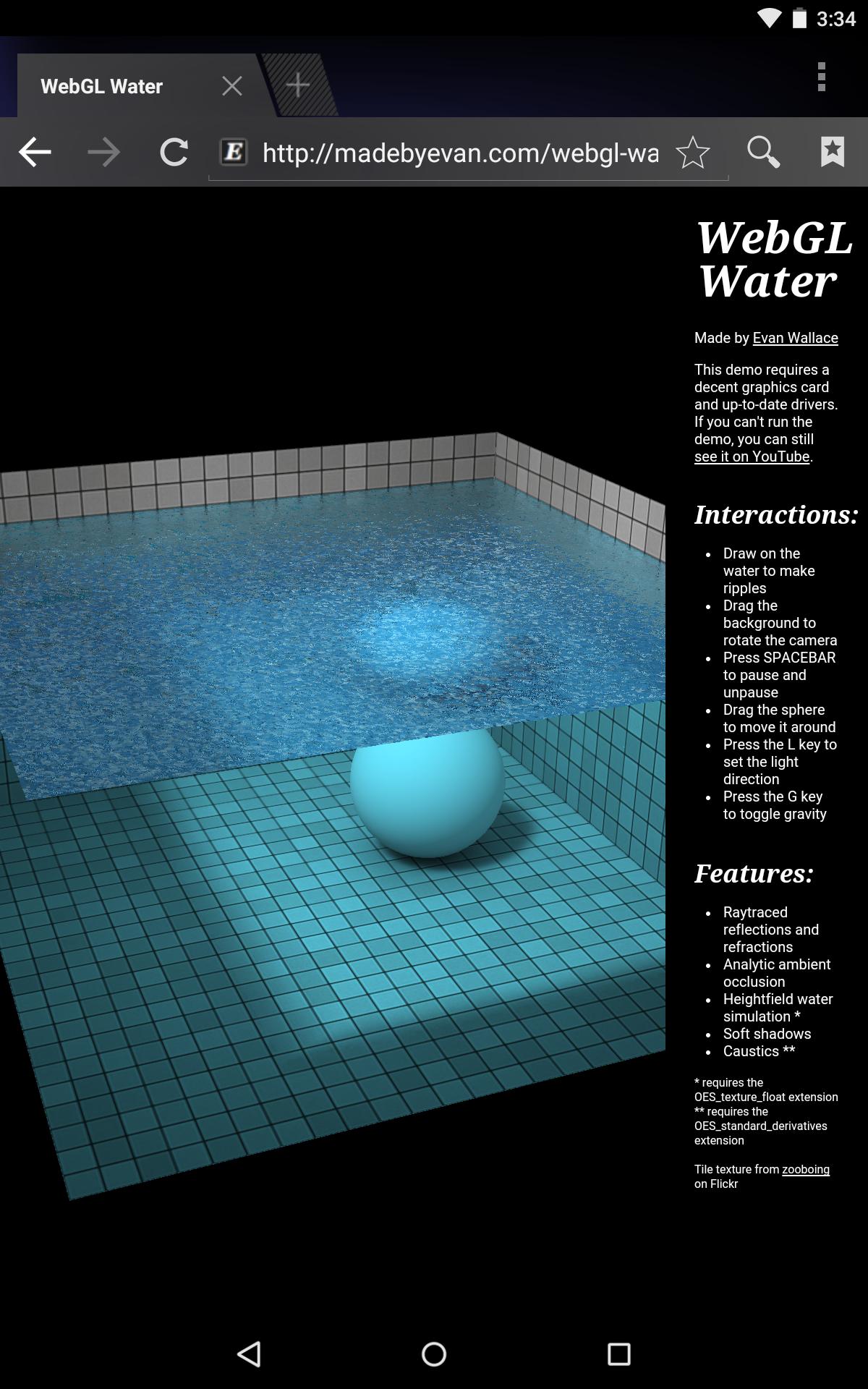
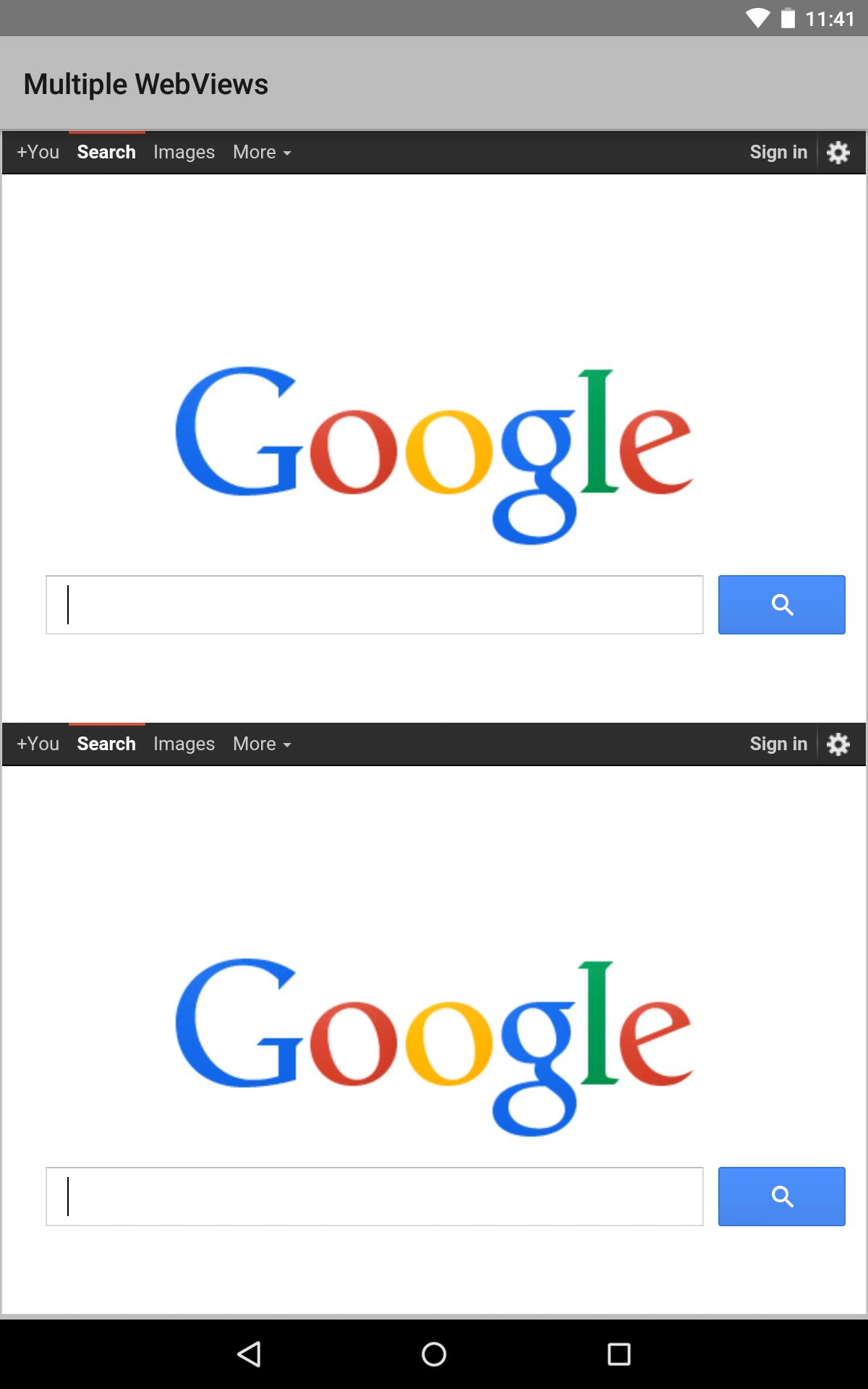
Access web pages on other Android apps without opening a separate browser.
Android WebView is a pre-installed system component from Google that allows Android apps to display web content.
What's New in the Latest Version 126.0.6478.71
Last updated on Jun 14, 2024
Minor bug fixes and improvements. Install or update to the newest version to check it out!
Android System WebView: An OverviewAndroid System WebView is a system component that allows Android applications to display web content. It is based on the open-source Chromium project and provides a consistent and secure way for apps to interact with the web.
Key Features
* Web rendering: System WebView renders web pages using the same engine as the Chrome browser, ensuring fast and reliable performance.
* Security: It incorporates the latest security patches and updates from the Chromium project, protecting users from malicious websites and phishing attacks.
* Cross-platform compatibility: System WebView supports a wide range of Android devices, including phones, tablets, and wearables.
* Extensibility: Developers can extend System WebView's functionality through custom extensions and APIs.
Benefits for Developers
* Simplified web integration: Developers can easily integrate web content into their apps without having to build and maintain their own webview component.
* Enhanced user experience: System WebView provides a seamless and intuitive web browsing experience within apps.
* Reduced development time: By leveraging System WebView, developers can save time and effort on web development and focus on their core app functionality.
Security Considerations
* Regular updates: System WebView is updated regularly with the latest security patches, ensuring that apps using it remain protected.
* Sandbox isolation: Web content is rendered in a sandboxed environment, preventing malicious code from accessing the device or other apps.
* Content filtering: Developers can implement content filters to restrict access to inappropriate or harmful websites.
Developer Resources
* Android Developers Documentation: https://developer.android.com/guide/webapps/webview
* Chromium Project: https://www.chromium.org/
* GitHub Repository: https://github.com/android/webview
Conclusion
Android System WebView is an essential component for Android applications that require web content integration. It provides a secure, performant, and extensible platform for developers to deliver rich and engaging web experiences to their users. By leveraging System WebView, developers can enhance their apps, reduce development time, and ensure the safety of their users.
Access web pages on other Android apps without opening a separate browser.
Android WebView is a pre-installed system component from Google that allows Android apps to display web content.
What's New in the Latest Version 126.0.6478.71
Last updated on Jun 14, 2024
Minor bug fixes and improvements. Install or update to the newest version to check it out!
Android System WebView: An OverviewAndroid System WebView is a system component that allows Android applications to display web content. It is based on the open-source Chromium project and provides a consistent and secure way for apps to interact with the web.
Key Features
* Web rendering: System WebView renders web pages using the same engine as the Chrome browser, ensuring fast and reliable performance.
* Security: It incorporates the latest security patches and updates from the Chromium project, protecting users from malicious websites and phishing attacks.
* Cross-platform compatibility: System WebView supports a wide range of Android devices, including phones, tablets, and wearables.
* Extensibility: Developers can extend System WebView's functionality through custom extensions and APIs.
Benefits for Developers
* Simplified web integration: Developers can easily integrate web content into their apps without having to build and maintain their own webview component.
* Enhanced user experience: System WebView provides a seamless and intuitive web browsing experience within apps.
* Reduced development time: By leveraging System WebView, developers can save time and effort on web development and focus on their core app functionality.
Security Considerations
* Regular updates: System WebView is updated regularly with the latest security patches, ensuring that apps using it remain protected.
* Sandbox isolation: Web content is rendered in a sandboxed environment, preventing malicious code from accessing the device or other apps.
* Content filtering: Developers can implement content filters to restrict access to inappropriate or harmful websites.
Developer Resources
* Android Developers Documentation: https://developer.android.com/guide/webapps/webview
* Chromium Project: https://www.chromium.org/
* GitHub Repository: https://github.com/android/webview
Conclusion
Android System WebView is an essential component for Android applications that require web content integration. It provides a secure, performant, and extensible platform for developers to deliver rich and engaging web experiences to their users. By leveraging System WebView, developers can enhance their apps, reduce development time, and ensure the safety of their users.





