


Apple CarPlay Link is a Smarter & Safer way to Link Car Play
Apple CarPlay is a smarter,safer way to Link Car Play
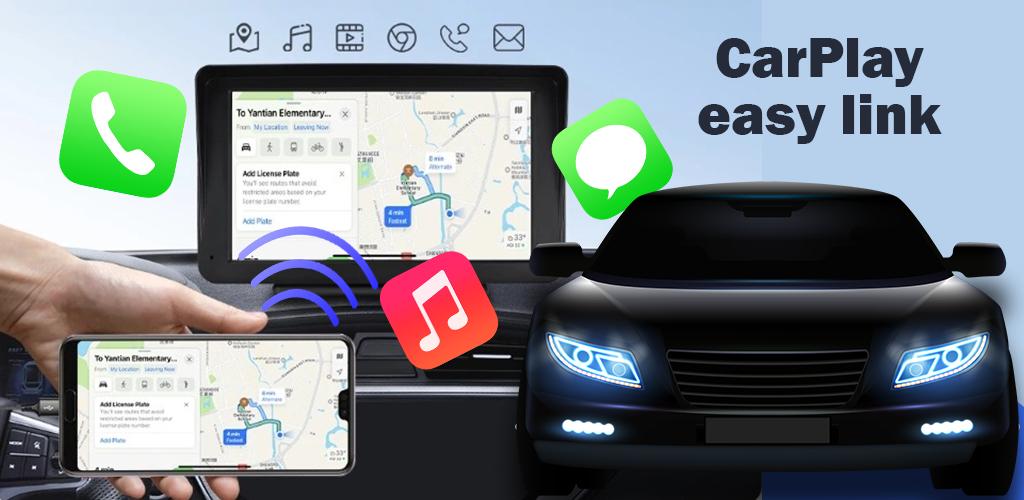
The Apple Carplay Link Car Play app is a Mirror link app with AppleCar play Style. Once your AppleCar play Phone is connected to a compatible car, the application allows you to use various applications via the car's touchscreen, steering wheel controls or voice recognition systems.
Now with The Apple CarPlay Link Car Play you can connect your phone to your car's screen without using any cable this app help you to mirroring your phone with car screen and all other device so you can drive safely.
This Apple CarPlay app helps you to link your Smartphone to car Screen,smart home TV,and you can connect any other device!
It's a simple automation screen connects in which you can automatically play and pause when your device connects to your car display.
The Apple CarPlay for Android is super simple and user-friendly. Carplay is easy to use and gives you the best experience! Say goodbye to boredom during long drives and you can watch movies see photos and play games on a big car screen now. When your phone links to your car screen, it automatically starts and stops. Plus connecting your smartphone to your Carplay screen is easy and trouble-free..
Whatever your requests regarding the Apple Carplay application, we are committed to providing you with the information via our publication "Apple CarPlay: application instructions".
*FEATURES:
* Phone - As expected, you can use your phone as a phone with Apple Carplay.
* Maps - With Apple Carplay, your Phone can function as a satellite navigation system.
* Music - Apple Carplay lets you listen to music from apps.
* Messages - You can send and receive messages, with the ability to read them aloud while driving.
Stay informed with our user-friendly alerts feature, delivering up-to-date information about your car in an accessible and understandable format on a wireless car dashboard.Auto Sync for Android/CarPlay truly is the perfect blend of CarPlay, Android Auto, and innovative features such as launcher, screen mirror link.
With Apple CarPlay Link Car Play you can connect your phone to your car tv without using any cable this app help you to link your mobile with home tv and car tv screen and all other devices so you can drive safely Share with your friends and enjoy it.
Disclaimer: The Apple CarPlay Link Car Play was developed to help people connect the phone to the car and is not affiliated with any company whose name is mentioned in the description
What's New in the Latest Version 4.0.1
Last updated on Apr 14, 2024
Minor bug fixes and improvements. Install or update to the newest version to check it out!
Apple CarPlay Link Car ScreenOverview
Apple CarPlay Link Car Screen is a smartphone integration system that allows users to connect their iPhones to their car's infotainment system. It provides access to a variety of apps and features, including navigation, music, messaging, and more. CarPlay is designed to be a safe and convenient way to use your iPhone while driving.
Features
CarPlay offers a wide range of features, including:
* Navigation: CarPlay provides turn-by-turn navigation using Apple Maps. You can enter a destination, search for points of interest, and get real-time traffic updates.
* Music: CarPlay lets you control your music library from your car's infotainment system. You can browse your music by artist, album, or genre, and create playlists.
* Messaging: CarPlay allows you to send and receive text messages using Siri. You can also listen to your messages being read aloud.
* Phone calls: CarPlay lets you make and receive phone calls using your car's speakers and microphone.
* Other apps: CarPlay also supports a variety of other apps, including podcasts, audiobooks, and news apps.
How to Use CarPlay
To use CarPlay, you need an iPhone 5 or later with iOS 7.1 or later. You also need a car that is compatible with CarPlay. Once you have both of these things, you can follow these steps to connect your iPhone to your car:
1. Connect your iPhone to your car's USB port using a Lightning cable.
2. Tap the CarPlay icon on your car's infotainment system.
3. Follow the prompts on your iPhone to complete the setup process.
Once you have connected your iPhone to your car, you can start using CarPlay. To access CarPlay, simply tap the CarPlay icon on your car's infotainment system. You can then use the touchscreen to control CarPlay's features.
Benefits of CarPlay
CarPlay offers a number of benefits, including:
* Safety: CarPlay is designed to be a safe way to use your iPhone while driving. It keeps your eyes on the road and your hands on the wheel.
* Convenience: CarPlay makes it easy to access your favorite apps and features while driving. You can control everything from your car's infotainment system.
* Customization: CarPlay can be customized to fit your needs. You can choose which apps appear on your home screen, and you can create custom shortcuts.
Conclusion
Apple CarPlay Link Car Screen is a powerful and convenient way to use your iPhone while driving. It offers a wide range of features, including navigation, music, messaging, and more. CarPlay is designed to be a safe and convenient way to use your iPhone while driving.
Apple CarPlay Link is a Smarter & Safer way to Link Car Play
Apple CarPlay is a smarter,safer way to Link Car Play
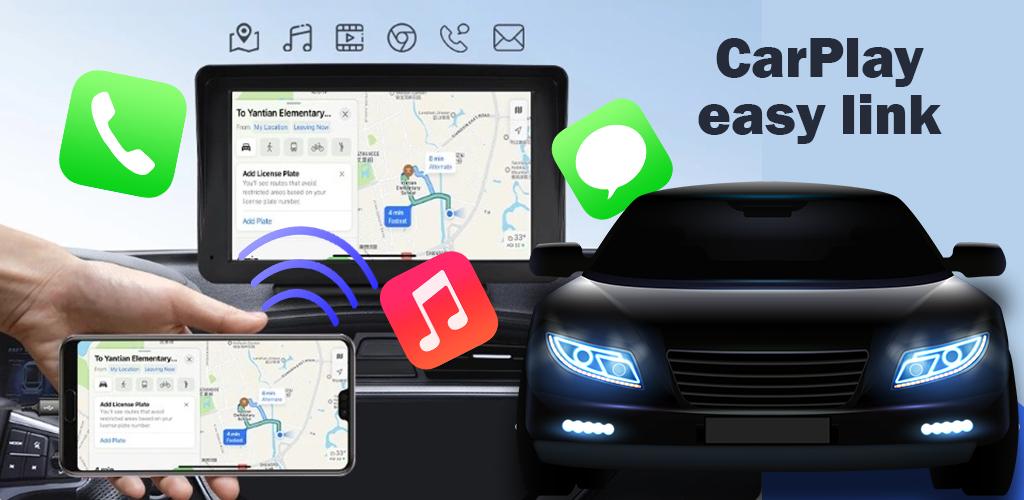
The Apple Carplay Link Car Play app is a Mirror link app with AppleCar play Style. Once your AppleCar play Phone is connected to a compatible car, the application allows you to use various applications via the car's touchscreen, steering wheel controls or voice recognition systems.
Now with The Apple CarPlay Link Car Play you can connect your phone to your car's screen without using any cable this app help you to mirroring your phone with car screen and all other device so you can drive safely.
This Apple CarPlay app helps you to link your Smartphone to car Screen,smart home TV,and you can connect any other device!
It's a simple automation screen connects in which you can automatically play and pause when your device connects to your car display.
The Apple CarPlay for Android is super simple and user-friendly. Carplay is easy to use and gives you the best experience! Say goodbye to boredom during long drives and you can watch movies see photos and play games on a big car screen now. When your phone links to your car screen, it automatically starts and stops. Plus connecting your smartphone to your Carplay screen is easy and trouble-free..
Whatever your requests regarding the Apple Carplay application, we are committed to providing you with the information via our publication "Apple CarPlay: application instructions".
*FEATURES:
* Phone - As expected, you can use your phone as a phone with Apple Carplay.
* Maps - With Apple Carplay, your Phone can function as a satellite navigation system.
* Music - Apple Carplay lets you listen to music from apps.
* Messages - You can send and receive messages, with the ability to read them aloud while driving.
Stay informed with our user-friendly alerts feature, delivering up-to-date information about your car in an accessible and understandable format on a wireless car dashboard.Auto Sync for Android/CarPlay truly is the perfect blend of CarPlay, Android Auto, and innovative features such as launcher, screen mirror link.
With Apple CarPlay Link Car Play you can connect your phone to your car tv without using any cable this app help you to link your mobile with home tv and car tv screen and all other devices so you can drive safely Share with your friends and enjoy it.
Disclaimer: The Apple CarPlay Link Car Play was developed to help people connect the phone to the car and is not affiliated with any company whose name is mentioned in the description
What's New in the Latest Version 4.0.1
Last updated on Apr 14, 2024
Minor bug fixes and improvements. Install or update to the newest version to check it out!
Apple CarPlay Link Car ScreenOverview
Apple CarPlay Link Car Screen is a smartphone integration system that allows users to connect their iPhones to their car's infotainment system. It provides access to a variety of apps and features, including navigation, music, messaging, and more. CarPlay is designed to be a safe and convenient way to use your iPhone while driving.
Features
CarPlay offers a wide range of features, including:
* Navigation: CarPlay provides turn-by-turn navigation using Apple Maps. You can enter a destination, search for points of interest, and get real-time traffic updates.
* Music: CarPlay lets you control your music library from your car's infotainment system. You can browse your music by artist, album, or genre, and create playlists.
* Messaging: CarPlay allows you to send and receive text messages using Siri. You can also listen to your messages being read aloud.
* Phone calls: CarPlay lets you make and receive phone calls using your car's speakers and microphone.
* Other apps: CarPlay also supports a variety of other apps, including podcasts, audiobooks, and news apps.
How to Use CarPlay
To use CarPlay, you need an iPhone 5 or later with iOS 7.1 or later. You also need a car that is compatible with CarPlay. Once you have both of these things, you can follow these steps to connect your iPhone to your car:
1. Connect your iPhone to your car's USB port using a Lightning cable.
2. Tap the CarPlay icon on your car's infotainment system.
3. Follow the prompts on your iPhone to complete the setup process.
Once you have connected your iPhone to your car, you can start using CarPlay. To access CarPlay, simply tap the CarPlay icon on your car's infotainment system. You can then use the touchscreen to control CarPlay's features.
Benefits of CarPlay
CarPlay offers a number of benefits, including:
* Safety: CarPlay is designed to be a safe way to use your iPhone while driving. It keeps your eyes on the road and your hands on the wheel.
* Convenience: CarPlay makes it easy to access your favorite apps and features while driving. You can control everything from your car's infotainment system.
* Customization: CarPlay can be customized to fit your needs. You can choose which apps appear on your home screen, and you can create custom shortcuts.
Conclusion
Apple CarPlay Link Car Screen is a powerful and convenient way to use your iPhone while driving. It offers a wide range of features, including navigation, music, messaging, and more. CarPlay is designed to be a safe and convenient way to use your iPhone while driving.





