


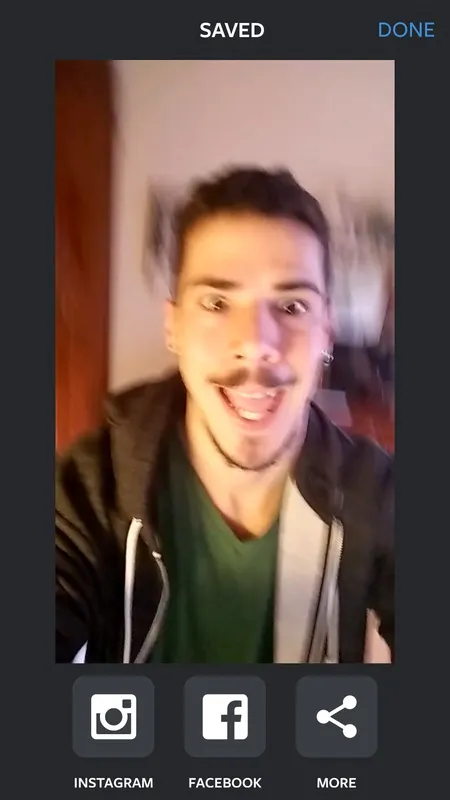
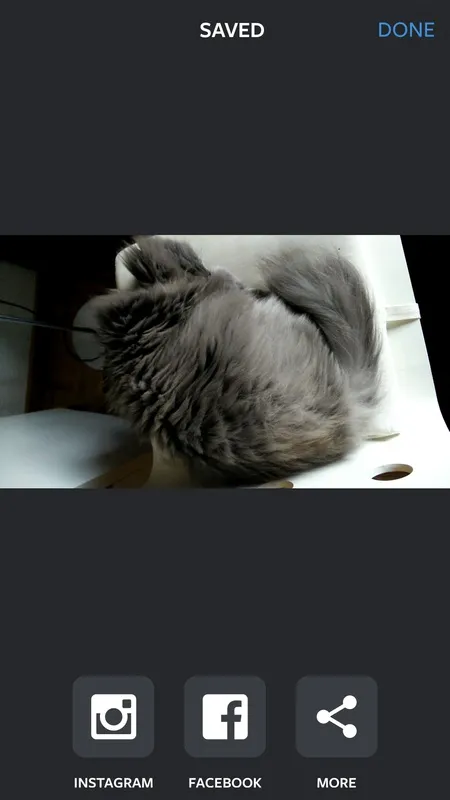
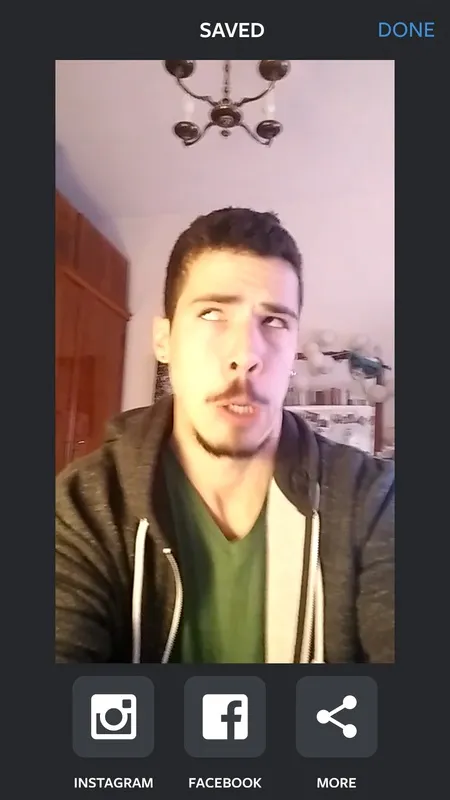
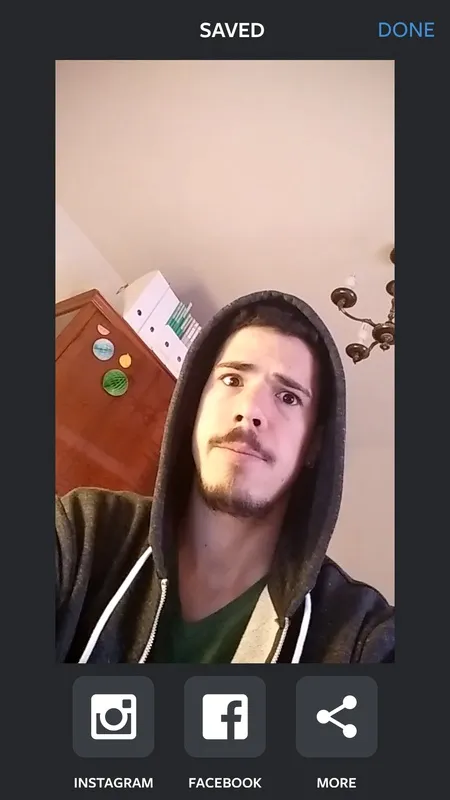
Boomerang is an app developed by Instagram that lets you create short, dynamic videos that you can share on Instagram (or other social networks) like you normally would. And no, it's not just a copy of Vine. The videos created by Boomerang last little more than two seconds and are basically a very quick succession of 10 photographs. The final result is really fun.
The most striking part of the app without a doubt is its minimalist interface. You just have to tap once on the screen (without holding your finger down) while you point your device's camera at whatever you want to film. In less than five seconds you'll have your short video.
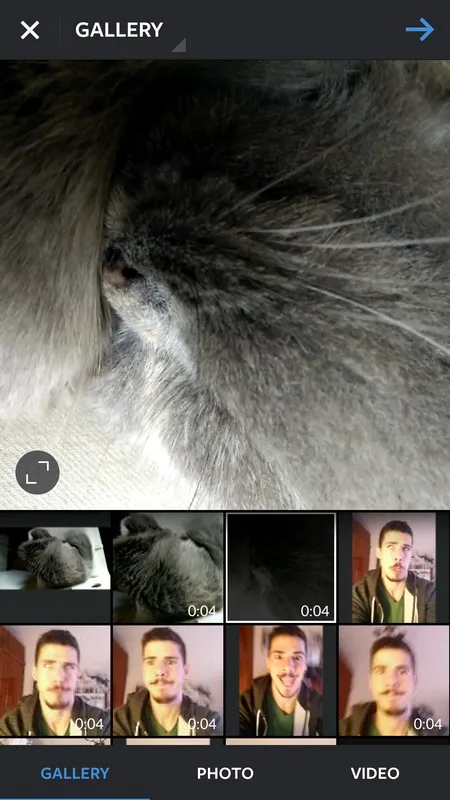
With your video on your device's memory, the only thing left is to hit the Instagram button to access its editing interface. From there you can give it some very basic edits ... and publish the result on your timeline. The results tend to be spectacular.
Boomerang is a huge success from Instagram, since it offers a convenient, quick, and fun way to make short videos. And, what's even better, is that it offers something relatively original. Whey send a regular selfie when you can send a selfie in motion?
Boomerang: An Instagram App for Creating and Sharing Mini-VideosBoomerang is a popular Instagram app that allows users to create and share short, looping videos. These videos are typically only a few seconds long and feature a repetitive motion, such as someone jumping, dancing, or waving. Boomerangs can be created using the Instagram app's built-in camera or by uploading an existing video.
To create a Boomerang, users simply tap and hold the record button in the Instagram app. The app will then automatically record a short video and create a Boomerang. Users can then add filters, effects, and music to their Boomerangs before sharing them with their followers.
Boomerangs are a fun and easy way to share everyday moments with friends and family. They can be used to capture everything from silly faces to impressive stunts. Boomerangs are also a great way to promote businesses and products.
Key Features of Boomerang:
* Create short, looping videos: Boomerangs are typically only a few seconds long and feature a repetitive motion.
* Use the Instagram app's built-in camera or upload an existing video: Boomerangs can be created using either the Instagram app's built-in camera or by uploading an existing video.
* Add filters, effects, and music: Users can add filters, effects, and music to their Boomerangs before sharing them with their followers.
* Share Boomerangs with friends and family: Boomerangs can be shared with friends and family on Instagram, Facebook, Twitter, and other social media platforms.
Tips for Creating Great Boomerangs:
* Choose a subject that is moving: Boomerangs work best when they feature a subject that is moving. This could be anything from someone jumping to a dog running.
* Keep it short: Boomerangs should be short and to the point. Aim for videos that are no longer than a few seconds.
* Add filters and effects: Filters and effects can help to make your Boomerangs more visually appealing. Experiment with different filters and effects to find the ones that you like best.
* Add music: Music can help to add energy and excitement to your Boomerangs. Choose music that fits the mood of your video.
* Share your Boomerangs: Once you're happy with your Boomerang, share it with your friends and family on Instagram, Facebook, Twitter, and other social media platforms.
Boomerang is an app developed by Instagram that lets you create short, dynamic videos that you can share on Instagram (or other social networks) like you normally would. And no, it's not just a copy of Vine. The videos created by Boomerang last little more than two seconds and are basically a very quick succession of 10 photographs. The final result is really fun.
The most striking part of the app without a doubt is its minimalist interface. You just have to tap once on the screen (without holding your finger down) while you point your device's camera at whatever you want to film. In less than five seconds you'll have your short video.
With your video on your device's memory, the only thing left is to hit the Instagram button to access its editing interface. From there you can give it some very basic edits ... and publish the result on your timeline. The results tend to be spectacular.
Boomerang is a huge success from Instagram, since it offers a convenient, quick, and fun way to make short videos. And, what's even better, is that it offers something relatively original. Whey send a regular selfie when you can send a selfie in motion?
Boomerang: An Instagram App for Creating and Sharing Mini-VideosBoomerang is a popular Instagram app that allows users to create and share short, looping videos. These videos are typically only a few seconds long and feature a repetitive motion, such as someone jumping, dancing, or waving. Boomerangs can be created using the Instagram app's built-in camera or by uploading an existing video.
To create a Boomerang, users simply tap and hold the record button in the Instagram app. The app will then automatically record a short video and create a Boomerang. Users can then add filters, effects, and music to their Boomerangs before sharing them with their followers.
Boomerangs are a fun and easy way to share everyday moments with friends and family. They can be used to capture everything from silly faces to impressive stunts. Boomerangs are also a great way to promote businesses and products.
Key Features of Boomerang:
* Create short, looping videos: Boomerangs are typically only a few seconds long and feature a repetitive motion.
* Use the Instagram app's built-in camera or upload an existing video: Boomerangs can be created using either the Instagram app's built-in camera or by uploading an existing video.
* Add filters, effects, and music: Users can add filters, effects, and music to their Boomerangs before sharing them with their followers.
* Share Boomerangs with friends and family: Boomerangs can be shared with friends and family on Instagram, Facebook, Twitter, and other social media platforms.
Tips for Creating Great Boomerangs:
* Choose a subject that is moving: Boomerangs work best when they feature a subject that is moving. This could be anything from someone jumping to a dog running.
* Keep it short: Boomerangs should be short and to the point. Aim for videos that are no longer than a few seconds.
* Add filters and effects: Filters and effects can help to make your Boomerangs more visually appealing. Experiment with different filters and effects to find the ones that you like best.
* Add music: Music can help to add energy and excitement to your Boomerangs. Choose music that fits the mood of your video.
* Share your Boomerangs: Once you're happy with your Boomerang, share it with your friends and family on Instagram, Facebook, Twitter, and other social media platforms.





