



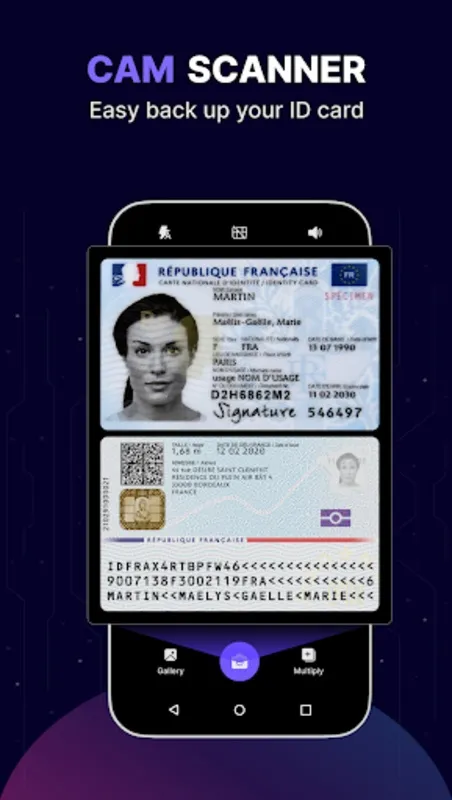
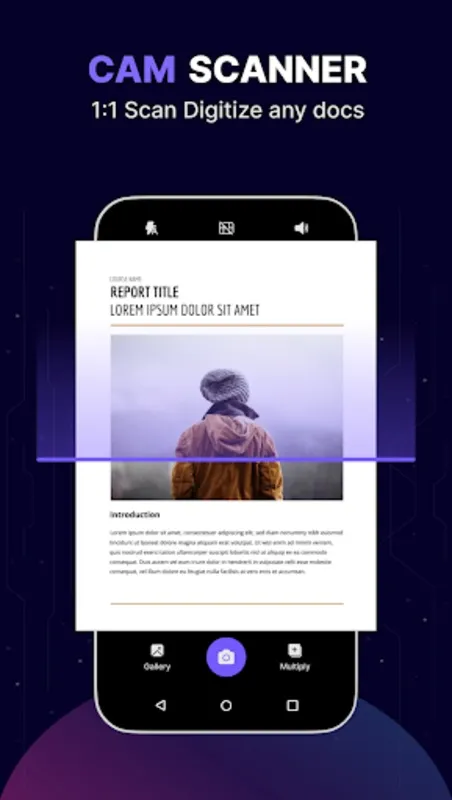
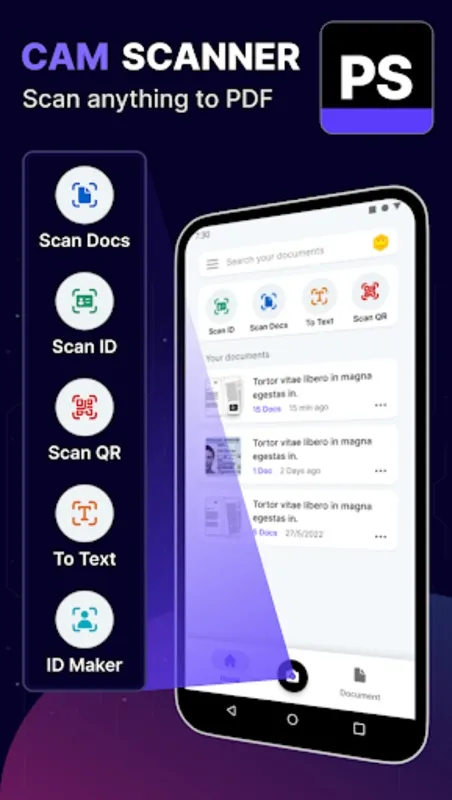
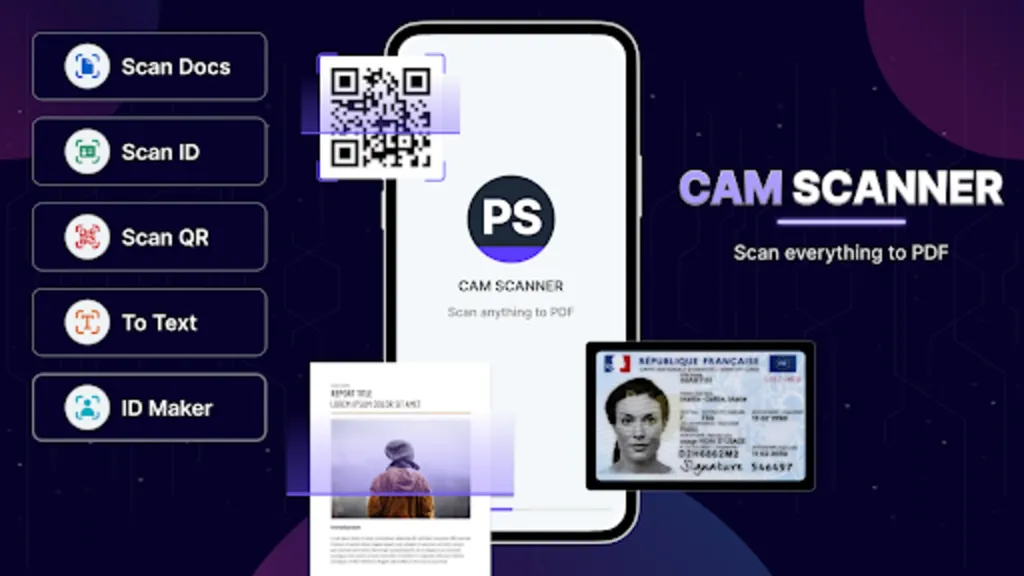
Discover the ultimate tool for transforming your device into a high-performance document digitizer: Cam Scanner. This versatile app is designed to help you eliminate paper clutter and embrace a completely digital workflow. With this tool, you can easily convert your phone into a smart scanner, complete with industry-leading OCR technology for accurate text extraction directly from images—no additional software required.
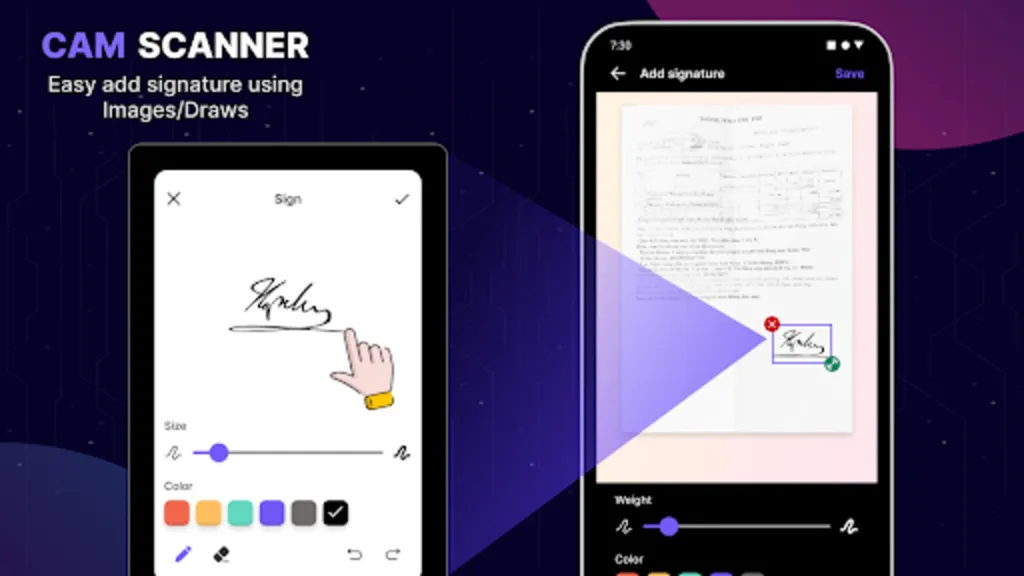
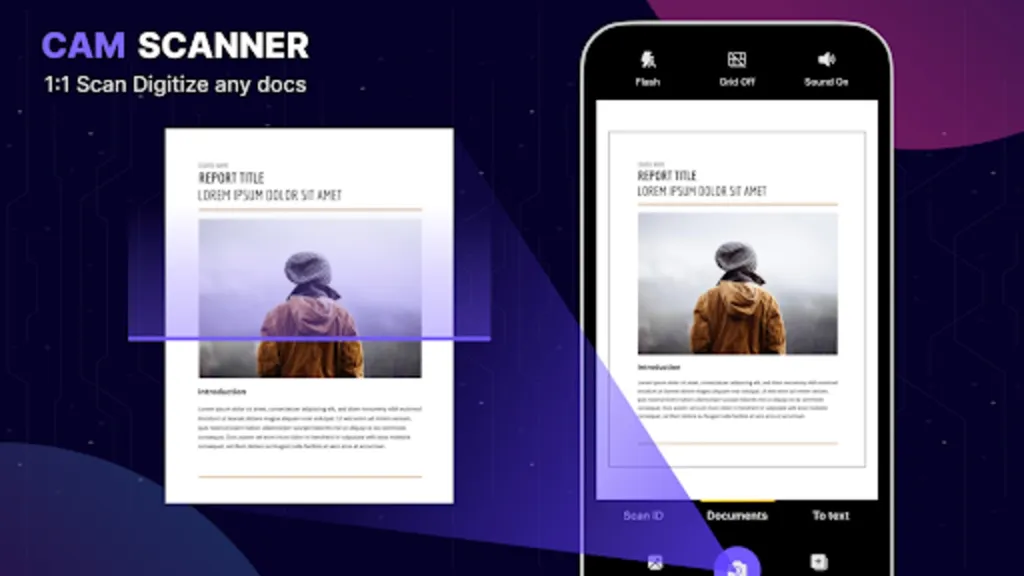
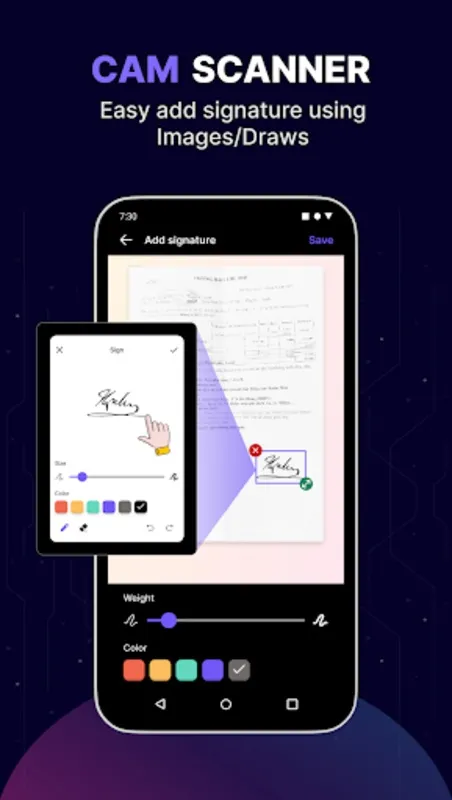
The user-friendly interface allows you to capture documents, receipts, and more with just one tap. Its auto page detection feature ensures you obtain clean, high-resolution scans each time, enhancing your productivity. If you need to authenticate documents, add digital signatures swiftly within the platform to verify files before sharing via email or other platforms.
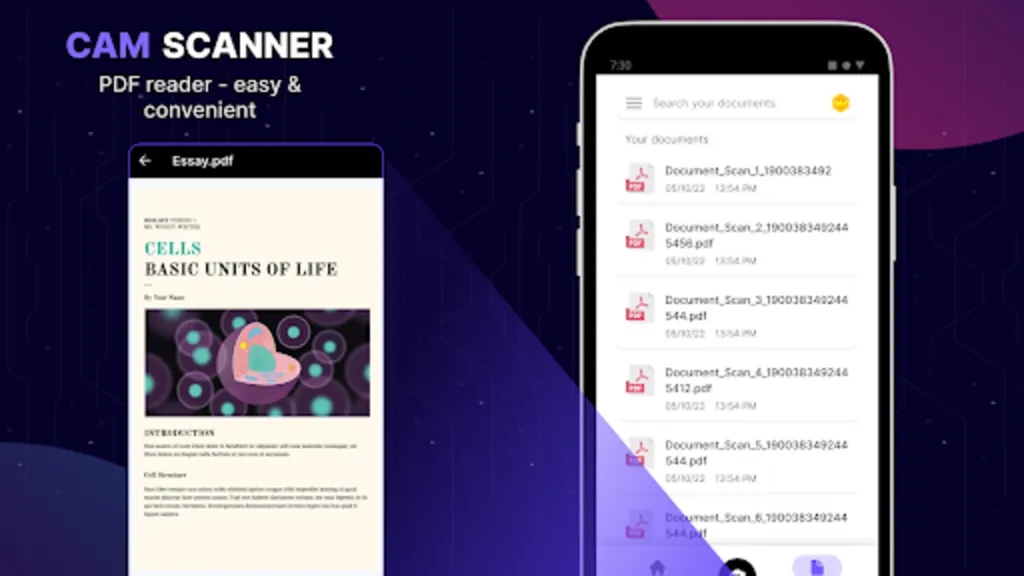
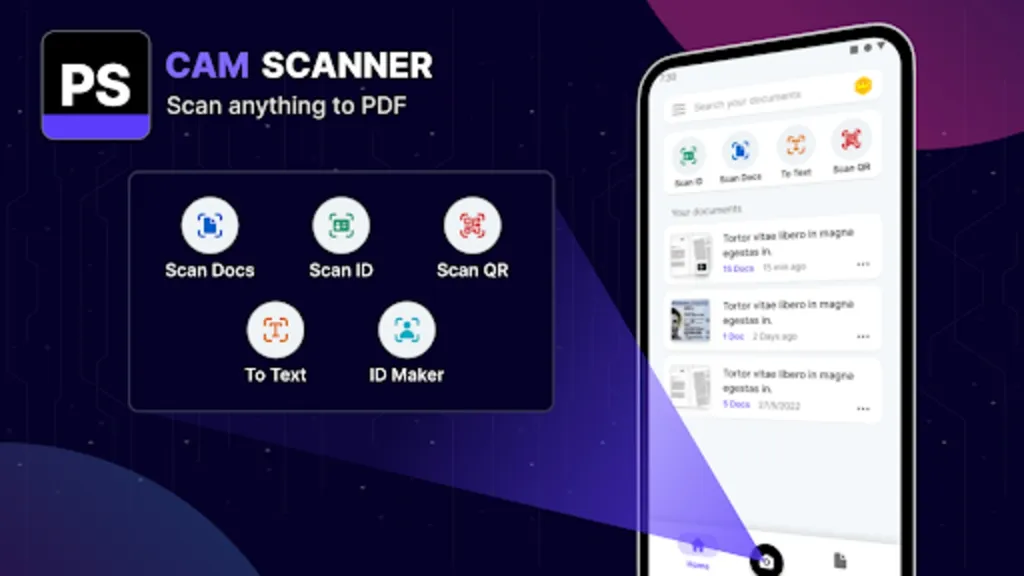
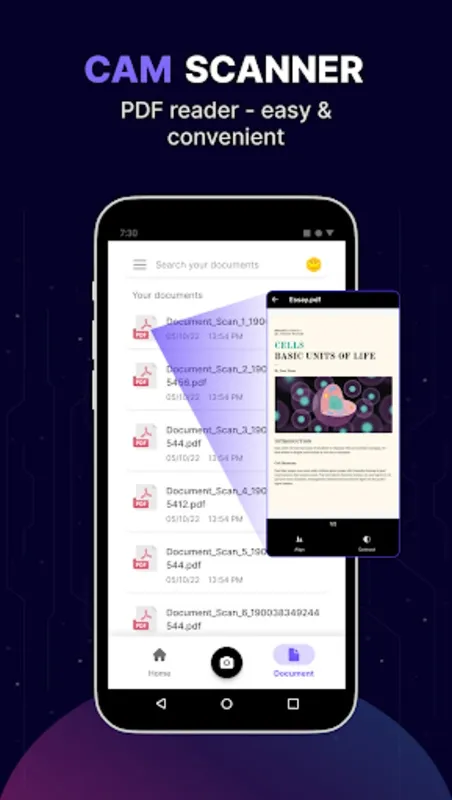
Not only does this application deliver exceptional scan quality, but it also offers versatile PDF functions. You can transform photos into searchable PDF files, easily open, view, and sign PDFs and other file types from your device. Its file management system simplifies browsing, renaming, deleting, and sharing scans, as well as sorting them by date or title for easy access whenever needed.
Say goodbye to bulky hardware scanners and untidy workspaces. The app provides a paperless office experience, allowing you to carry and manage your documents anywhere. Continuously improving and prioritizing the user experience, it welcomes feedback to further enhance its features and functionality.
Step into the future of document scanning with the powerful, convenient, and reliable digital solution for personal and professional use: Cam Scanner.
CamScanner is not a game. It is a mobile application primarily used for scanning documents and images using a smartphone's camera. It converts physical documents into digital files, offering a convenient alternative to traditional flatbed scanners. The app's core functionality revolves around capturing clear images of documents, enhancing their readability, and saving them in various formats.The process begins with the user capturing an image of the document using their phone's camera. CamScanner's intelligent cropping and perspective correction features then automatically adjust the image to resemble a scanned document. This eliminates the need for manual adjustments and ensures a clean, professional look. The app further enhances image quality through various filters that optimize brightness, contrast, and sharpness, making the text clear and legible.
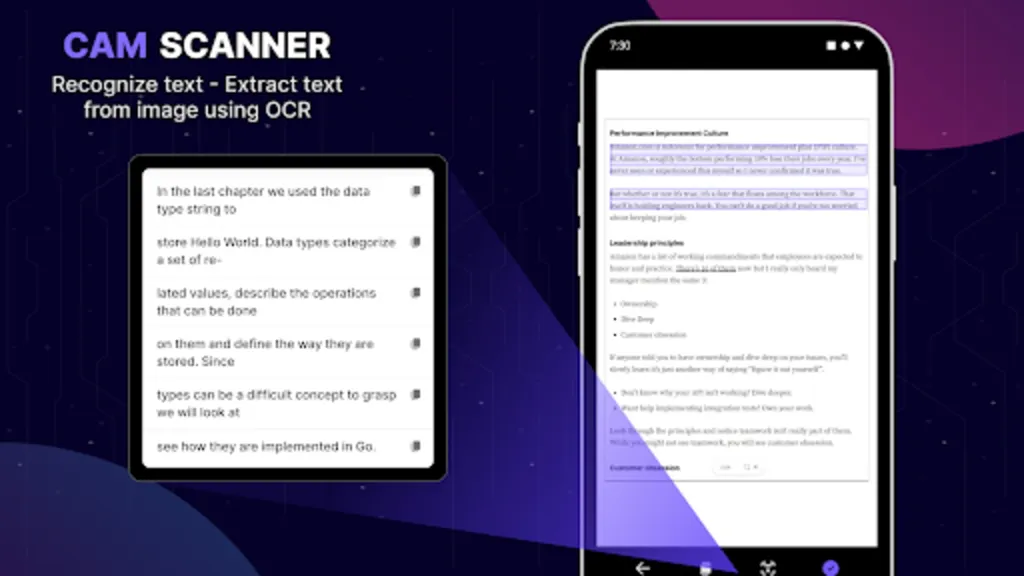
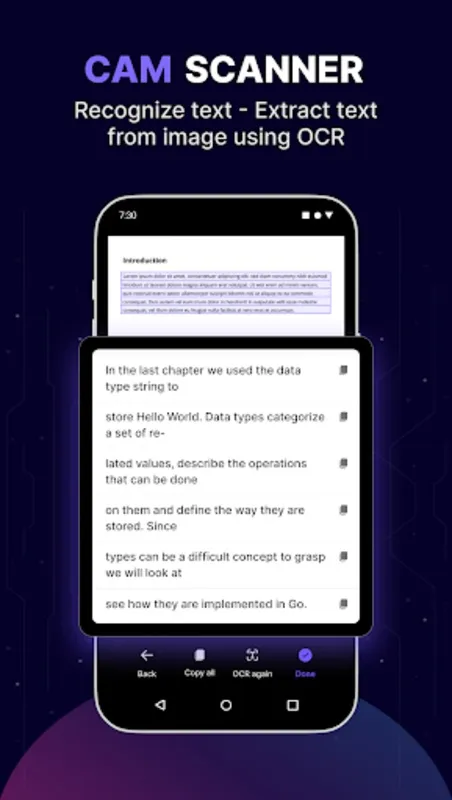
Once the image is processed, CamScanner offers several saving options. Users can save their scans as PDF or image files, such as JPEG or PNG. This flexibility allows for easy sharing and integration with other applications. The app also supports optical character recognition (OCR), which converts scanned images into editable text. This feature is particularly useful for extracting information from documents or creating searchable archives.
Beyond its basic scanning capabilities, CamScanner offers a range of features designed for document management and collaboration. Users can create folders to organize their scans, add tags for easy searching, and even annotate documents with highlights, notes, and freehand drawings. The app also facilitates cloud storage integration, allowing users to save their scans to popular cloud services like Google Drive, Dropbox, and OneDrive. This ensures easy access to documents from multiple devices and provides a secure backup.
Collaboration features within CamScanner allow users to share documents with others via email or social media. Users can also create shared folders for collaborative projects, enabling multiple users to access and contribute to a shared document repository. These features make CamScanner a valuable tool for teamwork and information sharing.
For users requiring advanced features, CamScanner offers a premium subscription service. This unlocks additional functionalities such as unlimited cloud storage, batch scanning, and the removal of watermarks from scanned documents. The premium subscription also provides access to advanced editing tools and enhanced OCR capabilities.
CamScanner's user-friendly interface makes it accessible to users of all technical levels. The intuitive design guides users through the scanning process, from capturing the image to saving and sharing the final document. The app's versatility makes it a valuable tool for students, professionals, and anyone who needs to digitize documents on the go.
While CamScanner offers a robust set of features, it's important to be aware of potential privacy concerns. The app requires access to the device's camera and storage, and users should be mindful of the data they are sharing. It's recommended to review the app's privacy policy and understand how user data is handled.
Overall, CamScanner provides a convenient and efficient way to digitize documents using a smartphone. Its powerful features, combined with a user-friendly interface, make it a popular choice for individuals and businesses seeking a mobile scanning solution. From basic document scanning to advanced features like OCR and cloud integration, CamScanner offers a comprehensive suite of tools for managing digital documents. While privacy considerations should be taken into account, CamScanner remains a valuable tool for anyone needing to bridge the gap between physical and digital documents.
Discover the ultimate tool for transforming your device into a high-performance document digitizer: Cam Scanner. This versatile app is designed to help you eliminate paper clutter and embrace a completely digital workflow. With this tool, you can easily convert your phone into a smart scanner, complete with industry-leading OCR technology for accurate text extraction directly from images—no additional software required.
The user-friendly interface allows you to capture documents, receipts, and more with just one tap. Its auto page detection feature ensures you obtain clean, high-resolution scans each time, enhancing your productivity. If you need to authenticate documents, add digital signatures swiftly within the platform to verify files before sharing via email or other platforms.
Not only does this application deliver exceptional scan quality, but it also offers versatile PDF functions. You can transform photos into searchable PDF files, easily open, view, and sign PDFs and other file types from your device. Its file management system simplifies browsing, renaming, deleting, and sharing scans, as well as sorting them by date or title for easy access whenever needed.
Say goodbye to bulky hardware scanners and untidy workspaces. The app provides a paperless office experience, allowing you to carry and manage your documents anywhere. Continuously improving and prioritizing the user experience, it welcomes feedback to further enhance its features and functionality.
Step into the future of document scanning with the powerful, convenient, and reliable digital solution for personal and professional use: Cam Scanner.
CamScanner is not a game. It is a mobile application primarily used for scanning documents and images using a smartphone's camera. It converts physical documents into digital files, offering a convenient alternative to traditional flatbed scanners. The app's core functionality revolves around capturing clear images of documents, enhancing their readability, and saving them in various formats.The process begins with the user capturing an image of the document using their phone's camera. CamScanner's intelligent cropping and perspective correction features then automatically adjust the image to resemble a scanned document. This eliminates the need for manual adjustments and ensures a clean, professional look. The app further enhances image quality through various filters that optimize brightness, contrast, and sharpness, making the text clear and legible.
Once the image is processed, CamScanner offers several saving options. Users can save their scans as PDF or image files, such as JPEG or PNG. This flexibility allows for easy sharing and integration with other applications. The app also supports optical character recognition (OCR), which converts scanned images into editable text. This feature is particularly useful for extracting information from documents or creating searchable archives.
Beyond its basic scanning capabilities, CamScanner offers a range of features designed for document management and collaboration. Users can create folders to organize their scans, add tags for easy searching, and even annotate documents with highlights, notes, and freehand drawings. The app also facilitates cloud storage integration, allowing users to save their scans to popular cloud services like Google Drive, Dropbox, and OneDrive. This ensures easy access to documents from multiple devices and provides a secure backup.
Collaboration features within CamScanner allow users to share documents with others via email or social media. Users can also create shared folders for collaborative projects, enabling multiple users to access and contribute to a shared document repository. These features make CamScanner a valuable tool for teamwork and information sharing.
For users requiring advanced features, CamScanner offers a premium subscription service. This unlocks additional functionalities such as unlimited cloud storage, batch scanning, and the removal of watermarks from scanned documents. The premium subscription also provides access to advanced editing tools and enhanced OCR capabilities.
CamScanner's user-friendly interface makes it accessible to users of all technical levels. The intuitive design guides users through the scanning process, from capturing the image to saving and sharing the final document. The app's versatility makes it a valuable tool for students, professionals, and anyone who needs to digitize documents on the go.
While CamScanner offers a robust set of features, it's important to be aware of potential privacy concerns. The app requires access to the device's camera and storage, and users should be mindful of the data they are sharing. It's recommended to review the app's privacy policy and understand how user data is handled.
Overall, CamScanner provides a convenient and efficient way to digitize documents using a smartphone. Its powerful features, combined with a user-friendly interface, make it a popular choice for individuals and businesses seeking a mobile scanning solution. From basic document scanning to advanced features like OCR and cloud integration, CamScanner offers a comprehensive suite of tools for managing digital documents. While privacy considerations should be taken into account, CamScanner remains a valuable tool for anyone needing to bridge the gap between physical and digital documents.





