

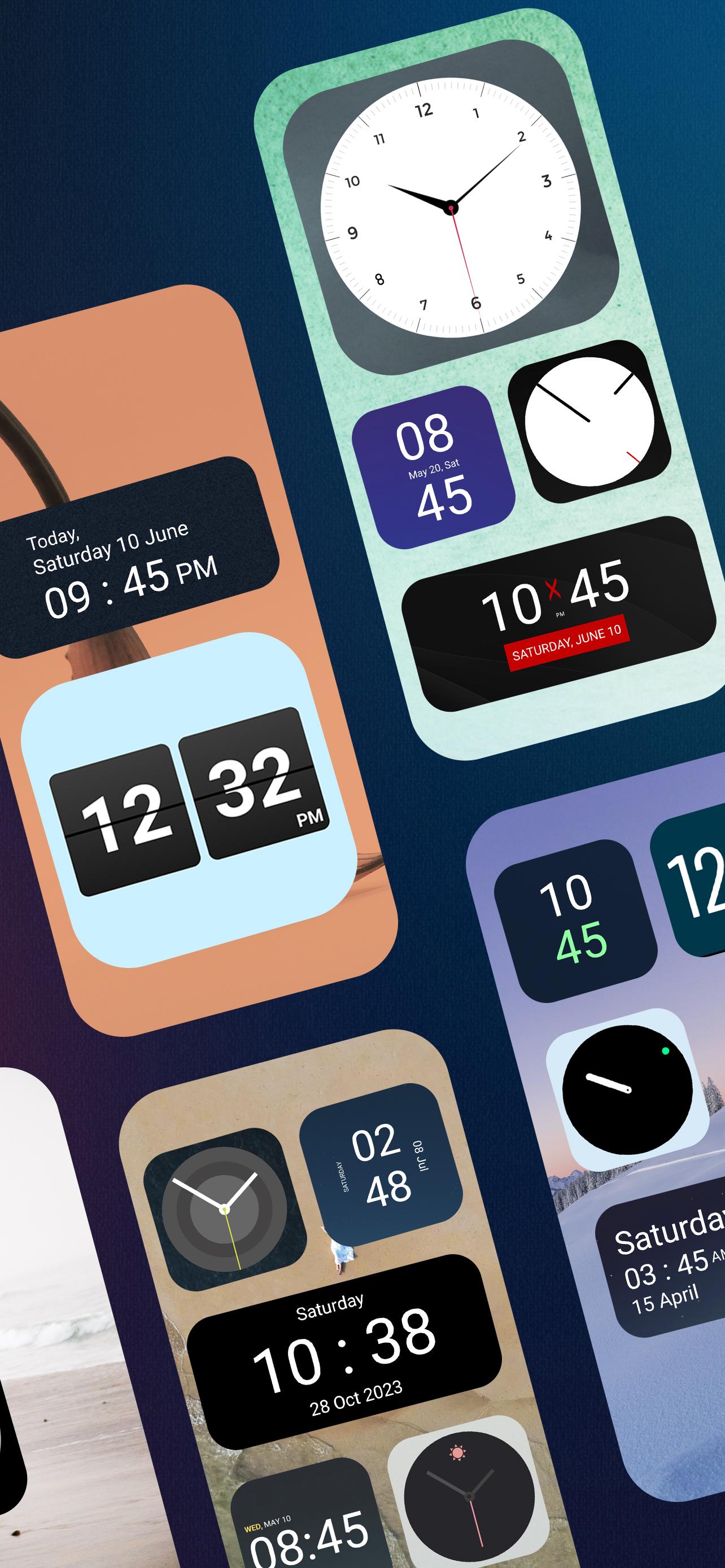
Get 50+ Glamorous Analog & digital clock widgets for home screen.
Clock Widgets is specially designed for custom home screen clock widgets for personalize screen users.
This customizable clock widget is perfect for those who are looking for analog or digital clock widgets. Now you do not have to directly open a calendar or watch or clock app specially for watching time and date because clock widgets App have analog or digital large clocks for home screen. You can resize this all clock widget as per your requirement.
You definitely have some kind of app on your device as it's necessary to check date and time and for that clock widgets is perfect for your android device as you can see and set date and time in widgets.
📱🔆 How to Use Clock Widgets App 🔆📱
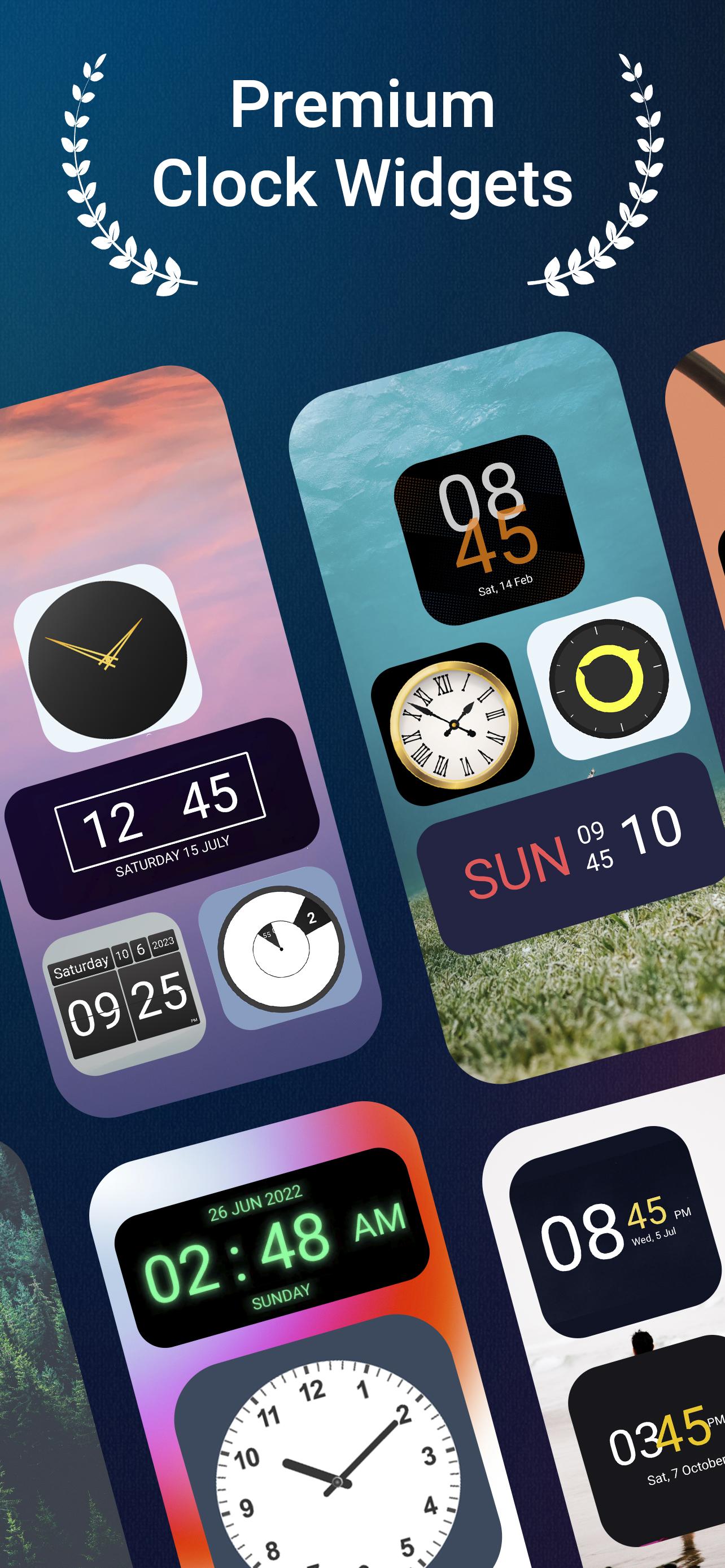
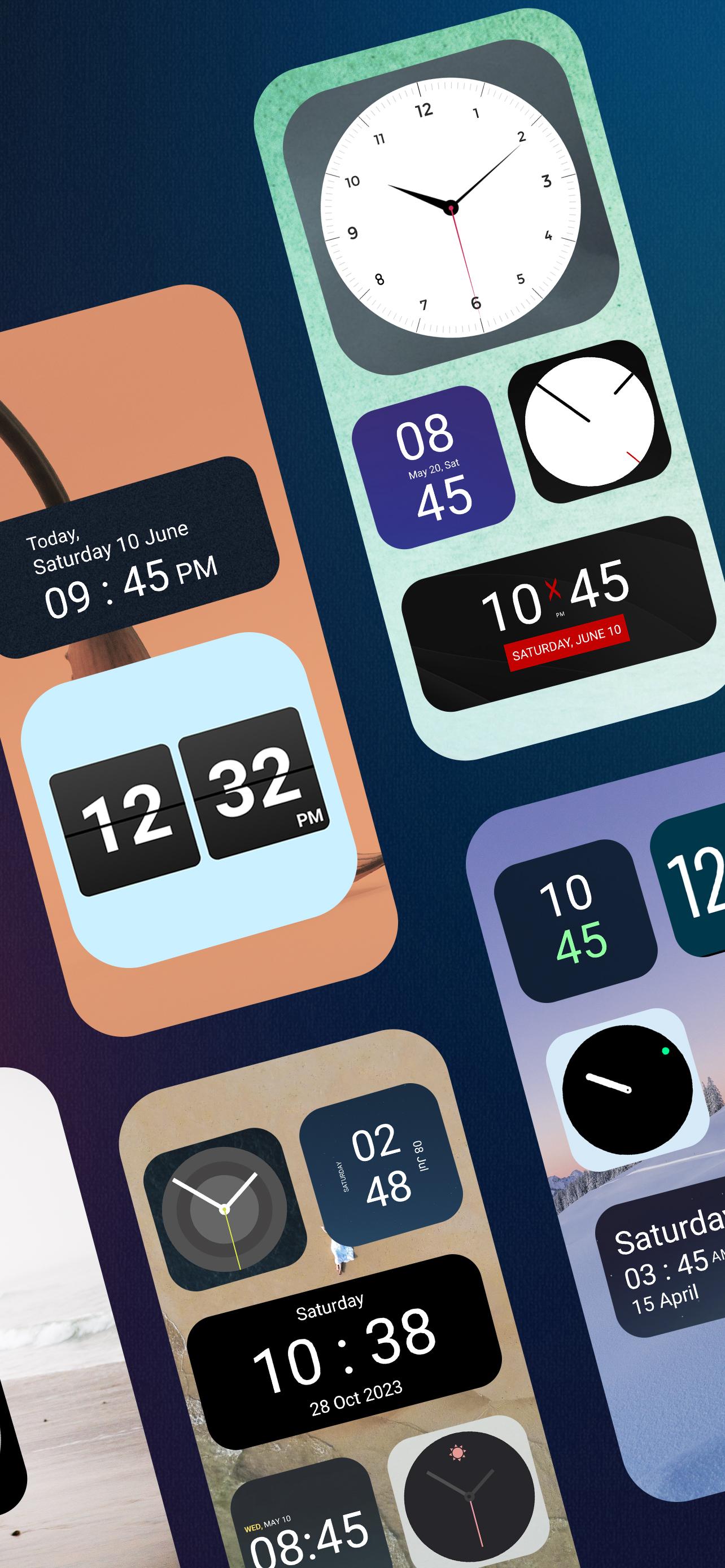
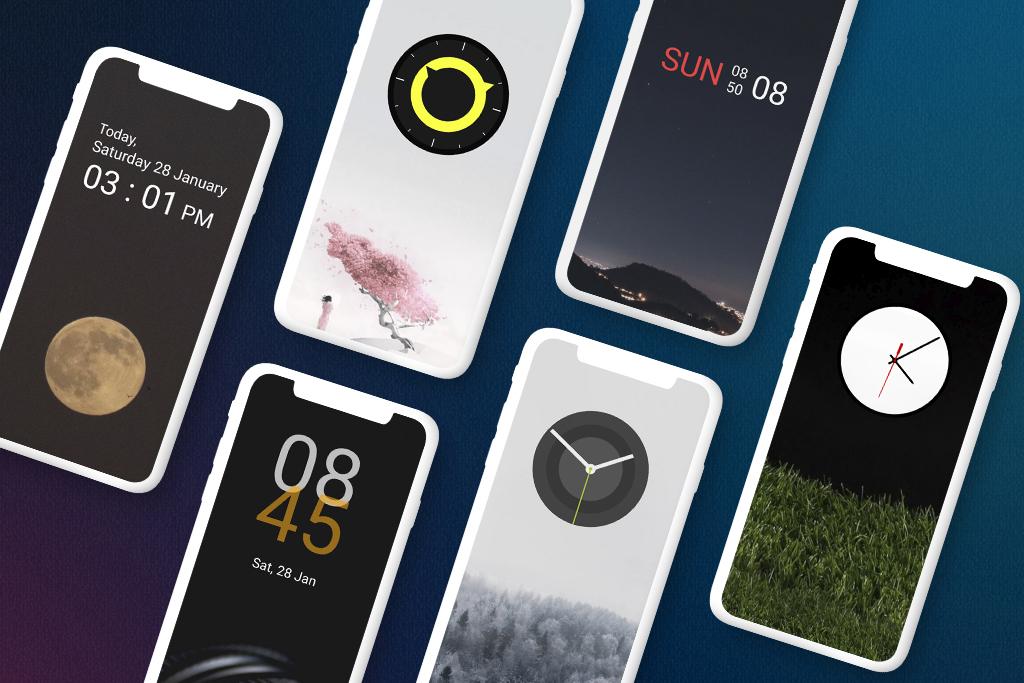
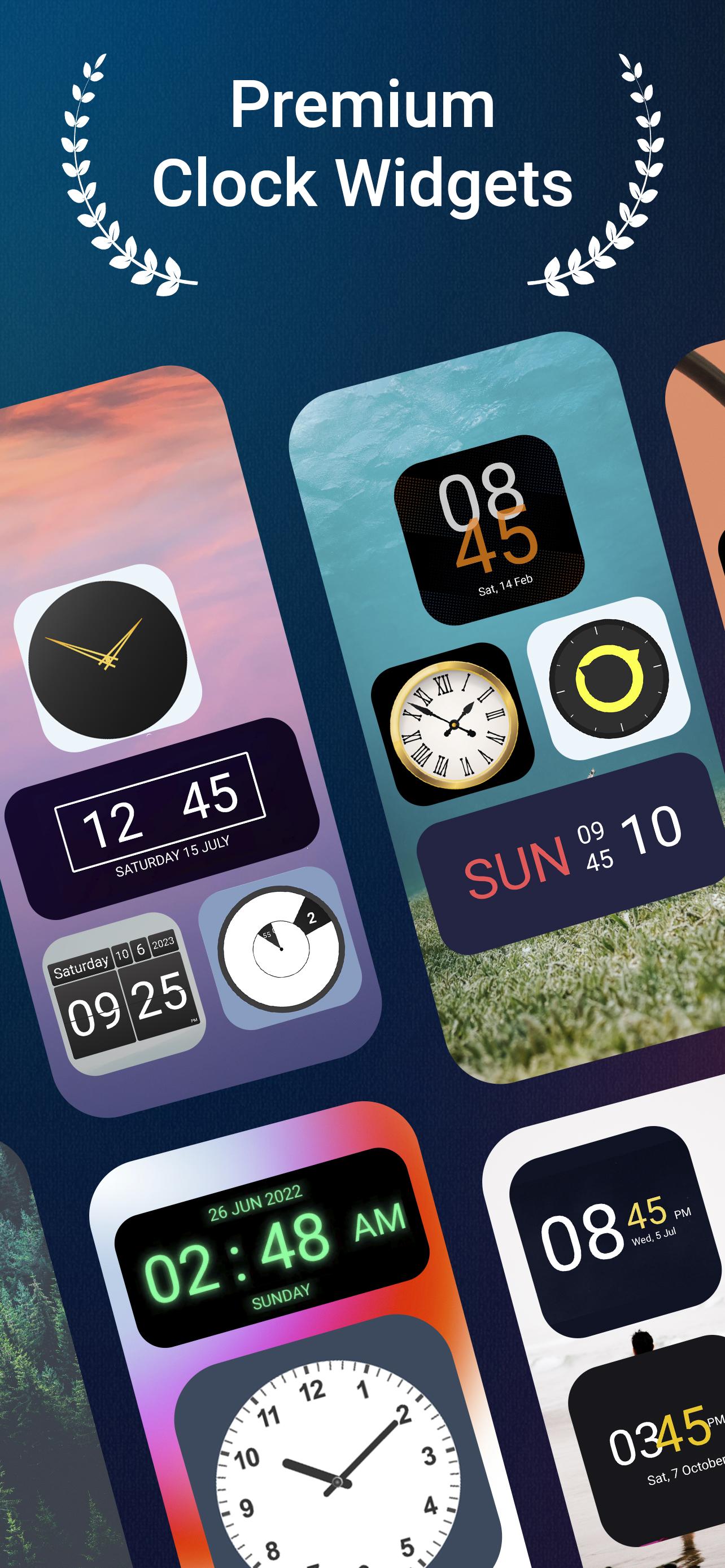
This Clock Widgets App is specially designed in such a way that it contains both analog and digital clock widgets with date and time. All large date and time widgets for the home screen are great for android home screen.
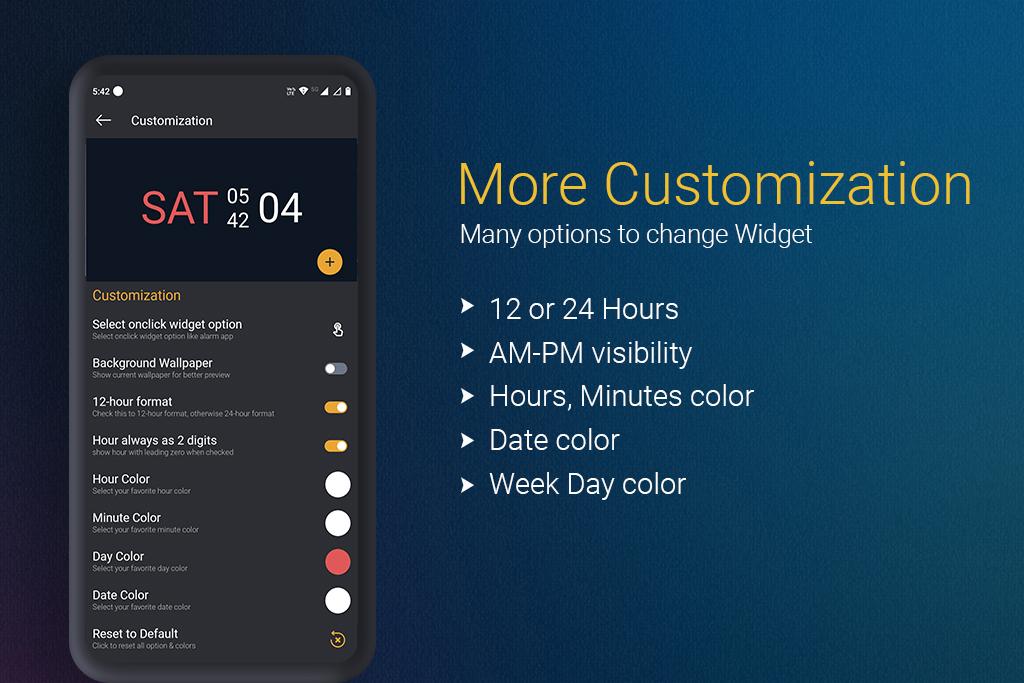
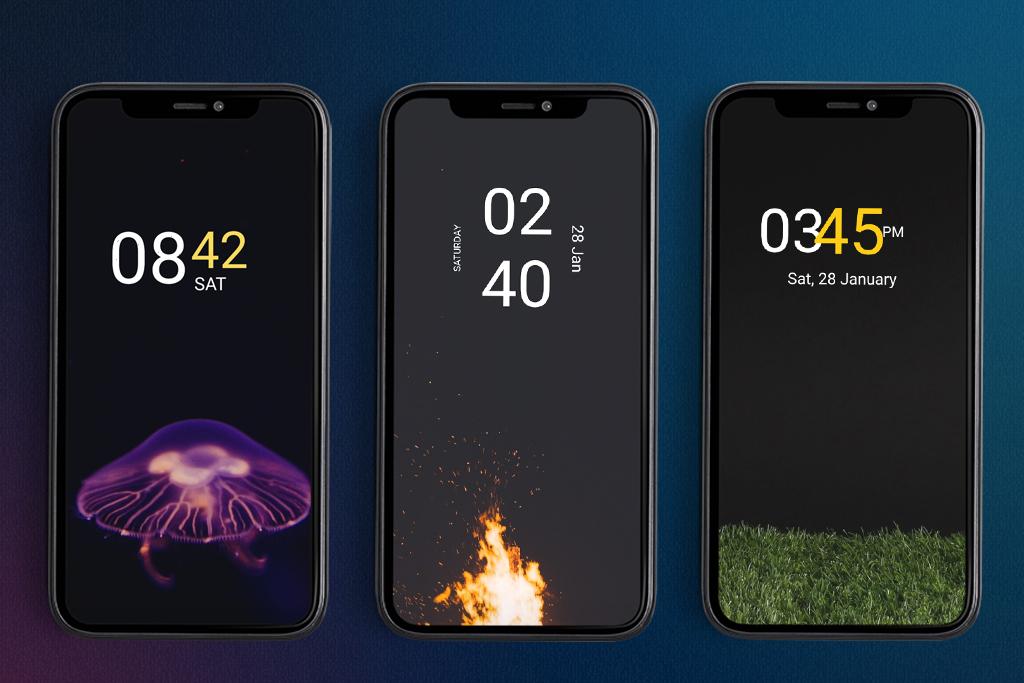
In Digital clock widgets, there is a time and date in a digital format with multiple customization options like change time and date colors, week day color or set hours as two digits, 12 hour format or 24 hour format whatever you want, all things are in this clock widgets app.
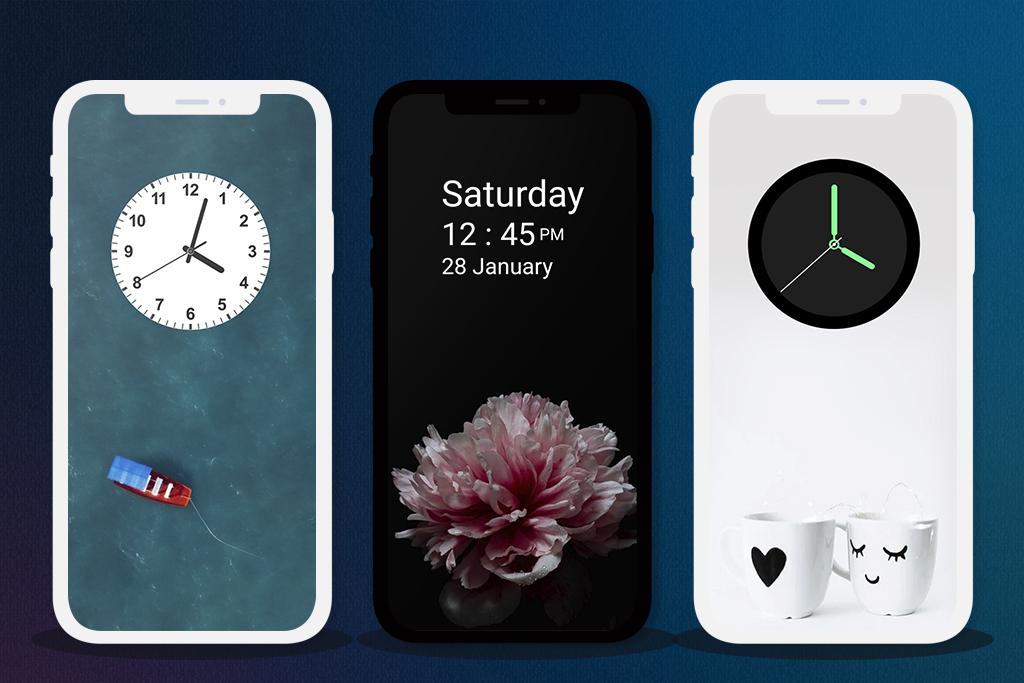
Analog clock widgets are also a great choice for those who love old style clocks with round or square design.
🔥 Great Benefits of clock widget 🔥
Customizable appearance:
Clock widgets had multiple customization options. You can set any widgets like analog and digital clock Widgets on the home screen. Set hour, minutes, week day and month colors. You can also change the style of short and full day format. These all custom clock widgets can be placed anywhere on the home screen and allow you to see the time and date at a glance easily.
Improved functionality:
Clock widget App comes with improved features for every user. You can choose your favorite clock and widgets, place it on the home screen, and see the date and time anytime. We have designed some clock widget with seconds for everyone worldwide. Time is accurate and perfect.
Offline:
Just install, customize and use these large clock widgets for your home screen. There is no internet required to use this app. This is a paid and offline clock for android home screen. All widgets are premium in as this is Clock Widgets Pro Version.
Customize the widgets as per your requirements and set it anywhere on the home screen for easier visibility & accessibility. Go with the analog clock version or the digital version as you like. Without going through any complex UI functions, you can simply open the clock widget and use it.
Download the Clock Widgets now and set your clock on the home screen and see date and time swiftly.
What's New in the Latest Version 3.8
Last updated on Jul 4, 2024
Minor bug fixes and improvements. Install or update to the newest version to check it out!
Clock WidgetClock Widget is a highly customizable and feature-rich Android application that allows users to create and display personalized clock widgets on their home screens. It offers a wide range of customization options, including the ability to choose from various clock styles, colors, fonts, and backgrounds.
Key Features
* Extensive Clock Styles: Clock Widget provides a diverse collection of clock styles, ranging from classic analog clocks to modern digital clocks, each with its unique design and aesthetics.
* Customization Options: Users have complete control over the appearance of their widgets. They can customize the clock size, color, font, and background to match their personal preferences and home screen theme.
* Multiple Widgets: Clock Widget allows users to create and display multiple clock widgets simultaneously on their home screen. This feature is particularly useful for individuals who need to track time across different time zones or for specific events.
* Alarms and Notifications: The app seamlessly integrates with the Android alarm system, enabling users to set and manage alarms directly from the widget. Additionally, it provides customizable notifications for upcoming alarms and events.
* Weather Information: Clock Widget can display real-time weather information alongside the clock, providing users with a convenient way to stay updated on the weather conditions.
* Event Countdown: The app includes a countdown feature that allows users to create widgets for tracking important events or deadlines.
Benefits
* Enhanced Productivity: By displaying multiple clocks on the home screen, users can quickly check the time across different time zones or for specific appointments, improving their productivity.
* Personalized Home Screen: Clock Widget empowers users to create unique and visually appealing home screens that reflect their personal style and preferences.
* Time Management: The app's alarm and event countdown features provide users with effective tools for managing their time and staying organized.
* Weather Awareness: The integrated weather information keeps users informed about current weather conditions, allowing them to plan their day accordingly.
Conclusion
Clock Widget is an indispensable tool for Android users who value customization, time management, and a visually appealing home screen. With its extensive range of clock styles, customization options, and practical features, Clock Widget empowers users to create personalized and functional timekeeping widgets that enhance their mobile experience.
Get 50+ Glamorous Analog & digital clock widgets for home screen.
Clock Widgets is specially designed for custom home screen clock widgets for personalize screen users.
This customizable clock widget is perfect for those who are looking for analog or digital clock widgets. Now you do not have to directly open a calendar or watch or clock app specially for watching time and date because clock widgets App have analog or digital large clocks for home screen. You can resize this all clock widget as per your requirement.
You definitely have some kind of app on your device as it's necessary to check date and time and for that clock widgets is perfect for your android device as you can see and set date and time in widgets.
📱🔆 How to Use Clock Widgets App 🔆📱
This Clock Widgets App is specially designed in such a way that it contains both analog and digital clock widgets with date and time. All large date and time widgets for the home screen are great for android home screen.
In Digital clock widgets, there is a time and date in a digital format with multiple customization options like change time and date colors, week day color or set hours as two digits, 12 hour format or 24 hour format whatever you want, all things are in this clock widgets app.
Analog clock widgets are also a great choice for those who love old style clocks with round or square design.
🔥 Great Benefits of clock widget 🔥
Customizable appearance:
Clock widgets had multiple customization options. You can set any widgets like analog and digital clock Widgets on the home screen. Set hour, minutes, week day and month colors. You can also change the style of short and full day format. These all custom clock widgets can be placed anywhere on the home screen and allow you to see the time and date at a glance easily.
Improved functionality:
Clock widget App comes with improved features for every user. You can choose your favorite clock and widgets, place it on the home screen, and see the date and time anytime. We have designed some clock widget with seconds for everyone worldwide. Time is accurate and perfect.
Offline:
Just install, customize and use these large clock widgets for your home screen. There is no internet required to use this app. This is a paid and offline clock for android home screen. All widgets are premium in as this is Clock Widgets Pro Version.
Customize the widgets as per your requirements and set it anywhere on the home screen for easier visibility & accessibility. Go with the analog clock version or the digital version as you like. Without going through any complex UI functions, you can simply open the clock widget and use it.
Download the Clock Widgets now and set your clock on the home screen and see date and time swiftly.
What's New in the Latest Version 3.8
Last updated on Jul 4, 2024
Minor bug fixes and improvements. Install or update to the newest version to check it out!
Clock WidgetClock Widget is a highly customizable and feature-rich Android application that allows users to create and display personalized clock widgets on their home screens. It offers a wide range of customization options, including the ability to choose from various clock styles, colors, fonts, and backgrounds.
Key Features
* Extensive Clock Styles: Clock Widget provides a diverse collection of clock styles, ranging from classic analog clocks to modern digital clocks, each with its unique design and aesthetics.
* Customization Options: Users have complete control over the appearance of their widgets. They can customize the clock size, color, font, and background to match their personal preferences and home screen theme.
* Multiple Widgets: Clock Widget allows users to create and display multiple clock widgets simultaneously on their home screen. This feature is particularly useful for individuals who need to track time across different time zones or for specific events.
* Alarms and Notifications: The app seamlessly integrates with the Android alarm system, enabling users to set and manage alarms directly from the widget. Additionally, it provides customizable notifications for upcoming alarms and events.
* Weather Information: Clock Widget can display real-time weather information alongside the clock, providing users with a convenient way to stay updated on the weather conditions.
* Event Countdown: The app includes a countdown feature that allows users to create widgets for tracking important events or deadlines.
Benefits
* Enhanced Productivity: By displaying multiple clocks on the home screen, users can quickly check the time across different time zones or for specific appointments, improving their productivity.
* Personalized Home Screen: Clock Widget empowers users to create unique and visually appealing home screens that reflect their personal style and preferences.
* Time Management: The app's alarm and event countdown features provide users with effective tools for managing their time and staying organized.
* Weather Awareness: The integrated weather information keeps users informed about current weather conditions, allowing them to plan their day accordingly.
Conclusion
Clock Widget is an indispensable tool for Android users who value customization, time management, and a visually appealing home screen. With its extensive range of clock styles, customization options, and practical features, Clock Widget empowers users to create personalized and functional timekeeping widgets that enhance their mobile experience.





