

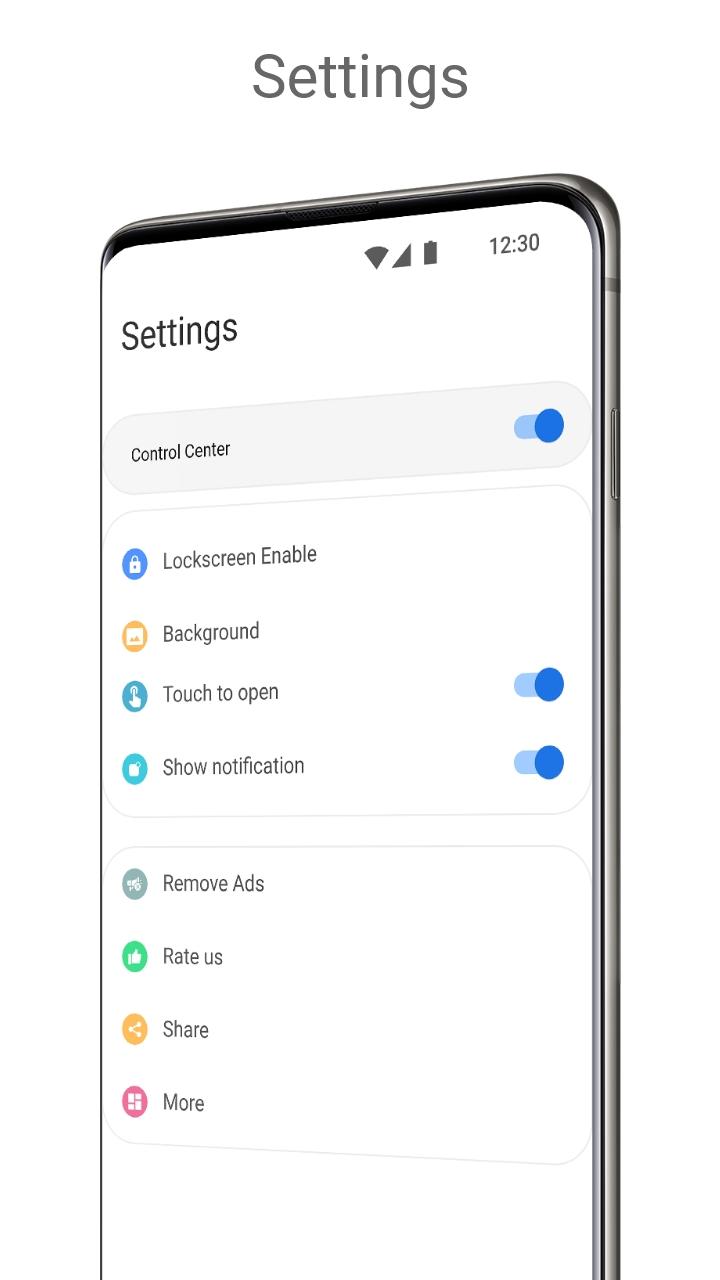
Give your mobile Control center a new look with Android 12 style
PERMISSION
• ACCESSIBILITY_SERVICE to display overlay window for lock screen also used to provide accessibility function like lock screen, take screen shot and show power menu of mobile.
• READ_NOTIFICATION read notification to show media control or notifications on lock screen.
• Bluetooth permission for earbuds and airpods, earbuds
FEEDBACK
• If you have any problems while using this application, please let us know we will check and update as soon as possible.
Control center Android 12 style is designed to give your mobile control center a new look.
Features
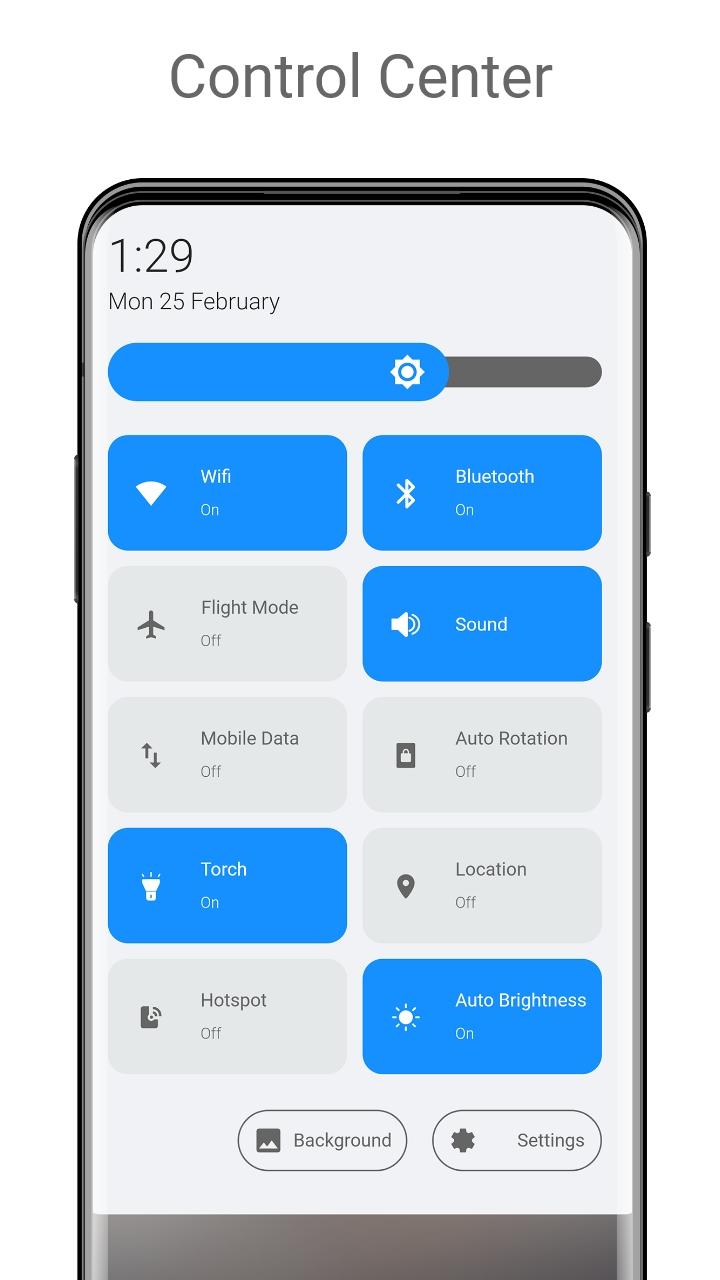
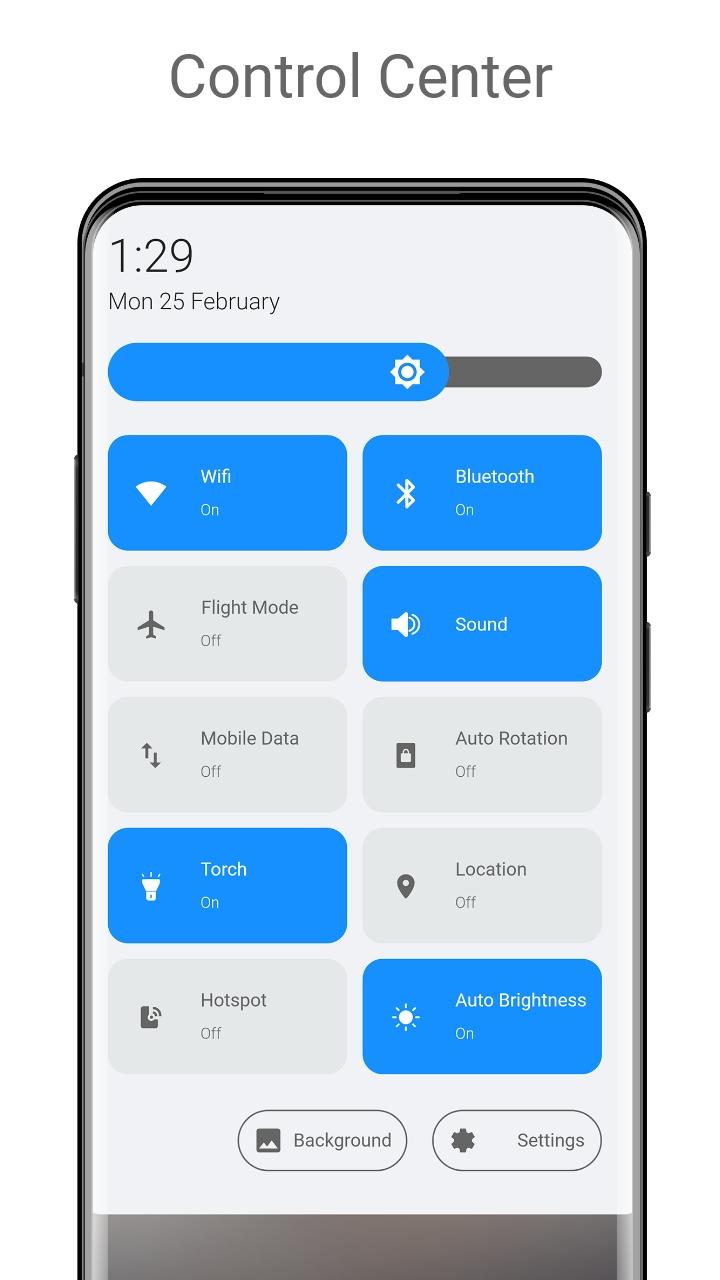
- WiFi Control
- Sound Settings
- Location
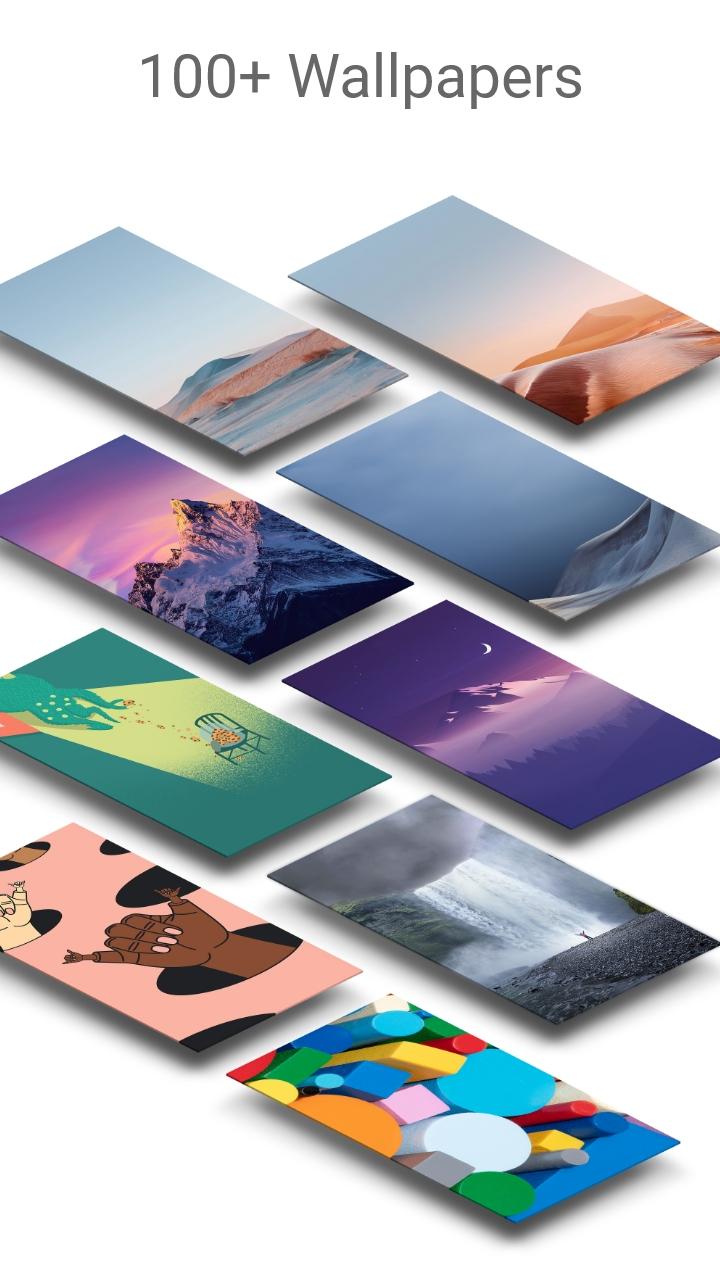
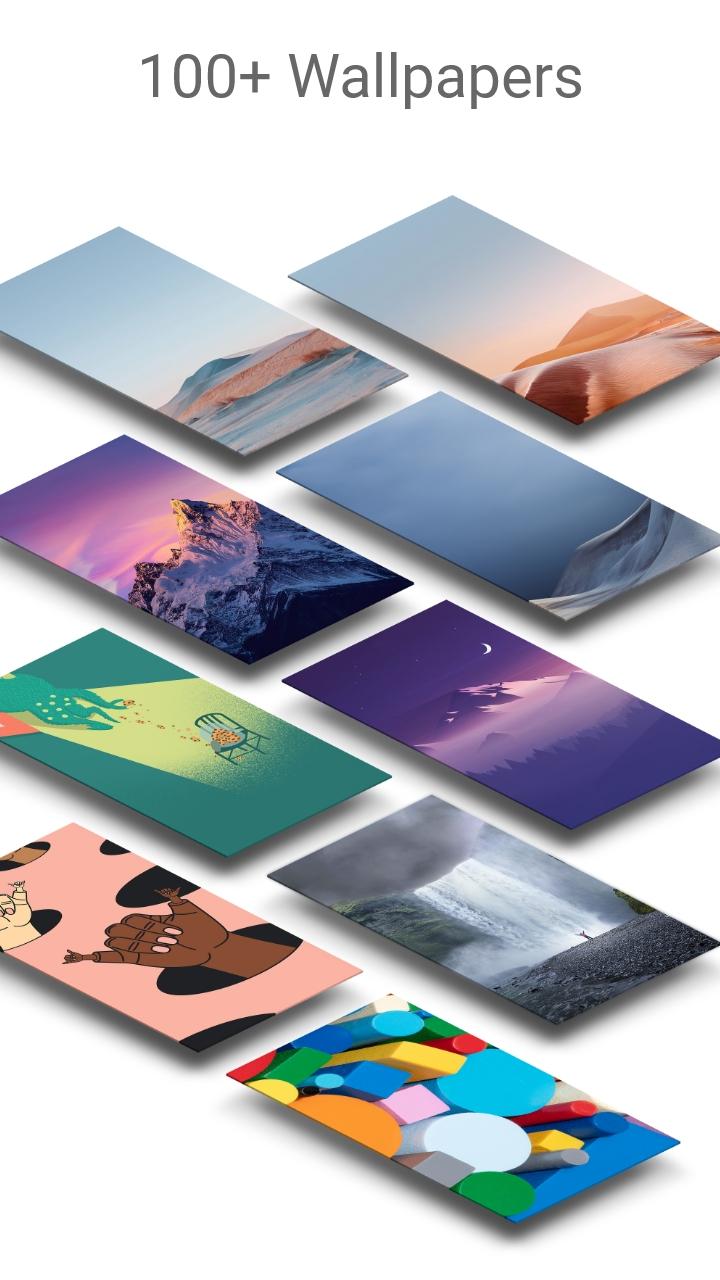
- Wallpapers
- Torch
- Mobile Data
- Air Plane Mode
- Bluetooth
- Rotation
- Hot Spot
- Auto Brightness
What's New in the Latest Version 6.2
Last updated on Jul 10, 2024
- Data sync permission removed
Content
Control Center Android 12 Style is an application designed to emulate the functionality and aesthetic of the iOS Control Center on Android devices, specifically mimicking the look and feel of the version introduced with iOS 12. This app offers a customizable panel, accessible by swiping down from the top of the screen, just like on an iPhone. This panel provides quick access to frequently used settings and controls, eliminating the need to navigate through the standard Android settings menu.
The core feature of Control Center Android 12 Style is its replica of the iOS Control Center layout. Users familiar with iOS will find the arrangement of toggles and sliders instantly recognizable. This includes controls for Wi-Fi, Bluetooth, Airplane Mode, Do Not Disturb, screen brightness, volume, and media playback. The app also includes shortcuts to commonly used functions such as the flashlight, camera, calculator, and timer.
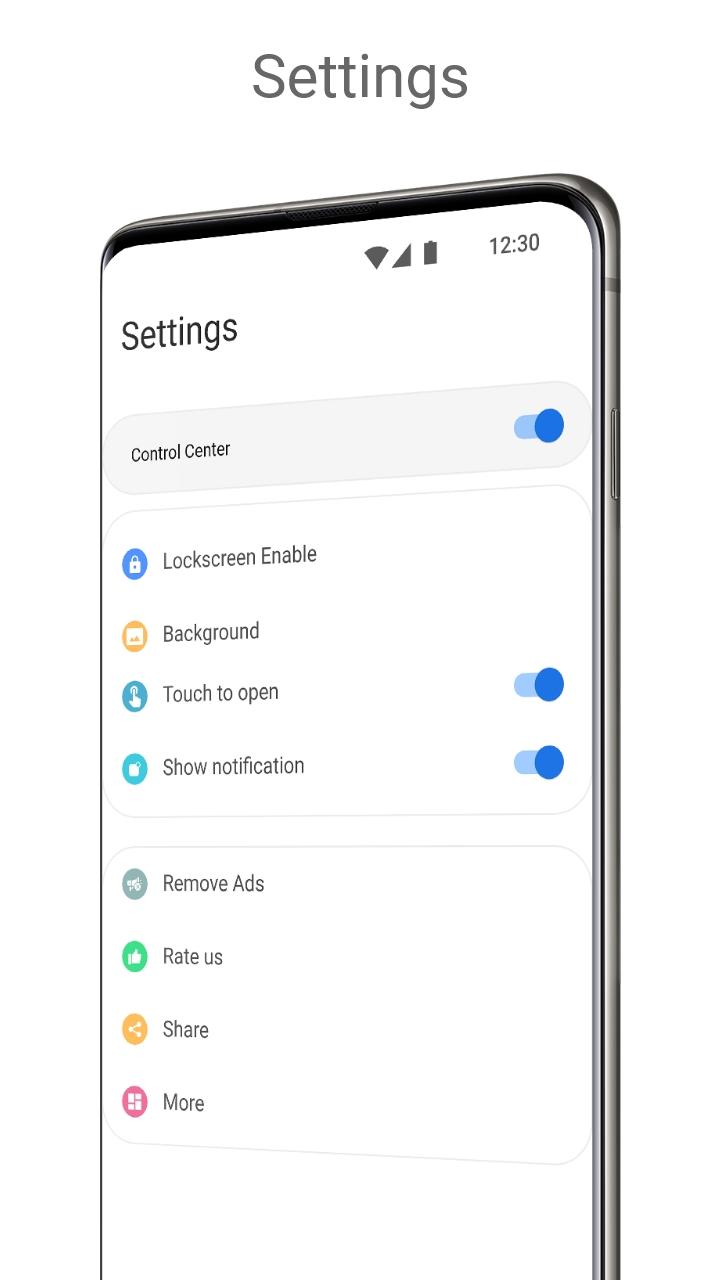
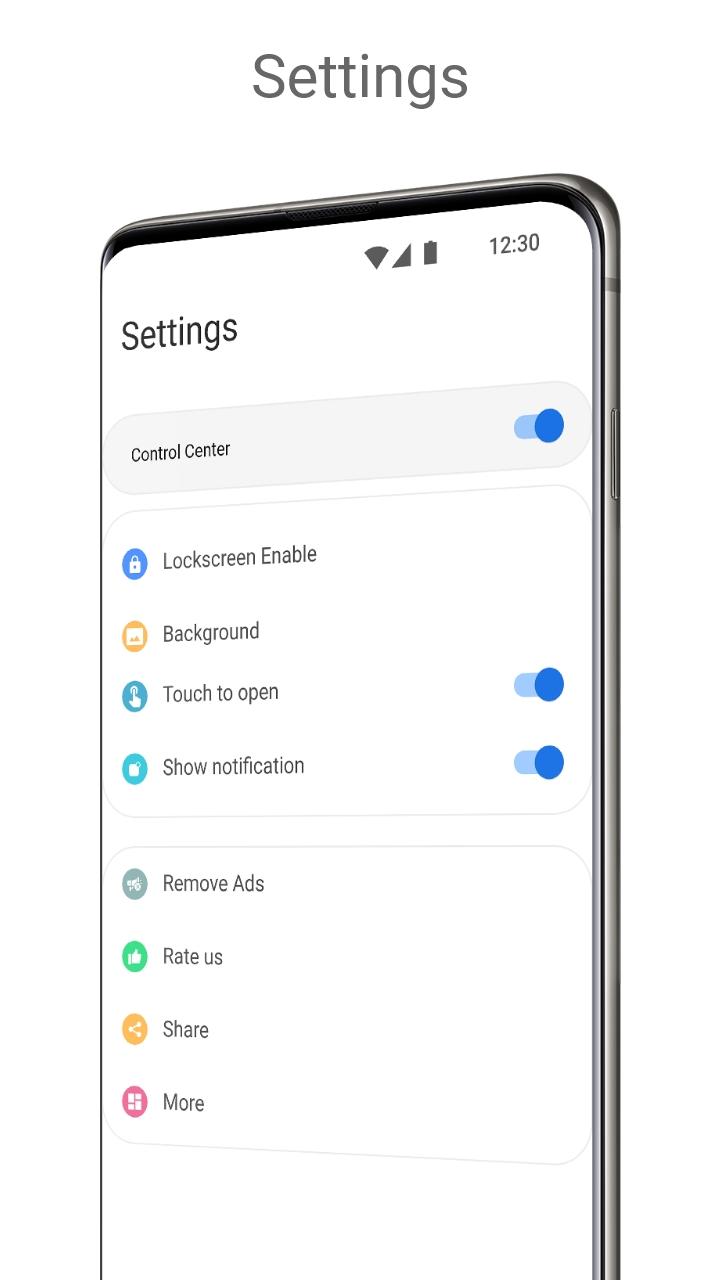
Customization is a key aspect of Control Center Android 12 Style. Users can personalize the panel by adding, removing, and rearranging the available controls. This allows for a tailored experience, prioritizing the settings and shortcuts most important to the individual user. Furthermore, the app often offers various themes and color options to match the user's aesthetic preferences and integrate seamlessly with their device's overall look.
The app typically operates by overlaying a transparent panel over the current screen, allowing for quick access to the controls without interrupting the user's workflow. The swipe-down gesture to access the Control Center can be configured to originate from specific areas of the screen, such as the top left, top right, or center, providing flexibility in how the feature is activated.
Beyond the basic controls, Control Center Android 12 Style often incorporates additional features to enhance functionality. These may include screen recording capabilities, quick access to specific apps, and integration with other system functions. Some versions of the app might also offer support for gestures, allowing users to perform actions like adjusting the volume or brightness by swiping along the edge of the screen.
One of the primary advantages of using Control Center Android 12 Style is the streamlined access it provides to essential settings. Instead of navigating through multiple menus in the Android settings app, users can quickly toggle settings and access functions directly from the Control Center panel. This can significantly improve efficiency and reduce the time spent managing device settings.
The app's resemblance to the iOS Control Center can also be appealing to users transitioning from iOS to Android or those who simply prefer the iOS design aesthetic. The familiar layout and functionality can ease the transition and provide a sense of continuity for users accustomed to the iOS ecosystem.
However, it's important to note that Control Center Android 12 Style is not an official Apple product and may not perfectly replicate every aspect of the iOS Control Center. Functionality might vary depending on the specific app and the Android version running on the device. Furthermore, as with any third-party app, users should be mindful of permissions requested and ensure the app is from a reputable source to avoid potential security risks.
Overall, Control Center Android 12 Style offers a convenient and customizable way to access essential settings and functions on Android devices. Its iOS-inspired design and streamlined functionality can enhance the user experience, particularly for those familiar with the iOS ecosystem. While it's important to manage expectations and choose a reputable app, Control Center Android 12 Style can be a valuable addition for users seeking a more efficient and personalized way to control their Android devices.
Give your mobile Control center a new look with Android 12 style
PERMISSION
• ACCESSIBILITY_SERVICE to display overlay window for lock screen also used to provide accessibility function like lock screen, take screen shot and show power menu of mobile.
• READ_NOTIFICATION read notification to show media control or notifications on lock screen.
• Bluetooth permission for earbuds and airpods, earbuds
FEEDBACK
• If you have any problems while using this application, please let us know we will check and update as soon as possible.
Control center Android 12 style is designed to give your mobile control center a new look.
Features
- WiFi Control
- Sound Settings
- Location
- Wallpapers
- Torch
- Mobile Data
- Air Plane Mode
- Bluetooth
- Rotation
- Hot Spot
- Auto Brightness
What's New in the Latest Version 6.2
Last updated on Jul 10, 2024
- Data sync permission removed
Content
Control Center Android 12 Style is an application designed to emulate the functionality and aesthetic of the iOS Control Center on Android devices, specifically mimicking the look and feel of the version introduced with iOS 12. This app offers a customizable panel, accessible by swiping down from the top of the screen, just like on an iPhone. This panel provides quick access to frequently used settings and controls, eliminating the need to navigate through the standard Android settings menu.
The core feature of Control Center Android 12 Style is its replica of the iOS Control Center layout. Users familiar with iOS will find the arrangement of toggles and sliders instantly recognizable. This includes controls for Wi-Fi, Bluetooth, Airplane Mode, Do Not Disturb, screen brightness, volume, and media playback. The app also includes shortcuts to commonly used functions such as the flashlight, camera, calculator, and timer.
Customization is a key aspect of Control Center Android 12 Style. Users can personalize the panel by adding, removing, and rearranging the available controls. This allows for a tailored experience, prioritizing the settings and shortcuts most important to the individual user. Furthermore, the app often offers various themes and color options to match the user's aesthetic preferences and integrate seamlessly with their device's overall look.
The app typically operates by overlaying a transparent panel over the current screen, allowing for quick access to the controls without interrupting the user's workflow. The swipe-down gesture to access the Control Center can be configured to originate from specific areas of the screen, such as the top left, top right, or center, providing flexibility in how the feature is activated.
Beyond the basic controls, Control Center Android 12 Style often incorporates additional features to enhance functionality. These may include screen recording capabilities, quick access to specific apps, and integration with other system functions. Some versions of the app might also offer support for gestures, allowing users to perform actions like adjusting the volume or brightness by swiping along the edge of the screen.
One of the primary advantages of using Control Center Android 12 Style is the streamlined access it provides to essential settings. Instead of navigating through multiple menus in the Android settings app, users can quickly toggle settings and access functions directly from the Control Center panel. This can significantly improve efficiency and reduce the time spent managing device settings.
The app's resemblance to the iOS Control Center can also be appealing to users transitioning from iOS to Android or those who simply prefer the iOS design aesthetic. The familiar layout and functionality can ease the transition and provide a sense of continuity for users accustomed to the iOS ecosystem.
However, it's important to note that Control Center Android 12 Style is not an official Apple product and may not perfectly replicate every aspect of the iOS Control Center. Functionality might vary depending on the specific app and the Android version running on the device. Furthermore, as with any third-party app, users should be mindful of permissions requested and ensure the app is from a reputable source to avoid potential security risks.
Overall, Control Center Android 12 Style offers a convenient and customizable way to access essential settings and functions on Android devices. Its iOS-inspired design and streamlined functionality can enhance the user experience, particularly for those familiar with the iOS ecosystem. While it's important to manage expectations and choose a reputable app, Control Center Android 12 Style can be a valuable addition for users seeking a more efficient and personalized way to control their Android devices.





