


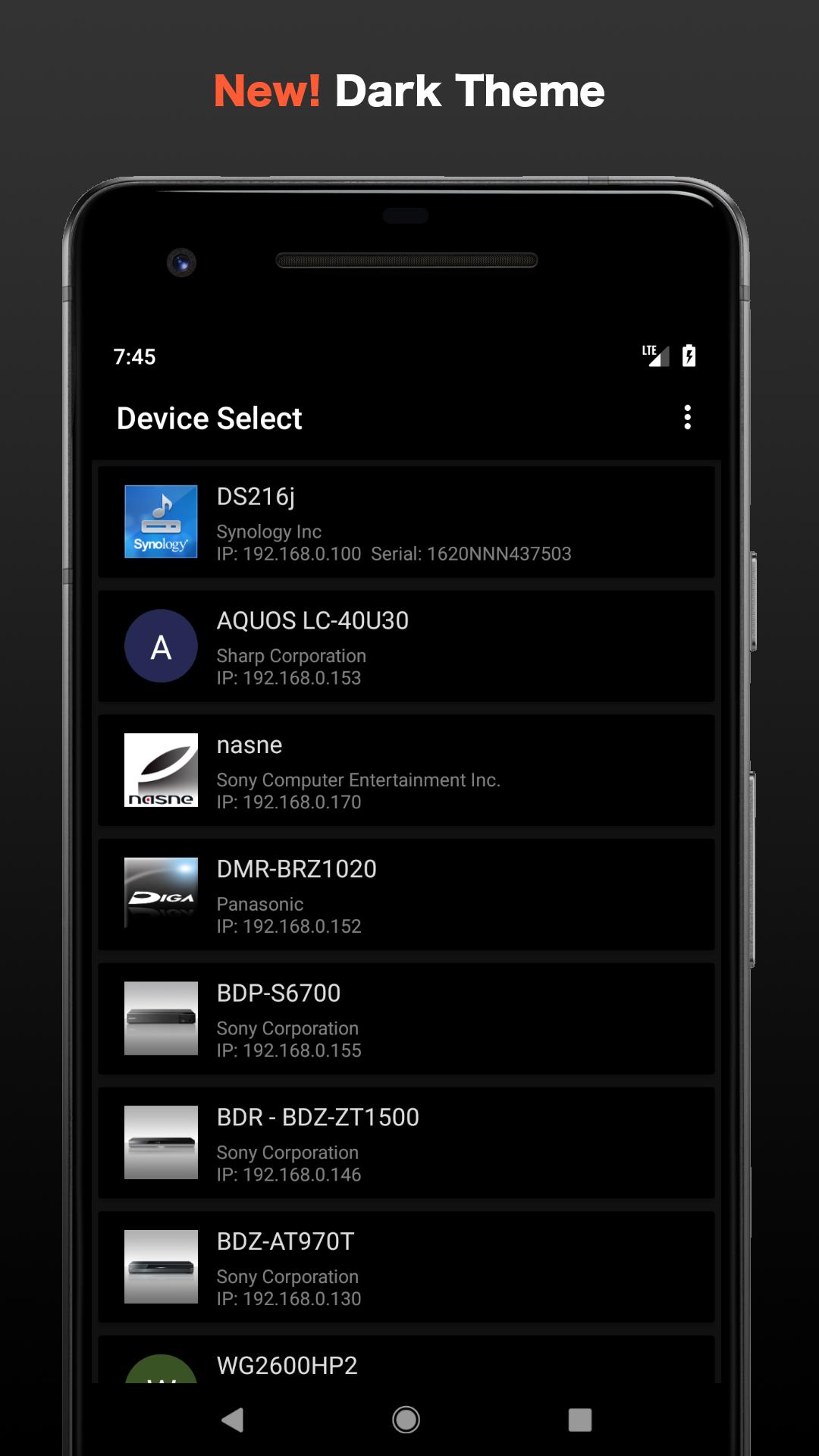
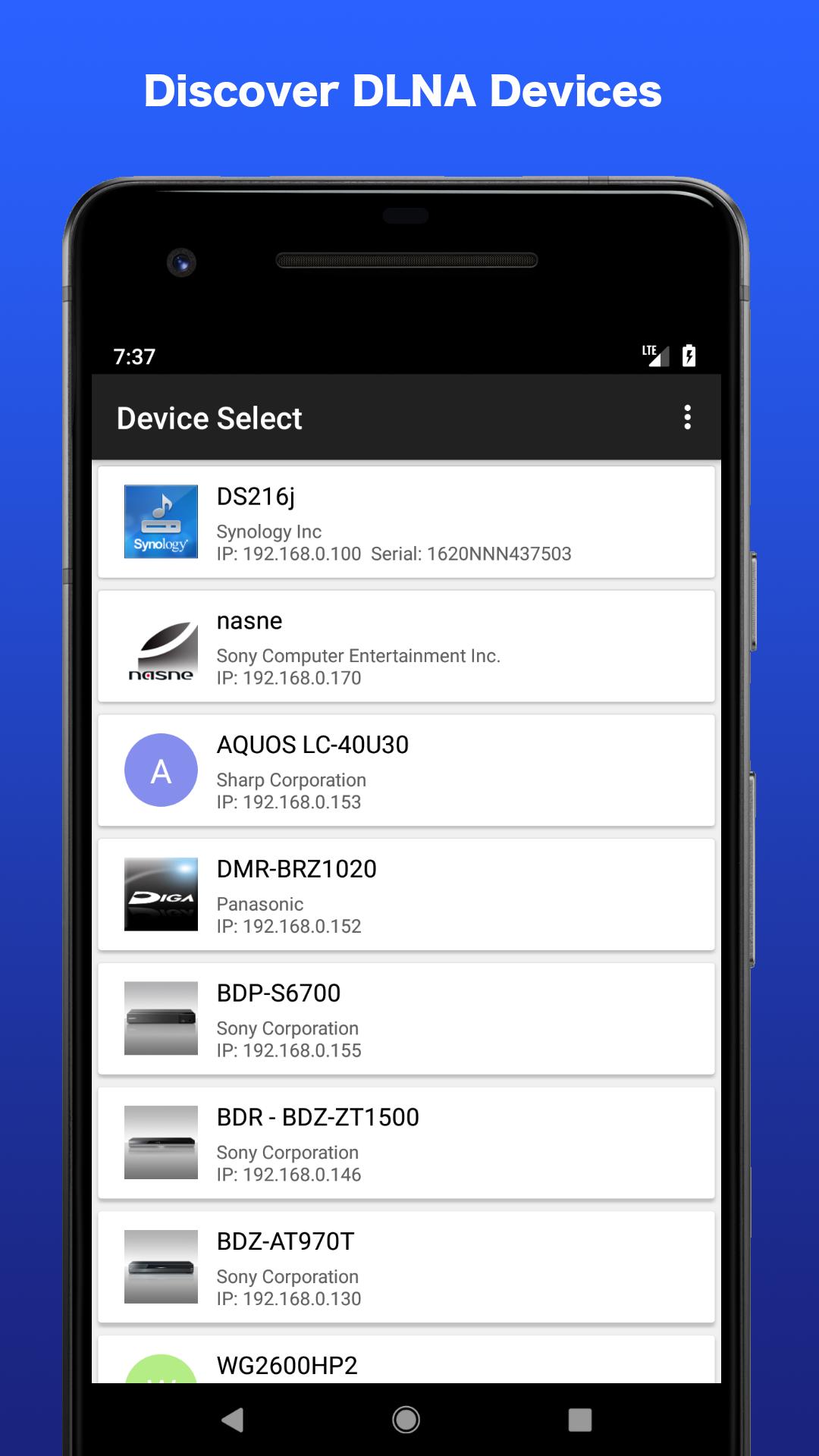

This is a kind of DLNA player.
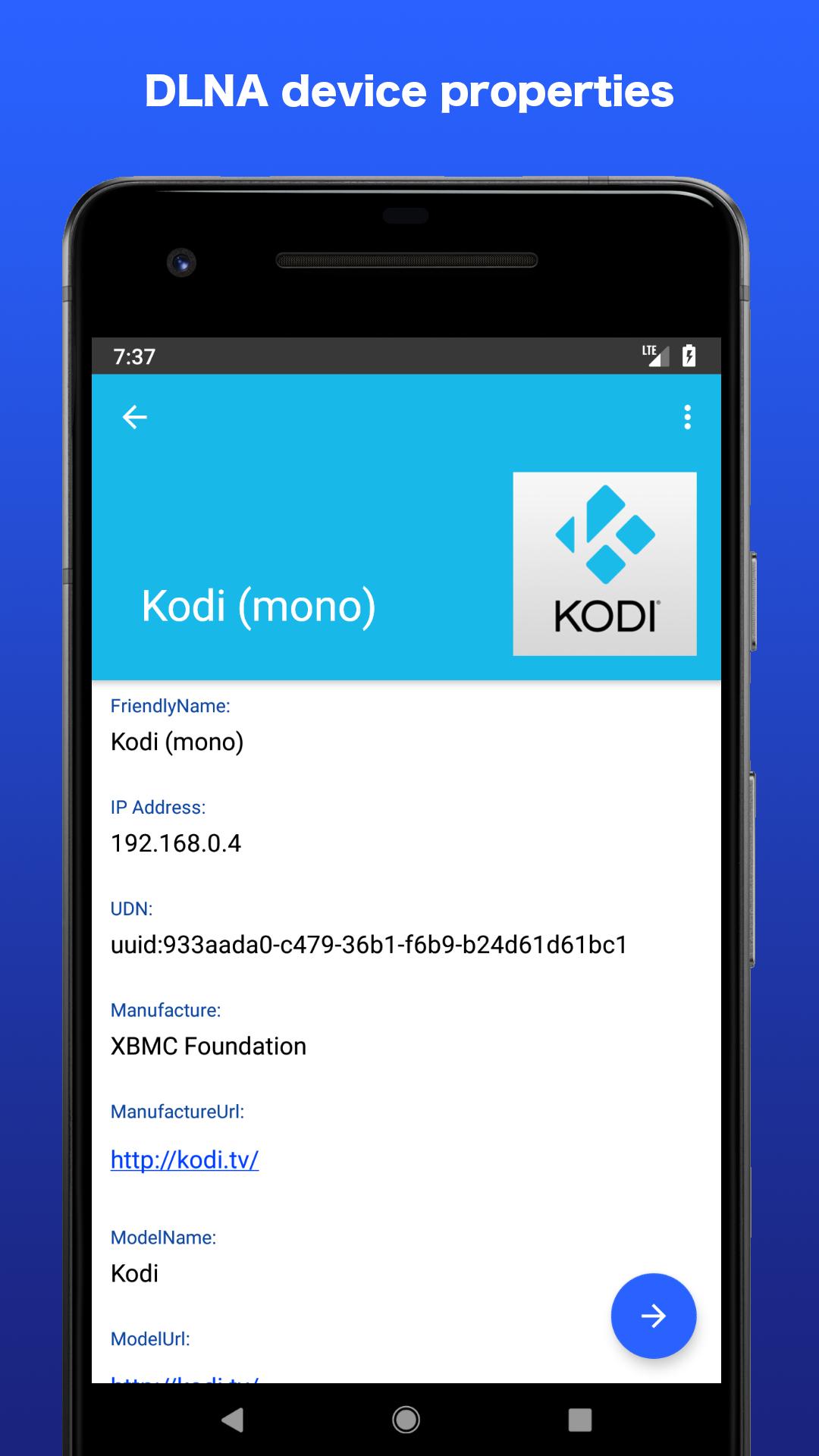
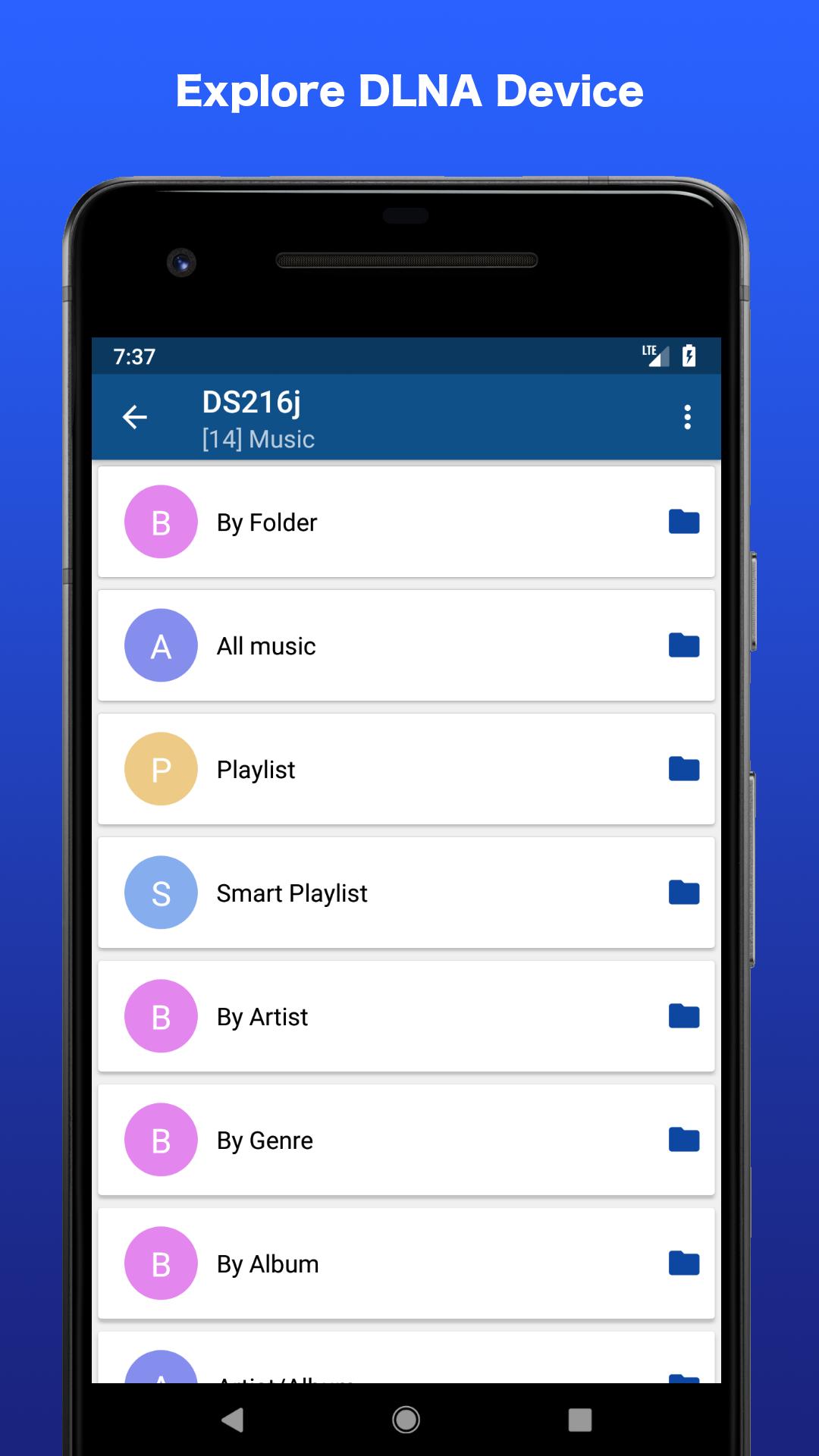
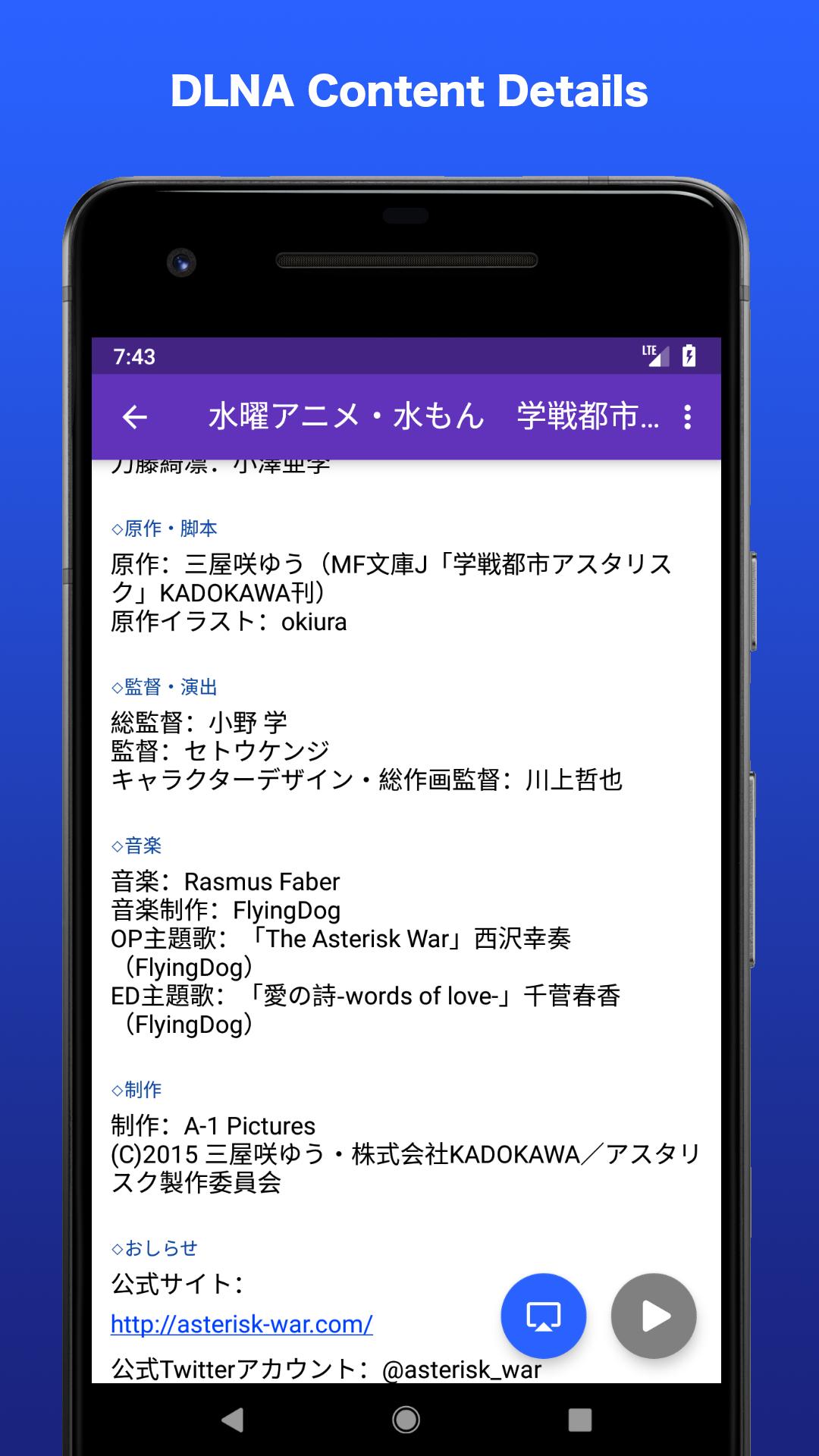
This is a DLNA player featuring displaying server and content metadata.
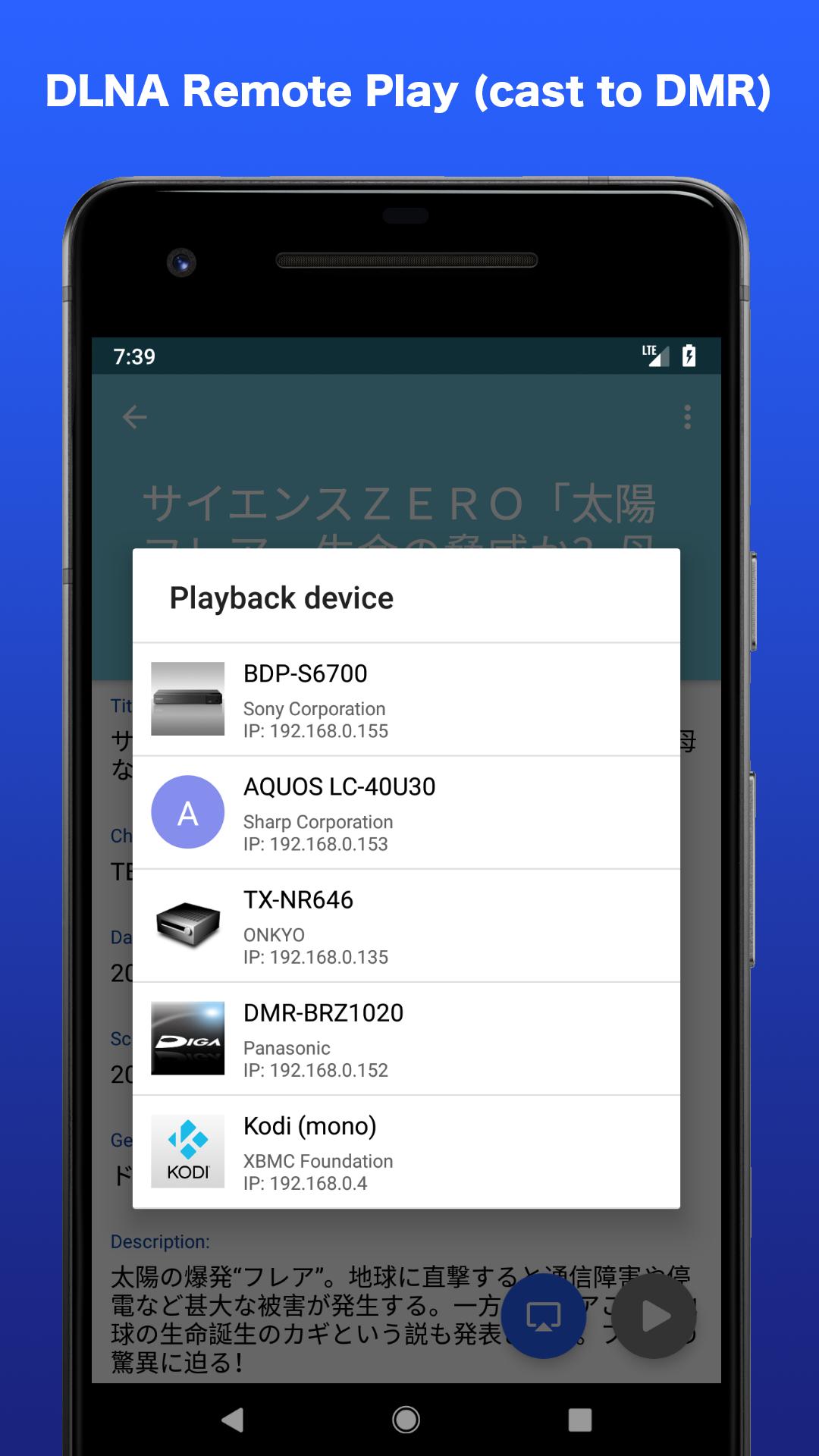
DMC function is also implemented and can be make play back to DMR.
Source code is published under the Open source license (MIT license).
This app's feature is to information display about DLNA server (DMS) and its contents.
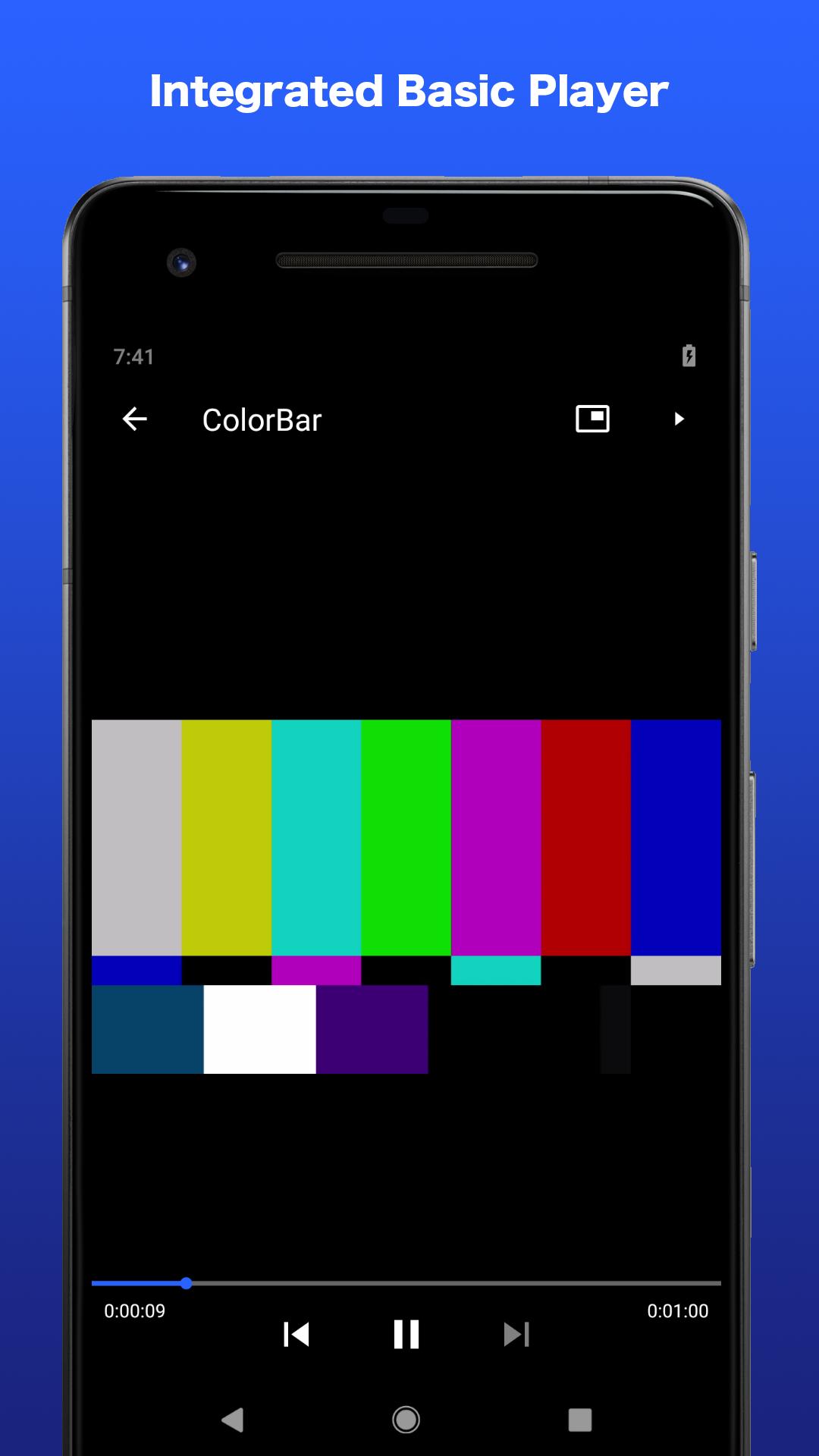
Since the playback function uses the codec of the device, which file can be played depends on the device.
For example, in the case of movies, if it is a format compliant with the Android standard such as H.264 / VP8 / VP9, it seems playable on almost all devices.
Some devices may be able to play MPEG 1 / MPEG 2 / WMV / DivX, etc.
If you can not play it, you can launch the external application in settings so please try it.
As one of the playback methods, the DMC function is implemented.
If you have a TV with DMR function on the same network, you can make DMS contents play back to DMR.
If the DMR supports it, DTCP-IP content playback is also possible.
Also, if you have a SONY recorder such as nasne, or Panasonic recorder, you can use chapter jump function.
Although it carries the minimum playback function of movies, still images and music, it features a metadata display function of server and contents rather than usability as a player.
Since information on ARIB extension tag (arib:longDescription, etc) is also displayed, detailed program information can be seen if recorder etc is compatible.
Also, if the program information contains a URL, it will automatically act as a link.
Remarks
- Although I can not guarantee to incorporate opinions, I will wait for troubleshooting reports and requests for functions etc. from time to time.
- Since 0.7.6, I have introduced Firebase SDK (Analytics, Crashlytics) for collecting crash information.
- It does not correspond to playback of copyright protected contents (DTCP-IP). And there is no plan of correspondence
- Because of development in personal hobby range, equipment is not able to procure sufficiently. It would be greatly appreciated if you have any problems, please contact me with details of the equipment and details.
- Because the chapter jump is not a standard function (it is the manufacturer's own specification function), Implementation is required for each manufacturer. Currently this only support Sony and Panasonic products owned by the author. It would be greatly appreciated if you can contact me if you have other manufacturer's information.
- The source code of this application and the UPnP library is published under the MIT license at GitHub.
DLNA Player for Android
https://github.com/ohmae/dms-explorer
Universal Plug and Play (UPnP) ControlPoint library for Java
https://github.com/ohmae/mmupnp
Abount Permissions
This app is displayed as requesting the following permission.
These are used for Wi-Fi, DLNA communication and Firebase-crash reporting. And "prevent device from sleeping" is used to continue the Wi-Fi connection during playback.
- Wi-Fi connection information
- view Wi-Fi connections
- Other
- receive data from Internet
- view network connections
- full network access
- prevent device from sleeping
Equipment investigated
DMS:
- SONY nasne
- SONY BDP-S6700
- SONY BDZ-AT 970 T
- SHARP AQUOS LC-40U30
- SHARP AN-WLTU1
- Panasonic DMR-BRZ1020
- Synology DS 216j
- Kodi (Windows)
- Universal Media Server (Windows/Linux)
DMR:
- SHARP AQUOS LC-40U30
- ONKYO TX-NR 646
- Kodi (Windows)
- SONY BDP-S6700
- Panasonic DMR-BRZ1020
For those who can cooperate in providing information
You can use the following tools (PC with Java installed is necessary) to suck out all information of the DMS. Please send this information to me. However, please be aware that it also knows what content is contained in the server or recorder.
https://github.com/ohmae/cds-extractor/releases/download/v.0.0.3/cdsextractor.jar
DMS Explorer: A Comprehensive SummaryDMS Explorer is a cutting-edge data management software solution that empowers users with robust data integration, exploration, and visualization capabilities. Designed to streamline data analysis workflows, DMS Explorer enables users to seamlessly connect to disparate data sources, perform advanced data transformations, and generate insightful visualizations to drive informed decision-making.
Data Integration
DMS Explorer's data integration capabilities are unparalleled, allowing users to connect to a wide range of data sources, including relational databases, cloud-based services, and flat files. The software supports various data formats, including CSV, JSON, XML, and Excel, ensuring seamless data ingestion and integration.
Data Exploration
Once data is integrated, DMS Explorer provides a powerful suite of tools for data exploration and analysis. Users can interactively filter, sort, and group data to identify patterns, trends, and anomalies. The software's intuitive drag-and-drop interface allows users to create custom visualizations, such as charts, graphs, and tables, to explore data from multiple perspectives.
Data Transformation
DMS Explorer empowers users with advanced data transformation capabilities, enabling them to clean, prepare, and enrich data for analysis. The software provides a range of data manipulation functions, including data cleaning, normalization, and aggregation. Users can also create custom transformations using the software's built-in scripting language.
Data Visualization
DMS Explorer's visualization capabilities are designed to transform raw data into visually appealing and informative representations. Users can create a variety of visualizations, including bar charts, line graphs, pie charts, and scatterplots. The software's interactive visualization tools allow users to drill down into data, identify outliers, and explore relationships between different variables.
Collaboration and Sharing
DMS Explorer promotes collaboration and knowledge sharing by allowing users to share their data analysis projects with colleagues. The software supports real-time collaboration, enabling multiple users to work on the same project simultaneously. Users can also publish their visualizations and reports to the web, making them accessible to a wider audience.
Security and Scalability
DMS Explorer is built on a robust and secure platform that ensures the confidentiality and integrity of data. The software employs industry-standard encryption and authentication mechanisms to protect sensitive data. DMS Explorer is also highly scalable, supporting large datasets and complex data analysis workloads.
Benefits
DMS Explorer offers a multitude of benefits for users, including:
* Increased data visibility and understanding: DMS Explorer provides a centralized platform for data integration and exploration, empowering users to gain a comprehensive understanding of their data.
* Improved decision-making: The software's advanced data analysis and visualization capabilities enable users to identify patterns, trends, and insights, leading to more informed decision-making.
* Reduced data preparation time: DMS Explorer's automated data transformation and integration features significantly reduce the time required for data preparation, freeing up valuable time for analysis.
* Enhanced collaboration and knowledge sharing: The software's collaboration and sharing capabilities facilitate knowledge transfer and promote a data-driven culture within organizations.
* Increased productivity and efficiency: DMS Explorer's intuitive interface and powerful data analysis tools streamline data analysis workflows, resulting in increased productivity and efficiency.
This is a kind of DLNA player.
This is a DLNA player featuring displaying server and content metadata.
DMC function is also implemented and can be make play back to DMR.
Source code is published under the Open source license (MIT license).
This app's feature is to information display about DLNA server (DMS) and its contents.
Since the playback function uses the codec of the device, which file can be played depends on the device.
For example, in the case of movies, if it is a format compliant with the Android standard such as H.264 / VP8 / VP9, it seems playable on almost all devices.
Some devices may be able to play MPEG 1 / MPEG 2 / WMV / DivX, etc.
If you can not play it, you can launch the external application in settings so please try it.
As one of the playback methods, the DMC function is implemented.
If you have a TV with DMR function on the same network, you can make DMS contents play back to DMR.
If the DMR supports it, DTCP-IP content playback is also possible.
Also, if you have a SONY recorder such as nasne, or Panasonic recorder, you can use chapter jump function.
Although it carries the minimum playback function of movies, still images and music, it features a metadata display function of server and contents rather than usability as a player.
Since information on ARIB extension tag (arib:longDescription, etc) is also displayed, detailed program information can be seen if recorder etc is compatible.
Also, if the program information contains a URL, it will automatically act as a link.
Remarks
- Although I can not guarantee to incorporate opinions, I will wait for troubleshooting reports and requests for functions etc. from time to time.
- Since 0.7.6, I have introduced Firebase SDK (Analytics, Crashlytics) for collecting crash information.
- It does not correspond to playback of copyright protected contents (DTCP-IP). And there is no plan of correspondence
- Because of development in personal hobby range, equipment is not able to procure sufficiently. It would be greatly appreciated if you have any problems, please contact me with details of the equipment and details.
- Because the chapter jump is not a standard function (it is the manufacturer's own specification function), Implementation is required for each manufacturer. Currently this only support Sony and Panasonic products owned by the author. It would be greatly appreciated if you can contact me if you have other manufacturer's information.
- The source code of this application and the UPnP library is published under the MIT license at GitHub.
DLNA Player for Android
https://github.com/ohmae/dms-explorer
Universal Plug and Play (UPnP) ControlPoint library for Java
https://github.com/ohmae/mmupnp
Abount Permissions
This app is displayed as requesting the following permission.
These are used for Wi-Fi, DLNA communication and Firebase-crash reporting. And "prevent device from sleeping" is used to continue the Wi-Fi connection during playback.
- Wi-Fi connection information
- view Wi-Fi connections
- Other
- receive data from Internet
- view network connections
- full network access
- prevent device from sleeping
Equipment investigated
DMS:
- SONY nasne
- SONY BDP-S6700
- SONY BDZ-AT 970 T
- SHARP AQUOS LC-40U30
- SHARP AN-WLTU1
- Panasonic DMR-BRZ1020
- Synology DS 216j
- Kodi (Windows)
- Universal Media Server (Windows/Linux)
DMR:
- SHARP AQUOS LC-40U30
- ONKYO TX-NR 646
- Kodi (Windows)
- SONY BDP-S6700
- Panasonic DMR-BRZ1020
For those who can cooperate in providing information
You can use the following tools (PC with Java installed is necessary) to suck out all information of the DMS. Please send this information to me. However, please be aware that it also knows what content is contained in the server or recorder.
https://github.com/ohmae/cds-extractor/releases/download/v.0.0.3/cdsextractor.jar
DMS Explorer: A Comprehensive SummaryDMS Explorer is a cutting-edge data management software solution that empowers users with robust data integration, exploration, and visualization capabilities. Designed to streamline data analysis workflows, DMS Explorer enables users to seamlessly connect to disparate data sources, perform advanced data transformations, and generate insightful visualizations to drive informed decision-making.
Data Integration
DMS Explorer's data integration capabilities are unparalleled, allowing users to connect to a wide range of data sources, including relational databases, cloud-based services, and flat files. The software supports various data formats, including CSV, JSON, XML, and Excel, ensuring seamless data ingestion and integration.
Data Exploration
Once data is integrated, DMS Explorer provides a powerful suite of tools for data exploration and analysis. Users can interactively filter, sort, and group data to identify patterns, trends, and anomalies. The software's intuitive drag-and-drop interface allows users to create custom visualizations, such as charts, graphs, and tables, to explore data from multiple perspectives.
Data Transformation
DMS Explorer empowers users with advanced data transformation capabilities, enabling them to clean, prepare, and enrich data for analysis. The software provides a range of data manipulation functions, including data cleaning, normalization, and aggregation. Users can also create custom transformations using the software's built-in scripting language.
Data Visualization
DMS Explorer's visualization capabilities are designed to transform raw data into visually appealing and informative representations. Users can create a variety of visualizations, including bar charts, line graphs, pie charts, and scatterplots. The software's interactive visualization tools allow users to drill down into data, identify outliers, and explore relationships between different variables.
Collaboration and Sharing
DMS Explorer promotes collaboration and knowledge sharing by allowing users to share their data analysis projects with colleagues. The software supports real-time collaboration, enabling multiple users to work on the same project simultaneously. Users can also publish their visualizations and reports to the web, making them accessible to a wider audience.
Security and Scalability
DMS Explorer is built on a robust and secure platform that ensures the confidentiality and integrity of data. The software employs industry-standard encryption and authentication mechanisms to protect sensitive data. DMS Explorer is also highly scalable, supporting large datasets and complex data analysis workloads.
Benefits
DMS Explorer offers a multitude of benefits for users, including:
* Increased data visibility and understanding: DMS Explorer provides a centralized platform for data integration and exploration, empowering users to gain a comprehensive understanding of their data.
* Improved decision-making: The software's advanced data analysis and visualization capabilities enable users to identify patterns, trends, and insights, leading to more informed decision-making.
* Reduced data preparation time: DMS Explorer's automated data transformation and integration features significantly reduce the time required for data preparation, freeing up valuable time for analysis.
* Enhanced collaboration and knowledge sharing: The software's collaboration and sharing capabilities facilitate knowledge transfer and promote a data-driven culture within organizations.
* Increased productivity and efficiency: DMS Explorer's intuitive interface and powerful data analysis tools streamline data analysis workflows, resulting in increased productivity and efficiency.





