

Animated planet Earth with live weather and satellite data
Earth Viewer
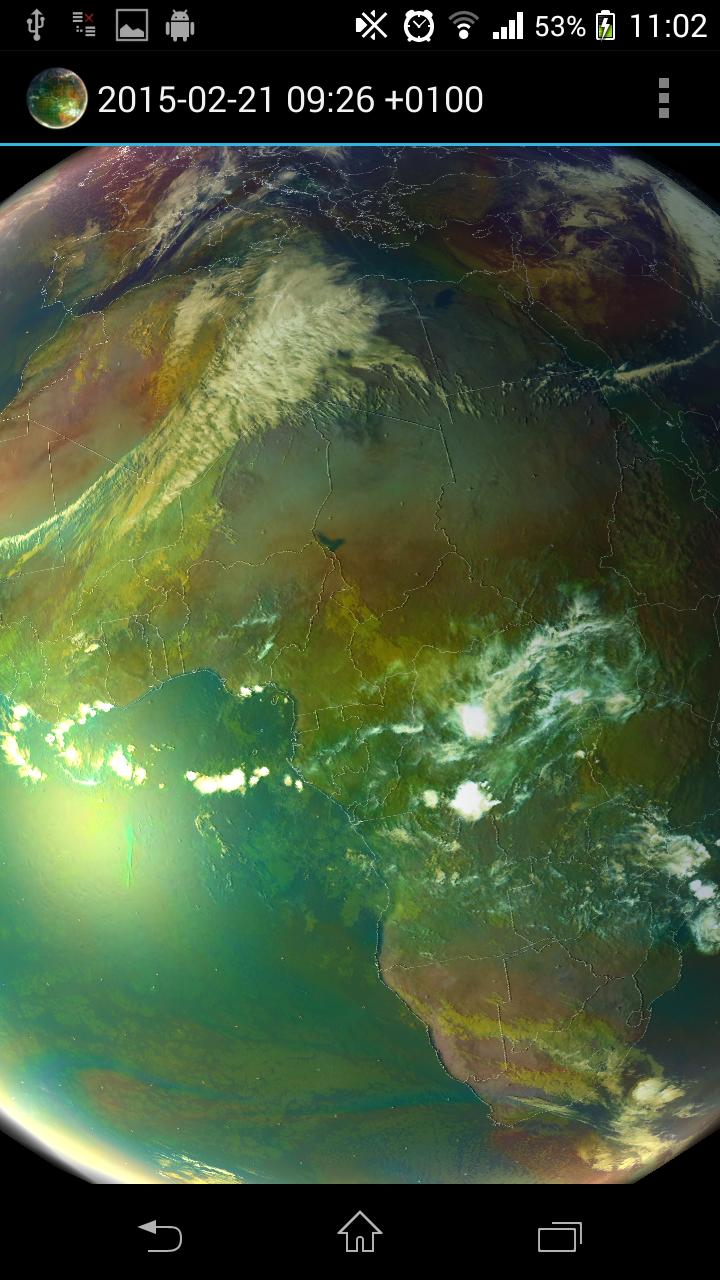
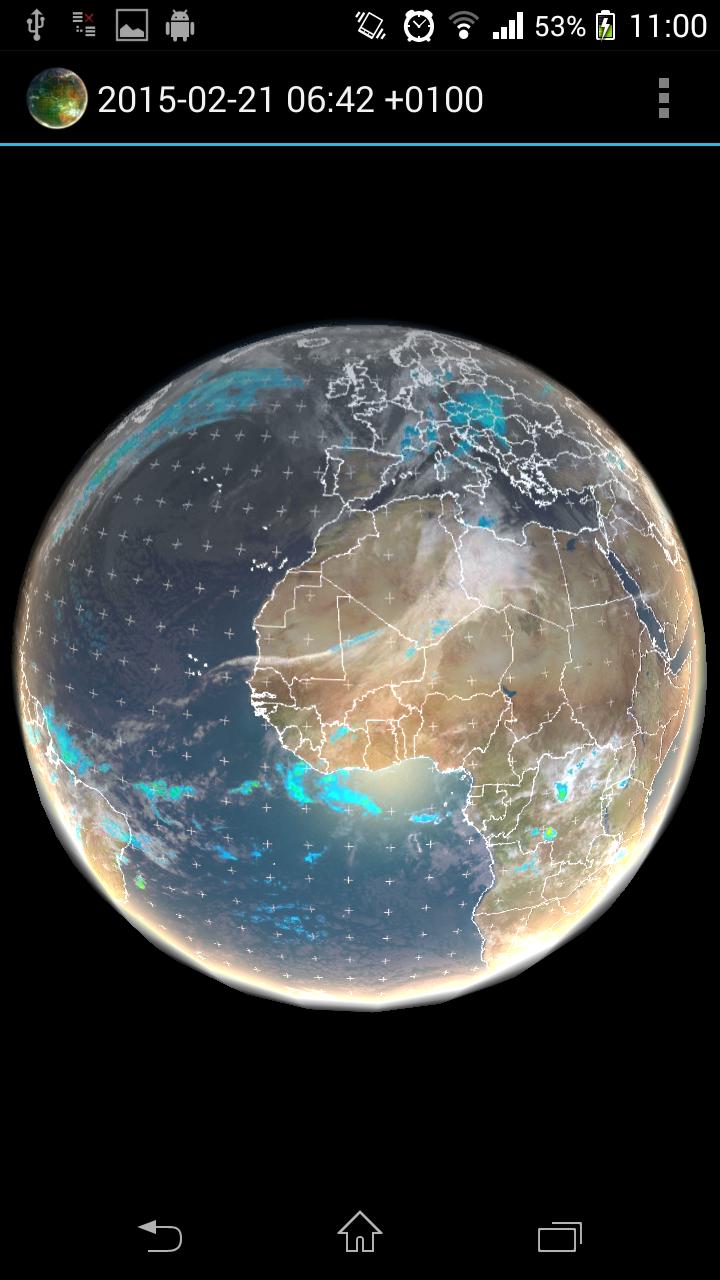
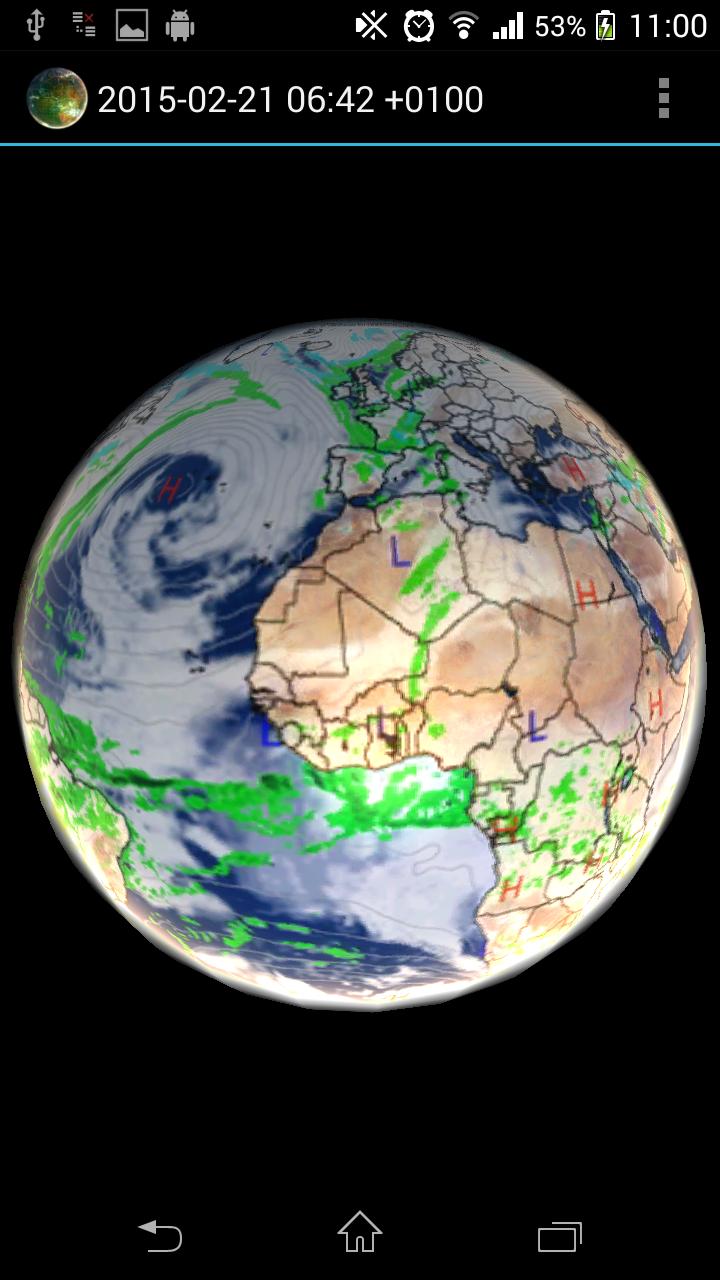
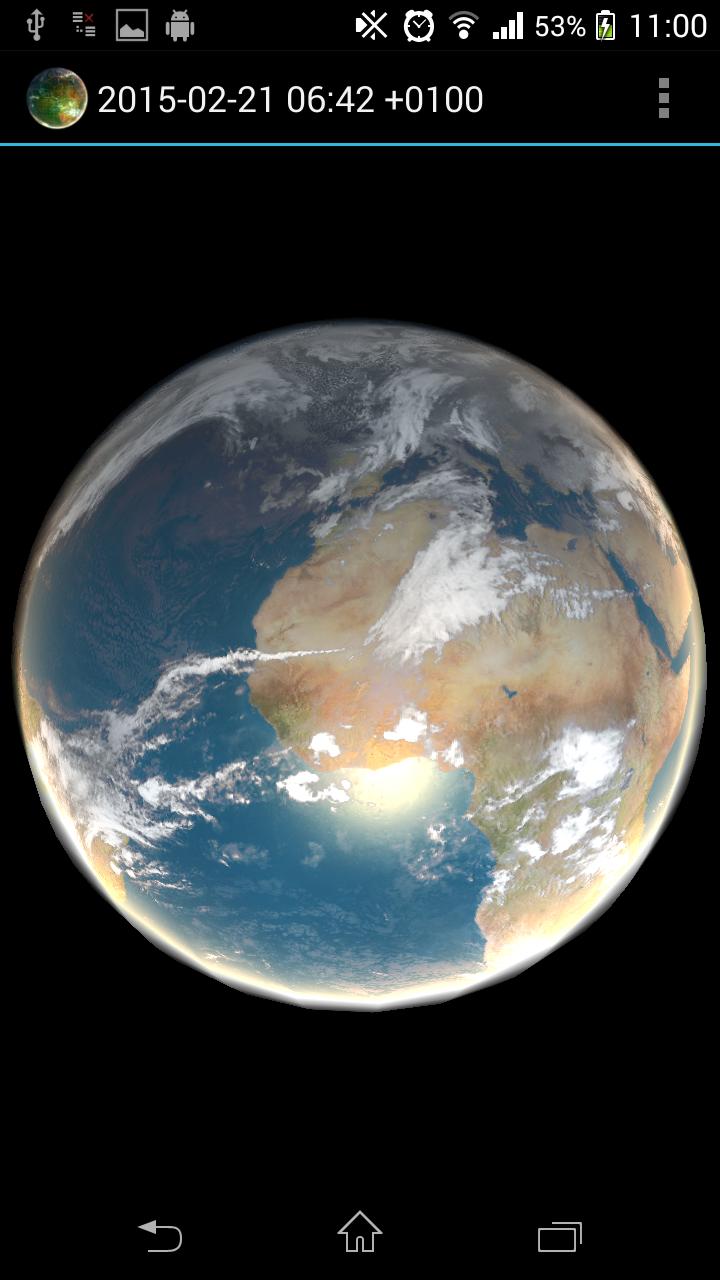
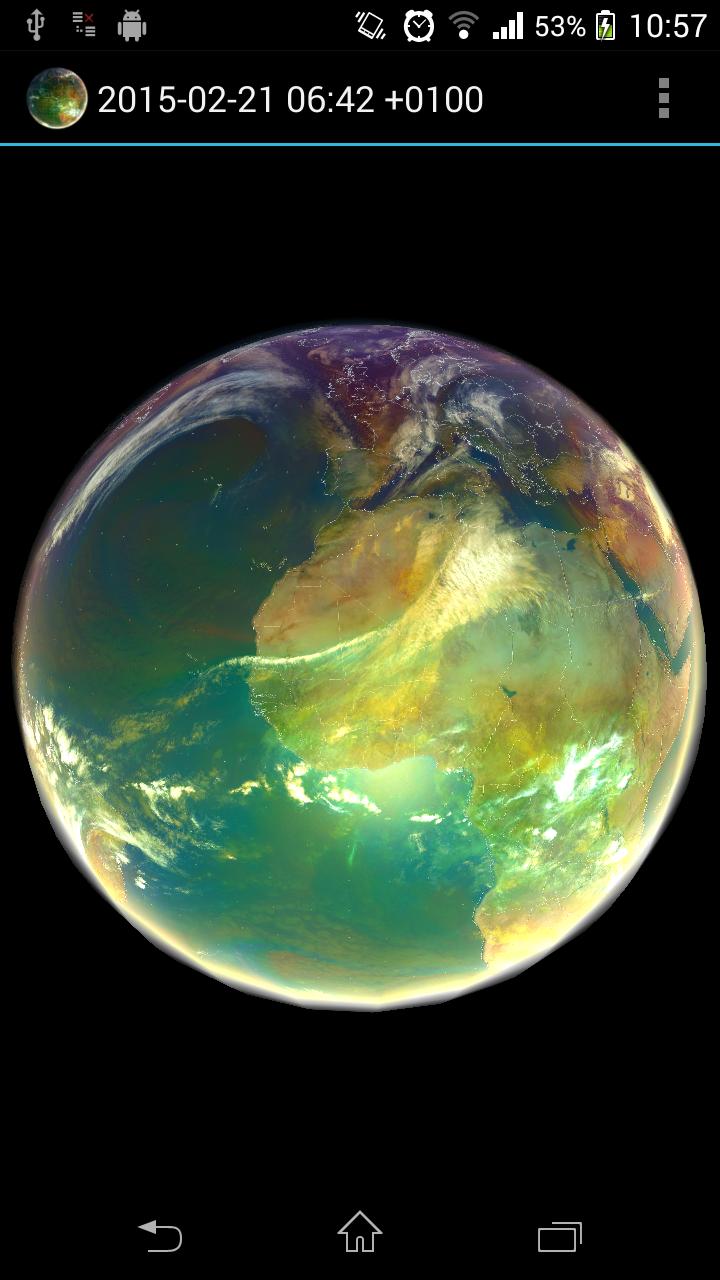
Animated planet Earth with live weather, satellite data, global forecast and historical data. Application visualizes also data-sets useful for Global warming monitoring.
How to use: Tap the 3 dots at the upper right hand corner (settings), and select a satellite view, it will then download for a few moments, (need internet access, be patient) then tap the play/pause and see the weather in motion
Open source: https://github.com/H21lab/Earth-Viewer
Imagery included:
Climate Reanalyzer weather forecast
- World GFS Precipitation and Clouds (+48h)
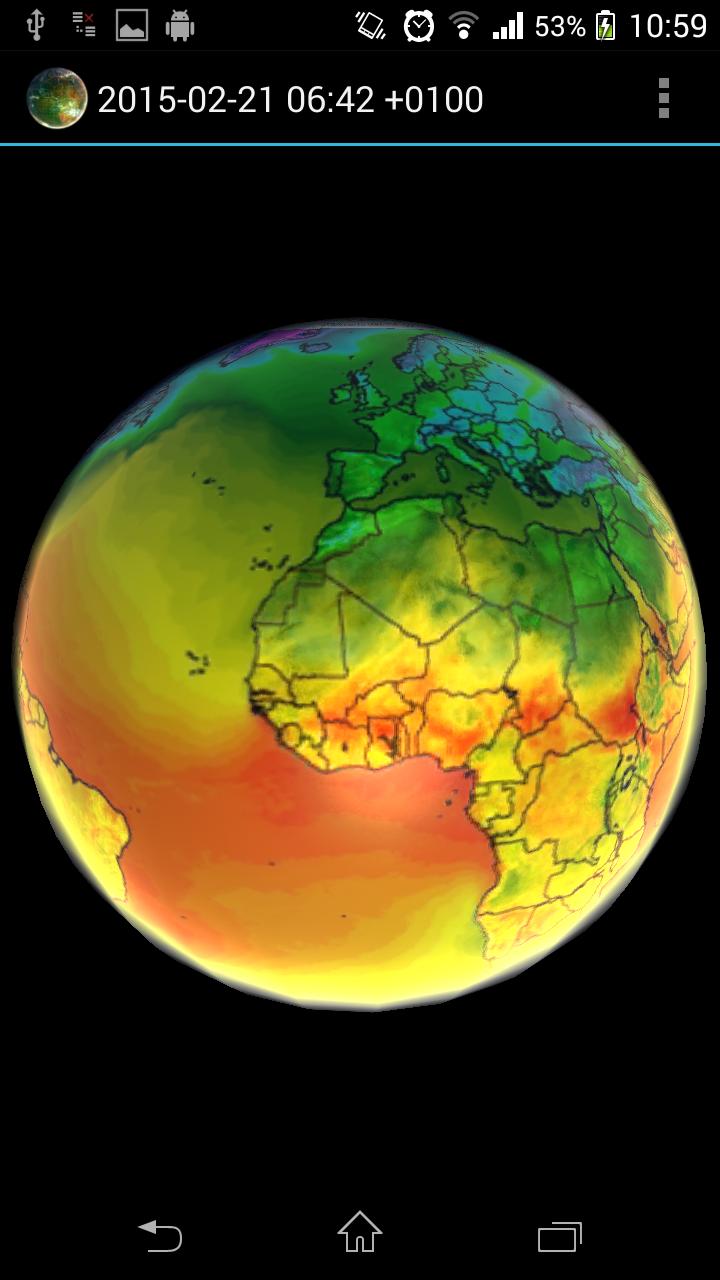
- World GFS Air Temperature (+48h)
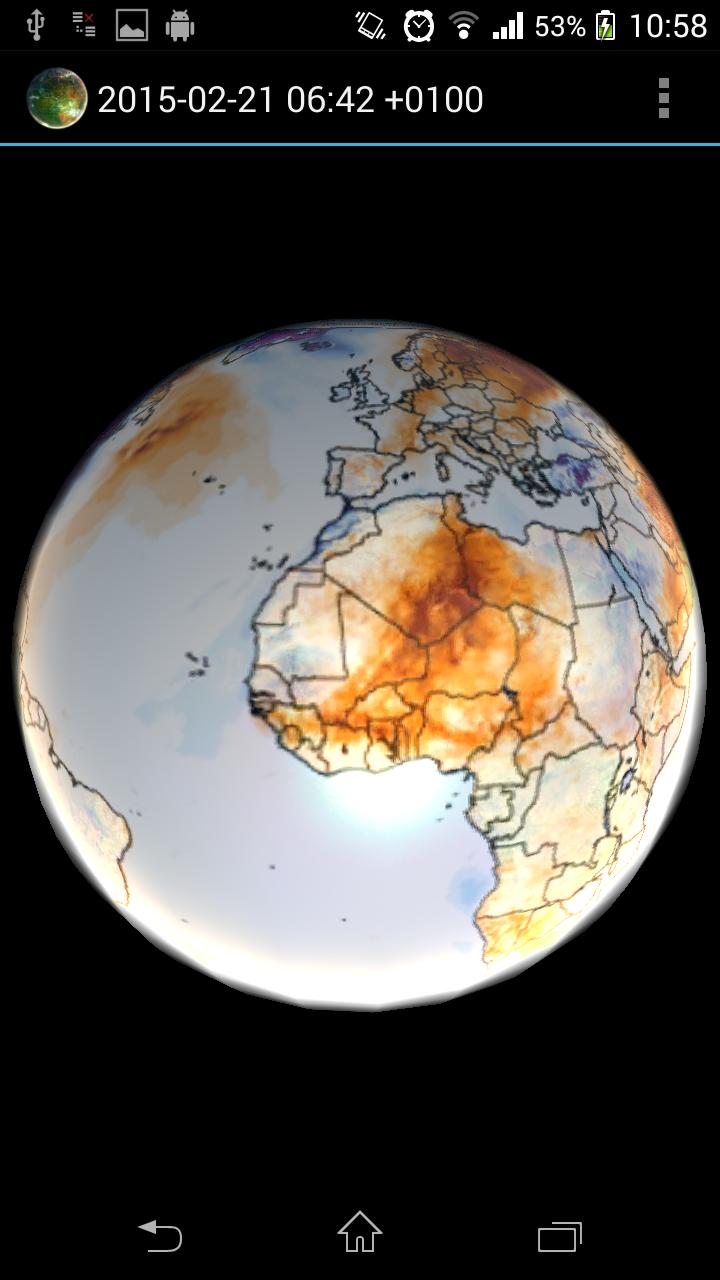
- World GFS Air Temperature Anomaly (+48h)
- World GFS Precipitable Water (+48h)
- World GFS Surface Wind Speed (+48h)
- World GFS Jetstream Wind Speed (+48h)
Climate Reanalyzer historical data / Global warming monitoring:
- CCI Temperature Anomaly CFSv2 2m (past 1 year)
METEOSAT 0 degree satellite
- Airmass realtime imagery (-24h, generated every 1h)
- Airmass realtime imagery full resolution (-6h, generated every 1h)
- IR 10.8 (-24h, generated every 1h)
METEOSAT IODC satellite
- IR 10.8 (-24h, generated every 3h)
SSEC
- Infrared low res global composite (-1w, generated every 3h)
- Water vapor low res global composite (-1w, generated every 3h)
NOAA
- Aurora 30 Minute Forecast Northern Hemisphere (-24h)
- Aurora 30 Minute Forecast Southern Hemisphere (-24h)
Application features:
- Interpolation between images
- Imagery selection from menu
- Live Sun light
- Bump mapping
- Data cache for offline use
- Double tap will stop/play animation
Copyright and credit
CCI data has been obtained using Climate Reanalyzer (http://cci-reanalyzer.org), Climate Change Institute, University of Maine, USA.
NRL DATA has been obtained using United States Naval Research Laboratory, Marine Meteorology Division (http://www.nrlmry.navy.mil)
All METEOSAT images shown in the application are subject to EUMETSAT copyright.
For all NASA GOES images credit to NOAA-NASA GOES Project.
For all MTSAT images credit to Japan Meteorological Agency.
For all SSEC images provided courtesy of University of Wisconsin-Madison Space Science and Engineering Center.
Limitations
On some devices application will not launch and crash report is seen. This is caused in most cases by low graphical card capabilities or low amount of memory of the target device. Application use OpenGL ES 2.0 and extensive pixel shader with multitexturing.
Application is distributed as local image viewer which is accessing public available content from internet on behalf of user. Data are internally cached and only delta is downloaded. There is no guarantee for the availability of the downloaded data and the application also works without internet connectivity.
Program is distributed in the hope that it will be useful, but WITHOUT ANY WARRANTY.
Earth ViewerIntroduction
Earth Viewer is an immersive and comprehensive virtual globe that allows users to explore the planet Earth in stunning detail. With a vast array of features and data sources, it provides an unparalleled platform for geographical exploration, education, and research.
Features
* 3D Globe: A high-resolution 3D model of Earth, rendered with realistic textures and topography. Users can zoom in and out, rotate the globe, and explore every corner of the planet.
* Satellite Imagery: Detailed satellite imagery from multiple sources, providing a real-time view of Earth's surface. Users can toggle between different resolutions and spectral bands to study specific features or regions.
* Terrain Data: Accurate terrain data that allows users to visualize mountains, valleys, and other landforms in 3D. Elevation profiles and slope maps provide detailed information about the terrain.
* Vector Data: A comprehensive collection of vector data layers, including political boundaries, roads, cities, and natural features. Users can overlay these layers on the globe to enhance their understanding of geographical relationships.
* Time-Lapse Data: Time-lapse imagery and animations that show changes on Earth's surface over time. Users can visualize the growth of cities, the retreat of glaciers, and other dynamic processes.
* Measurement Tools: Built-in measurement tools that allow users to measure distances, areas, and volumes on the globe. This feature is useful for planning trips, estimating distances, and analyzing geographical data.
* Search and Navigation: A powerful search engine and navigation tools that make it easy to find and explore specific locations, features, and data layers. Users can search by address, place name, or coordinates.
* Customization: Users can customize the Earth Viewer interface by adding their own data layers, annotations, and visualizations. This feature allows for tailored exploration and analysis based on specific interests or research needs.
Applications
Earth Viewer has a wide range of applications, including:
* Education: A valuable tool for teaching geography, environmental science, and other Earth-related subjects. Students can explore the planet, visualize data, and learn about different regions and ecosystems.
* Research: Scientists and researchers use Earth Viewer to analyze geographical data, identify patterns, and develop models. The platform's time-lapse capabilities and measurement tools are particularly useful for studying changes over time.
* Planning and Decision-Making: Government agencies, businesses, and non-profit organizations use Earth Viewer to support decision-making processes related to land use, transportation, and environmental conservation.
* Exploration and Adventure: Enthusiasts and travelers can use Earth Viewer to plan trips, explore new destinations, and gain a deeper understanding of the planet's geography.
Data Sources
Earth Viewer integrates data from a variety of sources, including:
* NASA: Satellite imagery, terrain data, and time-lapse animations from NASA's Earth Observing System.
* USGS: Topographic maps, geological data, and other geospatial information from the United States Geological Survey.
* NOAA: Weather data, oceanographic data, and climate information from the National Oceanic and Atmospheric Administration.
* OpenStreetMap: Open-source vector data contributed by a global community of mappers.
* Additional Sources: Data from universities, research institutions, and commercial providers, covering a wide range of topics such as population, infrastructure, and natural resources.
Conclusion
Earth Viewer is a powerful and versatile tool that empowers users to explore the planet Earth in unprecedented detail. With its comprehensive features, diverse data sources, and user-friendly interface, it is an essential resource for education, research, planning, exploration, and countless other applications.
Animated planet Earth with live weather and satellite data
Earth Viewer
Animated planet Earth with live weather, satellite data, global forecast and historical data. Application visualizes also data-sets useful for Global warming monitoring.
How to use: Tap the 3 dots at the upper right hand corner (settings), and select a satellite view, it will then download for a few moments, (need internet access, be patient) then tap the play/pause and see the weather in motion
Open source: https://github.com/H21lab/Earth-Viewer
Imagery included:
Climate Reanalyzer weather forecast
- World GFS Precipitation and Clouds (+48h)
- World GFS Air Temperature (+48h)
- World GFS Air Temperature Anomaly (+48h)
- World GFS Precipitable Water (+48h)
- World GFS Surface Wind Speed (+48h)
- World GFS Jetstream Wind Speed (+48h)
Climate Reanalyzer historical data / Global warming monitoring:
- CCI Temperature Anomaly CFSv2 2m (past 1 year)
METEOSAT 0 degree satellite
- Airmass realtime imagery (-24h, generated every 1h)
- Airmass realtime imagery full resolution (-6h, generated every 1h)
- IR 10.8 (-24h, generated every 1h)
METEOSAT IODC satellite
- IR 10.8 (-24h, generated every 3h)
SSEC
- Infrared low res global composite (-1w, generated every 3h)
- Water vapor low res global composite (-1w, generated every 3h)
NOAA
- Aurora 30 Minute Forecast Northern Hemisphere (-24h)
- Aurora 30 Minute Forecast Southern Hemisphere (-24h)
Application features:
- Interpolation between images
- Imagery selection from menu
- Live Sun light
- Bump mapping
- Data cache for offline use
- Double tap will stop/play animation
Copyright and credit
CCI data has been obtained using Climate Reanalyzer (http://cci-reanalyzer.org), Climate Change Institute, University of Maine, USA.
NRL DATA has been obtained using United States Naval Research Laboratory, Marine Meteorology Division (http://www.nrlmry.navy.mil)
All METEOSAT images shown in the application are subject to EUMETSAT copyright.
For all NASA GOES images credit to NOAA-NASA GOES Project.
For all MTSAT images credit to Japan Meteorological Agency.
For all SSEC images provided courtesy of University of Wisconsin-Madison Space Science and Engineering Center.
Limitations
On some devices application will not launch and crash report is seen. This is caused in most cases by low graphical card capabilities or low amount of memory of the target device. Application use OpenGL ES 2.0 and extensive pixel shader with multitexturing.
Application is distributed as local image viewer which is accessing public available content from internet on behalf of user. Data are internally cached and only delta is downloaded. There is no guarantee for the availability of the downloaded data and the application also works without internet connectivity.
Program is distributed in the hope that it will be useful, but WITHOUT ANY WARRANTY.
Earth ViewerIntroduction
Earth Viewer is an immersive and comprehensive virtual globe that allows users to explore the planet Earth in stunning detail. With a vast array of features and data sources, it provides an unparalleled platform for geographical exploration, education, and research.
Features
* 3D Globe: A high-resolution 3D model of Earth, rendered with realistic textures and topography. Users can zoom in and out, rotate the globe, and explore every corner of the planet.
* Satellite Imagery: Detailed satellite imagery from multiple sources, providing a real-time view of Earth's surface. Users can toggle between different resolutions and spectral bands to study specific features or regions.
* Terrain Data: Accurate terrain data that allows users to visualize mountains, valleys, and other landforms in 3D. Elevation profiles and slope maps provide detailed information about the terrain.
* Vector Data: A comprehensive collection of vector data layers, including political boundaries, roads, cities, and natural features. Users can overlay these layers on the globe to enhance their understanding of geographical relationships.
* Time-Lapse Data: Time-lapse imagery and animations that show changes on Earth's surface over time. Users can visualize the growth of cities, the retreat of glaciers, and other dynamic processes.
* Measurement Tools: Built-in measurement tools that allow users to measure distances, areas, and volumes on the globe. This feature is useful for planning trips, estimating distances, and analyzing geographical data.
* Search and Navigation: A powerful search engine and navigation tools that make it easy to find and explore specific locations, features, and data layers. Users can search by address, place name, or coordinates.
* Customization: Users can customize the Earth Viewer interface by adding their own data layers, annotations, and visualizations. This feature allows for tailored exploration and analysis based on specific interests or research needs.
Applications
Earth Viewer has a wide range of applications, including:
* Education: A valuable tool for teaching geography, environmental science, and other Earth-related subjects. Students can explore the planet, visualize data, and learn about different regions and ecosystems.
* Research: Scientists and researchers use Earth Viewer to analyze geographical data, identify patterns, and develop models. The platform's time-lapse capabilities and measurement tools are particularly useful for studying changes over time.
* Planning and Decision-Making: Government agencies, businesses, and non-profit organizations use Earth Viewer to support decision-making processes related to land use, transportation, and environmental conservation.
* Exploration and Adventure: Enthusiasts and travelers can use Earth Viewer to plan trips, explore new destinations, and gain a deeper understanding of the planet's geography.
Data Sources
Earth Viewer integrates data from a variety of sources, including:
* NASA: Satellite imagery, terrain data, and time-lapse animations from NASA's Earth Observing System.
* USGS: Topographic maps, geological data, and other geospatial information from the United States Geological Survey.
* NOAA: Weather data, oceanographic data, and climate information from the National Oceanic and Atmospheric Administration.
* OpenStreetMap: Open-source vector data contributed by a global community of mappers.
* Additional Sources: Data from universities, research institutions, and commercial providers, covering a wide range of topics such as population, infrastructure, and natural resources.
Conclusion
Earth Viewer is a powerful and versatile tool that empowers users to explore the planet Earth in unprecedented detail. With its comprehensive features, diverse data sources, and user-friendly interface, it is an essential resource for education, research, planning, exploration, and countless other applications.





