

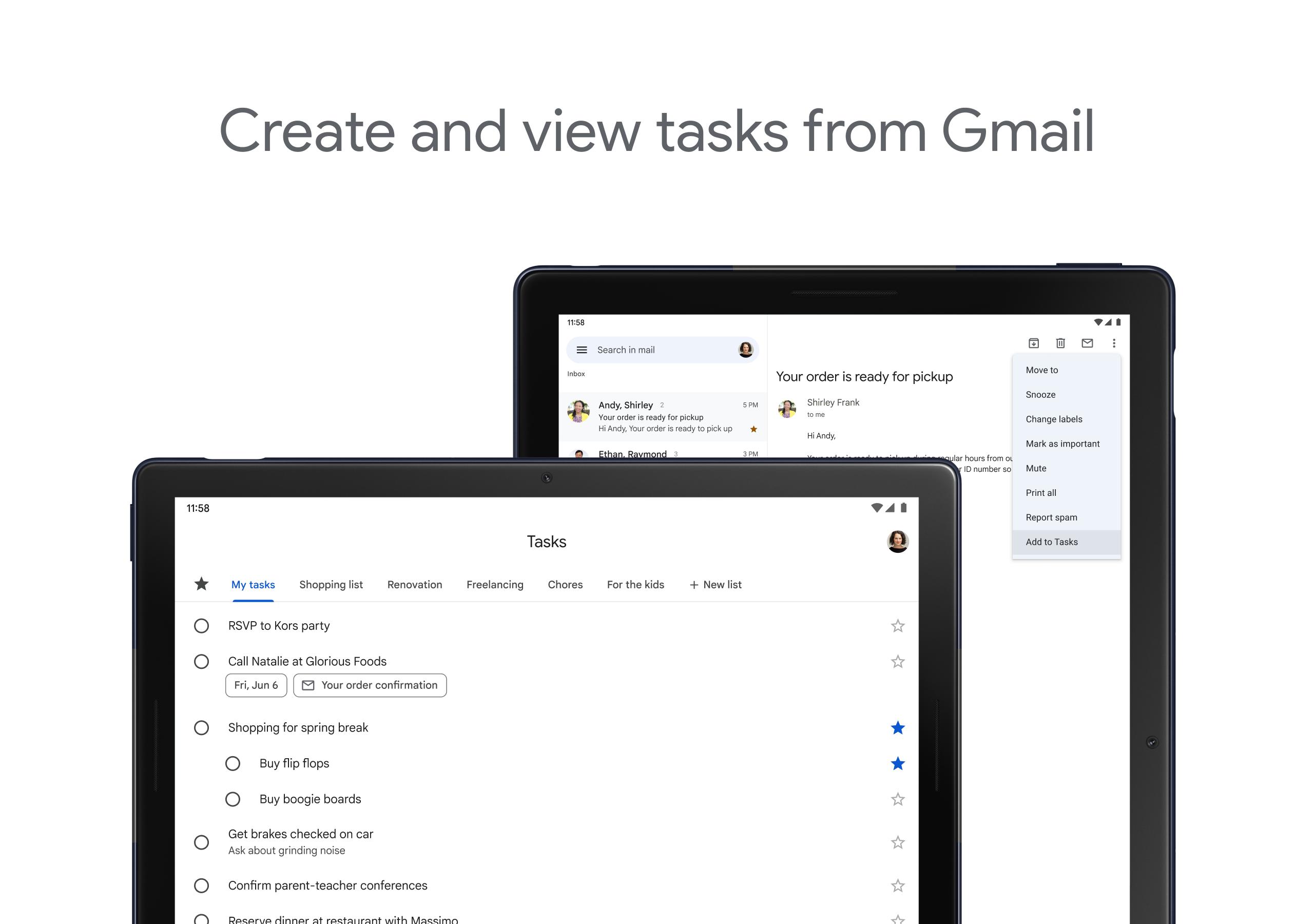
Simply create any task or subtask. Integrated with Gmail for easy collaboration
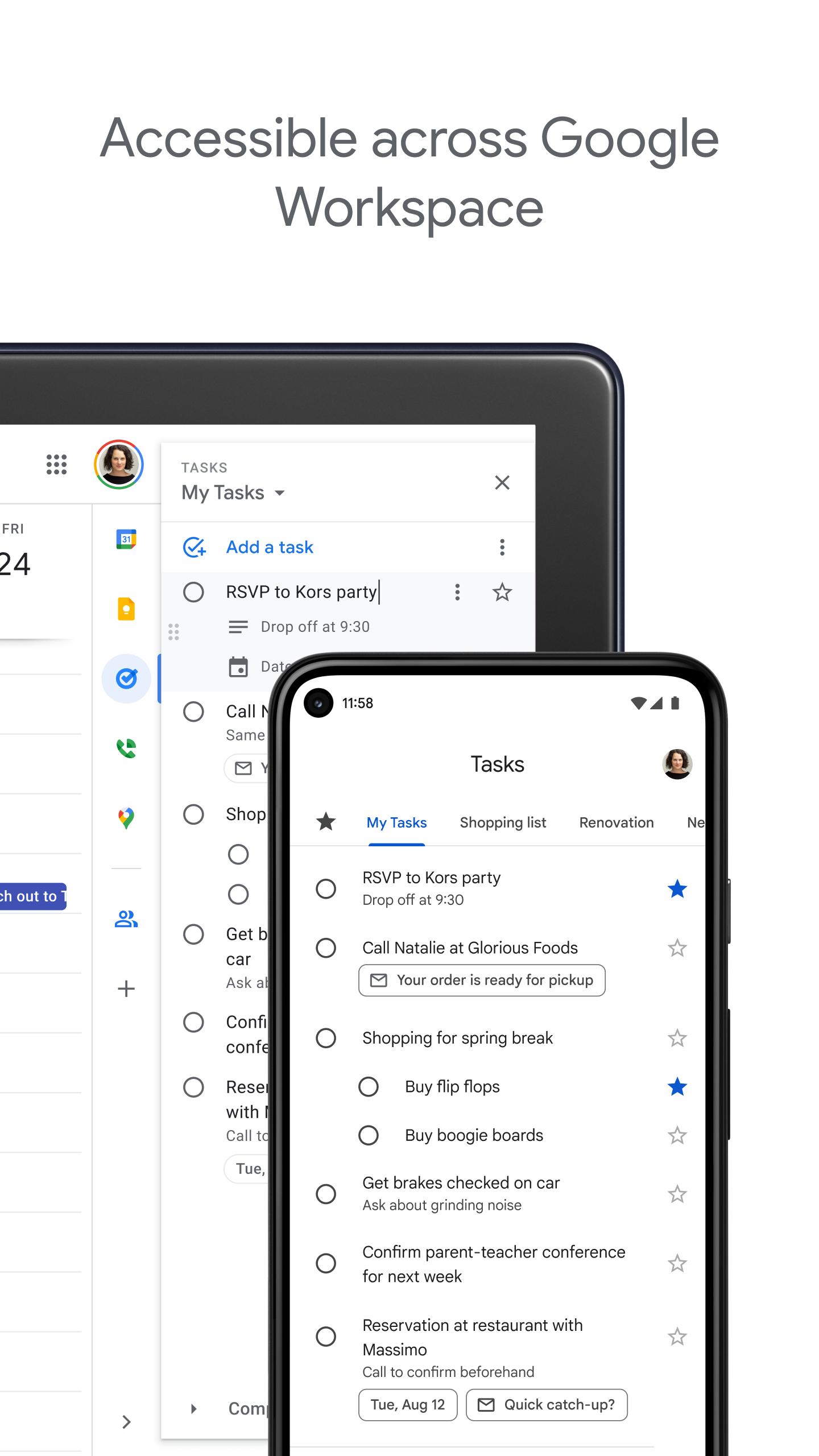
Get more done with the Google Tasks mobile app. Manage, capture, and edit your tasks from anywhere, at anytime, with to-dos that sync across all your devices. Integrations with Gmail and Google Calendar help you get tasks done—faster.
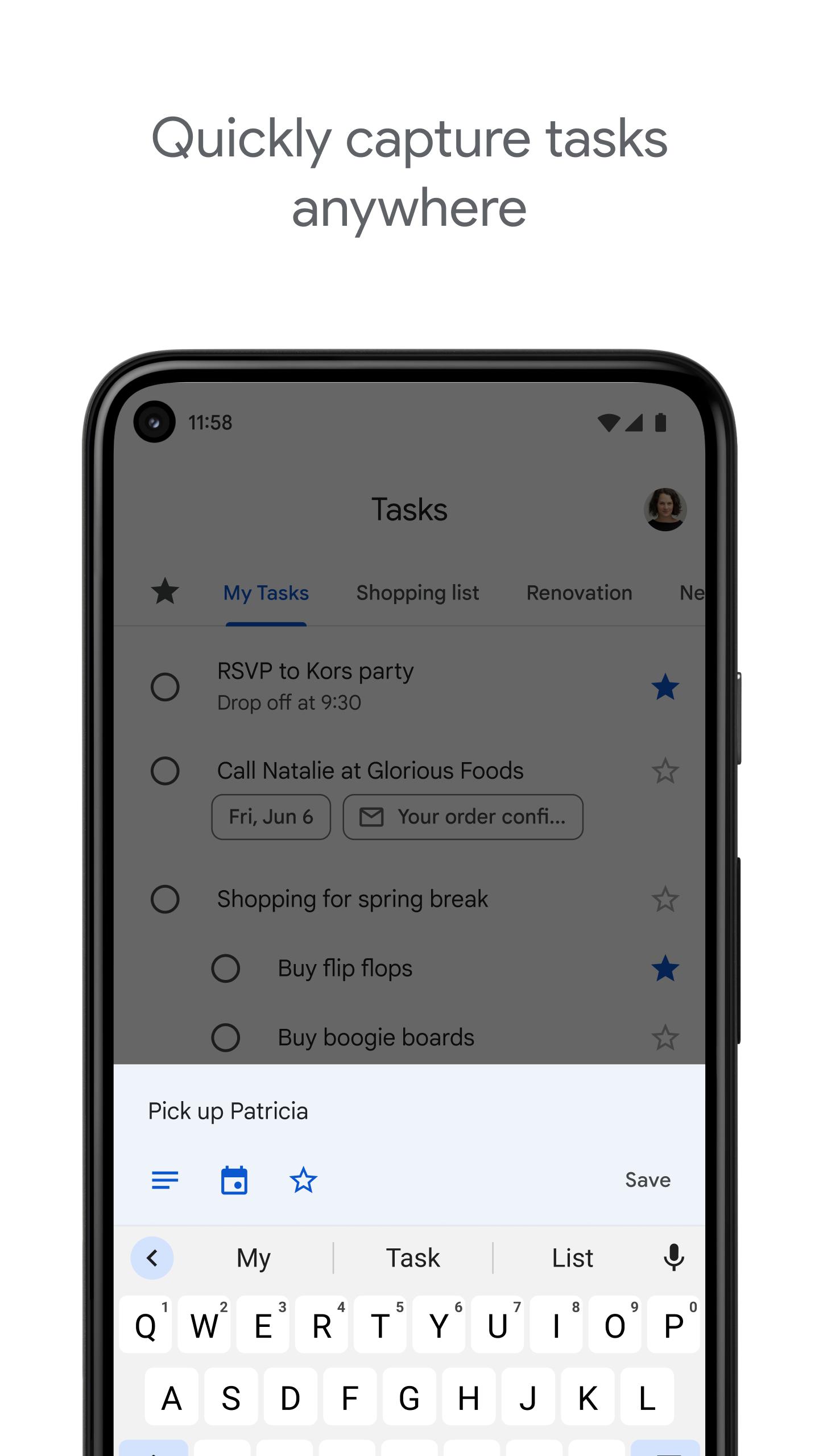
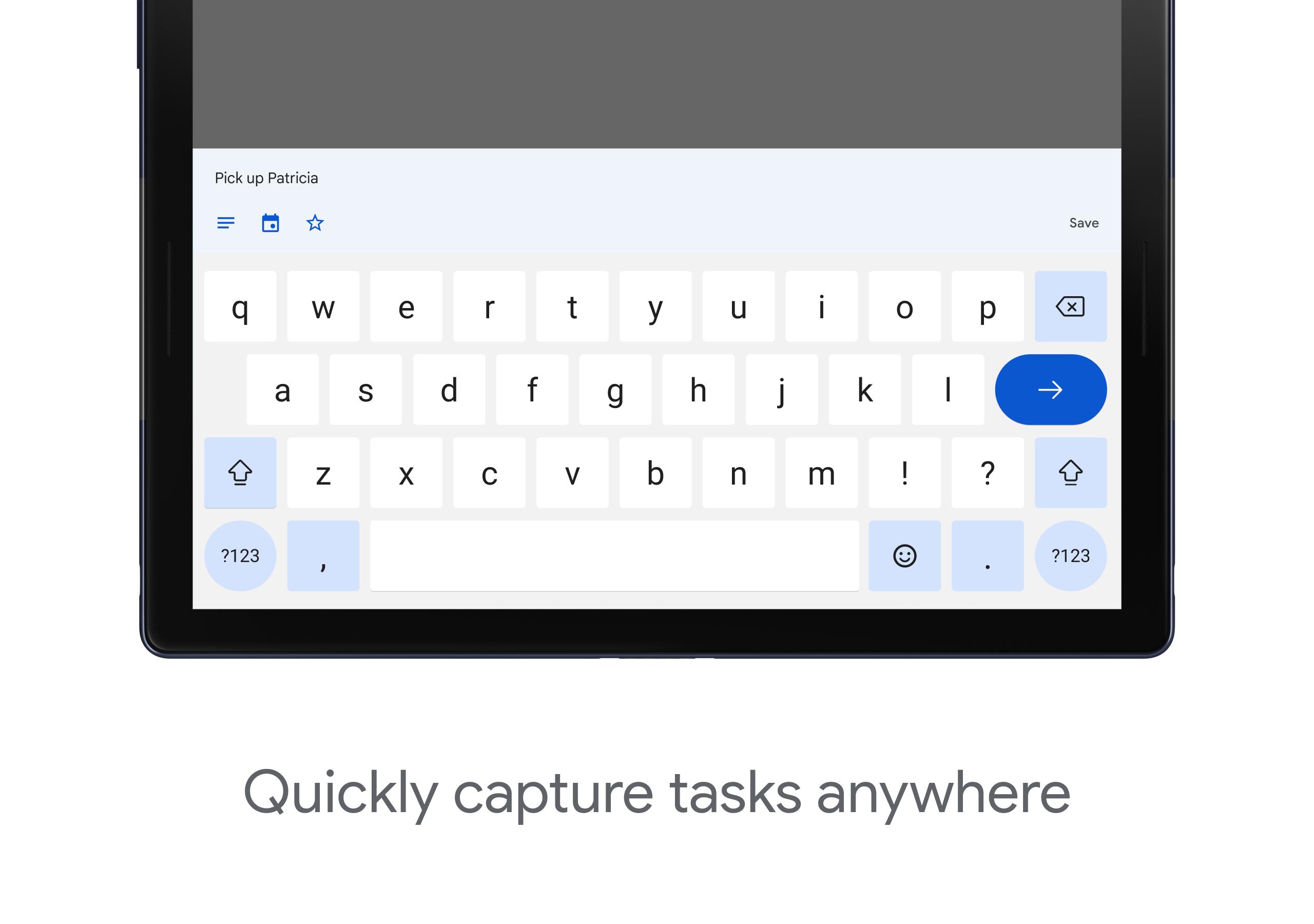
Quickly capture tasks anywhere
• Create task lists with your most important to-dos
• View, edit, and manage tasks on the go, from any device
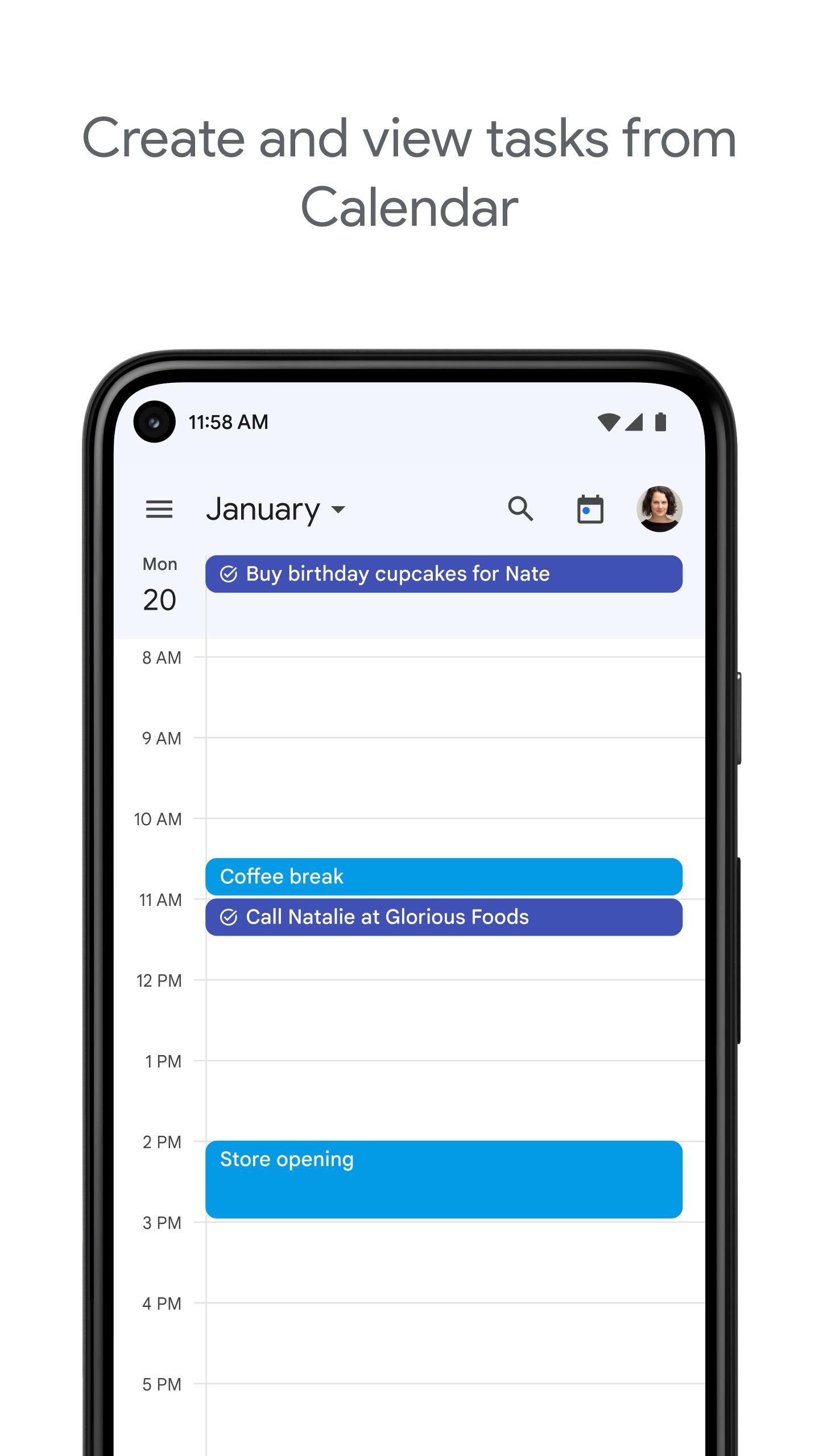
• Manage tasks created in Gmail or Calendar on the web from your mobile device
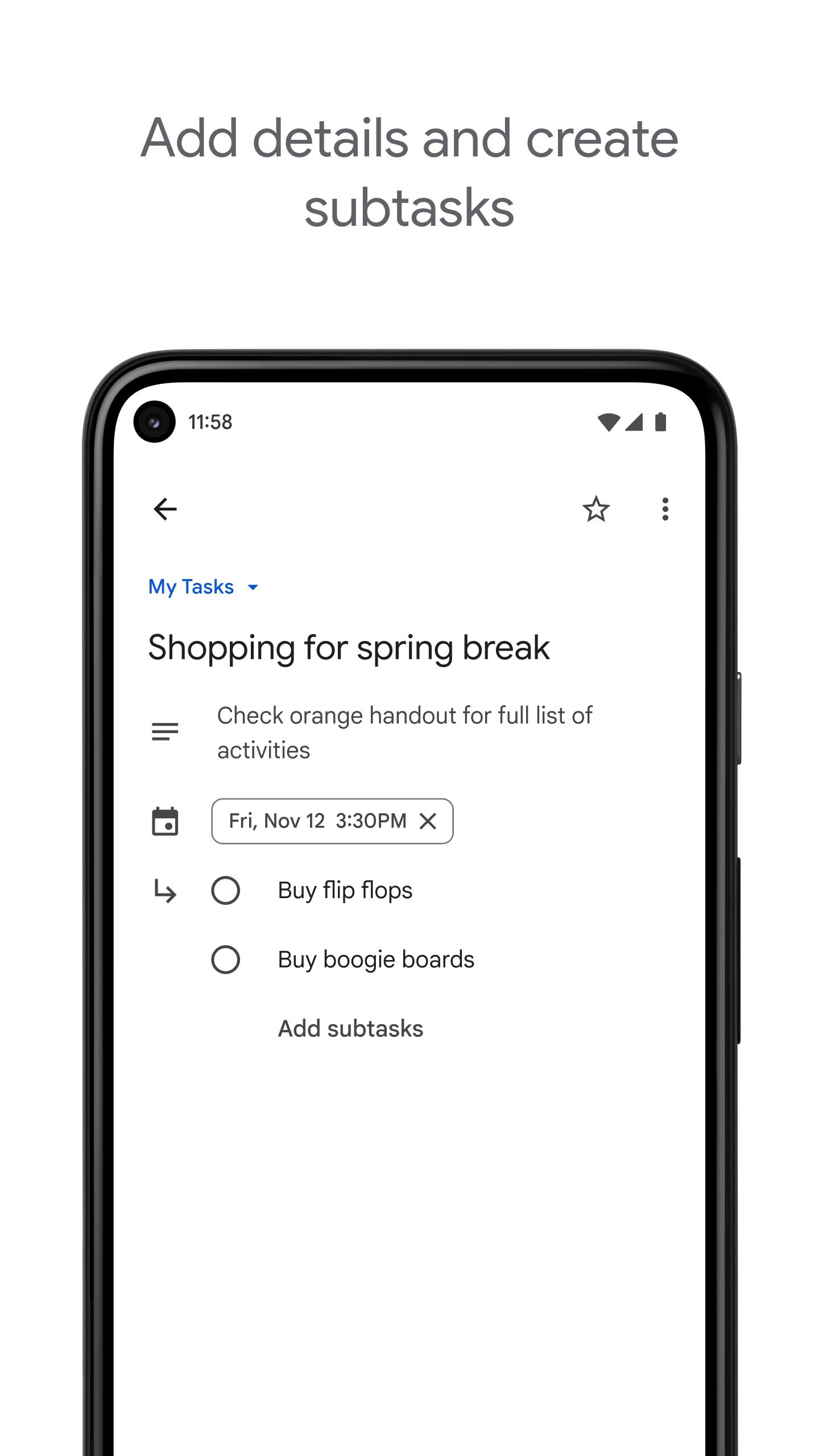
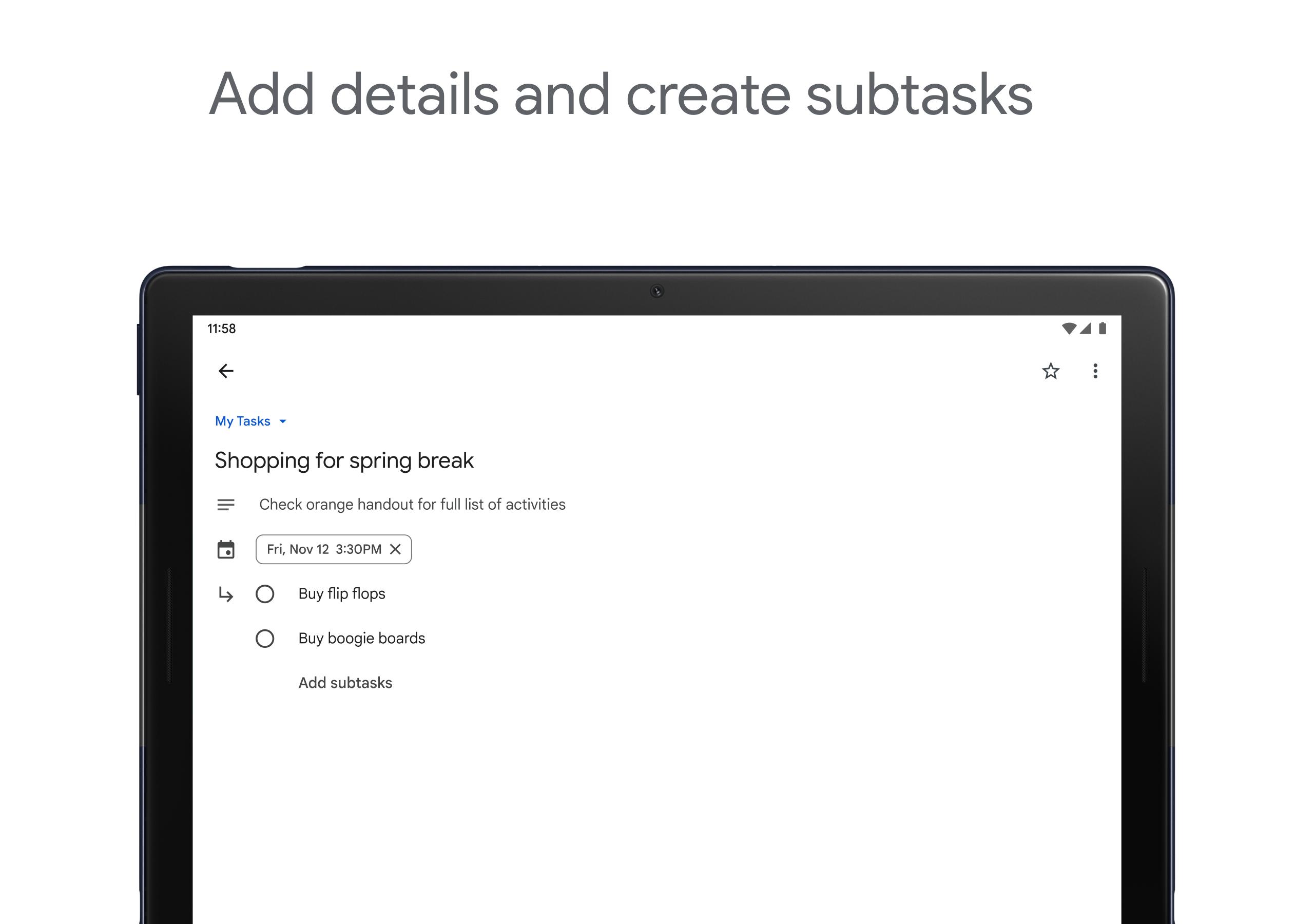
Add details and create subtasks
• Break down your tasks to subtasks
• Add details about the work you need to focus on
• Edit details about any task as your work progresses
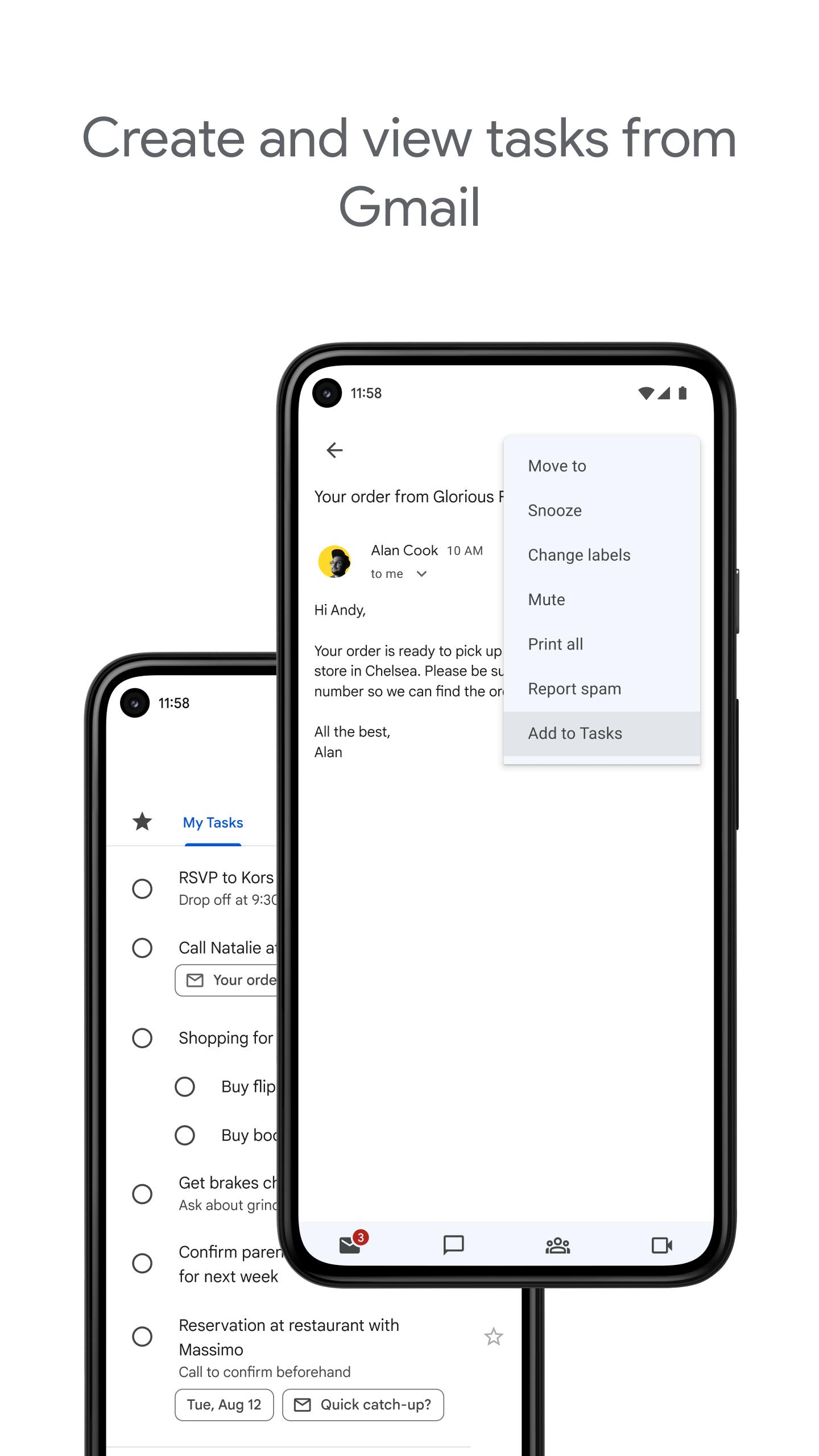
View tasks created from emails
• Create a task directly from an email in Gmail
• View your tasks in the side panel of Gmail
• Trace a task back to its source email
Stay on track with due dates and notifications
• Set a due date for every task to help you achieve your goals
• Organize your tasks by date or prioritize using drag-and-drop
• Receive due date notification reminders to keep your tasks on track
Part of G Suite
• Bring Google's suite of powerful, intelligent apps to your business
• Leverage Google’s AI to bring data insights and analysis to every employee
• Connect with your team seamlessly using one suite: Gmail, Tasks, Calendar & more
Take control of your task management and install the Google Tasks mobile app. Start easily managing your to-do list on the go with the Tasks planner app from Google.
What's New in the Latest Version 2024.07.08.650080772.0-release
Last updated on Jul 12, 2024
Minor bug fixes and improvements. Install or update to the newest version to check it out!
Google TasksOverview
Google Tasks is a free task management app developed by Google. It is available as a web app, a mobile app for Android and iOS, and a Chrome extension. Google Tasks allows users to create and manage to-do lists, set reminders, and collaborate with others.
Features
* Create and manage to-do lists: Users can create multiple to-do lists and organize tasks within each list. Tasks can be assigned a title, description, due date, and priority level.
* Set reminders: Users can set reminders for tasks to ensure they don't forget to complete them. Reminders can be set for a specific time or location.
* Collaborate with others: Users can share to-do lists with others and collaborate on tasks. Collaborators can add, edit, and delete tasks, as well as set reminders and mark tasks as complete.
* Integration with other Google apps: Google Tasks integrates with other Google apps, such as Gmail, Calendar, and Drive. This allows users to easily add tasks from emails, events, and documents.
* Synchronization across devices: Google Tasks synchronizes across all devices, so users can access their to-do lists and tasks from anywhere.
Benefits
* Improved productivity: Google Tasks helps users stay organized and on top of their tasks. By creating to-do lists and setting reminders, users can ensure that they don't forget important tasks and can complete them on time.
* Collaboration: Google Tasks makes it easy to collaborate with others on tasks. This can be useful for teams working on projects together or for families and friends who want to share responsibilities.
* Synchronization: Google Tasks synchronizes across all devices, so users can access their to-do lists and tasks from anywhere. This is convenient for users who need to access their tasks while on the go.
* Free: Google Tasks is a free app, so users can enjoy all of its features without having to pay a subscription fee.
Conclusion
Google Tasks is a powerful and easy-to-use task management app that can help users stay organized and productive. Its features, benefits, and cross-platform compatibility make it a great choice for individuals and teams alike.
Simply create any task or subtask. Integrated with Gmail for easy collaboration
Get more done with the Google Tasks mobile app. Manage, capture, and edit your tasks from anywhere, at anytime, with to-dos that sync across all your devices. Integrations with Gmail and Google Calendar help you get tasks done—faster.
Quickly capture tasks anywhere
• Create task lists with your most important to-dos
• View, edit, and manage tasks on the go, from any device
• Manage tasks created in Gmail or Calendar on the web from your mobile device
Add details and create subtasks
• Break down your tasks to subtasks
• Add details about the work you need to focus on
• Edit details about any task as your work progresses
View tasks created from emails
• Create a task directly from an email in Gmail
• View your tasks in the side panel of Gmail
• Trace a task back to its source email
Stay on track with due dates and notifications
• Set a due date for every task to help you achieve your goals
• Organize your tasks by date or prioritize using drag-and-drop
• Receive due date notification reminders to keep your tasks on track
Part of G Suite
• Bring Google's suite of powerful, intelligent apps to your business
• Leverage Google’s AI to bring data insights and analysis to every employee
• Connect with your team seamlessly using one suite: Gmail, Tasks, Calendar & more
Take control of your task management and install the Google Tasks mobile app. Start easily managing your to-do list on the go with the Tasks planner app from Google.
What's New in the Latest Version 2024.07.08.650080772.0-release
Last updated on Jul 12, 2024
Minor bug fixes and improvements. Install or update to the newest version to check it out!
Google TasksOverview
Google Tasks is a free task management app developed by Google. It is available as a web app, a mobile app for Android and iOS, and a Chrome extension. Google Tasks allows users to create and manage to-do lists, set reminders, and collaborate with others.
Features
* Create and manage to-do lists: Users can create multiple to-do lists and organize tasks within each list. Tasks can be assigned a title, description, due date, and priority level.
* Set reminders: Users can set reminders for tasks to ensure they don't forget to complete them. Reminders can be set for a specific time or location.
* Collaborate with others: Users can share to-do lists with others and collaborate on tasks. Collaborators can add, edit, and delete tasks, as well as set reminders and mark tasks as complete.
* Integration with other Google apps: Google Tasks integrates with other Google apps, such as Gmail, Calendar, and Drive. This allows users to easily add tasks from emails, events, and documents.
* Synchronization across devices: Google Tasks synchronizes across all devices, so users can access their to-do lists and tasks from anywhere.
Benefits
* Improved productivity: Google Tasks helps users stay organized and on top of their tasks. By creating to-do lists and setting reminders, users can ensure that they don't forget important tasks and can complete them on time.
* Collaboration: Google Tasks makes it easy to collaborate with others on tasks. This can be useful for teams working on projects together or for families and friends who want to share responsibilities.
* Synchronization: Google Tasks synchronizes across all devices, so users can access their to-do lists and tasks from anywhere. This is convenient for users who need to access their tasks while on the go.
* Free: Google Tasks is a free app, so users can enjoy all of its features without having to pay a subscription fee.
Conclusion
Google Tasks is a powerful and easy-to-use task management app that can help users stay organized and productive. Its features, benefits, and cross-platform compatibility make it a great choice for individuals and teams alike.





