

Kodi (previously known as "XBMC") is an open-source media player for Android, which allows users to play all sorts of videos, songs, and images from a convenient interface, and has been specially adapted to work on touchscreen devices.
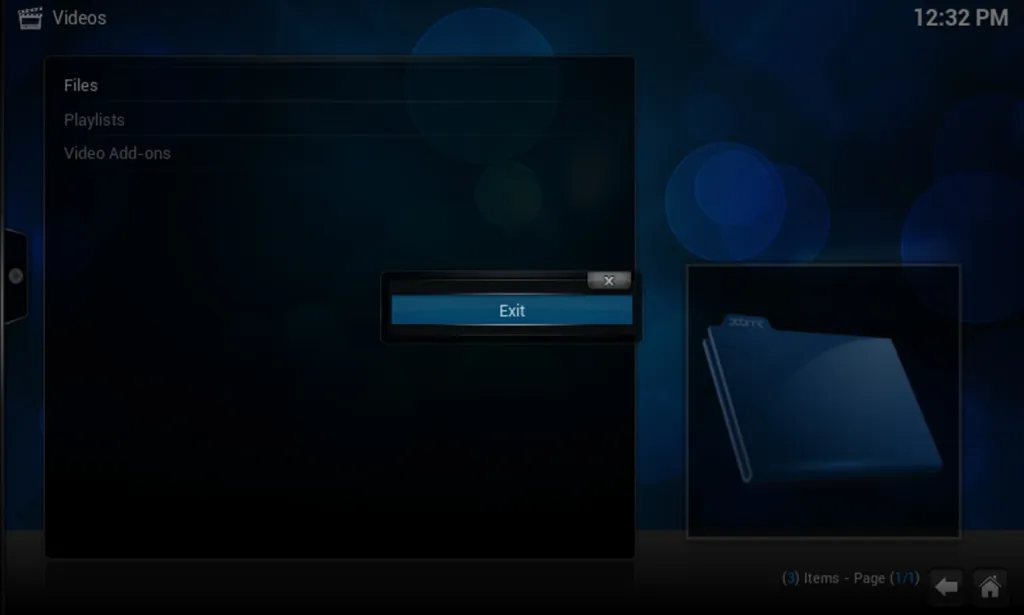
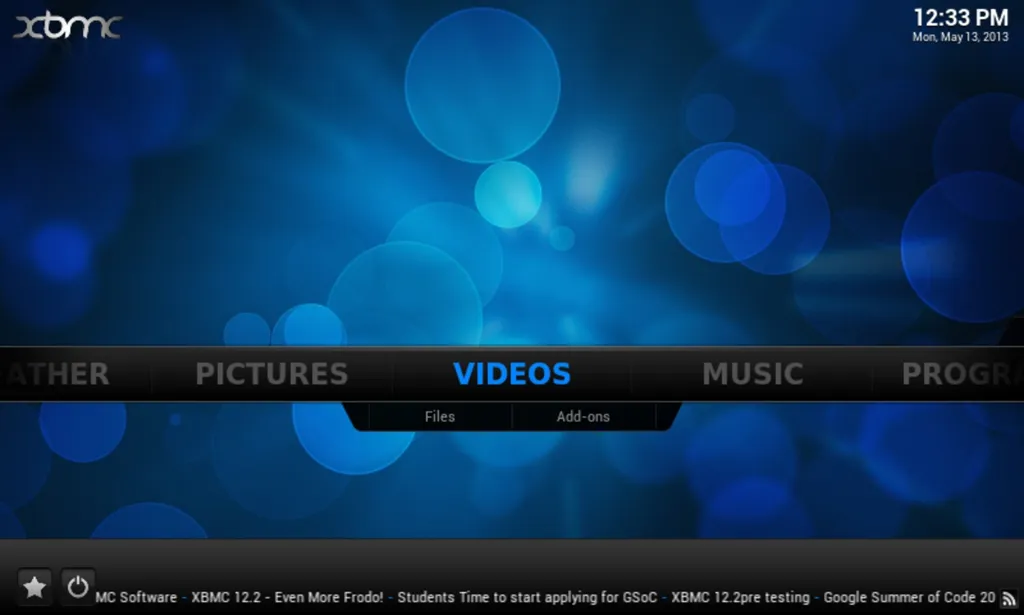
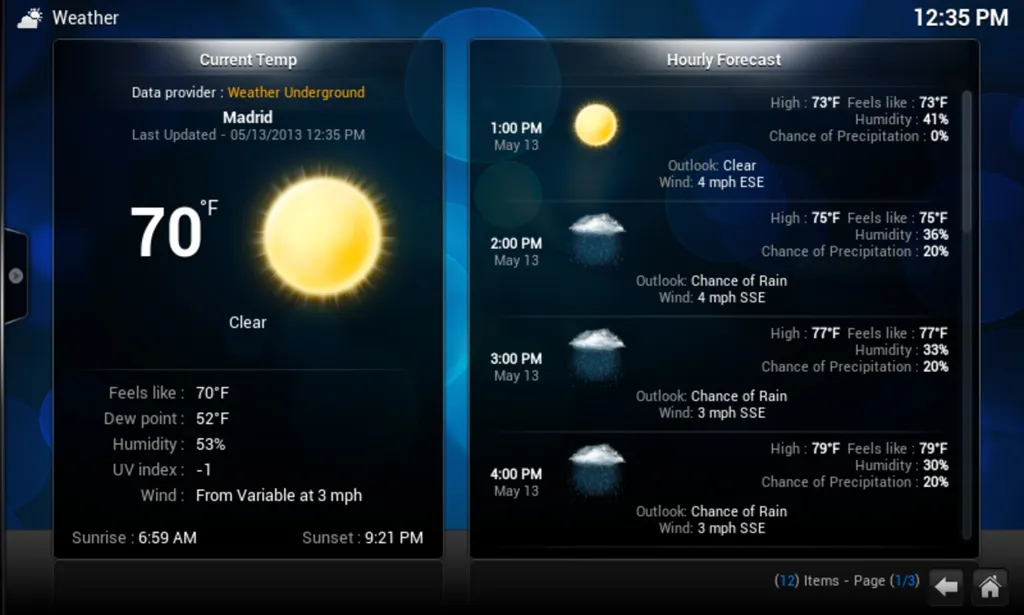
As with the versions on other operating systems, the application provides a simple interface that clearly categorizes the video player, the music player, the image viewer, and even a tool to see the local weather.
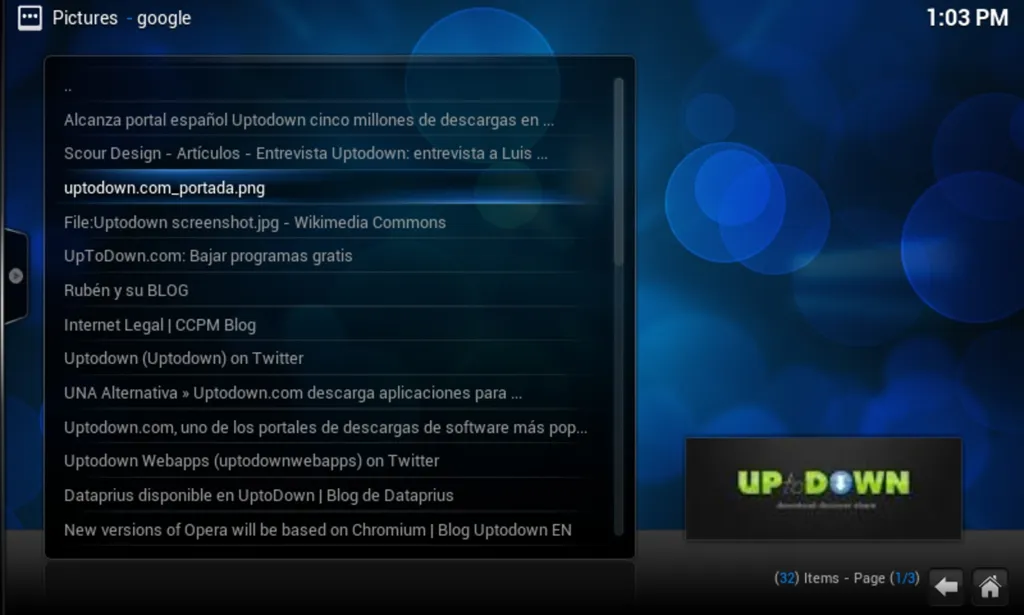
This version of Kodi for Android includes lots of add-ons that allow you to download videos from different websites directly to your terminal, search for images on Google and add them to your library, and listen to streaming music.
Kodi is one of the best (if not the best) media centers available for Android devices. You can enjoy virtually any multimedia content (images, videos, sounds) imaginably and do so from a simple, colorful, and fully configurable interface.
Kodi: A Comprehensive Media HubKodi, formerly known as XBMC, is a free and open-source media player software that transforms any device into a versatile entertainment hub. With its extensive capabilities and customizable interface, Kodi empowers users to organize, view, and stream a vast array of media content, including movies, TV shows, music, and live television.
Media Management and Organization
Kodi's robust media management system allows users to effortlessly catalog and organize their media libraries. The software supports a wide range of file formats, ensuring compatibility with most video and audio codecs. Users can create custom categories, playlists, and collections, enabling them to personalize their viewing experience and quickly access their favorite content.
Extensive Content Library
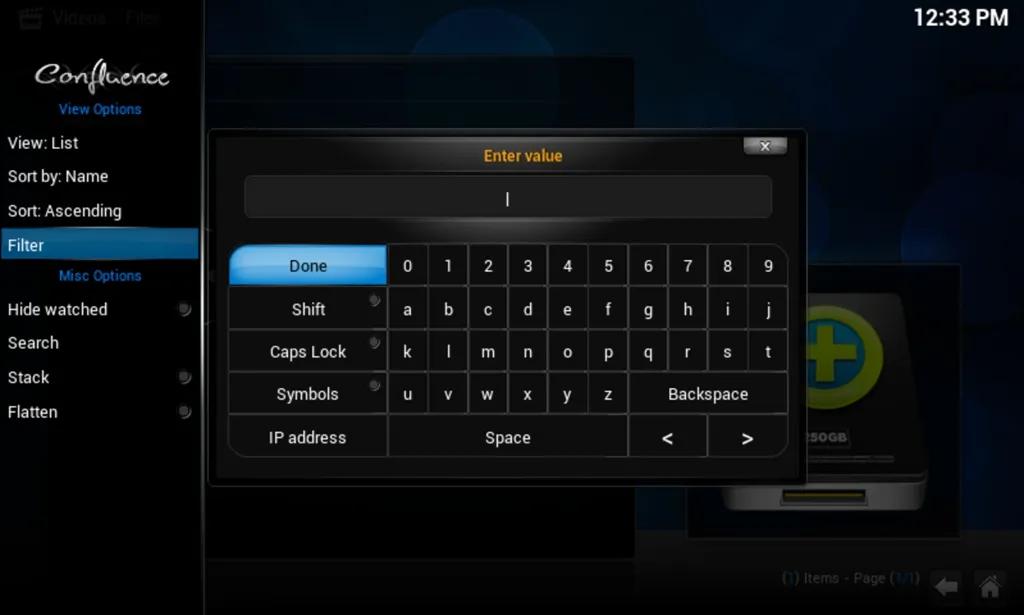
Kodi provides access to a vast library of free and paid content through its official add-ons and third-party repositories. Users can explore a wide selection of movies, TV shows, documentaries, and live television channels from various sources, including streaming services, online repositories, and local media files. Kodi's search functionality makes it easy to discover new content and find specific titles.
Customization and Add-Ons
Kodi's customizable interface allows users to tailor their media experience to their preferences. Users can choose from a variety of skins to change the overall look and feel of the software. Additionally, Kodi supports a wide range of add-ons, which extend its functionality and add new features. These add-ons can provide access to additional content sources, enhance playback capabilities, and offer various tools and utilities.
Multi-Platform Compatibility
Kodi is available on a wide range of platforms, including Windows, macOS, Linux, Android, iOS, and Raspberry Pi. This multi-platform compatibility allows users to enjoy their media content on their preferred devices, whether it's a desktop computer, laptop, mobile phone, or dedicated media center.
Advanced Playback Features
Kodi offers a comprehensive set of playback features to enhance the viewing experience. Users can enjoy high-quality video and audio playback with support for various codecs and formats. Kodi also includes advanced features such as subtitle support, chapter navigation, and resume playback, providing a seamless and convenient viewing experience.
Live TV Integration
With the addition of live TV add-ons, Kodi transforms into a versatile live television hub. Users can access a wide range of live television channels, including local and international broadcasts, news, sports, and entertainment. Kodi's Electronic Program Guide (EPG) provides a comprehensive overview of channel listings, allowing users to plan their viewing schedule.
Network Streaming and Device Control
Kodi supports network streaming, enabling users to access and play media content from remote devices. Users can stream media from their home computers, network-attached storage (NAS), or other Kodi devices. Additionally, Kodi offers device control capabilities, allowing users to remotely control their media playback from other devices.
Community and Support
Kodi is backed by a vibrant community of developers and users. The Kodi forum provides a wealth of information, support, and resources. Users can find solutions to technical issues, discover new add-ons, and engage in discussions with other Kodi enthusiasts.
Kodi (previously known as "XBMC") is an open-source media player for Android, which allows users to play all sorts of videos, songs, and images from a convenient interface, and has been specially adapted to work on touchscreen devices.
As with the versions on other operating systems, the application provides a simple interface that clearly categorizes the video player, the music player, the image viewer, and even a tool to see the local weather.
This version of Kodi for Android includes lots of add-ons that allow you to download videos from different websites directly to your terminal, search for images on Google and add them to your library, and listen to streaming music.
Kodi is one of the best (if not the best) media centers available for Android devices. You can enjoy virtually any multimedia content (images, videos, sounds) imaginably and do so from a simple, colorful, and fully configurable interface.
Kodi: A Comprehensive Media HubKodi, formerly known as XBMC, is a free and open-source media player software that transforms any device into a versatile entertainment hub. With its extensive capabilities and customizable interface, Kodi empowers users to organize, view, and stream a vast array of media content, including movies, TV shows, music, and live television.
Media Management and Organization
Kodi's robust media management system allows users to effortlessly catalog and organize their media libraries. The software supports a wide range of file formats, ensuring compatibility with most video and audio codecs. Users can create custom categories, playlists, and collections, enabling them to personalize their viewing experience and quickly access their favorite content.
Extensive Content Library
Kodi provides access to a vast library of free and paid content through its official add-ons and third-party repositories. Users can explore a wide selection of movies, TV shows, documentaries, and live television channels from various sources, including streaming services, online repositories, and local media files. Kodi's search functionality makes it easy to discover new content and find specific titles.
Customization and Add-Ons
Kodi's customizable interface allows users to tailor their media experience to their preferences. Users can choose from a variety of skins to change the overall look and feel of the software. Additionally, Kodi supports a wide range of add-ons, which extend its functionality and add new features. These add-ons can provide access to additional content sources, enhance playback capabilities, and offer various tools and utilities.
Multi-Platform Compatibility
Kodi is available on a wide range of platforms, including Windows, macOS, Linux, Android, iOS, and Raspberry Pi. This multi-platform compatibility allows users to enjoy their media content on their preferred devices, whether it's a desktop computer, laptop, mobile phone, or dedicated media center.
Advanced Playback Features
Kodi offers a comprehensive set of playback features to enhance the viewing experience. Users can enjoy high-quality video and audio playback with support for various codecs and formats. Kodi also includes advanced features such as subtitle support, chapter navigation, and resume playback, providing a seamless and convenient viewing experience.
Live TV Integration
With the addition of live TV add-ons, Kodi transforms into a versatile live television hub. Users can access a wide range of live television channels, including local and international broadcasts, news, sports, and entertainment. Kodi's Electronic Program Guide (EPG) provides a comprehensive overview of channel listings, allowing users to plan their viewing schedule.
Network Streaming and Device Control
Kodi supports network streaming, enabling users to access and play media content from remote devices. Users can stream media from their home computers, network-attached storage (NAS), or other Kodi devices. Additionally, Kodi offers device control capabilities, allowing users to remotely control their media playback from other devices.
Community and Support
Kodi is backed by a vibrant community of developers and users. The Kodi forum provides a wealth of information, support, and resources. Users can find solutions to technical issues, discover new add-ons, and engage in discussions with other Kodi enthusiasts.





