


Linux Commands, master Linux with hands-on functionalities, videos, and quizzes
Linux Commands: A simple Android application to master Linux, the Open-Source Operating System.
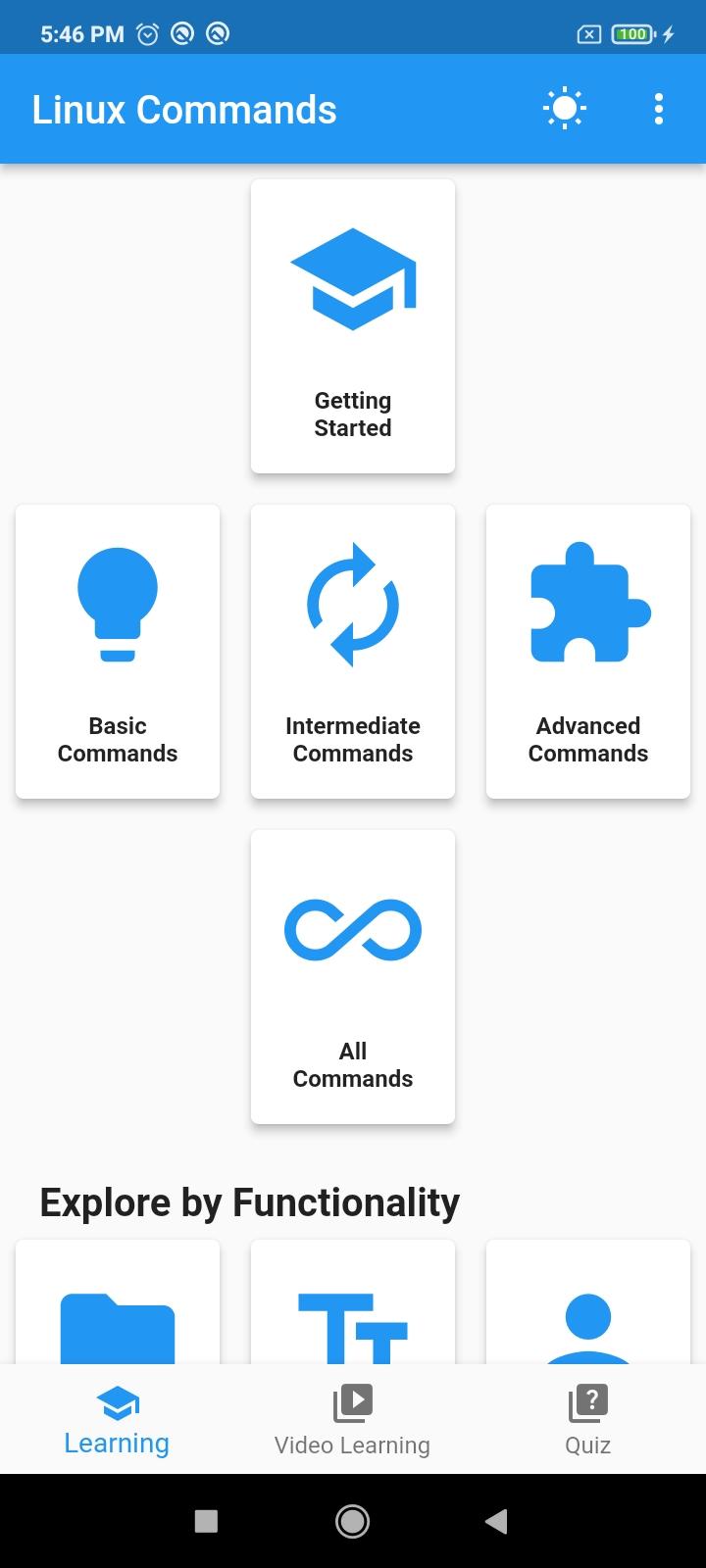
Linux Commands is designed for beginners and provides a seamless starting point. The Basic Commands are thoughtfully categorized into "Basic," "Intermediate," and "Advanced," allowing users to track their progress even as they delve into the fundamentals of Linux.
Linux, an open-source operating system, stands as a cornerstone of modern computing. The app begins by introducing users to the basics, explaining the crucial role of the shell in processing commands and generating output. While Linux distributions often feature a graphical user interface (GUI), the real power lies in its command-line interface (CLI), allowing users to interact with the system through a series of powerful commands.
A shell is a software program that accepts commands from the user, forwards them to the operating system for processing, and displays the resulting output.
In the "Get Started" section, we introduce the app and its usage. Moving on, we explore Linux, its history, and the significance of GNU/Linux. We touch upon different distributions and discuss Linux's impact in the server world.
The focus then shifts to the importance of the Linux Shell and how it facilitates command interaction. We guide users on learning commands effectively within the Linux Shell.
A section is dedicated to helping users choose the right Linux distribution based on their goals. We also provide information on WSL, making it easier for users to start their Linux journey within the Windows environment.
In the "Basic Commands" section, beginners embark on their learning journey. We cover fundamental commands that form the backbone of daily Linux interactions. Each command is explained with examples, ensuring users not only grasp the syntax but also understand the command's practical application.
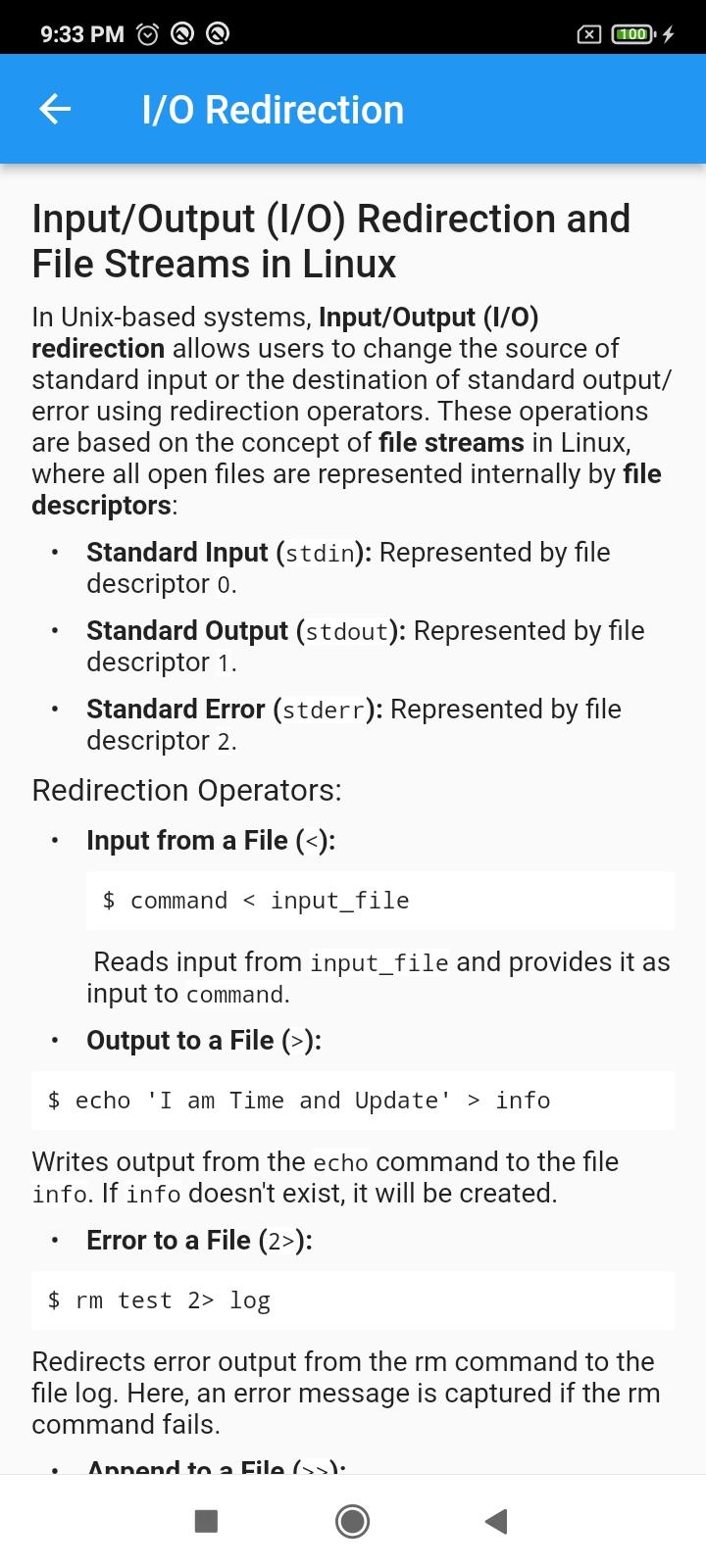
In the "Intermediate" section, we explore various key concepts of Linux, delving into command structure, pathnames, links, I/O redirections, wildcard usage, and additional commands related to remote access, ownership, and permissions.
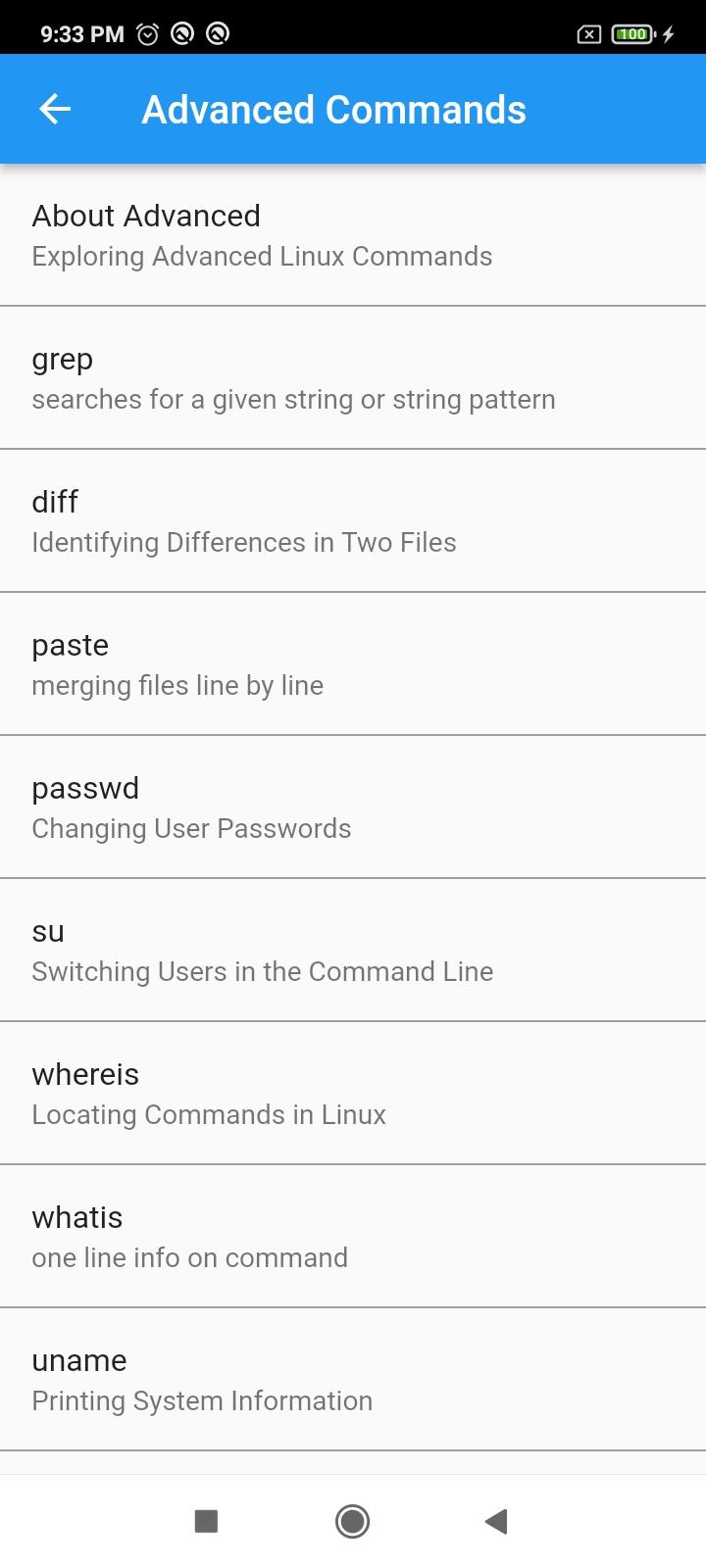
In the "Advanced" section, we delve into a repertoire of commands specifically crafted to enhance the user's efficiency in navigating and utilizing the Linux system.
In our dedicated "Explore by Functionality" section, Linux commands are categorized based on their specific functionalities. This approach is invaluable because it helps users find commands tailored to their needs, allowing for a more focused and efficient learning experience.
By exploring commands based on functionality, users can easily locate and learn about dedicated commands within a specific context. This targeted approach not only simplifies the learning process but also enables users to understand the practical applications of commands in different scenarios.
Functionalities include:
File Manipulation
Text Processing
User Management
Networking
Process Management
System Information
Package Management
File Permissions
Shell Scripting
Compression and Archiving
System Maintenance
File Searching
System Monitoring
Environment Variables
Disk Management
Remote Access and File Transfer
SELinux and AppArmor
Shell Customization
Backup and Restore
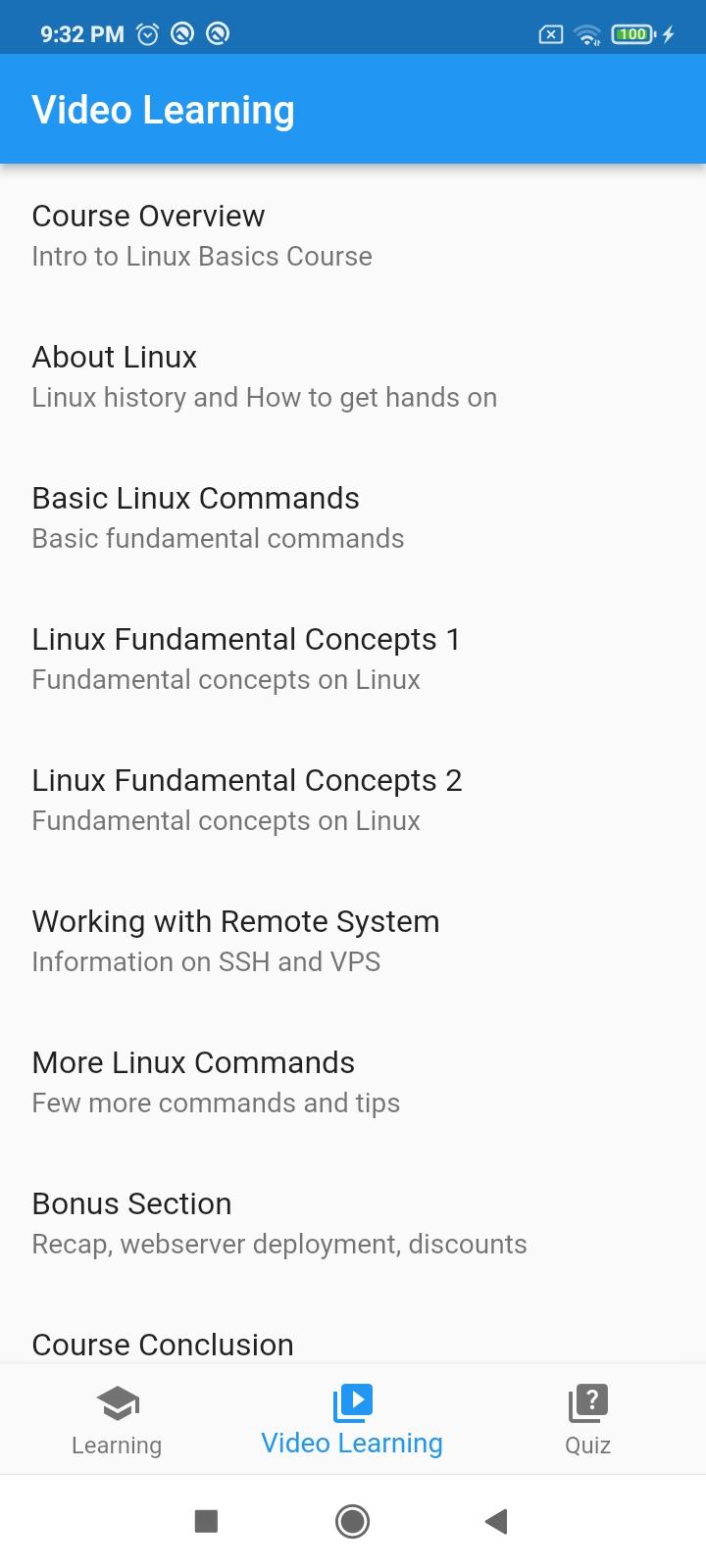
Enhance your understanding through our dedicated "Video Learning" section. Visual learners can access comprehensive video tutorials that complement the written content. These tutorials provide step-by-step guidance, offering a dynamic and immersive way to absorb Linux command knowledge.
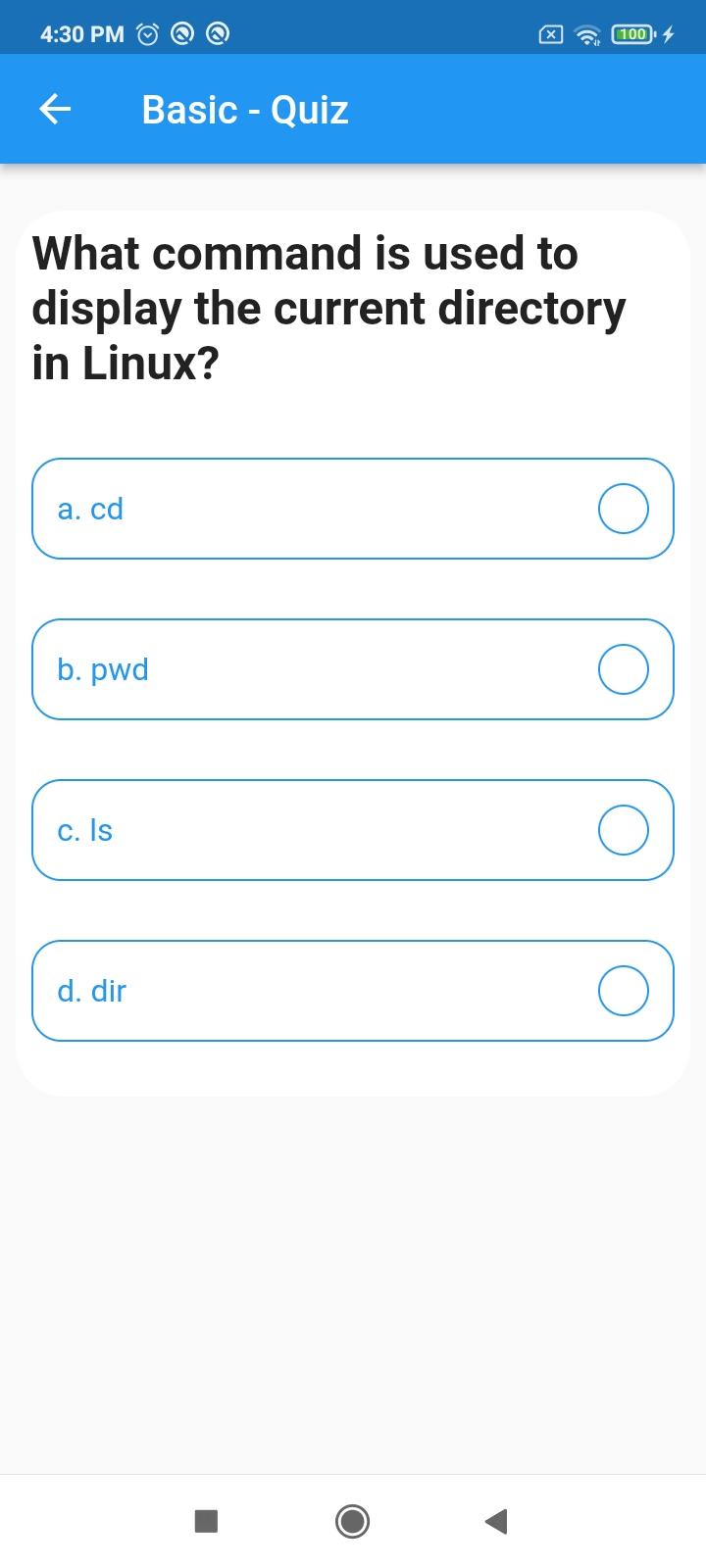
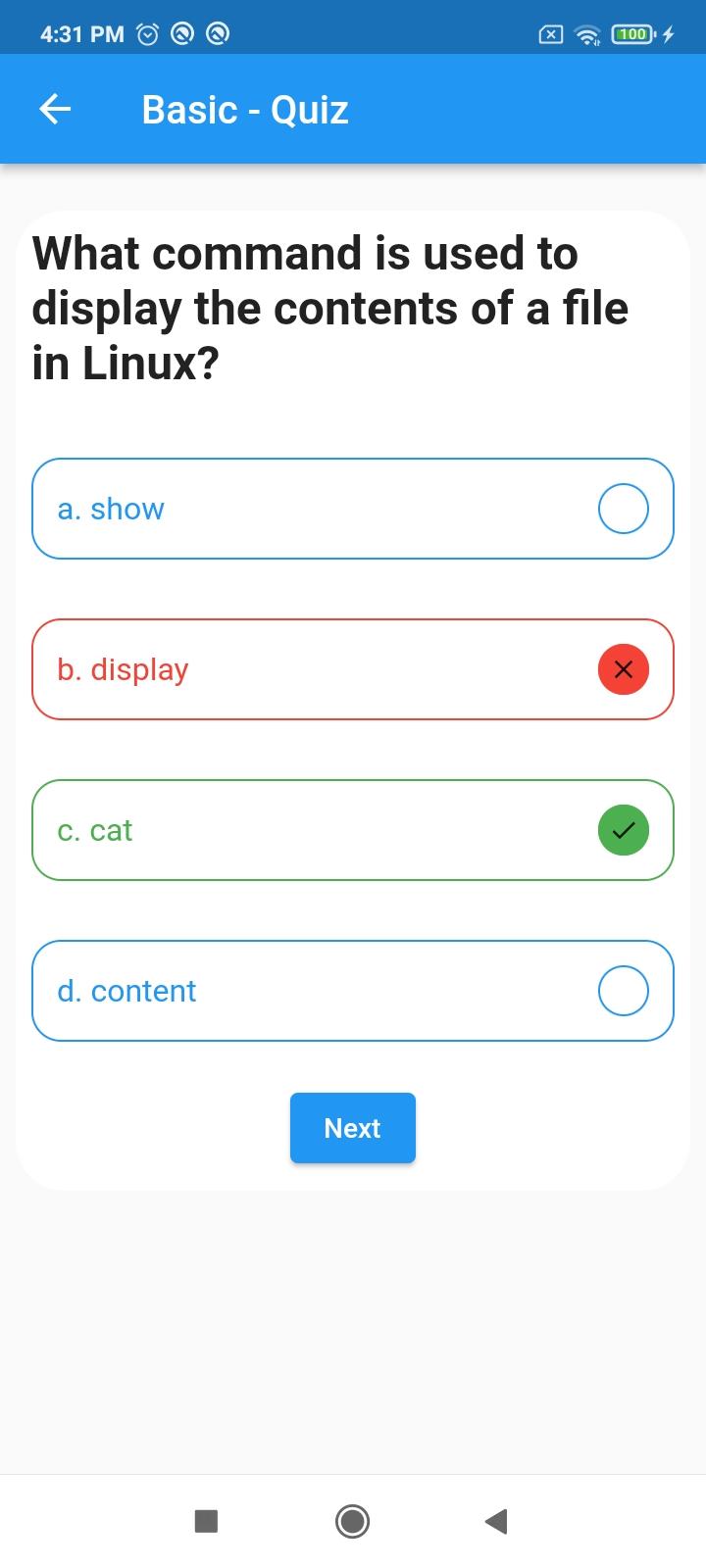
Solidify your learning through the "Quiz Section." Test your knowledge across various command categories and reinforce what you've learned. Interactive quizzes provide immediate feedback, ensuring a thorough understanding of Linux commands.
In our feedback section, your input is invaluable. Your input guides us in adding content, refining features, and enhancing the overall learning experience. We value your suggestions for continual improvement.
Linux CommandsLinux is a powerful operating system that provides a wide range of commands for managing files, directories, and system resources. These commands can be used to perform a variety of tasks, from basic operations like creating and deleting files to more complex tasks like managing users and groups.
One of the most basic Linux commands is the `ls` command, which lists the files and directories in the current directory. The `cd` command can be used to change the current directory, and the `mkdir` and `rmdir` commands can be used to create and remove directories, respectively.
To create a new file, you can use the `touch` command. The `cp` command can be used to copy files and directories, and the `mv` command can be used to move or rename files and directories. To delete files and directories, you can use the `rm` command.
Linux also provides a number of commands for managing users and groups. The `useradd` command can be used to create a new user, and the `userdel` command can be used to delete a user. The `groupadd` command can be used to create a new group, and the `groupdel` command can be used to delete a group.
In addition to these basic commands, Linux provides a number of other commands for managing system resources. The `df` command can be used to display information about disk space usage, and the `free` command can be used to display information about memory usage. The `top` command can be used to display a list of the processes that are currently running on the system, and the `kill` command can be used to terminate a process.
These are just a few of the many commands that are available in Linux. By learning how to use these commands, you can become more efficient at managing your Linux system.
Linux Commands, master Linux with hands-on functionalities, videos, and quizzes
Linux Commands: A simple Android application to master Linux, the Open-Source Operating System.
Linux Commands is designed for beginners and provides a seamless starting point. The Basic Commands are thoughtfully categorized into "Basic," "Intermediate," and "Advanced," allowing users to track their progress even as they delve into the fundamentals of Linux.
Linux, an open-source operating system, stands as a cornerstone of modern computing. The app begins by introducing users to the basics, explaining the crucial role of the shell in processing commands and generating output. While Linux distributions often feature a graphical user interface (GUI), the real power lies in its command-line interface (CLI), allowing users to interact with the system through a series of powerful commands.
A shell is a software program that accepts commands from the user, forwards them to the operating system for processing, and displays the resulting output.
In the "Get Started" section, we introduce the app and its usage. Moving on, we explore Linux, its history, and the significance of GNU/Linux. We touch upon different distributions and discuss Linux's impact in the server world.
The focus then shifts to the importance of the Linux Shell and how it facilitates command interaction. We guide users on learning commands effectively within the Linux Shell.
A section is dedicated to helping users choose the right Linux distribution based on their goals. We also provide information on WSL, making it easier for users to start their Linux journey within the Windows environment.
In the "Basic Commands" section, beginners embark on their learning journey. We cover fundamental commands that form the backbone of daily Linux interactions. Each command is explained with examples, ensuring users not only grasp the syntax but also understand the command's practical application.
In the "Intermediate" section, we explore various key concepts of Linux, delving into command structure, pathnames, links, I/O redirections, wildcard usage, and additional commands related to remote access, ownership, and permissions.
In the "Advanced" section, we delve into a repertoire of commands specifically crafted to enhance the user's efficiency in navigating and utilizing the Linux system.
In our dedicated "Explore by Functionality" section, Linux commands are categorized based on their specific functionalities. This approach is invaluable because it helps users find commands tailored to their needs, allowing for a more focused and efficient learning experience.
By exploring commands based on functionality, users can easily locate and learn about dedicated commands within a specific context. This targeted approach not only simplifies the learning process but also enables users to understand the practical applications of commands in different scenarios.
Functionalities include:
File Manipulation
Text Processing
User Management
Networking
Process Management
System Information
Package Management
File Permissions
Shell Scripting
Compression and Archiving
System Maintenance
File Searching
System Monitoring
Environment Variables
Disk Management
Remote Access and File Transfer
SELinux and AppArmor
Shell Customization
Backup and Restore
Enhance your understanding through our dedicated "Video Learning" section. Visual learners can access comprehensive video tutorials that complement the written content. These tutorials provide step-by-step guidance, offering a dynamic and immersive way to absorb Linux command knowledge.
Solidify your learning through the "Quiz Section." Test your knowledge across various command categories and reinforce what you've learned. Interactive quizzes provide immediate feedback, ensuring a thorough understanding of Linux commands.
In our feedback section, your input is invaluable. Your input guides us in adding content, refining features, and enhancing the overall learning experience. We value your suggestions for continual improvement.
Linux CommandsLinux is a powerful operating system that provides a wide range of commands for managing files, directories, and system resources. These commands can be used to perform a variety of tasks, from basic operations like creating and deleting files to more complex tasks like managing users and groups.
One of the most basic Linux commands is the `ls` command, which lists the files and directories in the current directory. The `cd` command can be used to change the current directory, and the `mkdir` and `rmdir` commands can be used to create and remove directories, respectively.
To create a new file, you can use the `touch` command. The `cp` command can be used to copy files and directories, and the `mv` command can be used to move or rename files and directories. To delete files and directories, you can use the `rm` command.
Linux also provides a number of commands for managing users and groups. The `useradd` command can be used to create a new user, and the `userdel` command can be used to delete a user. The `groupadd` command can be used to create a new group, and the `groupdel` command can be used to delete a group.
In addition to these basic commands, Linux provides a number of other commands for managing system resources. The `df` command can be used to display information about disk space usage, and the `free` command can be used to display information about memory usage. The `top` command can be used to display a list of the processes that are currently running on the system, and the `kill` command can be used to terminate a process.
These are just a few of the many commands that are available in Linux. By learning how to use these commands, you can become more efficient at managing your Linux system.





