

AnySoftKeyboard Luxembourgish Language pack
Luxembourgish layouts and dictionary for AnySoftKeyboard keyboard app.
This is an expansion layouts pack for AnySoftKeyboard.
Install AnySoftKeyboard first, and then select the desired layout from AnySoftKeyboard's Settings->Keyboards menu.
What's New in the Latest Version 5.0.28
Last updated on Apr 8, 2024
* Completely revised pack
Luxembourgish for AnySoftKeyboardLuxembourgish for AnySoftKeyboard is an Android keyboard that allows users to type in the Luxembourgish language. It is based on the popular AnySoftKeyboard open-source keyboard app and includes all of its features, such as:
* Multilingual support: Type in over 100 languages, including Luxembourgish.
* Customizable keyboard layout: Choose from a variety of keyboard layouts, including QWERTY, AZERTY, and Dvorak.
* Theme support: Personalize your keyboard with a variety of themes.
* Emoji support: Express yourself with a wide range of emoji.
* Gesture typing: Type faster and more accurately with gesture typing.
* Auto-correction and spell checking: Get help with spelling and grammar as you type.
* Privacy: Your data is never collected or shared.
Additional Features for Luxembourgish
In addition to the features of AnySoftKeyboard, the Luxembourgish keyboard also includes the following features:
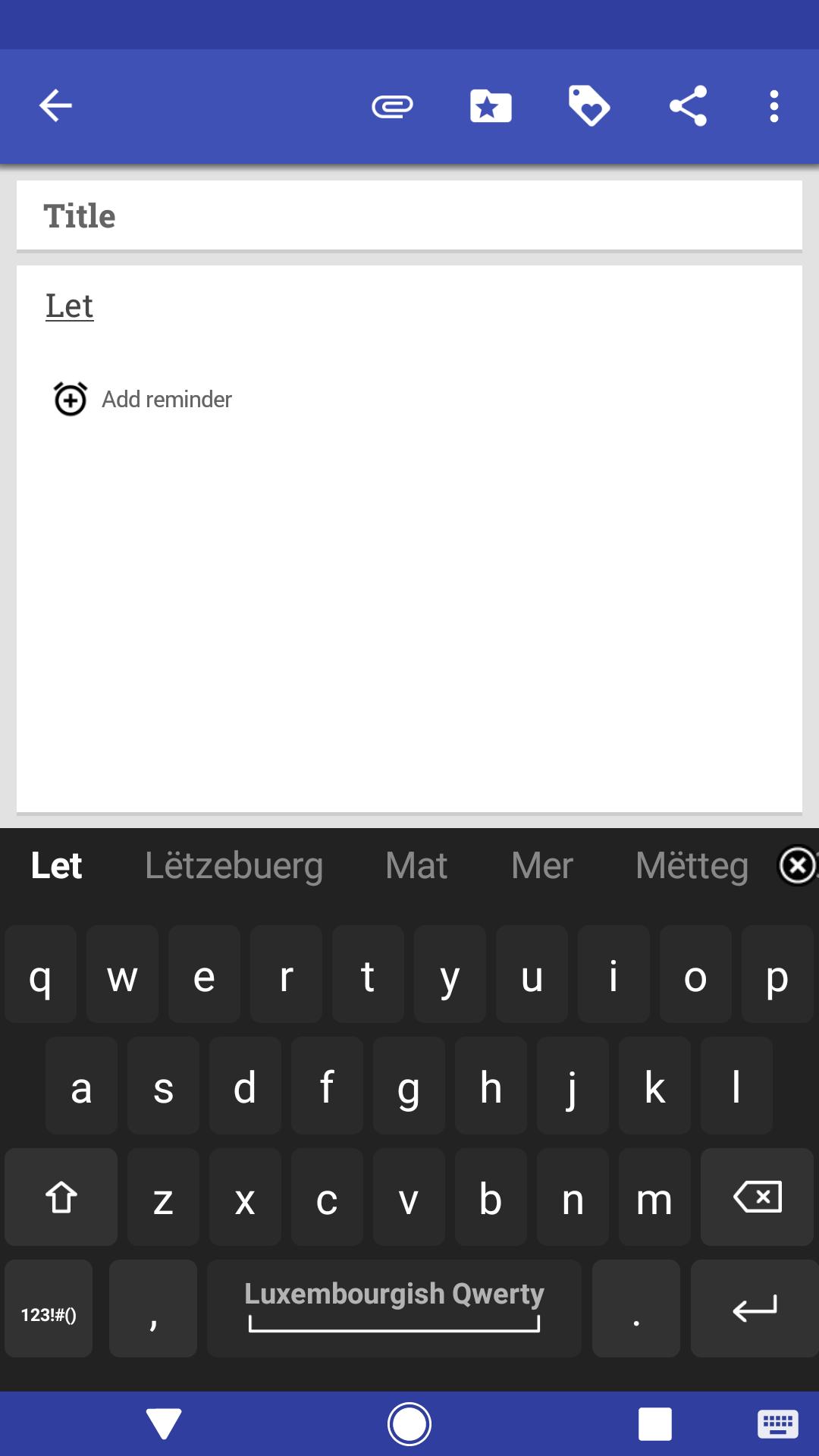
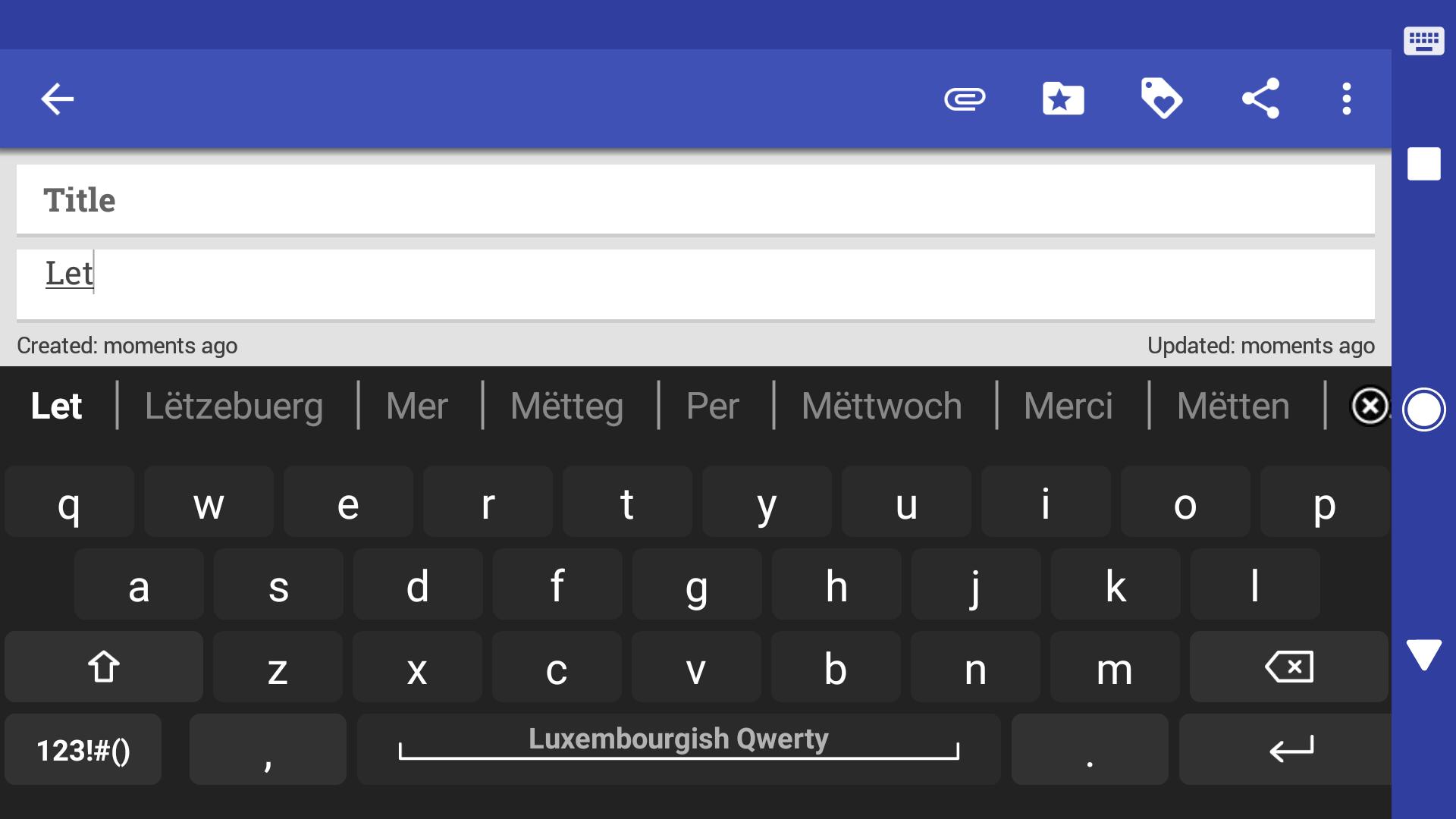
* Luxembourgish dictionary: Get suggestions for Luxembourgish words as you type.
* Luxembourgish auto-correction: Automatically correct common Luxembourgish spelling mistakes.
* Luxembourgish keyboard layout: Choose from a variety of Luxembourgish keyboard layouts.
How to Install
To install the Luxembourgish keyboard for AnySoftKeyboard, follow these steps:
1. Open the Google Play Store on your Android device.
2. Search for "Luxembourgish for AnySoftKeyboard".
3. Tap on the "Install" button.
4. Once the installation is complete, open the AnySoftKeyboard app.
5. Tap on the "Settings" icon.
6. Tap on the "Languages" tab.
7. Select "Luxembourgish" from the list of languages.
How to Use
To use the Luxembourgish keyboard, simply tap on the text field where you want to type. The keyboard will automatically appear. You can then start typing in Luxembourgish.
Tips
Here are a few tips for using the Luxembourgish keyboard:
* Use the Luxembourgish dictionary: To get suggestions for Luxembourgish words, start typing the word and then tap on the suggestion that appears.
* Use the Luxembourgish auto-correction: To automatically correct common Luxembourgish spelling mistakes, simply type the word and then tap on the spacebar.
* Use the Luxembourgish keyboard layout: To choose a Luxembourgish keyboard layout, tap on the "Settings" icon in the AnySoftKeyboard app, tap on the "Languages" tab, and then select "Luxembourgish" from the list of languages.
Conclusion
The Luxembourgish keyboard for AnySoftKeyboard is a great way to type in the Luxembourgish language on your Android device. It is easy to use and includes a variety of features that make typing in Luxembourgish fast and accurate.
AnySoftKeyboard Luxembourgish Language pack
Luxembourgish layouts and dictionary for AnySoftKeyboard keyboard app.
This is an expansion layouts pack for AnySoftKeyboard.
Install AnySoftKeyboard first, and then select the desired layout from AnySoftKeyboard's Settings->Keyboards menu.
What's New in the Latest Version 5.0.28
Last updated on Apr 8, 2024
* Completely revised pack
Luxembourgish for AnySoftKeyboardLuxembourgish for AnySoftKeyboard is an Android keyboard that allows users to type in the Luxembourgish language. It is based on the popular AnySoftKeyboard open-source keyboard app and includes all of its features, such as:
* Multilingual support: Type in over 100 languages, including Luxembourgish.
* Customizable keyboard layout: Choose from a variety of keyboard layouts, including QWERTY, AZERTY, and Dvorak.
* Theme support: Personalize your keyboard with a variety of themes.
* Emoji support: Express yourself with a wide range of emoji.
* Gesture typing: Type faster and more accurately with gesture typing.
* Auto-correction and spell checking: Get help with spelling and grammar as you type.
* Privacy: Your data is never collected or shared.
Additional Features for Luxembourgish
In addition to the features of AnySoftKeyboard, the Luxembourgish keyboard also includes the following features:
* Luxembourgish dictionary: Get suggestions for Luxembourgish words as you type.
* Luxembourgish auto-correction: Automatically correct common Luxembourgish spelling mistakes.
* Luxembourgish keyboard layout: Choose from a variety of Luxembourgish keyboard layouts.
How to Install
To install the Luxembourgish keyboard for AnySoftKeyboard, follow these steps:
1. Open the Google Play Store on your Android device.
2. Search for "Luxembourgish for AnySoftKeyboard".
3. Tap on the "Install" button.
4. Once the installation is complete, open the AnySoftKeyboard app.
5. Tap on the "Settings" icon.
6. Tap on the "Languages" tab.
7. Select "Luxembourgish" from the list of languages.
How to Use
To use the Luxembourgish keyboard, simply tap on the text field where you want to type. The keyboard will automatically appear. You can then start typing in Luxembourgish.
Tips
Here are a few tips for using the Luxembourgish keyboard:
* Use the Luxembourgish dictionary: To get suggestions for Luxembourgish words, start typing the word and then tap on the suggestion that appears.
* Use the Luxembourgish auto-correction: To automatically correct common Luxembourgish spelling mistakes, simply type the word and then tap on the spacebar.
* Use the Luxembourgish keyboard layout: To choose a Luxembourgish keyboard layout, tap on the "Settings" icon in the AnySoftKeyboard app, tap on the "Languages" tab, and then select "Luxembourgish" from the list of languages.
Conclusion
The Luxembourgish keyboard for AnySoftKeyboard is a great way to type in the Luxembourgish language on your Android device. It is easy to use and includes a variety of features that make typing in Luxembourgish fast and accurate.





