




Make a beautiful video slideshow of your photos with music and text
In the application you can easily create a video slideshow from your photos, add music from your phone and text (if necessary). Videos can be published on social networks, sent to a friend or used as a video screen saver for your channel or group on social networks. Also you can use the finished musical slide show as a gift to family and friends on their Birthday, Wedding Day, Wedding Anniversary, graduation, Mother's Day, Father's Day, New Year, Christmas or other holidays.
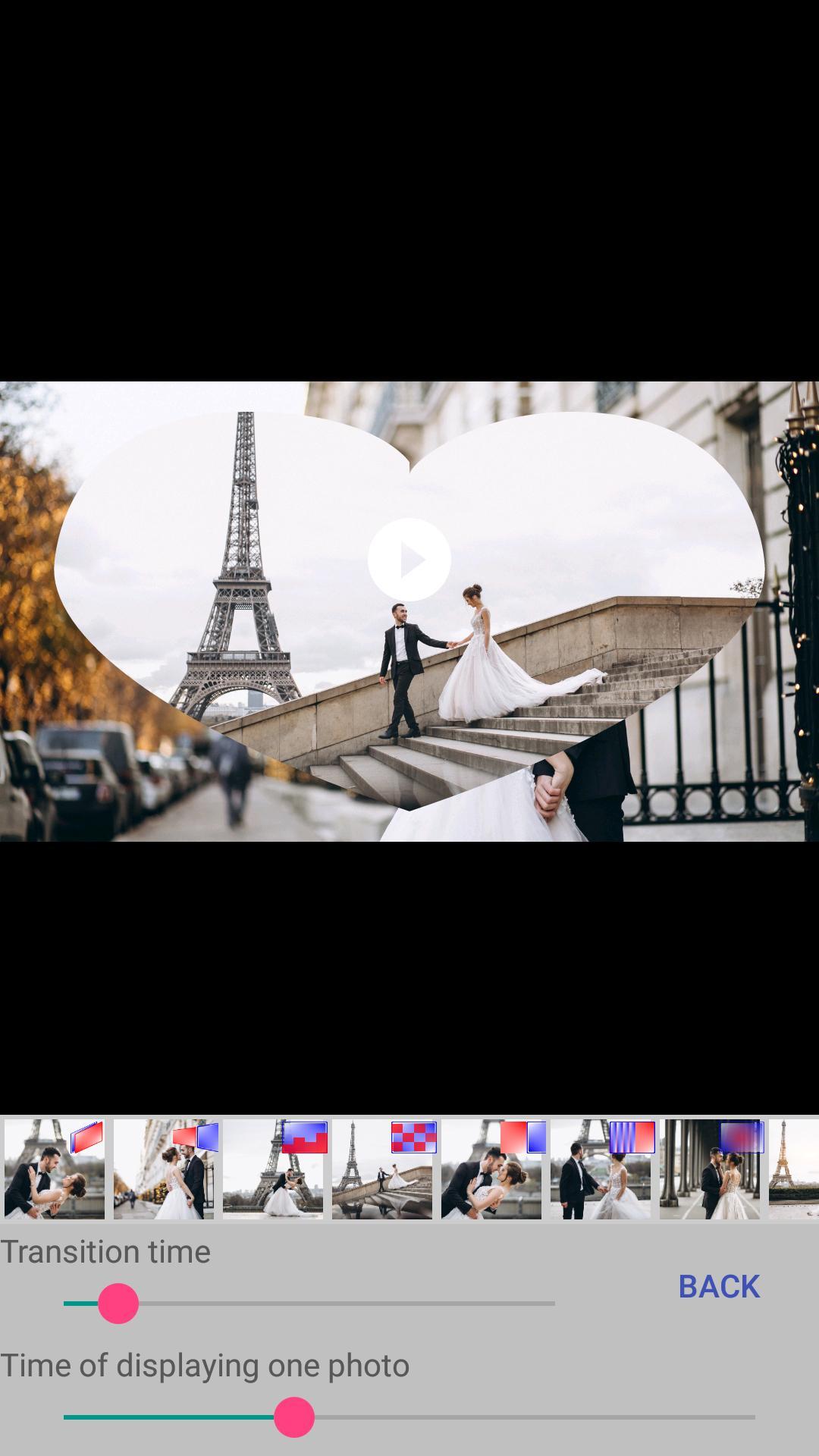
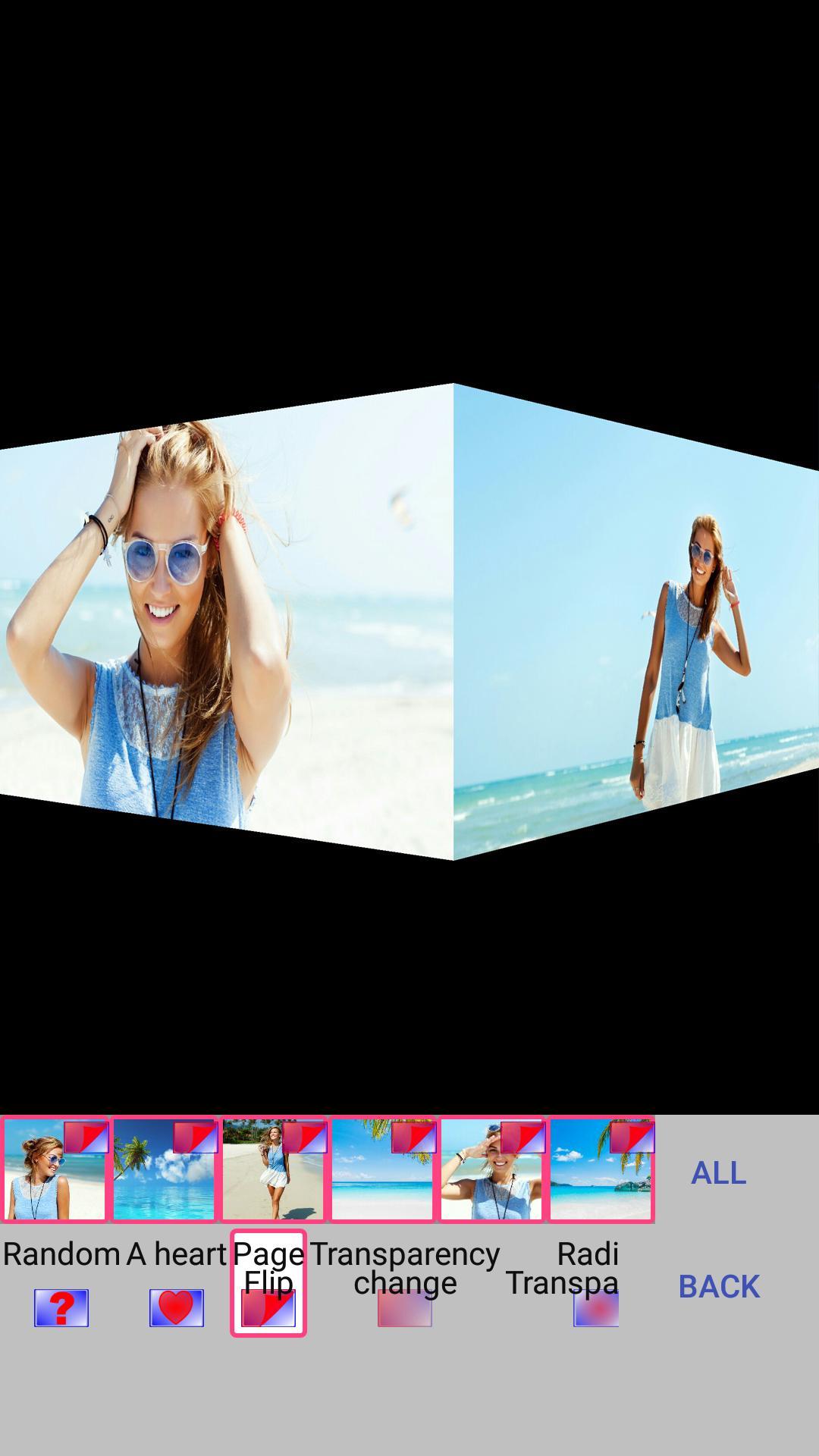
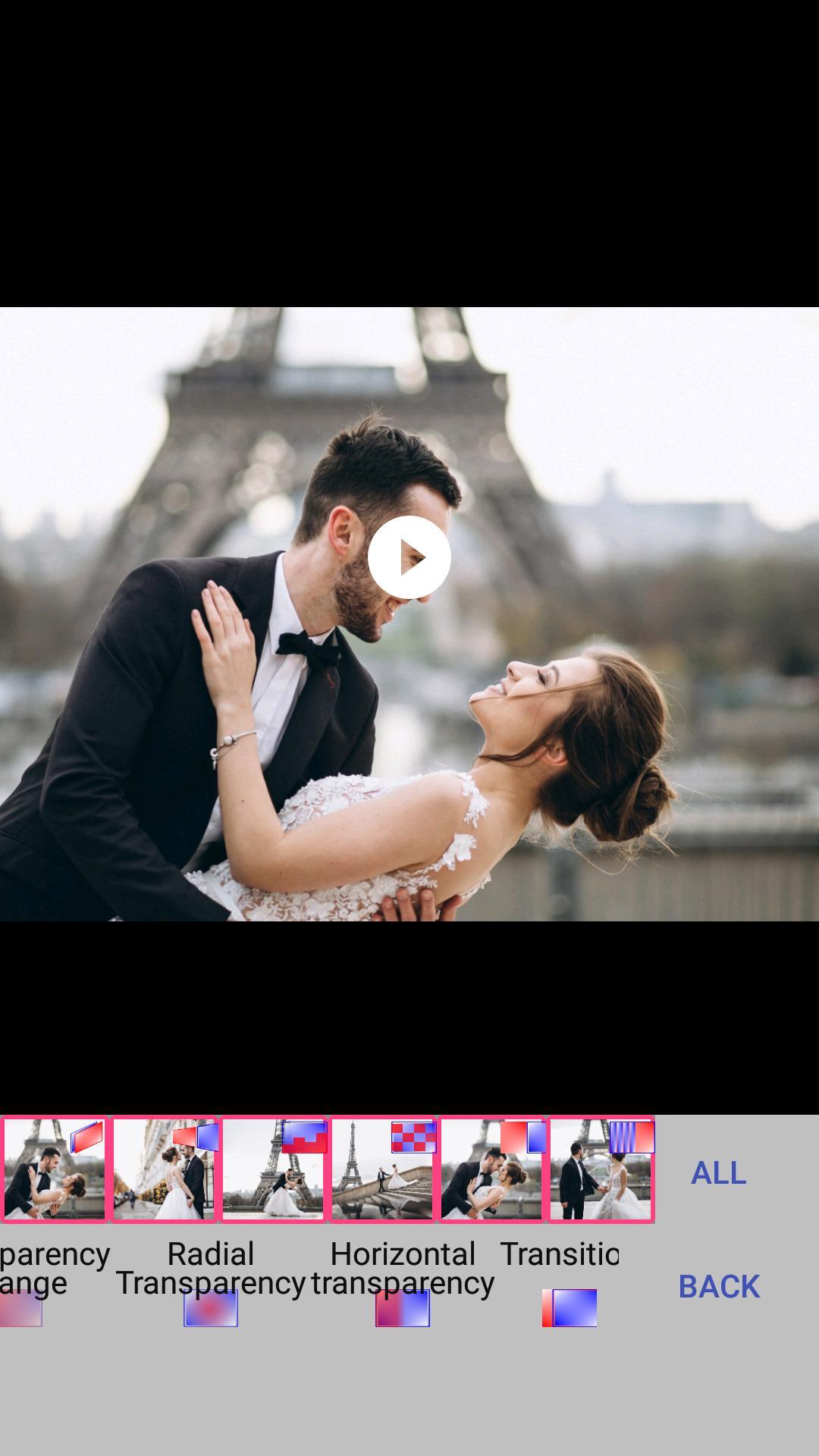
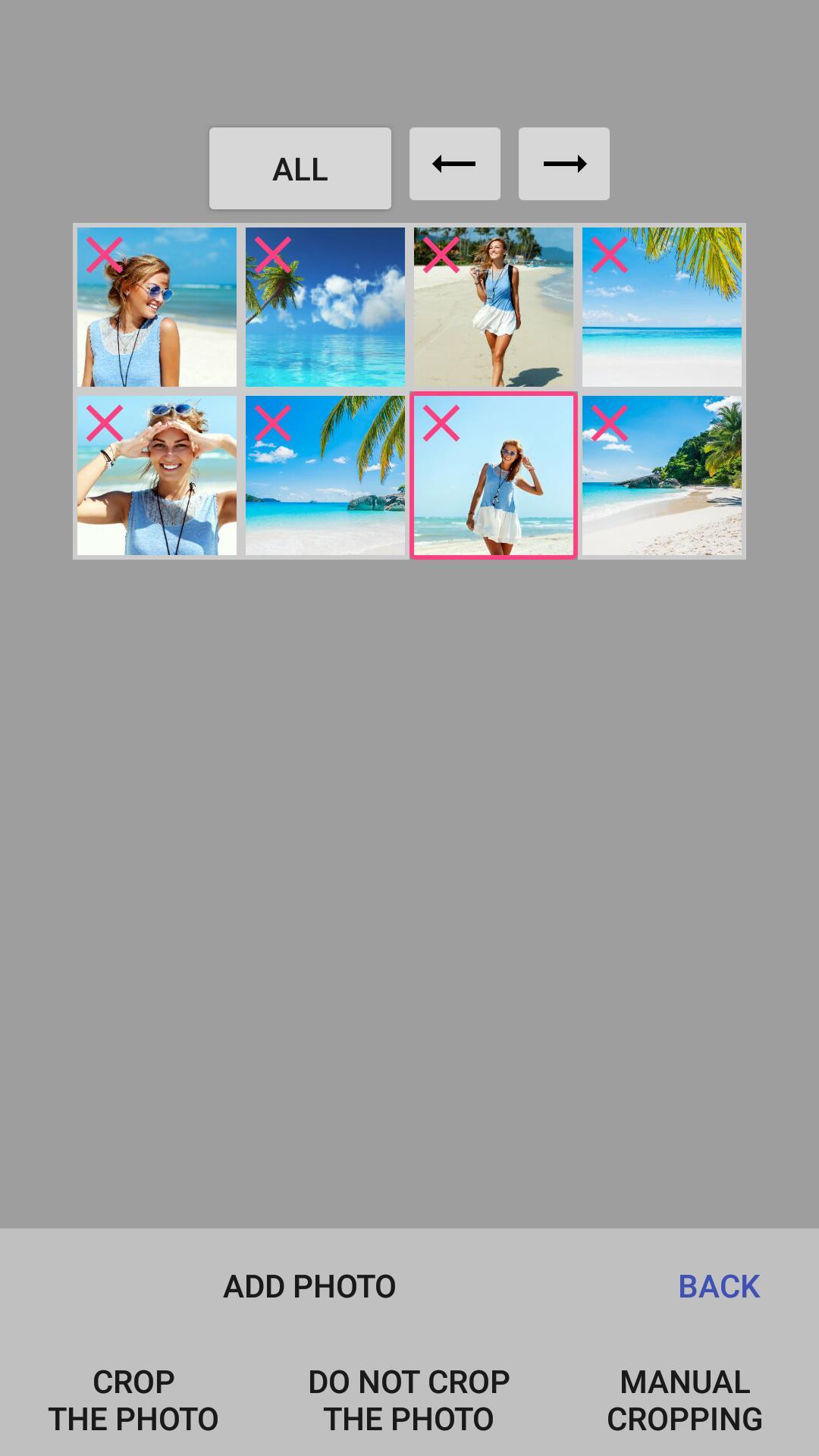
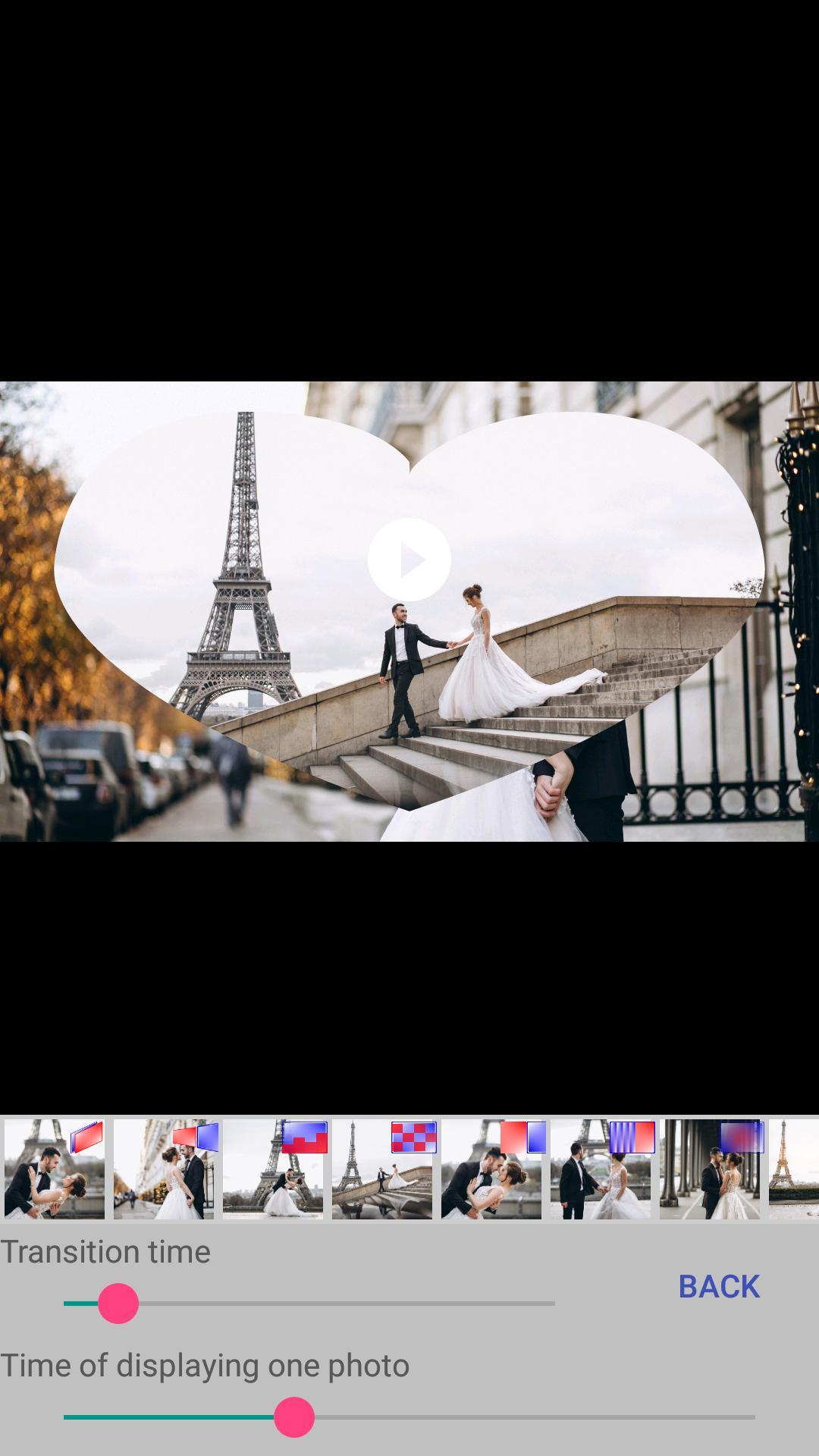
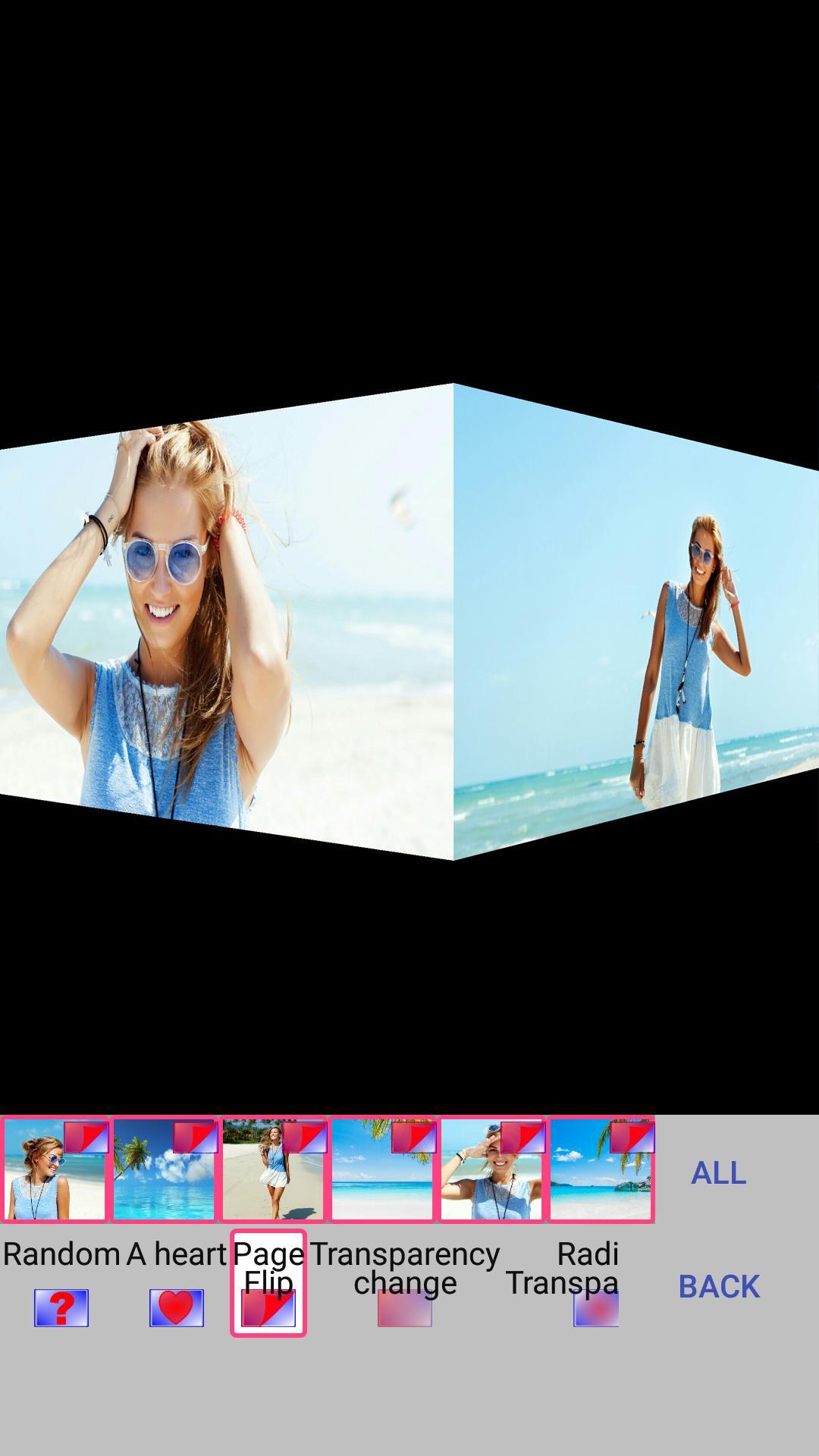
The application "Make a video from a photo with music" contains many beautiful transitions: the page turn of the album, cube rotation, mosaic, moving gallery, photo appearance in the heart, change of transparency and others. To a video slideshow, you can add music from your phone or tablet or record your soundtrack. You can set the time for displaying one photo and the transition time. To your video from photos you can add an inscription, adjust the text size, font, color, transparency, position, start and end time of the display of the inscription. You can swap photos (in the "Photos" menu), as well as change the type of cropping photo (do not crop photos, crop to size video, or manually crop).
With us make a beautiful video from photos easily!
What's New in the Latest Version 1.5.8
Last updated on Jun 25, 2024
Several bugs fixed
Making a Slideshow with Music1. Choosing the Right Software
The first step is to select the software you will use to create your slideshow. There are many different options available, both free and paid. Some popular choices include:
* Microsoft PowerPoint
* Apple Keynote
* Google Slides
* Canva
* Prezi
Each software has its own unique features and capabilities, so it's important to choose the one that best suits your needs.
2. Gathering Your Materials
Once you have chosen your software, you will need to gather the materials you will use to create your slideshow. This includes:
* Images
* Videos
* Music
* Text
You can use your own materials or find free or paid resources online.
3. Creating Your Slides
The next step is to create your slides. Each slide should have a clear purpose and flow logically from the previous slide. You can use text, images, videos, and music to create your slides.
4. Adding Music
Once you have created your slides, you can add music to your slideshow. You can use music from your own library or find free or paid music online.
5. Previewing and Exporting Your Slideshow
Once you have added music to your slideshow, you should preview it to make sure it looks and sounds the way you want it to. You can then export your slideshow to a variety of formats, including:
* PPTX
* MP4
* HTML5
Tips for Creating a Great Slideshow with Music
Here are a few tips for creating a great slideshow with music:
* Use high-quality images and videos.
* Choose music that complements your slides.
* Keep your slides simple and easy to read.
* Use transitions and animations sparingly.
* Proofread your slides carefully before presenting them.
Make a beautiful video slideshow of your photos with music and text
In the application you can easily create a video slideshow from your photos, add music from your phone and text (if necessary). Videos can be published on social networks, sent to a friend or used as a video screen saver for your channel or group on social networks. Also you can use the finished musical slide show as a gift to family and friends on their Birthday, Wedding Day, Wedding Anniversary, graduation, Mother's Day, Father's Day, New Year, Christmas or other holidays.
The application "Make a video from a photo with music" contains many beautiful transitions: the page turn of the album, cube rotation, mosaic, moving gallery, photo appearance in the heart, change of transparency and others. To a video slideshow, you can add music from your phone or tablet or record your soundtrack. You can set the time for displaying one photo and the transition time. To your video from photos you can add an inscription, adjust the text size, font, color, transparency, position, start and end time of the display of the inscription. You can swap photos (in the "Photos" menu), as well as change the type of cropping photo (do not crop photos, crop to size video, or manually crop).
With us make a beautiful video from photos easily!
What's New in the Latest Version 1.5.8
Last updated on Jun 25, 2024
Several bugs fixed
Making a Slideshow with Music1. Choosing the Right Software
The first step is to select the software you will use to create your slideshow. There are many different options available, both free and paid. Some popular choices include:
* Microsoft PowerPoint
* Apple Keynote
* Google Slides
* Canva
* Prezi
Each software has its own unique features and capabilities, so it's important to choose the one that best suits your needs.
2. Gathering Your Materials
Once you have chosen your software, you will need to gather the materials you will use to create your slideshow. This includes:
* Images
* Videos
* Music
* Text
You can use your own materials or find free or paid resources online.
3. Creating Your Slides
The next step is to create your slides. Each slide should have a clear purpose and flow logically from the previous slide. You can use text, images, videos, and music to create your slides.
4. Adding Music
Once you have created your slides, you can add music to your slideshow. You can use music from your own library or find free or paid music online.
5. Previewing and Exporting Your Slideshow
Once you have added music to your slideshow, you should preview it to make sure it looks and sounds the way you want it to. You can then export your slideshow to a variety of formats, including:
* PPTX
* MP4
* HTML5
Tips for Creating a Great Slideshow with Music
Here are a few tips for creating a great slideshow with music:
* Use high-quality images and videos.
* Choose music that complements your slides.
* Keep your slides simple and easy to read.
* Use transitions and animations sparingly.
* Proofread your slides carefully before presenting them.





