


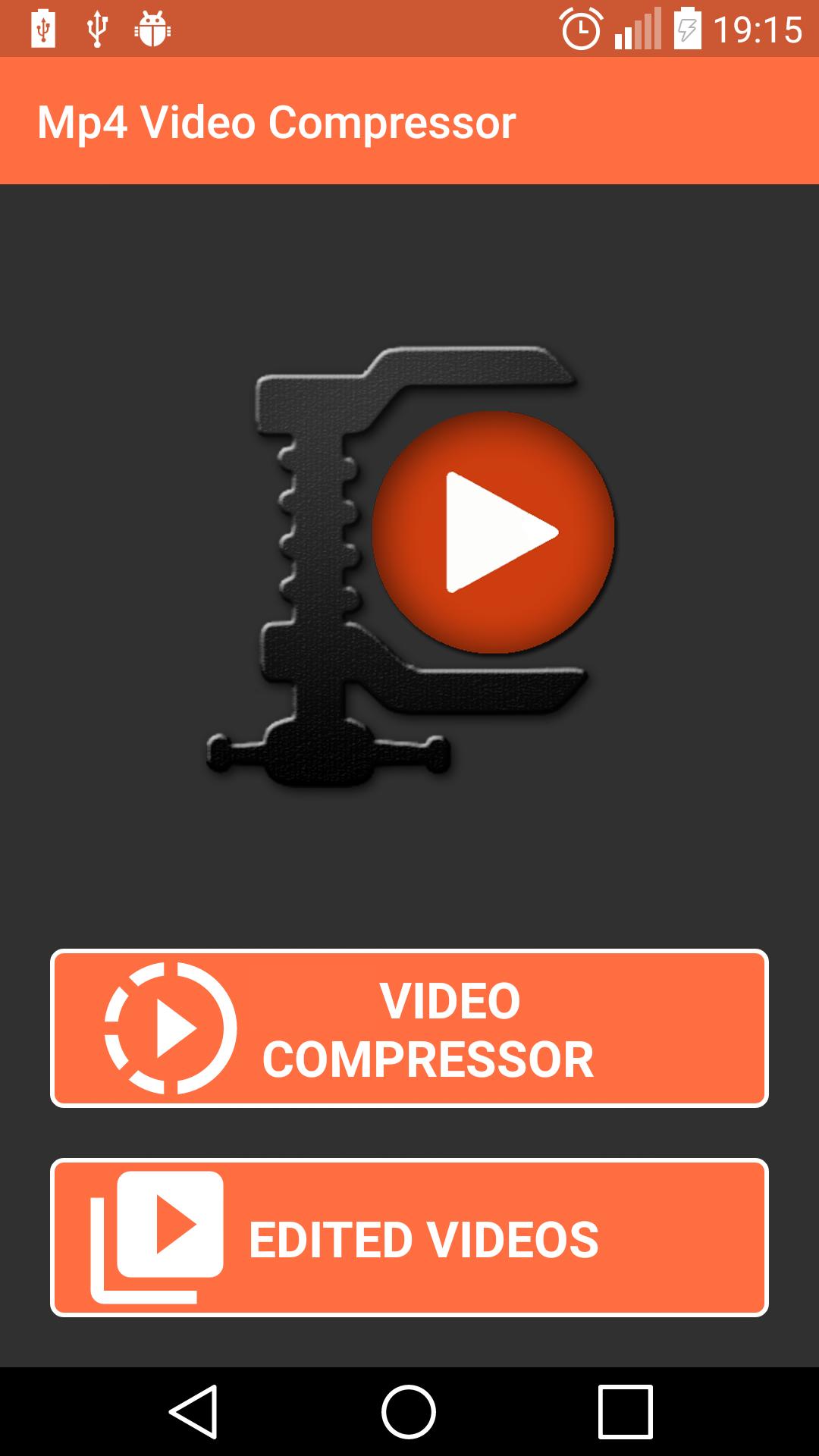
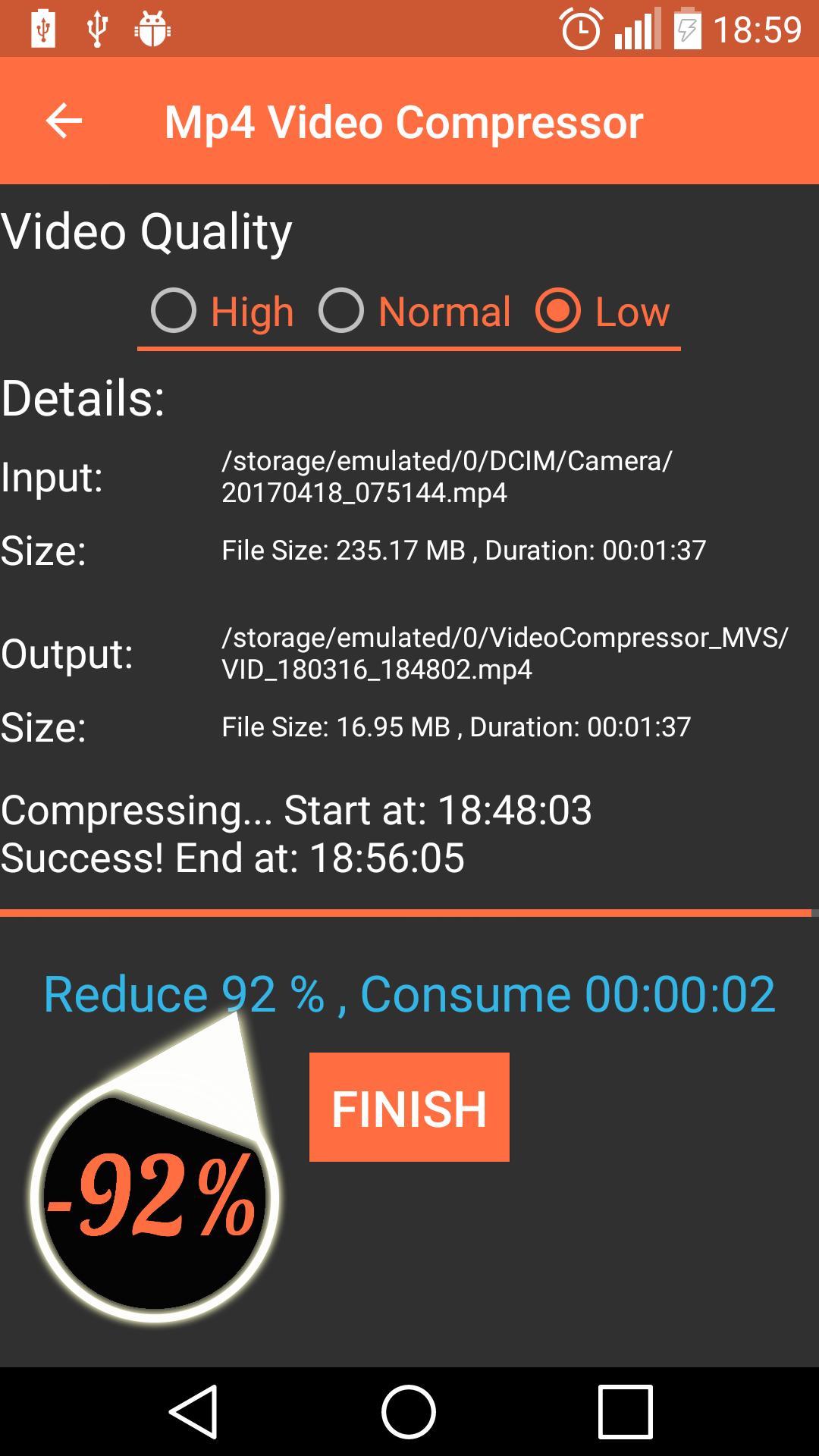

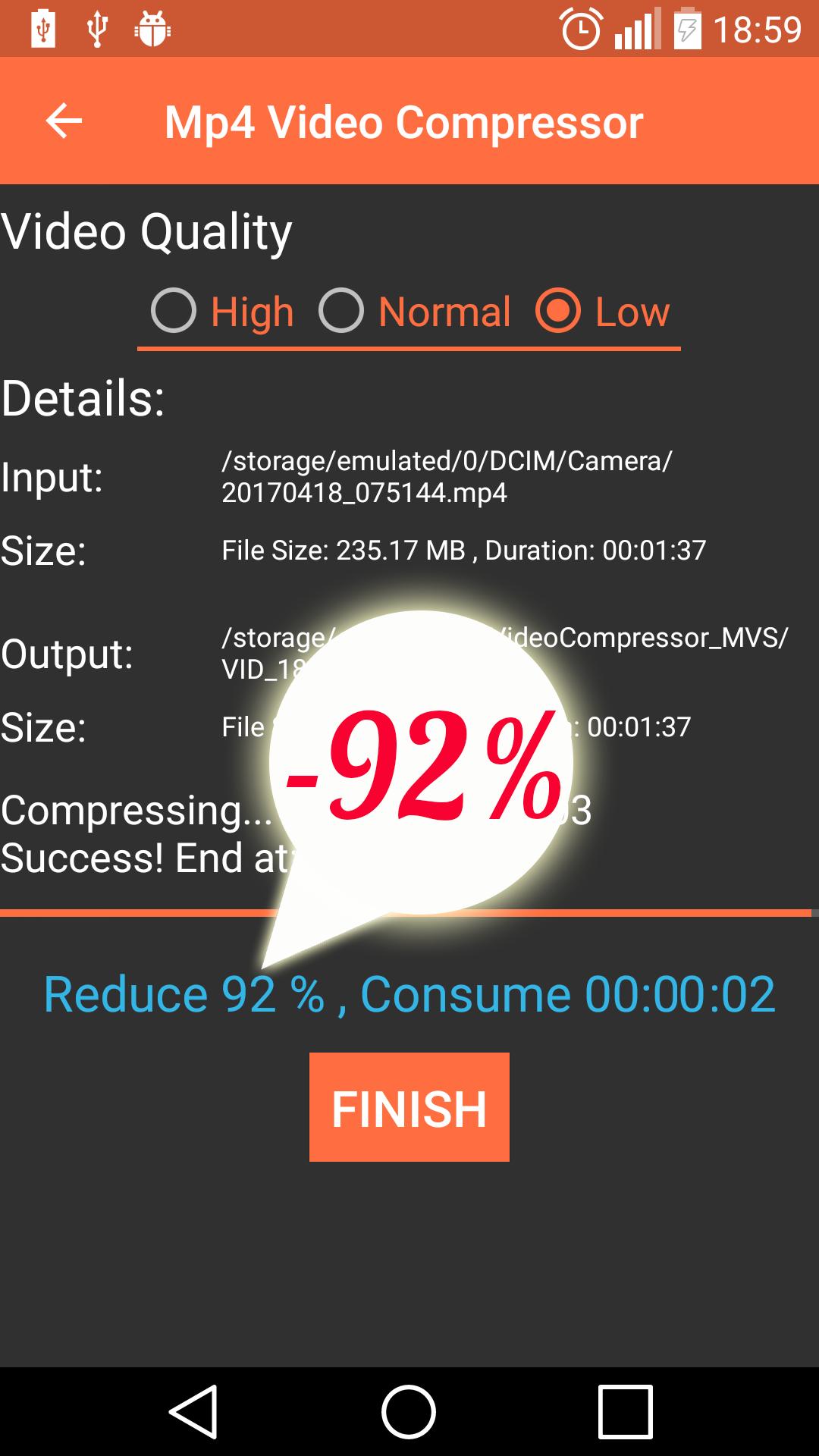

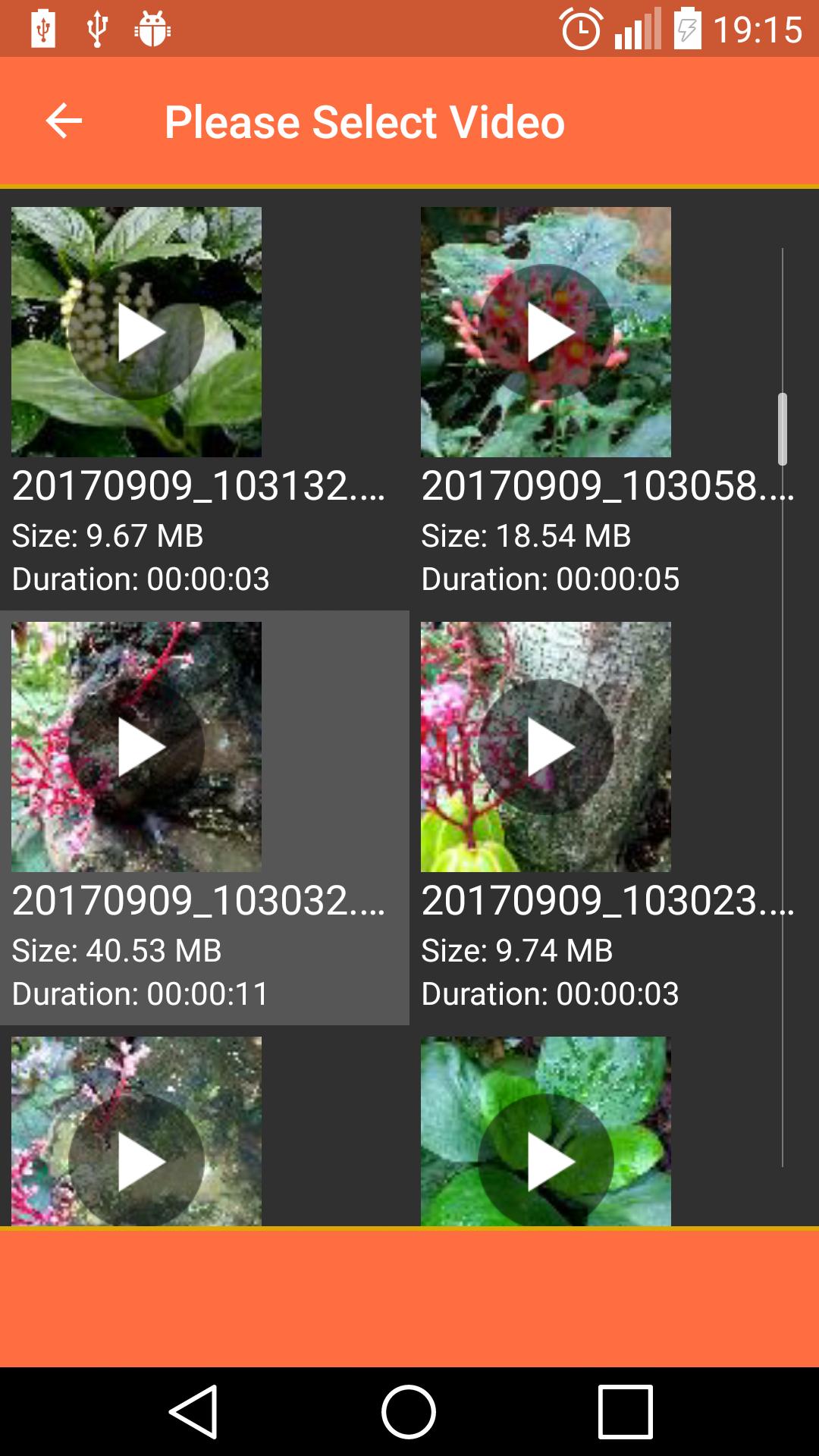
Fast and easy to compress Video MP4
Compact application size, only 2MB
Reduce data usage, fast to upload, share videos through Internet.
- MP4 Video Compressor is free application help you compress your Video very fast and easy.
- MP4 is most popular video format, almost videos stored in your phone use this format, so this application is very useful for you.
- This application support all CPU type for smart phone on the world.
- Small application size, ~2MB
Main features:
- Compress Video very fast and simple.
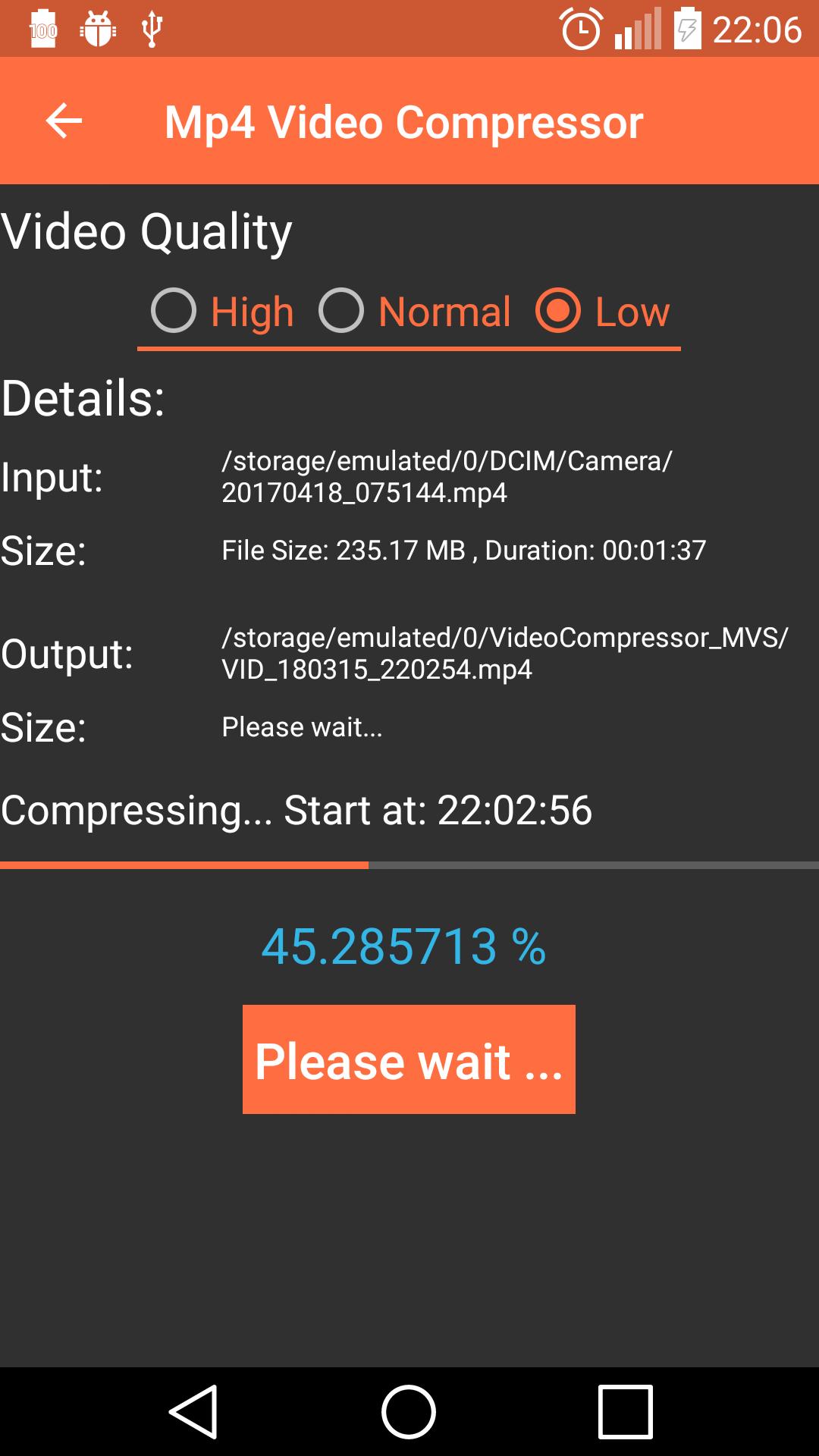
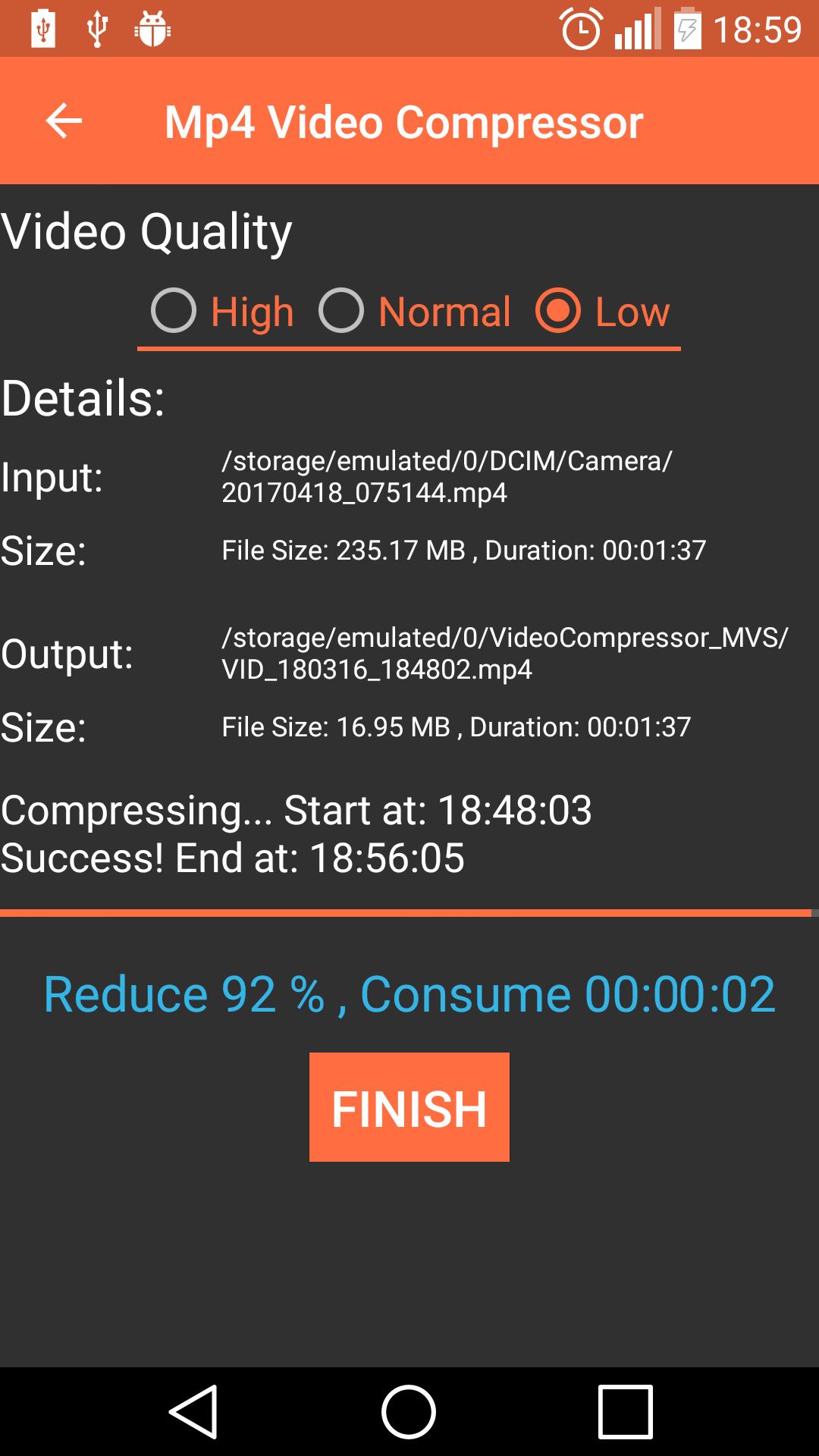
- Reduce video size up to 95% compare with original video.
- Saving memory of device
- Set quality of out put video.
- Keep high or low video quality as you want.
- Build-in video player help you easy to watch video after compress.
- Display all videos mp4 in your phone to help you select.
- Display all videos after compress.
- Allow you to share, delete Video.
- Compact application size with nice user interface.
- Support all CPUs type: x86, x86-64, mips, mips64, armabi, armabi-v7a, arm64-v8a
- Supported both smartphone and tablet.
How to use:
- Select video to compress.
- Select a part of video to compress.
- Save and share after compress video.
Abouts:
We use some images designed by freepik.com and iconfinder.com
What's New in the Latest Version 2.4.0
Last updated on Jul 8, 2024
Fully Support Android 14
Update Library
Introduction
MP4 Video Compressor is a software tool designed to reduce the file size of MP4 video files without compromising their quality. This process, known as video compression, involves employing algorithms to remove redundant data and optimize the video's structure. MP4 Video Compressor offers a user-friendly interface and a range of customization options, making it suitable for both novice and experienced users.
Key Features
* Batch Compression: Compress multiple MP4 files simultaneously, saving time and effort.
* Predefined Profiles: Choose from various pre-defined profiles optimized for different scenarios, such as web, mobile, and social media.
* Customizable Settings: Adjust compression parameters manually, including video resolution, bitrate, and frame rate.
* Preview Window: Preview the compressed video before saving it to ensure satisfaction with the results.
* Support for Various Formats: Compress MP4 videos encoded with H.264, H.265, and other popular codecs.
Benefits of Using MP4 Video Compressor
* Reduced File Size: Significantly decrease the size of MP4 videos, making them easier to share, upload, and store.
* Optimized for Different Platforms: Create videos tailored to specific platforms, such as YouTube, Facebook, and Instagram.
* Improved Video Quality: Maintain high video quality even after compression, ensuring a visually pleasing viewing experience.
* Faster Upload and Download Times: Reduced file sizes enable faster uploading and downloading, saving time and bandwidth.
* Increased Storage Capacity: Free up valuable storage space by compressing large video files without sacrificing quality.
How to Use MP4 Video Compressor
1. Add MP4 Files: Import the MP4 videos you want to compress by dragging and dropping them or using the "Add Files" button.
2. Select Profile: Choose a predefined profile based on your desired output or customize the compression settings manually.
3. Preview Compressed Video: Click the "Preview" button to view the compressed video before saving it.
4. Save Compressed Video: Specify the output file name and location, then click the "Compress" button to save the compressed video.
Tips for Optimal Compression
* Choose the Right Profile: Select a profile that matches the intended use of the compressed video.
* Adjust Resolution and Bitrate: Lower the resolution and bitrate to reduce file size while maintaining acceptable quality.
* Consider Frame Rate: Reducing the frame rate can further decrease file size, but it may affect video smoothness.
* Preview and Adjust: Preview the compressed video and adjust settings as needed to achieve the desired balance between file size and quality.
Conclusion
MP4 Video Compressor is a powerful and user-friendly tool that empowers users to compress MP4 videos effectively. With its intuitive interface, customizable options, and support for various formats, it caters to the needs of both novice and experienced users. By utilizing MP4 Video Compressor, users can reduce file sizes, optimize videos for different platforms, and enjoy faster upload and download times while maintaining high video quality.
Fast and easy to compress Video MP4
Compact application size, only 2MB
Reduce data usage, fast to upload, share videos through Internet.
- MP4 Video Compressor is free application help you compress your Video very fast and easy.
- MP4 is most popular video format, almost videos stored in your phone use this format, so this application is very useful for you.
- This application support all CPU type for smart phone on the world.
- Small application size, ~2MB
Main features:
- Compress Video very fast and simple.
- Reduce video size up to 95% compare with original video.
- Saving memory of device
- Set quality of out put video.
- Keep high or low video quality as you want.
- Build-in video player help you easy to watch video after compress.
- Display all videos mp4 in your phone to help you select.
- Display all videos after compress.
- Allow you to share, delete Video.
- Compact application size with nice user interface.
- Support all CPUs type: x86, x86-64, mips, mips64, armabi, armabi-v7a, arm64-v8a
- Supported both smartphone and tablet.
How to use:
- Select video to compress.
- Select a part of video to compress.
- Save and share after compress video.
Abouts:
We use some images designed by freepik.com and iconfinder.com
What's New in the Latest Version 2.4.0
Last updated on Jul 8, 2024
Fully Support Android 14
Update Library
Introduction
MP4 Video Compressor is a software tool designed to reduce the file size of MP4 video files without compromising their quality. This process, known as video compression, involves employing algorithms to remove redundant data and optimize the video's structure. MP4 Video Compressor offers a user-friendly interface and a range of customization options, making it suitable for both novice and experienced users.
Key Features
* Batch Compression: Compress multiple MP4 files simultaneously, saving time and effort.
* Predefined Profiles: Choose from various pre-defined profiles optimized for different scenarios, such as web, mobile, and social media.
* Customizable Settings: Adjust compression parameters manually, including video resolution, bitrate, and frame rate.
* Preview Window: Preview the compressed video before saving it to ensure satisfaction with the results.
* Support for Various Formats: Compress MP4 videos encoded with H.264, H.265, and other popular codecs.
Benefits of Using MP4 Video Compressor
* Reduced File Size: Significantly decrease the size of MP4 videos, making them easier to share, upload, and store.
* Optimized for Different Platforms: Create videos tailored to specific platforms, such as YouTube, Facebook, and Instagram.
* Improved Video Quality: Maintain high video quality even after compression, ensuring a visually pleasing viewing experience.
* Faster Upload and Download Times: Reduced file sizes enable faster uploading and downloading, saving time and bandwidth.
* Increased Storage Capacity: Free up valuable storage space by compressing large video files without sacrificing quality.
How to Use MP4 Video Compressor
1. Add MP4 Files: Import the MP4 videos you want to compress by dragging and dropping them or using the "Add Files" button.
2. Select Profile: Choose a predefined profile based on your desired output or customize the compression settings manually.
3. Preview Compressed Video: Click the "Preview" button to view the compressed video before saving it.
4. Save Compressed Video: Specify the output file name and location, then click the "Compress" button to save the compressed video.
Tips for Optimal Compression
* Choose the Right Profile: Select a profile that matches the intended use of the compressed video.
* Adjust Resolution and Bitrate: Lower the resolution and bitrate to reduce file size while maintaining acceptable quality.
* Consider Frame Rate: Reducing the frame rate can further decrease file size, but it may affect video smoothness.
* Preview and Adjust: Preview the compressed video and adjust settings as needed to achieve the desired balance between file size and quality.
Conclusion
MP4 Video Compressor is a powerful and user-friendly tool that empowers users to compress MP4 videos effectively. With its intuitive interface, customizable options, and support for various formats, it caters to the needs of both novice and experienced users. By utilizing MP4 Video Compressor, users can reduce file sizes, optimize videos for different platforms, and enjoy faster upload and download times while maintaining high video quality.





