






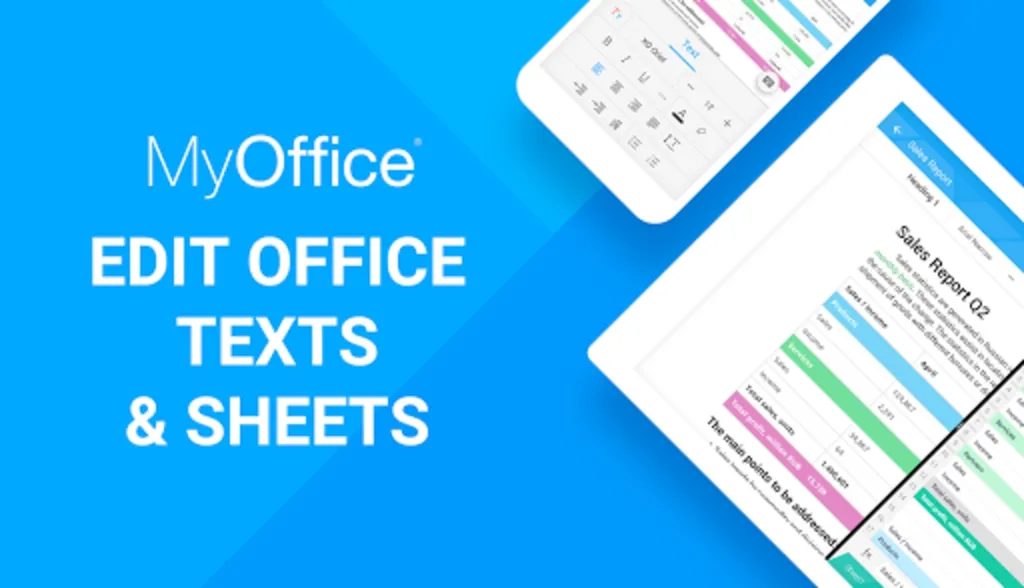
MyOffice® Documents stands out as an exceptional, free mobile office suite crafted to cater to documentation needs on Android smartphones and tablets. Whether managing tasks from a remote location or amid transit, the app empowers seamless document editing and viewing, both online and offline.
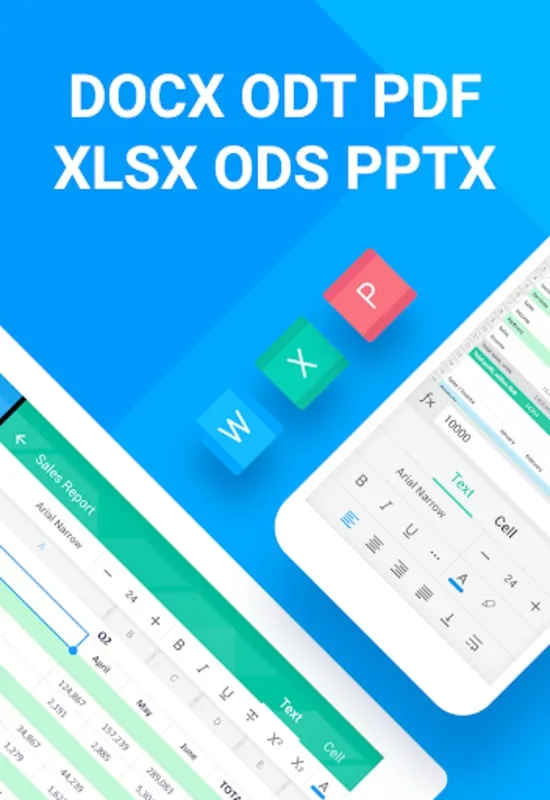
The suite is not only versatile with its capacity to handle various file formats including DOC, DOCX, ODT for text documents, XLS, XLSX, ODS for spreadsheets, and PPTX for presentations, but it also excels in viewing and converting PDF files. With this robust toolset, users will appreciate the convenience of an integrated suite that combines Text, Spreadsheet, Presentation, and Document Management tools.
Experience the luxury of creating and editing text with support for templates and rich text features like font customization, text alignment, and the ability to work with tables and images. Compatibility with mainstream office software ensures that transitioning to this platform is smooth and hassle-free.
For those who handle numerical data, spreadsheet functionality provides a robust environment for cell formatting and formula applications. Create, import, and export spreadsheets, making data analysis and presentation straightforward.
Presentation capabilities go beyond mere viewing; users can steer through slides effortlessly, even from a smartwatch.
This solution also stands out in document management, offering seamless loading of files from popular cloud storages. Its integrated PDF reader supports various PDF formats, ensuring that crucial documents are always accessible.
In conclusion, MyOffice® Documents stands tall as an indispensable tool, striking the perfect balance between functionality and convenience. It's a true game-changer for professionals seeking a one-stop solution for document management on the go.
MyOffice® Documents: A Comprehensive Suite for Document Creation and CollaborationIntroduction
MyOffice® Documents is a powerful and feature-rich office suite that provides users with a comprehensive set of tools for creating, editing, and collaborating on documents, spreadsheets, and presentations. It is a versatile solution for businesses, students, and individuals who require a robust and efficient way to handle their document-related tasks.
Document Creation and Editing
MyOffice® Documents includes a fully-fledged word processor that offers a wide range of features for creating and editing documents. Users can insert and format text, add images and tables, create headers and footers, and perform various other operations to customize their documents. The software also supports collaboration, allowing multiple users to work on the same document simultaneously.
Spreadsheet Functionality
In addition to word processing, MyOffice® Documents also provides a comprehensive spreadsheet application. This tool allows users to create and edit spreadsheets, perform calculations, generate charts and graphs, and analyze data. It offers a wide range of functions and formulas, making it suitable for both basic and advanced spreadsheet tasks.
Presentation Creation
MyOffice® Documents includes a dedicated presentation application that enables users to create and deliver professional-looking presentations. It provides a variety of templates, themes, and animations to help users create visually appealing slides. The software also allows for the insertion of multimedia content, such as images, videos, and audio.
Collaboration and File Sharing
MyOffice® Documents is designed to facilitate collaboration among users. It allows multiple users to work on the same document simultaneously, making it easier to track changes and ensure that everyone is on the same page. The software also supports file sharing through cloud services, making it easy to share documents with others.
Integration with Other Software
MyOffice® Documents can be integrated with other software applications, including email clients and project management tools. This integration allows users to access and edit documents from within other applications, streamlining their workflow and improving productivity.
Security and Data Protection
MyOffice® Documents takes data security seriously. It employs robust encryption algorithms to protect sensitive information and ensures compliance with industry standards for data protection. Users can also control access to documents and set permissions to prevent unauthorized access.
Conclusion
MyOffice® Documents is a comprehensive and user-friendly office suite that offers a wide range of features for creating, editing, and collaborating on documents. Its powerful word processor, spreadsheet application, and presentation creator make it an ideal solution for businesses, students, and individuals who require a versatile and efficient way to handle their document-related tasks.
MyOffice® Documents stands out as an exceptional, free mobile office suite crafted to cater to documentation needs on Android smartphones and tablets. Whether managing tasks from a remote location or amid transit, the app empowers seamless document editing and viewing, both online and offline.
The suite is not only versatile with its capacity to handle various file formats including DOC, DOCX, ODT for text documents, XLS, XLSX, ODS for spreadsheets, and PPTX for presentations, but it also excels in viewing and converting PDF files. With this robust toolset, users will appreciate the convenience of an integrated suite that combines Text, Spreadsheet, Presentation, and Document Management tools.
Experience the luxury of creating and editing text with support for templates and rich text features like font customization, text alignment, and the ability to work with tables and images. Compatibility with mainstream office software ensures that transitioning to this platform is smooth and hassle-free.
For those who handle numerical data, spreadsheet functionality provides a robust environment for cell formatting and formula applications. Create, import, and export spreadsheets, making data analysis and presentation straightforward.
Presentation capabilities go beyond mere viewing; users can steer through slides effortlessly, even from a smartwatch.
This solution also stands out in document management, offering seamless loading of files from popular cloud storages. Its integrated PDF reader supports various PDF formats, ensuring that crucial documents are always accessible.
In conclusion, MyOffice® Documents stands tall as an indispensable tool, striking the perfect balance between functionality and convenience. It's a true game-changer for professionals seeking a one-stop solution for document management on the go.
MyOffice® Documents: A Comprehensive Suite for Document Creation and CollaborationIntroduction
MyOffice® Documents is a powerful and feature-rich office suite that provides users with a comprehensive set of tools for creating, editing, and collaborating on documents, spreadsheets, and presentations. It is a versatile solution for businesses, students, and individuals who require a robust and efficient way to handle their document-related tasks.
Document Creation and Editing
MyOffice® Documents includes a fully-fledged word processor that offers a wide range of features for creating and editing documents. Users can insert and format text, add images and tables, create headers and footers, and perform various other operations to customize their documents. The software also supports collaboration, allowing multiple users to work on the same document simultaneously.
Spreadsheet Functionality
In addition to word processing, MyOffice® Documents also provides a comprehensive spreadsheet application. This tool allows users to create and edit spreadsheets, perform calculations, generate charts and graphs, and analyze data. It offers a wide range of functions and formulas, making it suitable for both basic and advanced spreadsheet tasks.
Presentation Creation
MyOffice® Documents includes a dedicated presentation application that enables users to create and deliver professional-looking presentations. It provides a variety of templates, themes, and animations to help users create visually appealing slides. The software also allows for the insertion of multimedia content, such as images, videos, and audio.
Collaboration and File Sharing
MyOffice® Documents is designed to facilitate collaboration among users. It allows multiple users to work on the same document simultaneously, making it easier to track changes and ensure that everyone is on the same page. The software also supports file sharing through cloud services, making it easy to share documents with others.
Integration with Other Software
MyOffice® Documents can be integrated with other software applications, including email clients and project management tools. This integration allows users to access and edit documents from within other applications, streamlining their workflow and improving productivity.
Security and Data Protection
MyOffice® Documents takes data security seriously. It employs robust encryption algorithms to protect sensitive information and ensures compliance with industry standards for data protection. Users can also control access to documents and set permissions to prevent unauthorized access.
Conclusion
MyOffice® Documents is a comprehensive and user-friendly office suite that offers a wide range of features for creating, editing, and collaborating on documents. Its powerful word processor, spreadsheet application, and presentation creator make it an ideal solution for businesses, students, and individuals who require a versatile and efficient way to handle their document-related tasks.





