


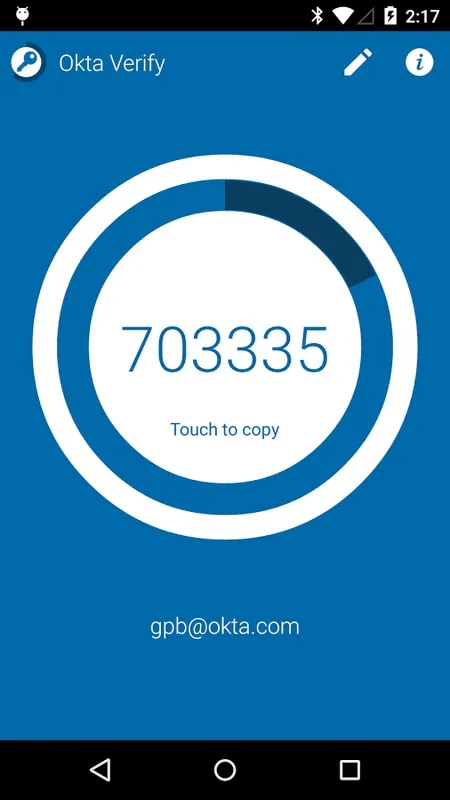
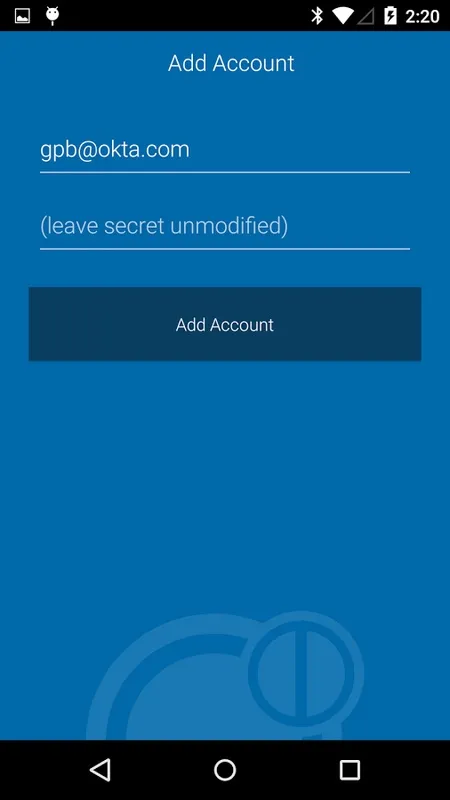
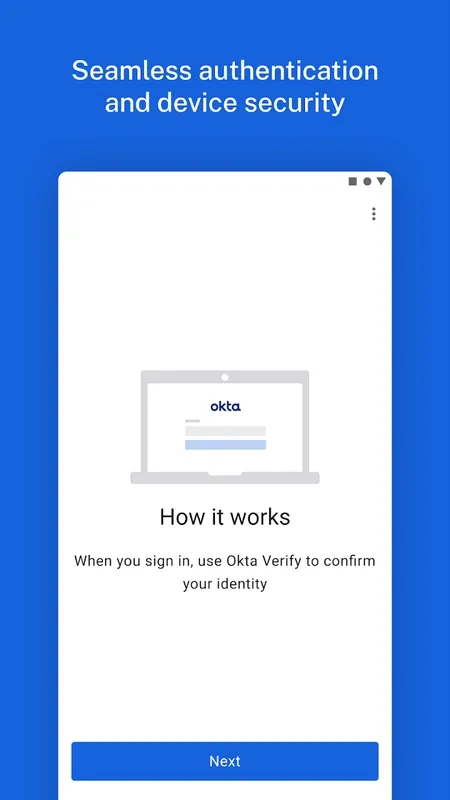


Okta Verify is a very light app that provides access Okta, as well as other apps and services, using a two-step verification system. This way, you can be absolutely sure that you're the only one who can access your accounts.
Using Okta Verify is quite simple. When you're going to access a service with a two-step verification system, all you have to do is scan the QR code using the app. Alternatively, you can enter the password manually, although this process is somewhat slower. In any case, as soon as you do so, you can associate the service in question to your Android device.
The list of apps and services with which you can use Okta Verify is extensive and includes Outlook, Jira, Github, Hipchat, and Confluence, among others. It's important to note that you can't use Okta Verify with apps that include their own two-step verification method, such as WhatsApp. If you try this, you'll receive an error.
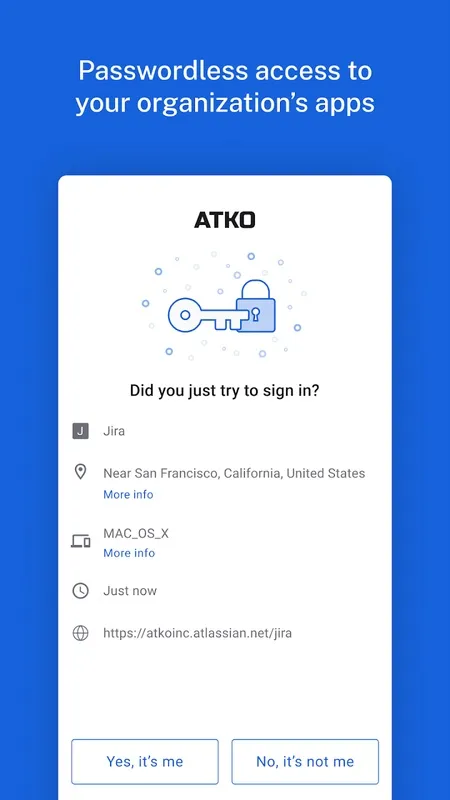
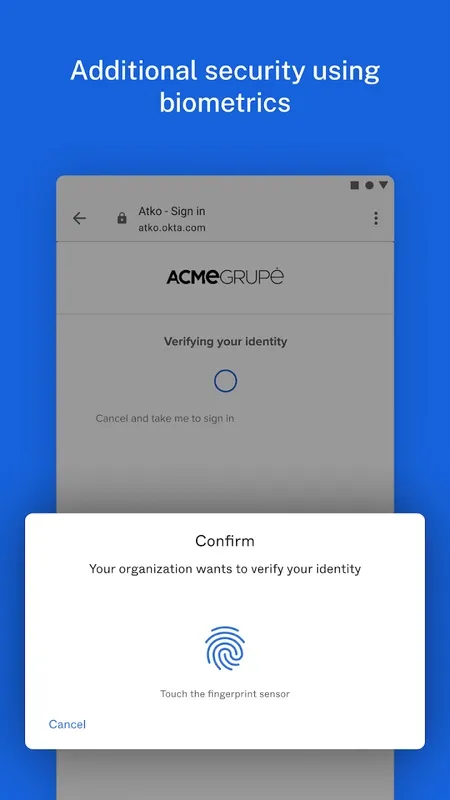
Okta Verify is a very useful app for regular Okta users and, in general, for anyone who wants to add an extra layer of security to their daily life. With it, there's no longer a need to enter passwords. Simply verify your identity with a single tap on the screen of your Android device.
Okta Verify: Multi-Factor Authentication for Enhanced SecurityOkta Verify is a multi-factor authentication (MFA) solution designed to enhance the security of online accounts by requiring users to provide additional verification beyond their password. This added layer of protection helps prevent unauthorized access and data breaches, making it a valuable tool for organizations and individuals alike.
Key Features
* Multi-Factor Authentication: Okta Verify supports multiple authentication methods, including push notifications, one-time passwords (OTPs), and hardware tokens. Users can choose the method that best suits their needs and preferences.
* Easy Integration: Okta Verify seamlessly integrates with Okta's Identity and Access Management (IAM) platform, allowing organizations to quickly and easily enable MFA for their users.
* Flexible Deployment: Okta Verify offers flexible deployment options, including on-premises, cloud, and hybrid models. This allows organizations to choose the deployment method that aligns with their infrastructure and security requirements.
* User-Friendly Interface: The Okta Verify mobile app features an intuitive and user-friendly interface, making it easy for users to enroll and authenticate their accounts.
Benefits
* Enhanced Security: By requiring multiple factors for authentication, Okta Verify significantly reduces the risk of unauthorized access to accounts and sensitive data.
* Compliance: Okta Verify helps organizations meet compliance requirements for data protection and privacy, such as GDPR, HIPAA, and PCI DSS.
* Reduced Fraud: MFA makes it more difficult for fraudsters to gain access to accounts and commit identity theft or financial fraud.
* Improved User Experience: Okta Verify provides a seamless and convenient user experience, with minimal disruption to the login process.
Use Cases
Okta Verify is suitable for a wide range of use cases, including:
* Enterprise Applications: MFA for cloud-based applications, such as Salesforce, Office 365, and G Suite.
* Customer-Facing Applications: MFA for online banking, e-commerce, and other customer-facing applications.
* Remote Access: MFA for employees accessing corporate resources remotely.
* Personal Accounts: MFA for personal email, social media, and financial accounts.
Conclusion
Okta Verify is a robust and user-friendly MFA solution that provides organizations and individuals with enhanced security, compliance, and fraud prevention. Its flexible deployment options and integration with Okta's IAM platform make it an ideal choice for organizations looking to strengthen their security posture.
Okta Verify is a very light app that provides access Okta, as well as other apps and services, using a two-step verification system. This way, you can be absolutely sure that you're the only one who can access your accounts.
Using Okta Verify is quite simple. When you're going to access a service with a two-step verification system, all you have to do is scan the QR code using the app. Alternatively, you can enter the password manually, although this process is somewhat slower. In any case, as soon as you do so, you can associate the service in question to your Android device.
The list of apps and services with which you can use Okta Verify is extensive and includes Outlook, Jira, Github, Hipchat, and Confluence, among others. It's important to note that you can't use Okta Verify with apps that include their own two-step verification method, such as WhatsApp. If you try this, you'll receive an error.
Okta Verify is a very useful app for regular Okta users and, in general, for anyone who wants to add an extra layer of security to their daily life. With it, there's no longer a need to enter passwords. Simply verify your identity with a single tap on the screen of your Android device.
Okta Verify: Multi-Factor Authentication for Enhanced SecurityOkta Verify is a multi-factor authentication (MFA) solution designed to enhance the security of online accounts by requiring users to provide additional verification beyond their password. This added layer of protection helps prevent unauthorized access and data breaches, making it a valuable tool for organizations and individuals alike.
Key Features
* Multi-Factor Authentication: Okta Verify supports multiple authentication methods, including push notifications, one-time passwords (OTPs), and hardware tokens. Users can choose the method that best suits their needs and preferences.
* Easy Integration: Okta Verify seamlessly integrates with Okta's Identity and Access Management (IAM) platform, allowing organizations to quickly and easily enable MFA for their users.
* Flexible Deployment: Okta Verify offers flexible deployment options, including on-premises, cloud, and hybrid models. This allows organizations to choose the deployment method that aligns with their infrastructure and security requirements.
* User-Friendly Interface: The Okta Verify mobile app features an intuitive and user-friendly interface, making it easy for users to enroll and authenticate their accounts.
Benefits
* Enhanced Security: By requiring multiple factors for authentication, Okta Verify significantly reduces the risk of unauthorized access to accounts and sensitive data.
* Compliance: Okta Verify helps organizations meet compliance requirements for data protection and privacy, such as GDPR, HIPAA, and PCI DSS.
* Reduced Fraud: MFA makes it more difficult for fraudsters to gain access to accounts and commit identity theft or financial fraud.
* Improved User Experience: Okta Verify provides a seamless and convenient user experience, with minimal disruption to the login process.
Use Cases
Okta Verify is suitable for a wide range of use cases, including:
* Enterprise Applications: MFA for cloud-based applications, such as Salesforce, Office 365, and G Suite.
* Customer-Facing Applications: MFA for online banking, e-commerce, and other customer-facing applications.
* Remote Access: MFA for employees accessing corporate resources remotely.
* Personal Accounts: MFA for personal email, social media, and financial accounts.
Conclusion
Okta Verify is a robust and user-friendly MFA solution that provides organizations and individuals with enhanced security, compliance, and fraud prevention. Its flexible deployment options and integration with Okta's IAM platform make it an ideal choice for organizations looking to strengthen their security posture.





