


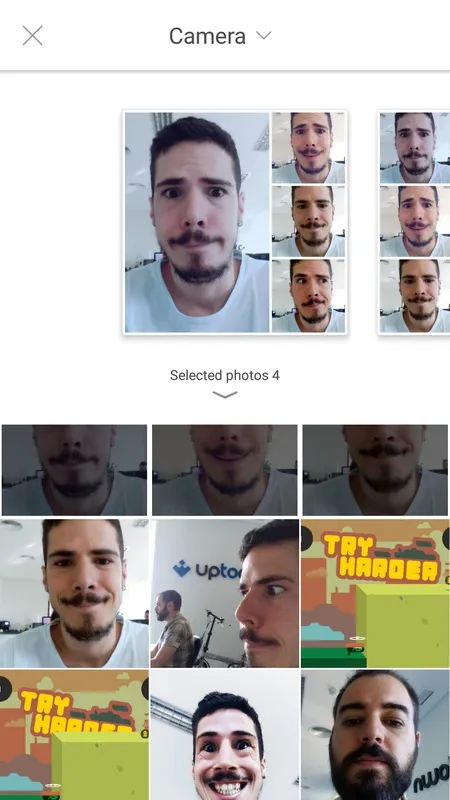
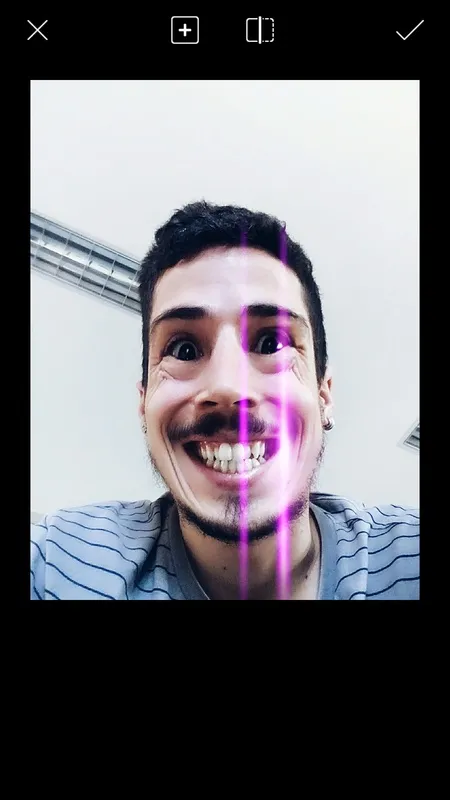

PicsArt Light is an editing tool thanks to which you can modify your pics in many different ways: by applying masks, making collages, adding borders or frames, placing stickers, writing text, rotating images, adjusting the color, and much more.
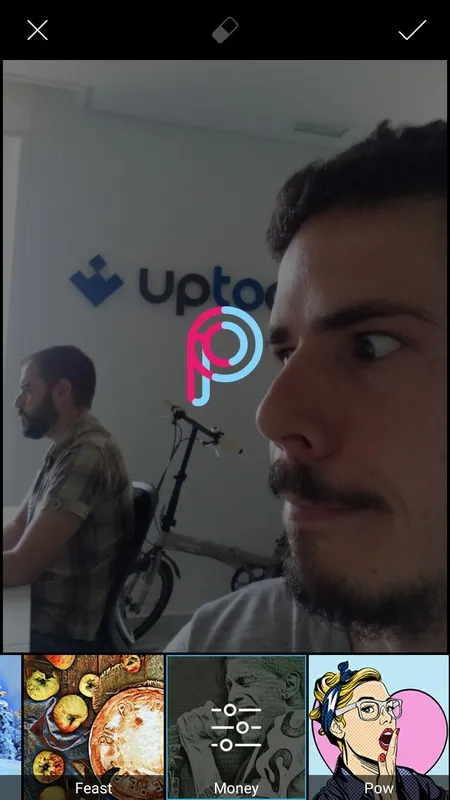
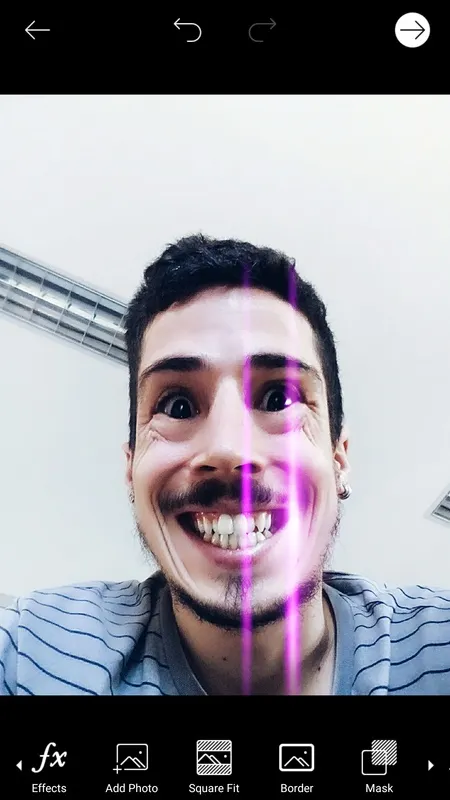
Among the most interesting tools included within the app are the so-called magic effects, thanks to which you can add spectacular flair with just one tap. You've got many different options that let you give a completely different air to your pics in seconds: comic style, neon, old paper, pastel, pop art, soft blur... you'll even find effects similar to the ones from Prisma.
The pics we edit on PicsArt Light can be shared directly over tons of social networks – Facebook, Twitter, Flickr, Picasa, Dropbox, Foursquare, Tumblr. All you need is an account on each. Or you can save the output right to your device's memory.
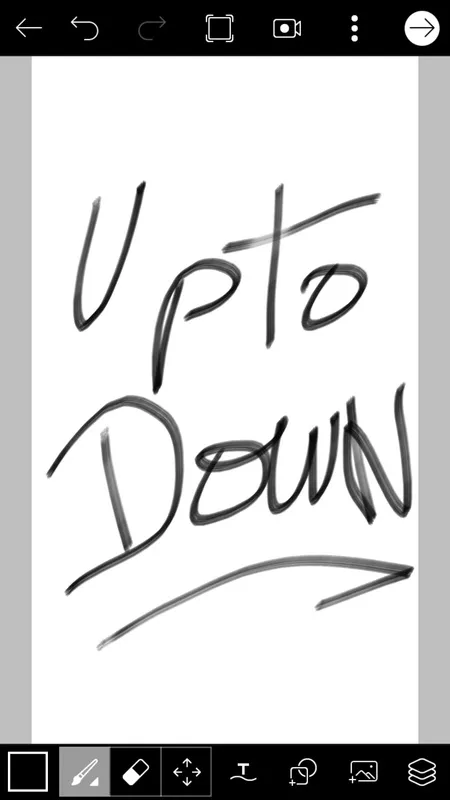
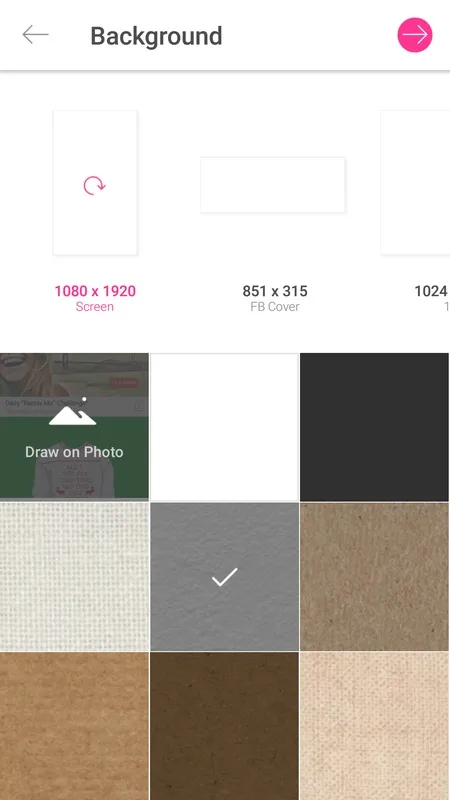
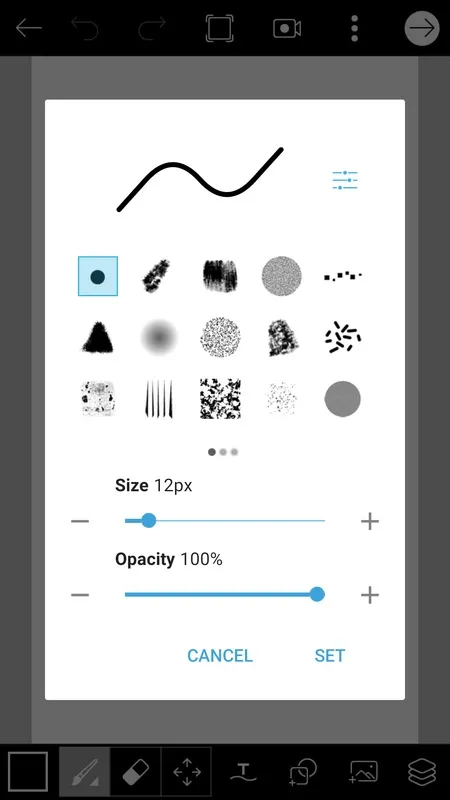
Beside all these editing tools, PicsArt Light also includes an option to sketch directly on a canvas. In this way you can give free rein to your imagination, creating your own works from scratch.
PicsArt Light is an excellent photo-editing tool. The gorgeous finish of all the filters and edits that it lets you add to your photos is its most significant hallmark.
PicsArt Light: A Comprehensive OverviewPicsArt Light is a free, feature-rich photo editing app designed for Android devices. It offers a wide range of editing tools, filters, and effects, making it a versatile choice for both casual and experienced users.
Key Features:
* Intuitive Interface: PicsArt Light features a user-friendly interface with clearly labeled icons and menus. This makes it easy to navigate and find the desired tools and features.
* Extensive Editing Tools: The app provides a comprehensive suite of editing tools, including cropping, resizing, rotating, and adjusting brightness, contrast, and saturation. It also offers advanced features such as curves and color balance adjustments.
* Wide Range of Filters: PicsArt Light includes a vast collection of filters that can instantly transform the look and feel of your photos. These filters cover a variety of styles, from vintage to modern, and can be customized to suit your preferences.
* Creative Effects: The app allows you to add creative effects to your photos, such as blurs, overlays, and textures. These effects can enhance the depth and interest of your images.
* Text and Stickers: PicsArt Light lets you add text and stickers to your photos. This feature allows you to create personalized messages, add captions, or incorporate fun elements into your images.
* Sharing and Saving: The app offers various options for sharing your edited photos. You can directly share them on social media platforms, send them via email or messaging apps, or save them to your device in high quality.
Benefits:
* Versatile Editing: PicsArt Light provides a comprehensive range of editing tools and features, making it suitable for both basic and advanced photo editing tasks.
* Creative Possibilities: The app's extensive filters, effects, and stickers offer endless creative possibilities, allowing you to express your artistic vision through your photos.
* User-Friendly Interface: The intuitive interface makes it easy to use the app, even for beginners.
* Free to Use: PicsArt Light is completely free to download and use, providing access to a wide range of editing capabilities without any cost.
Limitations:
* Limited Storage: The free version of PicsArt Light offers limited cloud storage for edited photos.
* Watermarking: Edited photos may contain a watermark when using the free version of the app.
Conclusion:
PicsArt Light is a powerful and user-friendly photo editing app that offers a wide range of features and creative possibilities. Whether you're a casual user looking to enhance your photos or an experienced editor seeking advanced editing tools, PicsArt Light is an excellent choice.
PicsArt Light is an editing tool thanks to which you can modify your pics in many different ways: by applying masks, making collages, adding borders or frames, placing stickers, writing text, rotating images, adjusting the color, and much more.
Among the most interesting tools included within the app are the so-called magic effects, thanks to which you can add spectacular flair with just one tap. You've got many different options that let you give a completely different air to your pics in seconds: comic style, neon, old paper, pastel, pop art, soft blur... you'll even find effects similar to the ones from Prisma.
The pics we edit on PicsArt Light can be shared directly over tons of social networks – Facebook, Twitter, Flickr, Picasa, Dropbox, Foursquare, Tumblr. All you need is an account on each. Or you can save the output right to your device's memory.
Beside all these editing tools, PicsArt Light also includes an option to sketch directly on a canvas. In this way you can give free rein to your imagination, creating your own works from scratch.
PicsArt Light is an excellent photo-editing tool. The gorgeous finish of all the filters and edits that it lets you add to your photos is its most significant hallmark.
PicsArt Light: A Comprehensive OverviewPicsArt Light is a free, feature-rich photo editing app designed for Android devices. It offers a wide range of editing tools, filters, and effects, making it a versatile choice for both casual and experienced users.
Key Features:
* Intuitive Interface: PicsArt Light features a user-friendly interface with clearly labeled icons and menus. This makes it easy to navigate and find the desired tools and features.
* Extensive Editing Tools: The app provides a comprehensive suite of editing tools, including cropping, resizing, rotating, and adjusting brightness, contrast, and saturation. It also offers advanced features such as curves and color balance adjustments.
* Wide Range of Filters: PicsArt Light includes a vast collection of filters that can instantly transform the look and feel of your photos. These filters cover a variety of styles, from vintage to modern, and can be customized to suit your preferences.
* Creative Effects: The app allows you to add creative effects to your photos, such as blurs, overlays, and textures. These effects can enhance the depth and interest of your images.
* Text and Stickers: PicsArt Light lets you add text and stickers to your photos. This feature allows you to create personalized messages, add captions, or incorporate fun elements into your images.
* Sharing and Saving: The app offers various options for sharing your edited photos. You can directly share them on social media platforms, send them via email or messaging apps, or save them to your device in high quality.
Benefits:
* Versatile Editing: PicsArt Light provides a comprehensive range of editing tools and features, making it suitable for both basic and advanced photo editing tasks.
* Creative Possibilities: The app's extensive filters, effects, and stickers offer endless creative possibilities, allowing you to express your artistic vision through your photos.
* User-Friendly Interface: The intuitive interface makes it easy to use the app, even for beginners.
* Free to Use: PicsArt Light is completely free to download and use, providing access to a wide range of editing capabilities without any cost.
Limitations:
* Limited Storage: The free version of PicsArt Light offers limited cloud storage for edited photos.
* Watermarking: Edited photos may contain a watermark when using the free version of the app.
Conclusion:
PicsArt Light is a powerful and user-friendly photo editing app that offers a wide range of features and creative possibilities. Whether you're a casual user looking to enhance your photos or an experienced editor seeking advanced editing tools, PicsArt Light is an excellent choice.





