



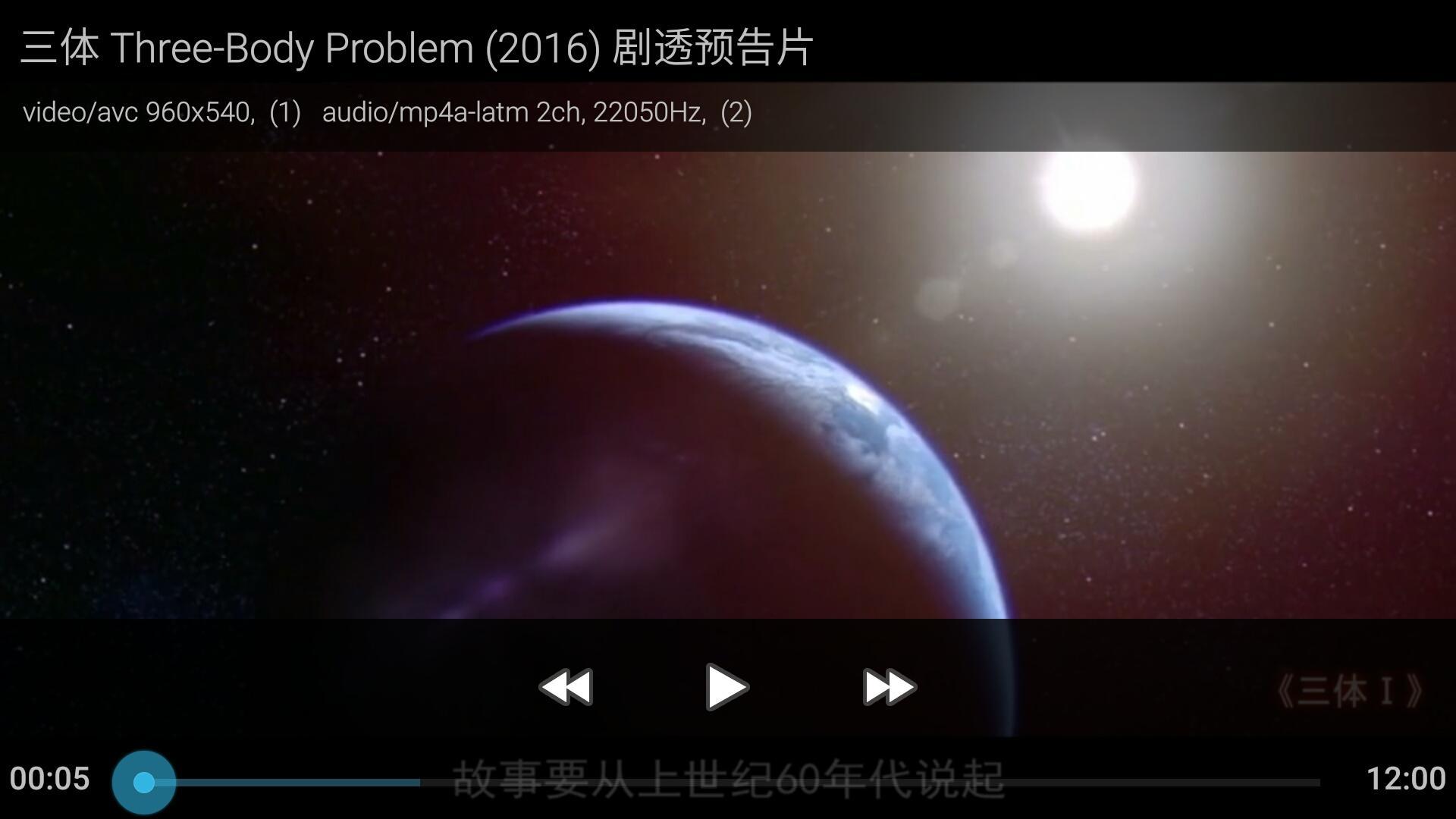

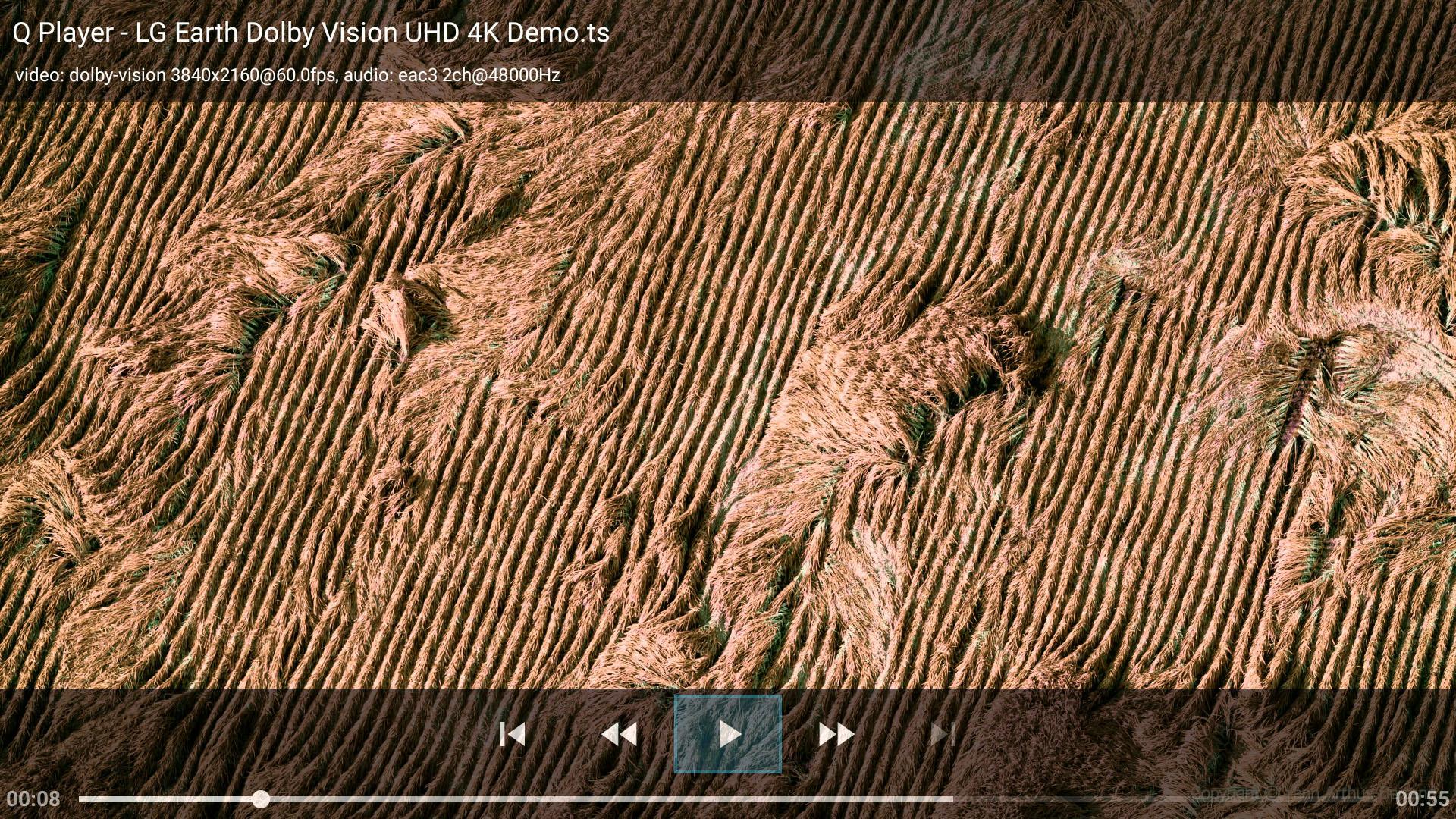
This is a portable media player, also an UPnP DLNA DMR. Support SSA/ASS/SUP...
This media player supports UPnP DLNA, can be played as a DMR (digital media renderer). Accessing files via SAF (Storage Access Framework) which moderated by users.
It supports full-featured SSA/ASS subtitles. Users can add or manage font files by themselves. SSA/ASS subtitles can be dimmed, to fit HDR and DV higher contrast and brightness playback. The font size is resizable.
Subtitles in SUP (Blu-ray) and VobSub (DVD) format are supported as well (start from version 5.1). All subtitles can be either MKV embedded or side-loaded. Users can pick and apply single subtitle file, or package in Zip/7Z/RAR format during playback.
This player supports HDR/DV content, digital audio passthrough, MKV chapters navigation, frame by frame stepping, audio track selection and delay, subtitles selection and time offset. Also frame rate displaying and refresh rate auto adjusting.
Dolby Vision playback on NVidia Shield TV 2019 succeeded. Videos can be rotated on demand, as well as full screen zooming by pinch.
It was originally designed for segmented files playback. They are presented in m3u8 (HLS media list) format, which is originally designed for TS only, but they can be mp4 or flv files now.
What's New in the Latest Version 4.3.1
Last updated on Feb 26, 2023
* Please be noticed: *
This app has to run in foreground before DLNA projecting in some Android systems.
Fixes on subtitles auto-selection, first chapter 0:00 issue, new system adaption.
Set subtitle default language in the subtitles selection box.
Able to pick a subtitle file from Storage Access Framework content page, which can be from local storage, or Samba/Windows sharing, or WebDAV clients, which are the SAF content providers apps you choose to use.
Try to fix a DMR service crash bug.
Introduction
Q+ Player is a versatile media player that combines UPnP and DLNA technologies to provide seamless streaming capabilities. This guide will delve into the features, functionality, and technical aspects of Q+ Player, empowering users to optimize their media playback experience.
Features and Functionality
Q+ Player offers a wide range of features to enhance the user experience:
* UPnP and DLNA Compatibility: Q+ Player seamlessly integrates with UPnP and DLNA-enabled devices, allowing users to stream media content from a variety of sources, including media servers, PCs, and mobile devices.
* Multi-Format Support: Q+ Player supports a wide array of media formats, including popular audio and video codecs, ensuring compatibility with various media libraries.
* Subtitles and Metadata Display: Q+ Player automatically fetches and displays subtitles and metadata for media files, providing additional context and information.
* Media Library Management: Users can easily organize and manage their media library within Q+ Player, creating playlists and categorizing content.
* Remote Control: Q+ Player supports remote control via infrared, Bluetooth, and Wi-Fi, enabling convenient navigation from a distance.
UPnP and DLNA Technologies
UPnP (Universal Plug and Play) and DLNA (Digital Living Network Alliance) are industry-standard protocols that facilitate media streaming between devices on a home network. Q+ Player leverages these technologies to provide the following benefits:
* Device Discovery: UPnP allows Q+ Player to automatically discover and connect to compatible media servers and devices on the network.
* Media Sharing: DLNA enables Q+ Player to stream media content from these servers and devices, providing access to a vast library of content.
* Seamless Playback: Q+ Player seamlessly transitions between devices and media servers, ensuring uninterrupted playback and minimizing buffering delays.
Technical Aspects
Q+ Player's technical capabilities include:
* High-Quality Audio and Video Playback: Q+ Player supports high-resolution audio and video playback, delivering a cinematic experience.
* Multi-Room Audio Support: Q+ Player can be integrated into multi-room audio systems, allowing users to stream music throughout their home.
* Firmware Updates: Q+ Player receives regular firmware updates that introduce new features, performance improvements, and security enhancements.
Conclusion
Q+ Player is a powerful and versatile media player that leverages UPnP and DLNA technologies to provide an exceptional media playback experience. Its extensive features, multi-format support, and seamless integration make it an ideal choice for users seeking a reliable and feature-rich media player.
This is a portable media player, also an UPnP DLNA DMR. Support SSA/ASS/SUP...
This media player supports UPnP DLNA, can be played as a DMR (digital media renderer). Accessing files via SAF (Storage Access Framework) which moderated by users.
It supports full-featured SSA/ASS subtitles. Users can add or manage font files by themselves. SSA/ASS subtitles can be dimmed, to fit HDR and DV higher contrast and brightness playback. The font size is resizable.
Subtitles in SUP (Blu-ray) and VobSub (DVD) format are supported as well (start from version 5.1). All subtitles can be either MKV embedded or side-loaded. Users can pick and apply single subtitle file, or package in Zip/7Z/RAR format during playback.
This player supports HDR/DV content, digital audio passthrough, MKV chapters navigation, frame by frame stepping, audio track selection and delay, subtitles selection and time offset. Also frame rate displaying and refresh rate auto adjusting.
Dolby Vision playback on NVidia Shield TV 2019 succeeded. Videos can be rotated on demand, as well as full screen zooming by pinch.
It was originally designed for segmented files playback. They are presented in m3u8 (HLS media list) format, which is originally designed for TS only, but they can be mp4 or flv files now.
What's New in the Latest Version 4.3.1
Last updated on Feb 26, 2023
* Please be noticed: *
This app has to run in foreground before DLNA projecting in some Android systems.
Fixes on subtitles auto-selection, first chapter 0:00 issue, new system adaption.
Set subtitle default language in the subtitles selection box.
Able to pick a subtitle file from Storage Access Framework content page, which can be from local storage, or Samba/Windows sharing, or WebDAV clients, which are the SAF content providers apps you choose to use.
Try to fix a DMR service crash bug.
Introduction
Q+ Player is a versatile media player that combines UPnP and DLNA technologies to provide seamless streaming capabilities. This guide will delve into the features, functionality, and technical aspects of Q+ Player, empowering users to optimize their media playback experience.
Features and Functionality
Q+ Player offers a wide range of features to enhance the user experience:
* UPnP and DLNA Compatibility: Q+ Player seamlessly integrates with UPnP and DLNA-enabled devices, allowing users to stream media content from a variety of sources, including media servers, PCs, and mobile devices.
* Multi-Format Support: Q+ Player supports a wide array of media formats, including popular audio and video codecs, ensuring compatibility with various media libraries.
* Subtitles and Metadata Display: Q+ Player automatically fetches and displays subtitles and metadata for media files, providing additional context and information.
* Media Library Management: Users can easily organize and manage their media library within Q+ Player, creating playlists and categorizing content.
* Remote Control: Q+ Player supports remote control via infrared, Bluetooth, and Wi-Fi, enabling convenient navigation from a distance.
UPnP and DLNA Technologies
UPnP (Universal Plug and Play) and DLNA (Digital Living Network Alliance) are industry-standard protocols that facilitate media streaming between devices on a home network. Q+ Player leverages these technologies to provide the following benefits:
* Device Discovery: UPnP allows Q+ Player to automatically discover and connect to compatible media servers and devices on the network.
* Media Sharing: DLNA enables Q+ Player to stream media content from these servers and devices, providing access to a vast library of content.
* Seamless Playback: Q+ Player seamlessly transitions between devices and media servers, ensuring uninterrupted playback and minimizing buffering delays.
Technical Aspects
Q+ Player's technical capabilities include:
* High-Quality Audio and Video Playback: Q+ Player supports high-resolution audio and video playback, delivering a cinematic experience.
* Multi-Room Audio Support: Q+ Player can be integrated into multi-room audio systems, allowing users to stream music throughout their home.
* Firmware Updates: Q+ Player receives regular firmware updates that introduce new features, performance improvements, and security enhancements.
Conclusion
Q+ Player is a powerful and versatile media player that leverages UPnP and DLNA technologies to provide an exceptional media playback experience. Its extensive features, multi-format support, and seamless integration make it an ideal choice for users seeking a reliable and feature-rich media player.





