


remote control for bpl Tv,Control your BPL Tv using this IR smart App
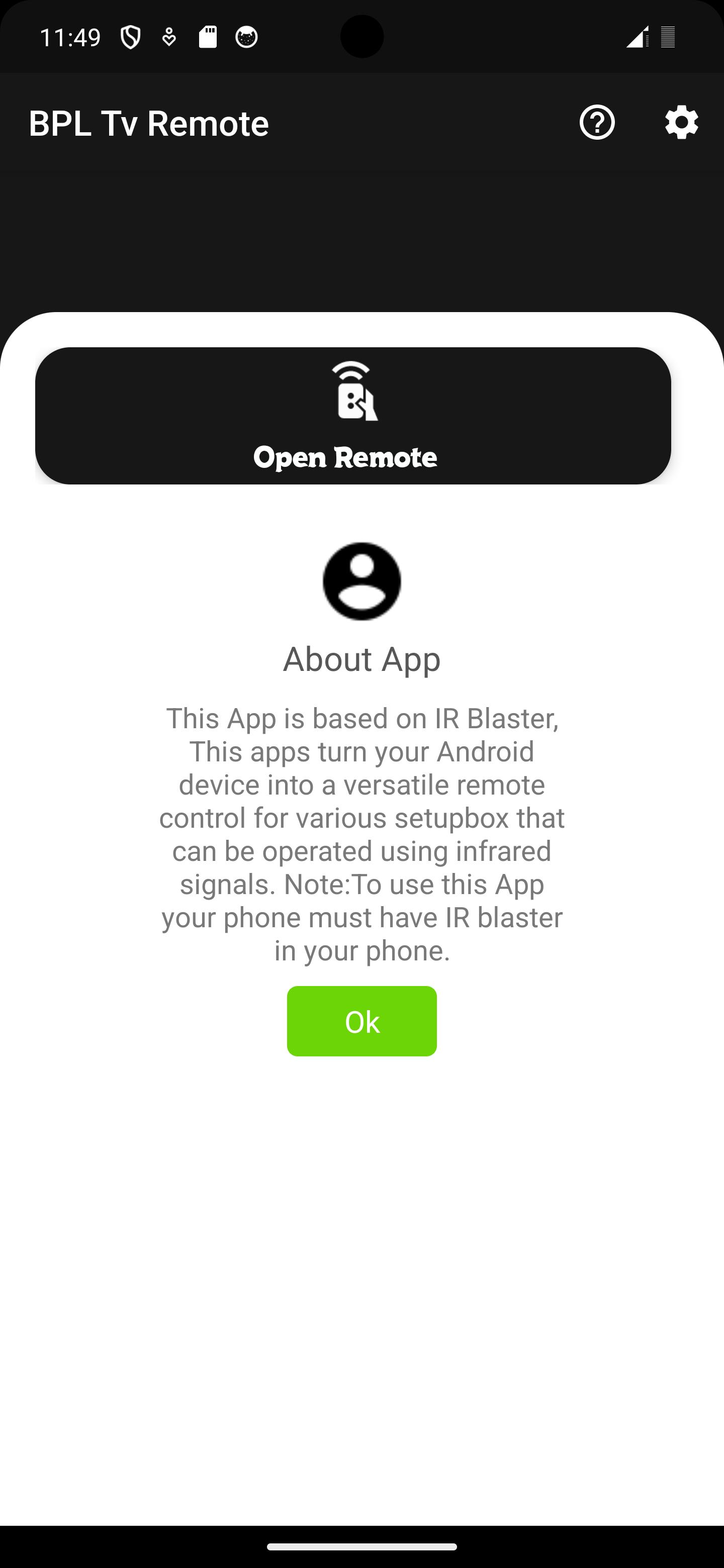
Turn your smartphone into a powerful remote control for your BPL TV with the BPL TV IR Remote app! This app is designed exclusively for IR blaster-equipped phones, giving you seamless control over your BPL TV from the palm of your hand.
Key Features:
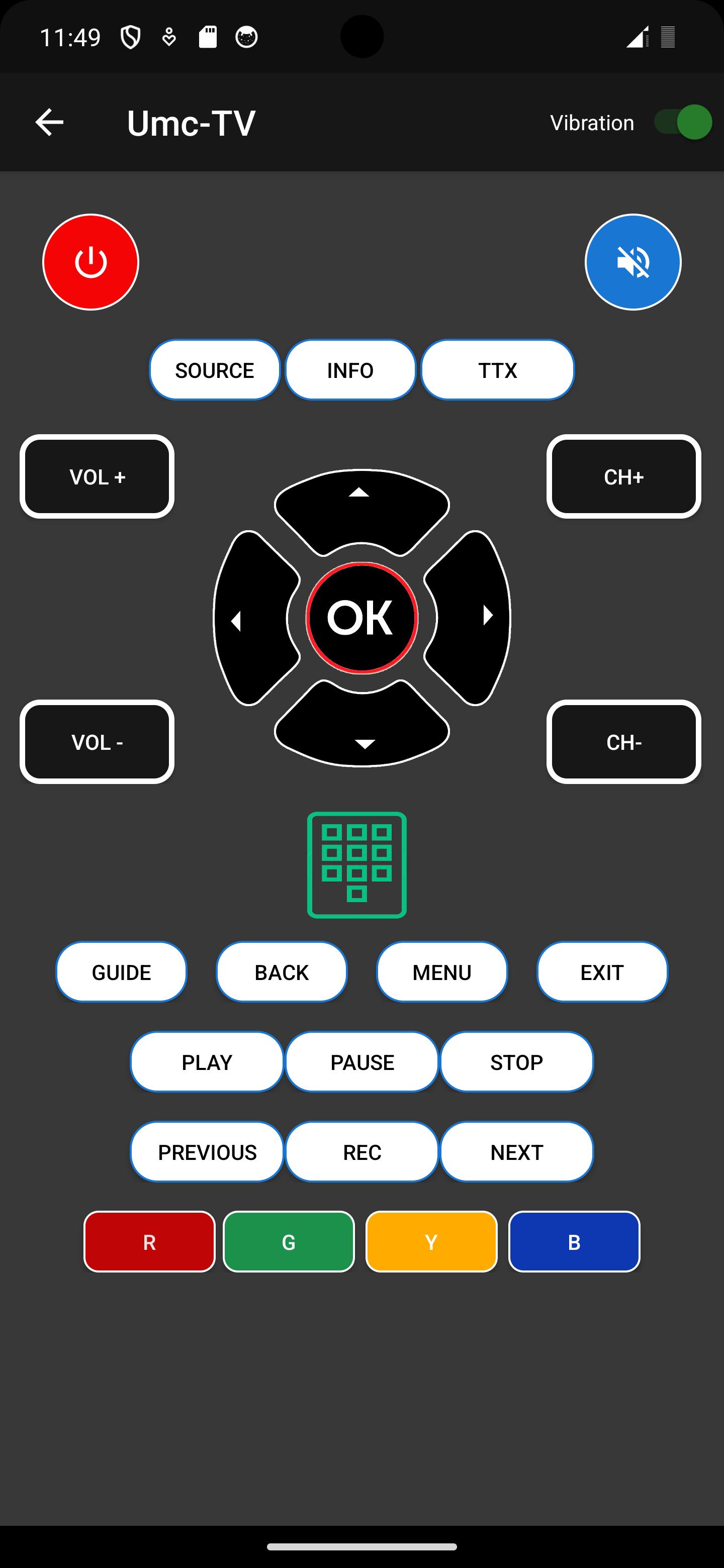
Full Remote Control: Effortlessly control your BPL TV with a feature-rich remote control interface. All the essential buttons, including power, volume, channel, and media controls, are at your fingertips.
IR Blaster Compatibility: BPL TV IR Remote is optimized for smartphones with built-in IR blasters. This means you can enjoy instant compatibility without any additional hardware.
Easy Setup: Setting up the app is a breeze. Simply select your BPL TV model from the list of supported devices, and the app will automatically configure itself for your specific TV model.
Voice Commands: Use voice commands to change channels, adjust volume, or power on/off your TV. Simply speak your command, and the app will execute it.
TV Guide Integration: Stay up-to-date with the latest TV listings. The app can display program schedules for your BPL TV, helping you plan your viewing.
Transform your smartphone into the ultimate BPL TV remote control with the BPL TV IR Remote app. Say goodbye to the hassle of searching for the remote or dealing with worn-out buttons. Download the app now and take full control of your BPL TV like never before!
Please note: This app requires an IR blaster-equipped smartphone to function correctly. Ensure that your phone is compatible before downloading.
What's New in the Latest Version 1.2
Last updated on Jul 13, 2024
Minor bug fixes and improvements. Install or update to the newest version to check it out!
Remote Control for BPL TV: A Comprehensive OverviewIntroduction:
Remote control devices play a crucial role in enhancing the user experience with electronic appliances, including televisions. The remote control for BPL TV is meticulously designed to provide seamless control over various TV functions, offering convenience and ease of use.
Features:
Ergonomic Design:
The remote control features an ergonomic design that fits comfortably in the hand, reducing strain and fatigue during prolonged use. Its intuitive button layout ensures quick and easy access to commonly used functions.
Wide Range of Functions:
The remote control provides a comprehensive range of functions, including power control, volume adjustment, channel navigation, input selection, and menu navigation. Dedicated buttons for specific features, such as Smart Hub and Netflix, offer direct access to popular streaming services.
Dedicated Hotkeys:
The remote control includes dedicated hotkeys for frequently used functions, such as mute, home, and back. These hotkeys enable quick access to essential commands without navigating through menus.
Bluetooth Connectivity:
Certain models of BPL TV remote controls incorporate Bluetooth connectivity, allowing for wireless control of the TV. This feature eliminates the need for line-of-sight operation and provides greater flexibility in device placement.
Voice Control:
Advanced BPL TV remote controls integrate voice control capabilities, enabling users to operate the TV using voice commands. This feature enhances convenience and accessibility, especially for hands-free operation.
App Control:
The BPL TV remote control can be paired with a dedicated smartphone app, providing additional control options and advanced features. The app allows users to control the TV remotely, access streaming services, and even use their smartphone as a virtual remote control.
Compatibility:
The remote control is designed to be compatible with a wide range of BPL TV models, ensuring seamless integration and functionality across different devices.
Setup and Usage:
Pairing the Remote:
Pairing the remote control with the TV is a straightforward process that typically involves pointing the remote at the TV and pressing a designated button. The remote will automatically establish a connection with the TV.
Navigating the Menu:
The remote control's intuitive button layout makes menu navigation simple and efficient. The directional pad and dedicated menu buttons allow users to quickly access and navigate through various settings and options.
Troubleshooting:
Remote Not Responding:
If the remote control is not responding, check if the batteries are properly installed and have sufficient power. Ensure that the remote is pointed directly at the TV and that there are no obstructions blocking the signal.
Buttons Not Working:
If specific buttons are not working, it may indicate a hardware issue with the remote. Contact BPL customer support for assistance and potential repair or replacement options.
Conclusion:
The remote control for BPL TV is an indispensable tool that enhances the user experience by providing convenient and intuitive control over various TV functions. Its ergonomic design, wide range of features, and compatibility with multiple TV models make it an essential accessory for seamless entertainment.
remote control for bpl Tv,Control your BPL Tv using this IR smart App
Turn your smartphone into a powerful remote control for your BPL TV with the BPL TV IR Remote app! This app is designed exclusively for IR blaster-equipped phones, giving you seamless control over your BPL TV from the palm of your hand.
Key Features:
Full Remote Control: Effortlessly control your BPL TV with a feature-rich remote control interface. All the essential buttons, including power, volume, channel, and media controls, are at your fingertips.
IR Blaster Compatibility: BPL TV IR Remote is optimized for smartphones with built-in IR blasters. This means you can enjoy instant compatibility without any additional hardware.
Easy Setup: Setting up the app is a breeze. Simply select your BPL TV model from the list of supported devices, and the app will automatically configure itself for your specific TV model.
Voice Commands: Use voice commands to change channels, adjust volume, or power on/off your TV. Simply speak your command, and the app will execute it.
TV Guide Integration: Stay up-to-date with the latest TV listings. The app can display program schedules for your BPL TV, helping you plan your viewing.
Transform your smartphone into the ultimate BPL TV remote control with the BPL TV IR Remote app. Say goodbye to the hassle of searching for the remote or dealing with worn-out buttons. Download the app now and take full control of your BPL TV like never before!
Please note: This app requires an IR blaster-equipped smartphone to function correctly. Ensure that your phone is compatible before downloading.
What's New in the Latest Version 1.2
Last updated on Jul 13, 2024
Minor bug fixes and improvements. Install or update to the newest version to check it out!
Remote Control for BPL TV: A Comprehensive OverviewIntroduction:
Remote control devices play a crucial role in enhancing the user experience with electronic appliances, including televisions. The remote control for BPL TV is meticulously designed to provide seamless control over various TV functions, offering convenience and ease of use.
Features:
Ergonomic Design:
The remote control features an ergonomic design that fits comfortably in the hand, reducing strain and fatigue during prolonged use. Its intuitive button layout ensures quick and easy access to commonly used functions.
Wide Range of Functions:
The remote control provides a comprehensive range of functions, including power control, volume adjustment, channel navigation, input selection, and menu navigation. Dedicated buttons for specific features, such as Smart Hub and Netflix, offer direct access to popular streaming services.
Dedicated Hotkeys:
The remote control includes dedicated hotkeys for frequently used functions, such as mute, home, and back. These hotkeys enable quick access to essential commands without navigating through menus.
Bluetooth Connectivity:
Certain models of BPL TV remote controls incorporate Bluetooth connectivity, allowing for wireless control of the TV. This feature eliminates the need for line-of-sight operation and provides greater flexibility in device placement.
Voice Control:
Advanced BPL TV remote controls integrate voice control capabilities, enabling users to operate the TV using voice commands. This feature enhances convenience and accessibility, especially for hands-free operation.
App Control:
The BPL TV remote control can be paired with a dedicated smartphone app, providing additional control options and advanced features. The app allows users to control the TV remotely, access streaming services, and even use their smartphone as a virtual remote control.
Compatibility:
The remote control is designed to be compatible with a wide range of BPL TV models, ensuring seamless integration and functionality across different devices.
Setup and Usage:
Pairing the Remote:
Pairing the remote control with the TV is a straightforward process that typically involves pointing the remote at the TV and pressing a designated button. The remote will automatically establish a connection with the TV.
Navigating the Menu:
The remote control's intuitive button layout makes menu navigation simple and efficient. The directional pad and dedicated menu buttons allow users to quickly access and navigate through various settings and options.
Troubleshooting:
Remote Not Responding:
If the remote control is not responding, check if the batteries are properly installed and have sufficient power. Ensure that the remote is pointed directly at the TV and that there are no obstructions blocking the signal.
Buttons Not Working:
If specific buttons are not working, it may indicate a hardware issue with the remote. Contact BPL customer support for assistance and potential repair or replacement options.
Conclusion:
The remote control for BPL TV is an indispensable tool that enhances the user experience by providing convenient and intuitive control over various TV functions. Its ergonomic design, wide range of features, and compatibility with multiple TV models make it an essential accessory for seamless entertainment.





