


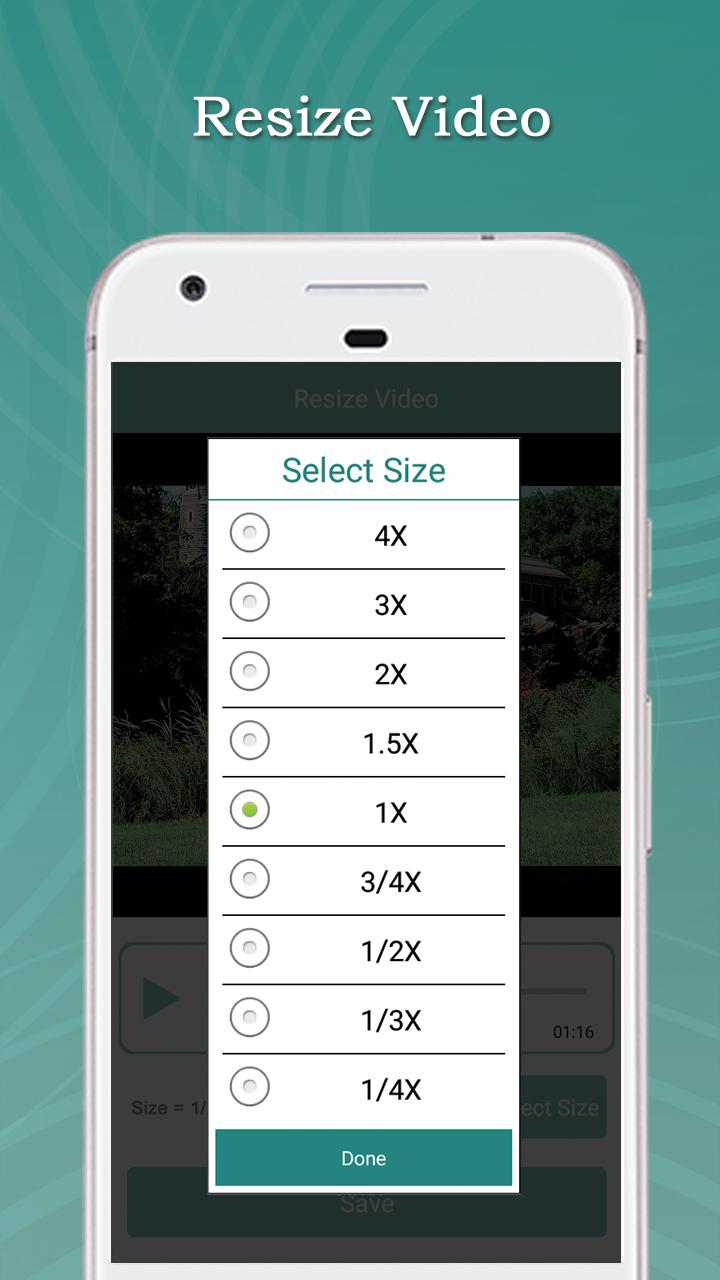
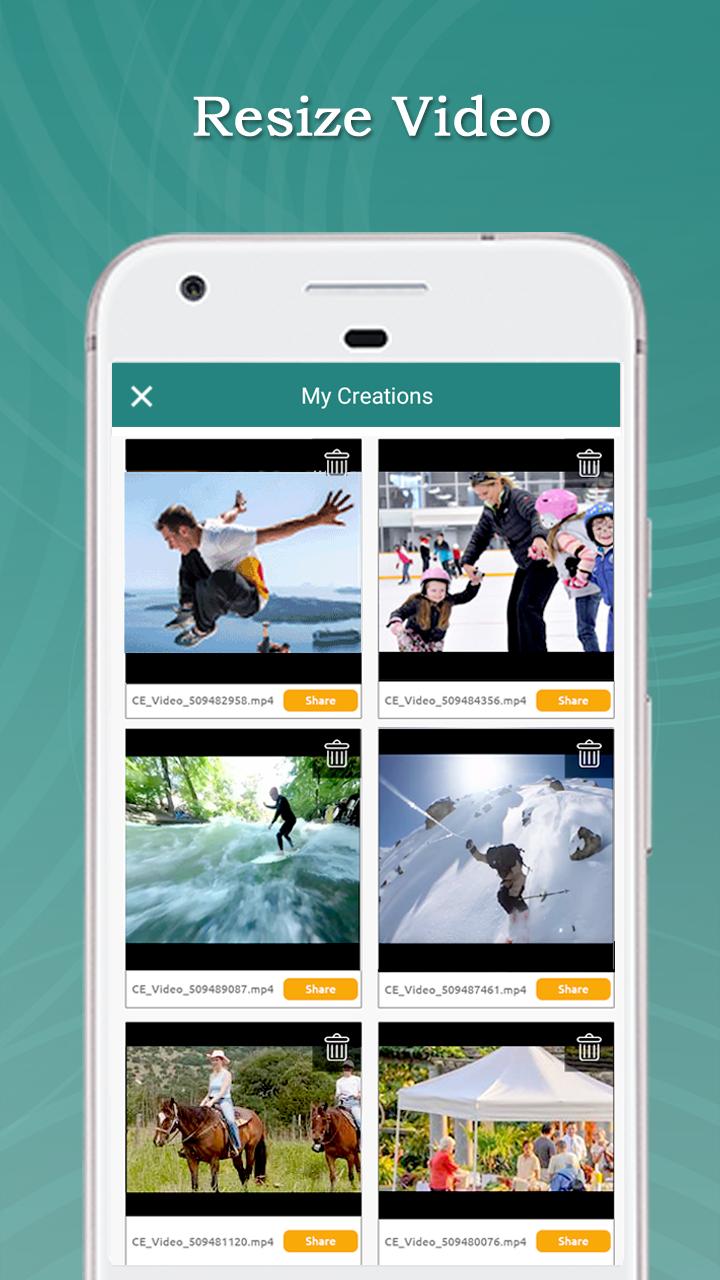
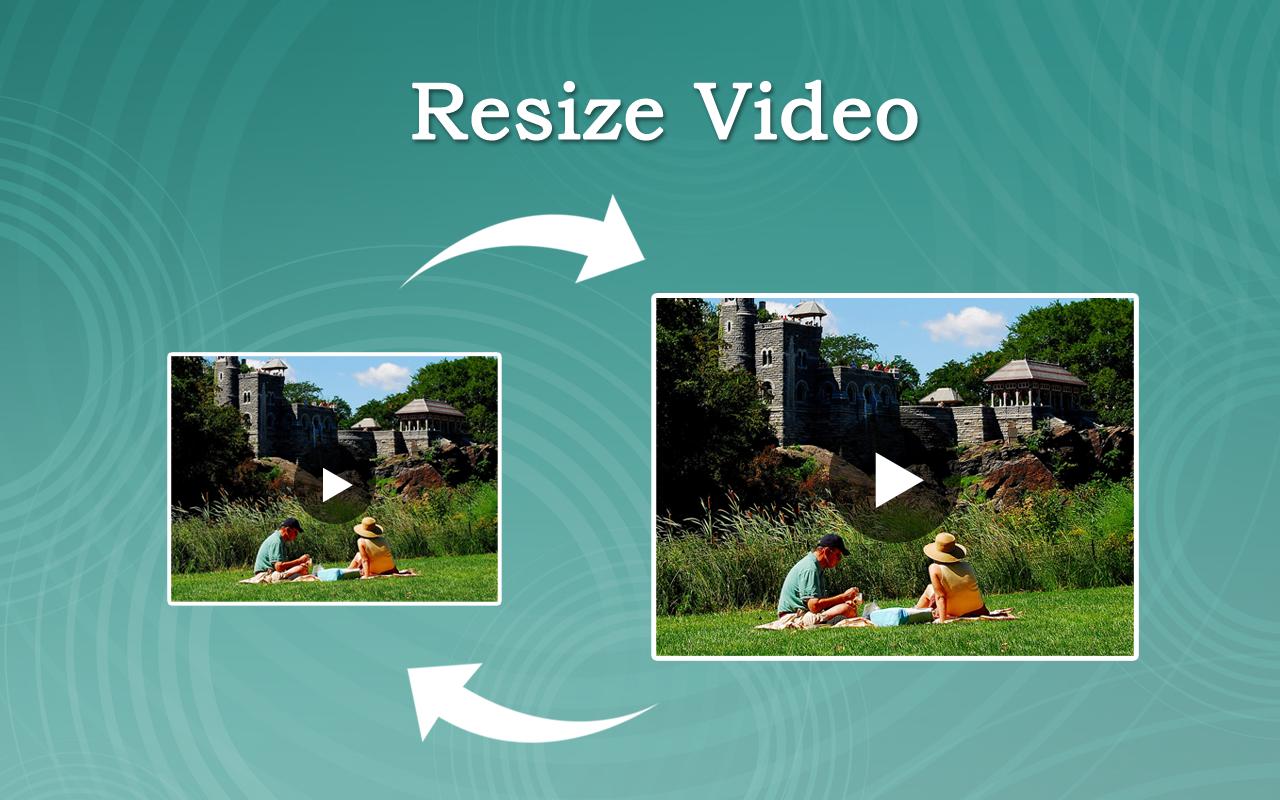
Easily change any video size (Like: 2X,3X…,1/2X,1/3X…).
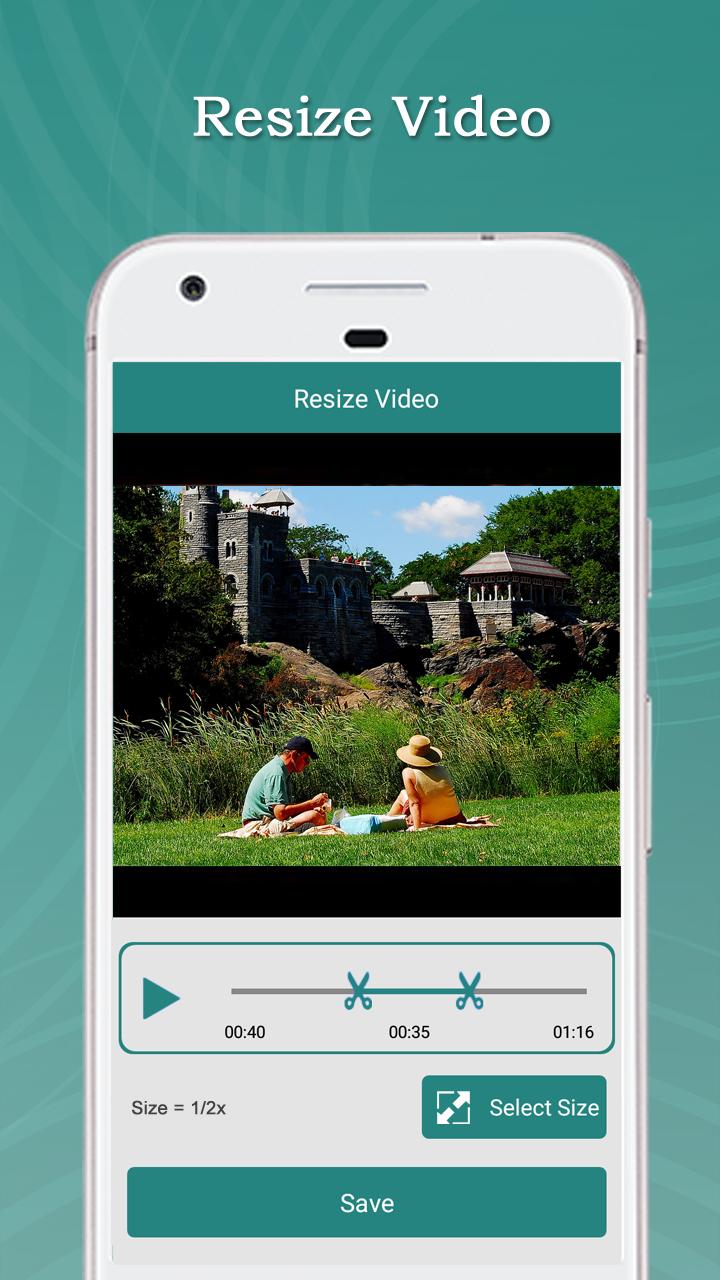
This application is used to change any video size (Like: 2X,3X…,1/2X,1/3X…). Using this Resize Video you can resize and trim a video.
With this Resize Video App
You can add your favorite music to a video and trim your favorite part from a video
Resize Video App is easy to use and free app to resize and trim a video,
Feature:
► Easily Resize a Video.
► You can also cut video part in this app.
► You can also add your favorite music in video.
► You can also remove audio from video(Mute Video).
► You can play your Resize video
►You can share these video's to social network like Facebook, Gmail etc
► Save & Delete
How to USE?
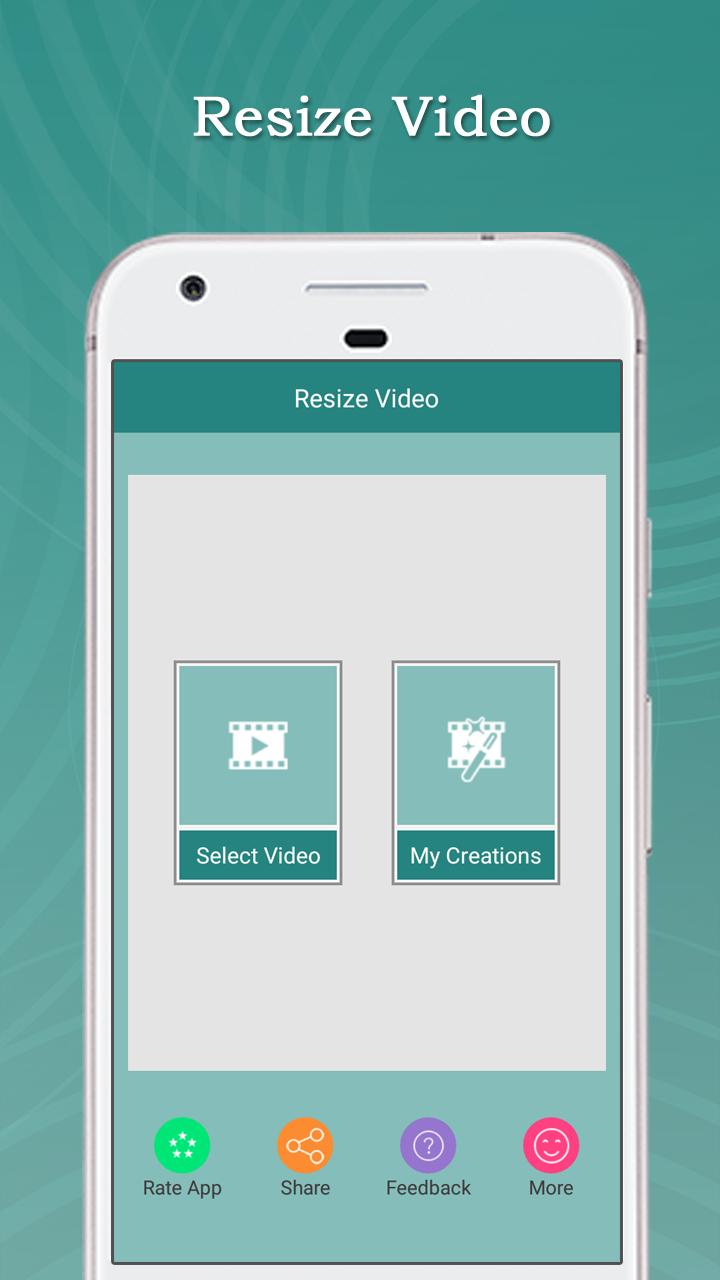
► Select videos from your Gallery / Camera
► Select Size (Like:- 1/2X,1/3X.., 2X,3X…)
► Click on “Save” Button
► Select audio option (“Original Audio” and “select from Gallery”)
► Click on “Ok” Button
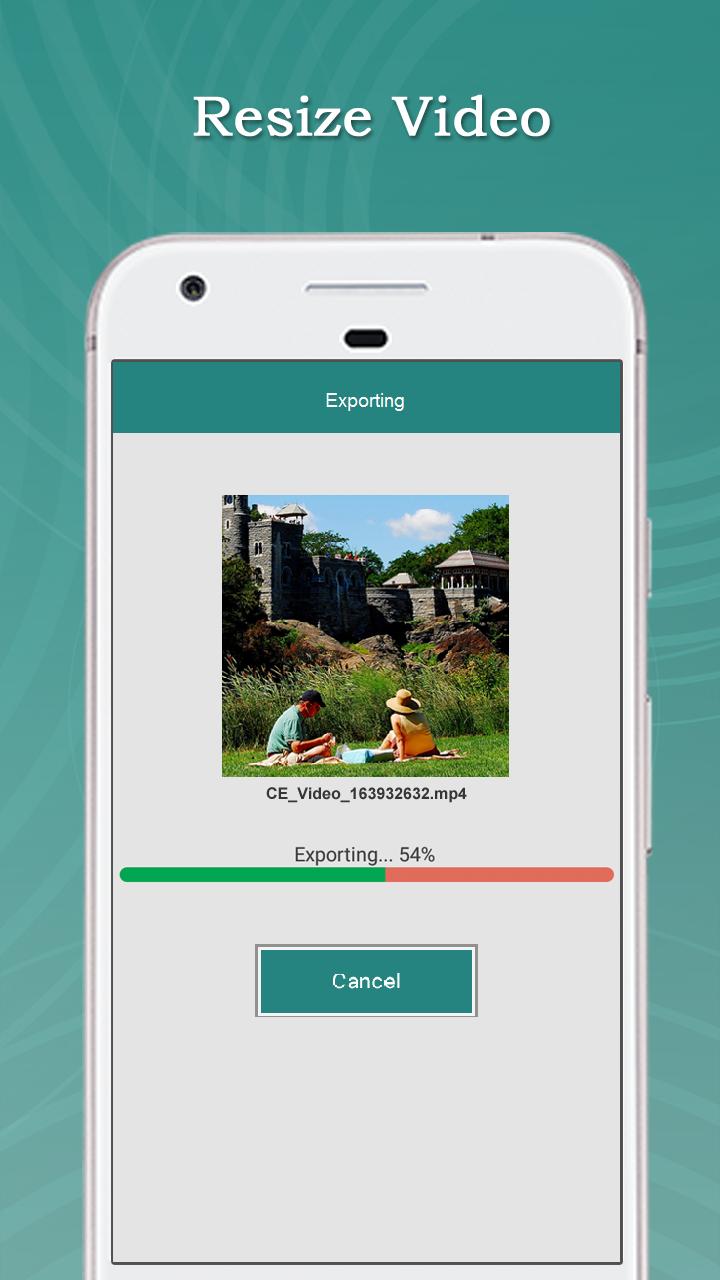
► Wait for complete process
► Easily Share your Resize Video With your Friends
Resize VideoResize Video is a user-friendly and versatile software designed to effortlessly alter the dimensions of video files. It caters to a wide range of users, from casual video editors to professional videographers, offering an intuitive interface and a comprehensive set of features.
Key Features
* Batch Processing: Resize multiple videos simultaneously, saving time and effort.
* Customizable Output: Specify the desired output resolution, aspect ratio, and frame rate for precise resizing.
* Predefined Presets: Utilize pre-configured presets for common video sizes, such as social media platforms and HD resolutions.
* Advanced Scaling Algorithms: Choose from various scaling algorithms to optimize video quality based on specific requirements.
* File Format Support: Supports a wide range of input and output video formats, including MP4, AVI, MOV, and more.
Benefits
* Time-Saving: Batch processing and customizable output options streamline the video resizing process, freeing up time for other tasks.
* Enhanced Quality: Advanced scaling algorithms ensure optimal video quality, preserving clarity and detail during resizing.
* Versatile Applications: Suitable for various scenarios, including preparing videos for social media, optimizing videos for mobile devices, and creating custom video presentations.
* User-Friendly Interface: Intuitive design makes it easy to navigate and operate, even for beginners.
* Cross-Platform Compatibility: Available for both Windows and Mac operating systems, ensuring accessibility to a broad user base.
How to Use Resize Video
1. Import Videos: Add the videos you wish to resize by dragging and dropping them into the software or using the "Add Files" button.
2. Set Output Parameters: Choose the desired output resolution, aspect ratio, and frame rate from the available options.
3. Select Scaling Algorithm: Select the appropriate scaling algorithm based on your quality requirements.
4. Specify Output Format: Choose the output video format that suits your needs.
5. Start Resizing: Click the "Start" button to initiate the resizing process.
6. Save Results: Once the resizing is complete, save the resized videos to the desired location.
Conclusion
Resize Video is an indispensable tool for anyone who needs to resize videos quickly and efficiently. Its user-friendly interface, customizable output options, and advanced scaling algorithms make it an ideal solution for both personal and professional video editing tasks. Whether you're a casual user or a seasoned professional, Resize Video empowers you to effortlessly transform your videos to the desired dimensions without compromising quality.
Easily change any video size (Like: 2X,3X…,1/2X,1/3X…).
This application is used to change any video size (Like: 2X,3X…,1/2X,1/3X…). Using this Resize Video you can resize and trim a video.
With this Resize Video App
You can add your favorite music to a video and trim your favorite part from a video
Resize Video App is easy to use and free app to resize and trim a video,
Feature:
► Easily Resize a Video.
► You can also cut video part in this app.
► You can also add your favorite music in video.
► You can also remove audio from video(Mute Video).
► You can play your Resize video
►You can share these video's to social network like Facebook, Gmail etc
► Save & Delete
How to USE?
► Select videos from your Gallery / Camera
► Select Size (Like:- 1/2X,1/3X.., 2X,3X…)
► Click on “Save” Button
► Select audio option (“Original Audio” and “select from Gallery”)
► Click on “Ok” Button
► Wait for complete process
► Easily Share your Resize Video With your Friends
Resize VideoResize Video is a user-friendly and versatile software designed to effortlessly alter the dimensions of video files. It caters to a wide range of users, from casual video editors to professional videographers, offering an intuitive interface and a comprehensive set of features.
Key Features
* Batch Processing: Resize multiple videos simultaneously, saving time and effort.
* Customizable Output: Specify the desired output resolution, aspect ratio, and frame rate for precise resizing.
* Predefined Presets: Utilize pre-configured presets for common video sizes, such as social media platforms and HD resolutions.
* Advanced Scaling Algorithms: Choose from various scaling algorithms to optimize video quality based on specific requirements.
* File Format Support: Supports a wide range of input and output video formats, including MP4, AVI, MOV, and more.
Benefits
* Time-Saving: Batch processing and customizable output options streamline the video resizing process, freeing up time for other tasks.
* Enhanced Quality: Advanced scaling algorithms ensure optimal video quality, preserving clarity and detail during resizing.
* Versatile Applications: Suitable for various scenarios, including preparing videos for social media, optimizing videos for mobile devices, and creating custom video presentations.
* User-Friendly Interface: Intuitive design makes it easy to navigate and operate, even for beginners.
* Cross-Platform Compatibility: Available for both Windows and Mac operating systems, ensuring accessibility to a broad user base.
How to Use Resize Video
1. Import Videos: Add the videos you wish to resize by dragging and dropping them into the software or using the "Add Files" button.
2. Set Output Parameters: Choose the desired output resolution, aspect ratio, and frame rate from the available options.
3. Select Scaling Algorithm: Select the appropriate scaling algorithm based on your quality requirements.
4. Specify Output Format: Choose the output video format that suits your needs.
5. Start Resizing: Click the "Start" button to initiate the resizing process.
6. Save Results: Once the resizing is complete, save the resized videos to the desired location.
Conclusion
Resize Video is an indispensable tool for anyone who needs to resize videos quickly and efficiently. Its user-friendly interface, customizable output options, and advanced scaling algorithms make it an ideal solution for both personal and professional video editing tasks. Whether you're a casual user or a seasoned professional, Resize Video empowers you to effortlessly transform your videos to the desired dimensions without compromising quality.





