



Spotify for Android TV is the official Spotify app for Android TVs that allows you to enjoy all your favorite music from your living room. Best of all? You can control the app using the TV's own remote control or with Spotify Connect from your Android or any device where you have the app installed.
Enjoy your music on the big screen
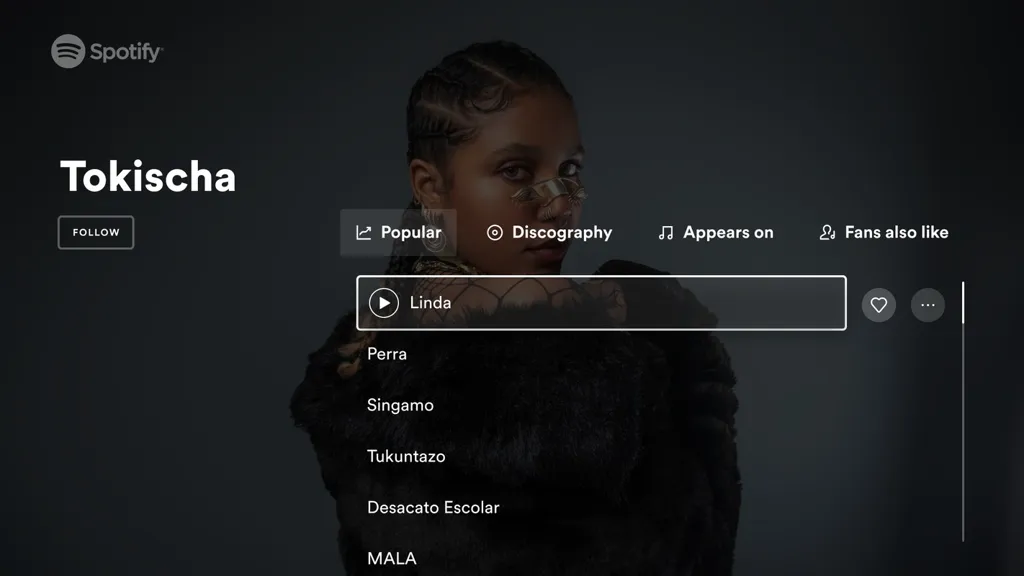
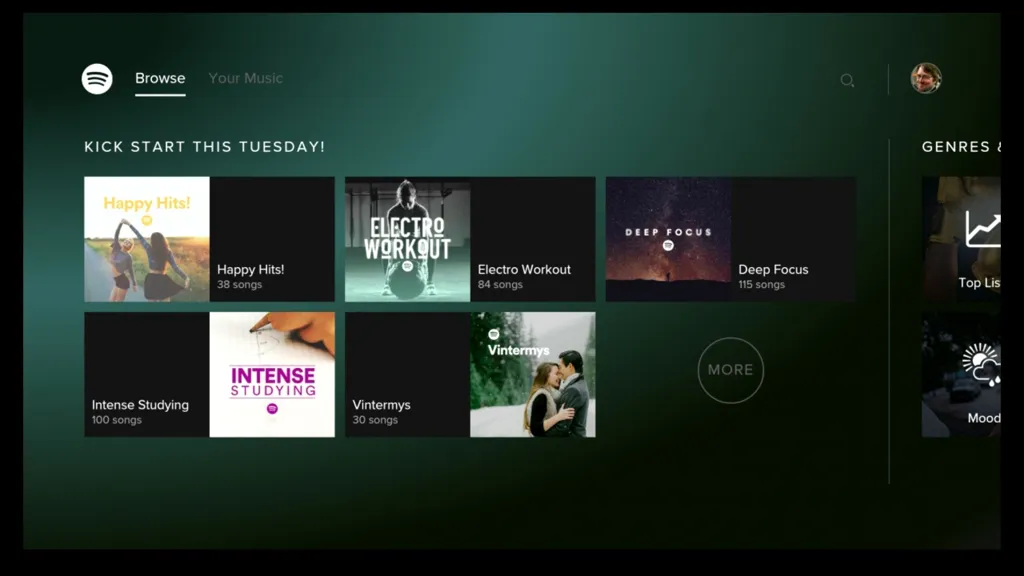
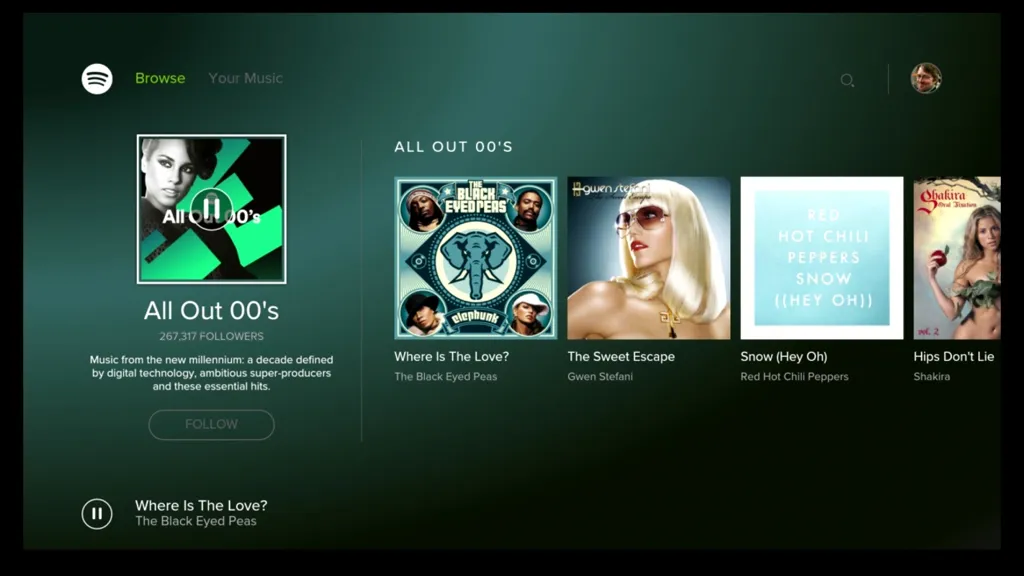
The first thing about Spotify for Android TV that catches your eye is its appearance. With a wealth of photographs, album art, and other visual material, the app looks spectacular on large screens. In addition, thanks to the display size, you can easily read the lyrics of the songs being played if you want to sing along. This way, you can turn your living room into an improvised karaoke club in just a few seconds.
High quality music and no ads
Just as with the version for mobile devices, you can use Spotify for Android TV completely free of charge, but with advertising. Now, with the different subscription models available, you can listen to all your music without interruptions and ad breaks by paying a small amount of money per month. From the app itself, you can consult the different plans available, adapted to different people and lifestyles.
Hit Play from your remote control
When using Spotify for Android TV, you can control your music with the TV remote control. This is undoubtedly the easiest and most convenient way, but it is not the only one. You can also use your regular Android device with Spotify Connect to search for the song you want, turn up the volume, or hit Play. In short, you can control your music your way.
Download Spotify for Android TV to turn your living room TV into a multimedia center where you can enjoy your favorite music. You'll have the entire Spotify catalog at your fingertips, with all its millions of artists and hundreds of millions of songs, to listen to at any time just by turning on the TV.
Spotify for Android TVSpotify is a popular music streaming service that offers a wide variety of music, podcasts, and videos. It is available on a variety of devices, including Android TV.
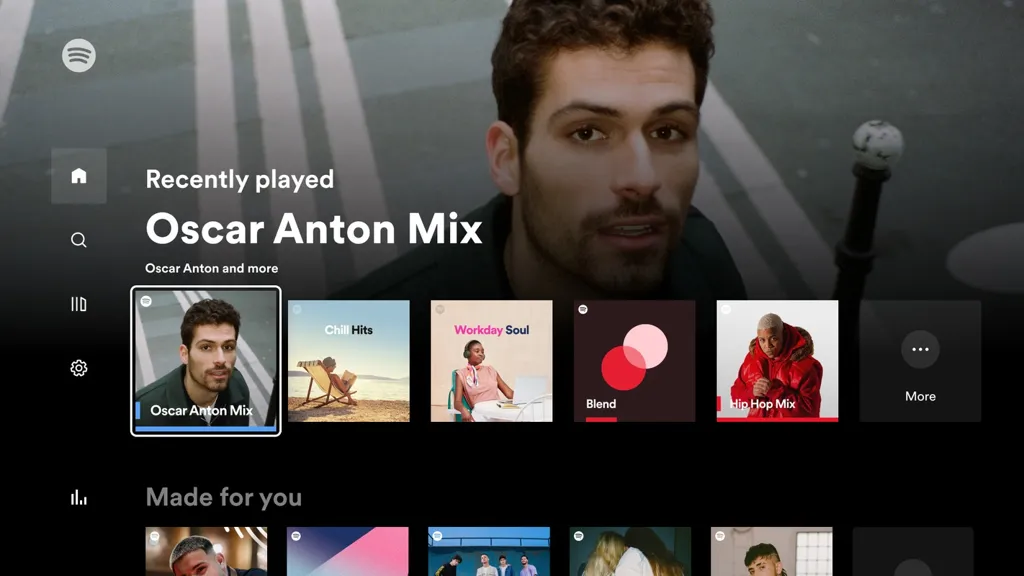
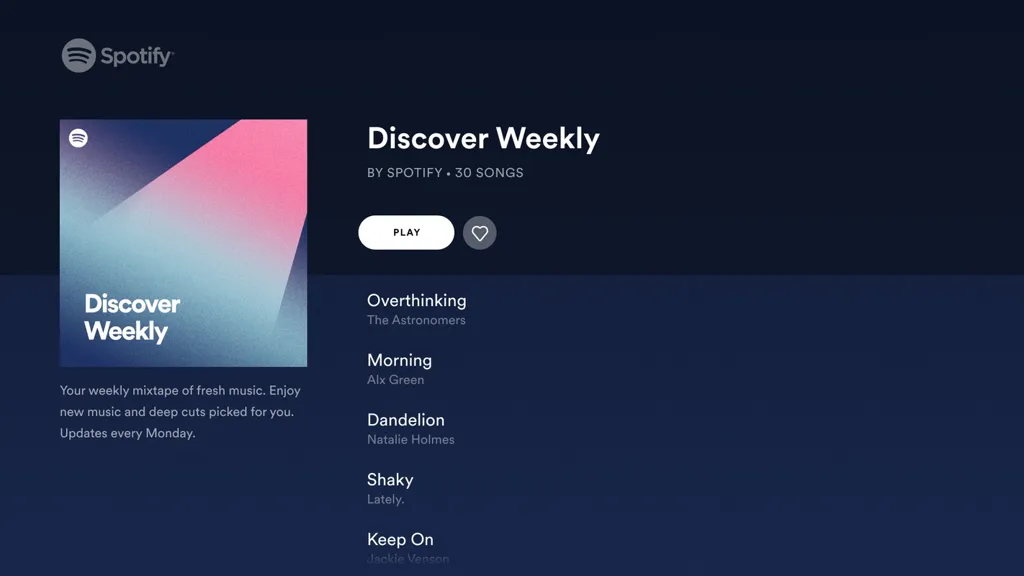
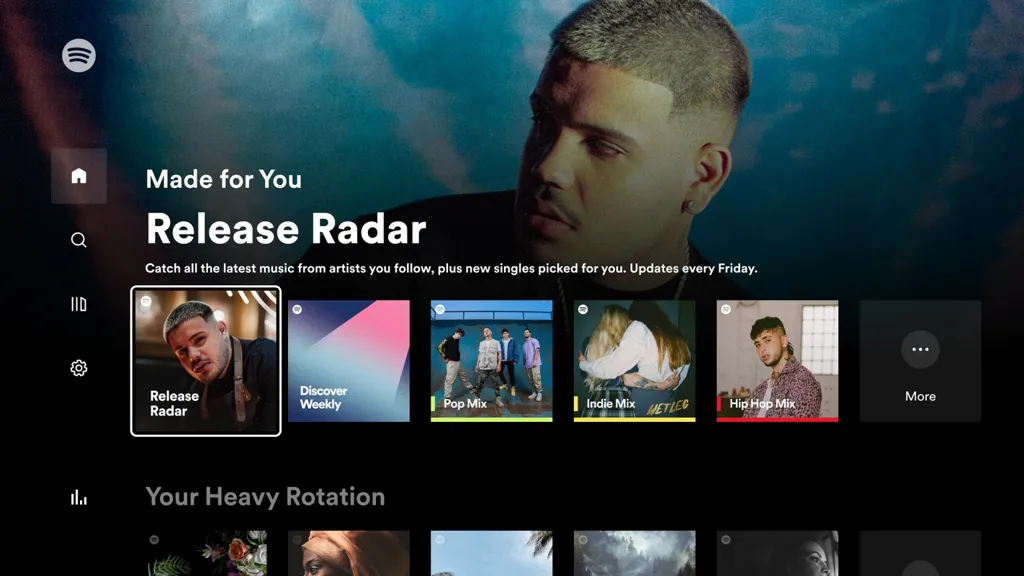
The Spotify app for Android TV is well-designed and easy to use. It has a simple interface that makes it easy to find the music you want to listen to. You can browse by genre, artist, album, or playlist. You can also search for specific songs or artists.
The Spotify app for Android TV also supports a variety of features, including:
* Personalized recommendations: Spotify uses your listening history to recommend new music that you might like.
* Offline listening: You can download songs and playlists to your Android TV so you can listen to them offline.
* Multi-room listening: You can use the Spotify app to control the music playing on other devices in your home.
* Voice control: You can use your voice to control the Spotify app on your Android TV.
The Spotify app for Android TV is a great way to enjoy your favorite music on your TV. It is easy to use and has a variety of features that make it a great choice for music lovers.
Here are some additional details about the Spotify app for Android TV:
* The app is available in over 60 countries.
* The app supports a variety of audio formats, including MP3, AAC, and Ogg Vorbis.
* The app has a built-in equalizer that you can use to adjust the sound quality.
* The app supports a variety of languages, including English, Spanish, French, German, and Chinese.
If you are a music lover, then the Spotify app for Android TV is a must-have. It is a great way to enjoy your favorite music on your TV.
Spotify for Android TV is the official Spotify app for Android TVs that allows you to enjoy all your favorite music from your living room. Best of all? You can control the app using the TV's own remote control or with Spotify Connect from your Android or any device where you have the app installed.
Enjoy your music on the big screen
The first thing about Spotify for Android TV that catches your eye is its appearance. With a wealth of photographs, album art, and other visual material, the app looks spectacular on large screens. In addition, thanks to the display size, you can easily read the lyrics of the songs being played if you want to sing along. This way, you can turn your living room into an improvised karaoke club in just a few seconds.
High quality music and no ads
Just as with the version for mobile devices, you can use Spotify for Android TV completely free of charge, but with advertising. Now, with the different subscription models available, you can listen to all your music without interruptions and ad breaks by paying a small amount of money per month. From the app itself, you can consult the different plans available, adapted to different people and lifestyles.
Hit Play from your remote control
When using Spotify for Android TV, you can control your music with the TV remote control. This is undoubtedly the easiest and most convenient way, but it is not the only one. You can also use your regular Android device with Spotify Connect to search for the song you want, turn up the volume, or hit Play. In short, you can control your music your way.
Download Spotify for Android TV to turn your living room TV into a multimedia center where you can enjoy your favorite music. You'll have the entire Spotify catalog at your fingertips, with all its millions of artists and hundreds of millions of songs, to listen to at any time just by turning on the TV.
Spotify for Android TVSpotify is a popular music streaming service that offers a wide variety of music, podcasts, and videos. It is available on a variety of devices, including Android TV.
The Spotify app for Android TV is well-designed and easy to use. It has a simple interface that makes it easy to find the music you want to listen to. You can browse by genre, artist, album, or playlist. You can also search for specific songs or artists.
The Spotify app for Android TV also supports a variety of features, including:
* Personalized recommendations: Spotify uses your listening history to recommend new music that you might like.
* Offline listening: You can download songs and playlists to your Android TV so you can listen to them offline.
* Multi-room listening: You can use the Spotify app to control the music playing on other devices in your home.
* Voice control: You can use your voice to control the Spotify app on your Android TV.
The Spotify app for Android TV is a great way to enjoy your favorite music on your TV. It is easy to use and has a variety of features that make it a great choice for music lovers.
Here are some additional details about the Spotify app for Android TV:
* The app is available in over 60 countries.
* The app supports a variety of audio formats, including MP3, AAC, and Ogg Vorbis.
* The app has a built-in equalizer that you can use to adjust the sound quality.
* The app supports a variety of languages, including English, Spanish, French, German, and Chinese.
If you are a music lover, then the Spotify app for Android TV is a must-have. It is a great way to enjoy your favorite music on your TV.





