


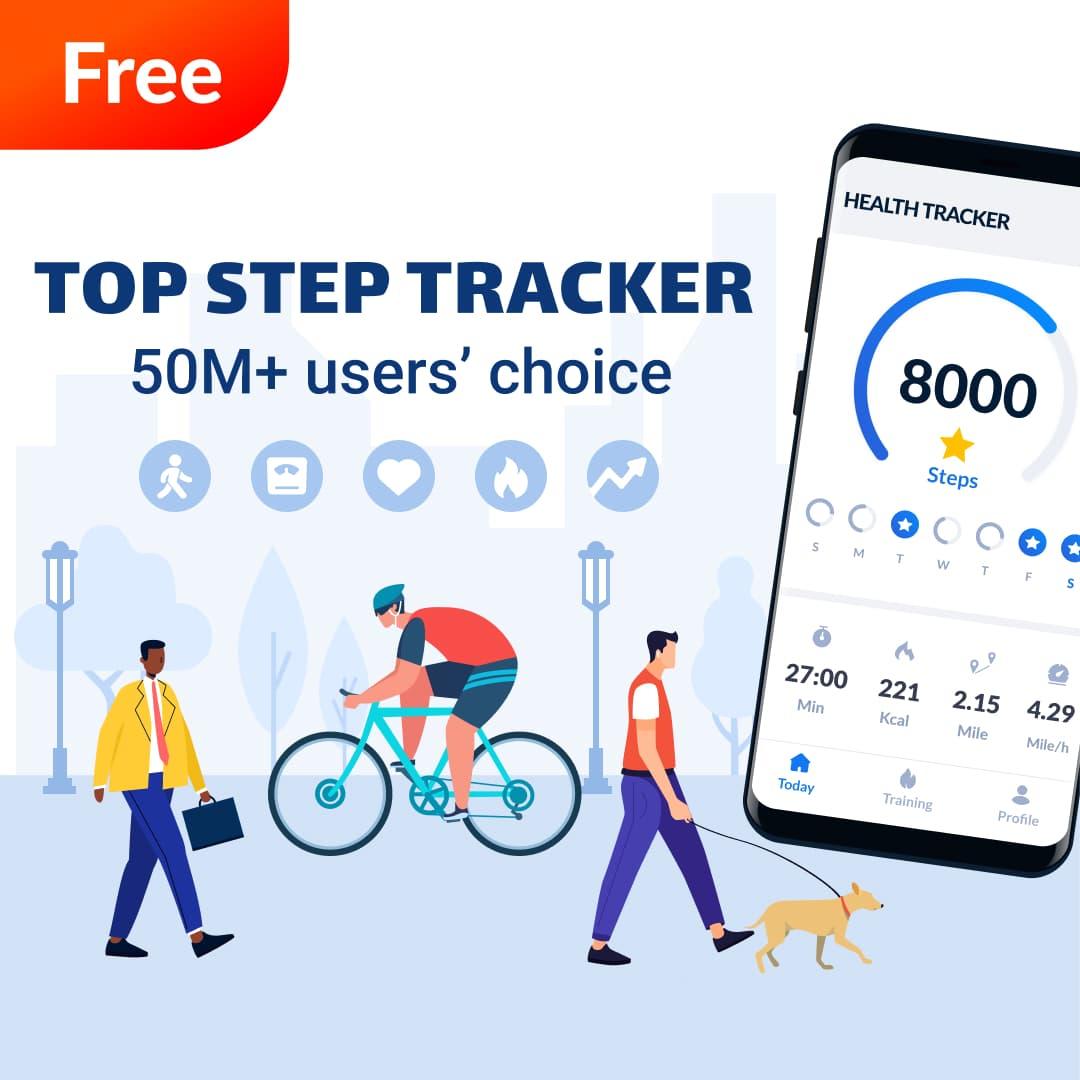



Daily step tracker, free pedometer & map tracker to count steps and calories.
The most accurate & simple step tracker auto tracks your daily steps, burned calories, walking distance, duration, pace, health data, etc., and display them in intuitive graphs for easy checking.
Power Saving Pedometer
Step counter counts your daily steps with the built-in sensor, which greatly saves battery. It records steps accurately even when the screen is locked, whether your phone is in your hand, your pocket, your bag, or your armband.
Real-time Map Tracker
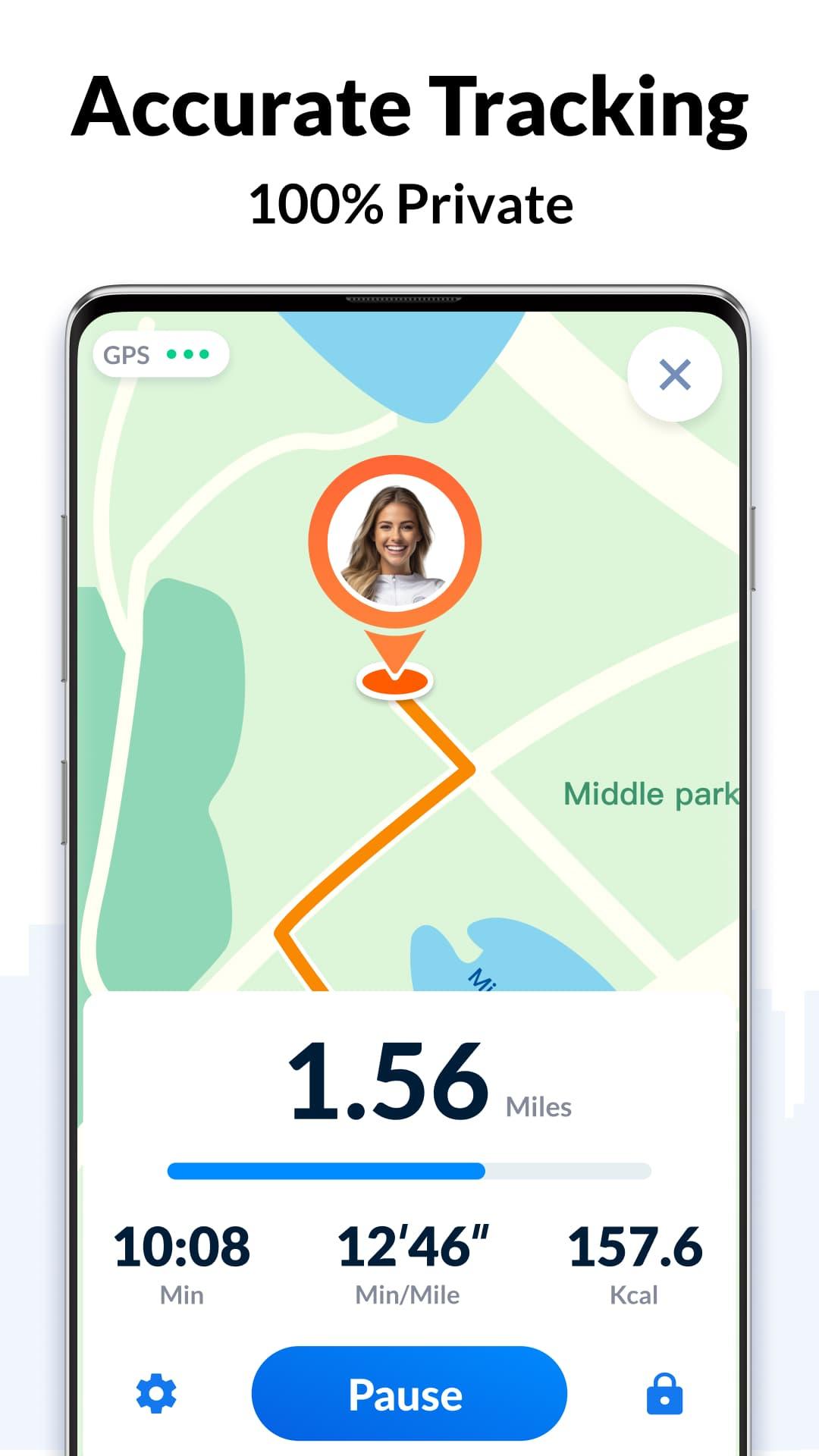
In GPS tracking mode, step counter tracks your fitness activity in detail (distance, pace, time, calories), and records your routes on the map with GPS in real-time. But if you don’t choose GPS tracking, it will count steps with built-in sensor to save battery.
100% Free & 100% Private
No locked features. No login required. You can freely use all features without login.
Easy to Use Step Counter
It auto records your steps. Pause, resume steps counting, reset steps to count from 0 if you want. Once you pause it, background data refreshing will stop. You will get your daily steps report on time, you can also check your real-time steps in the notification bar.
Report Graph
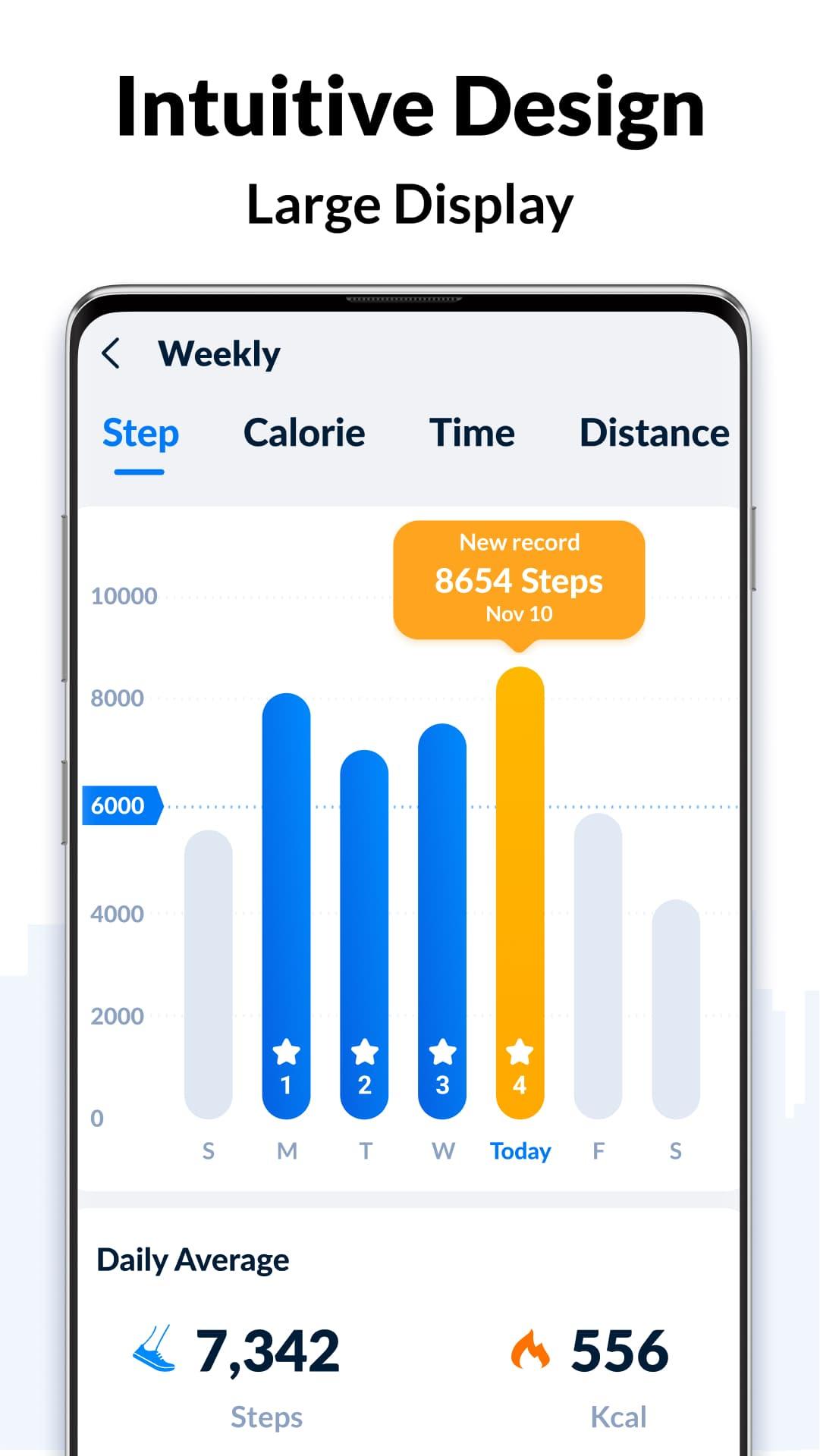
Your walking data will be displayed in clear graphs. You can easily check your daily, weekly and monthly walking statistics. Support for syncing data with Google Fit.
Targets and Achievements
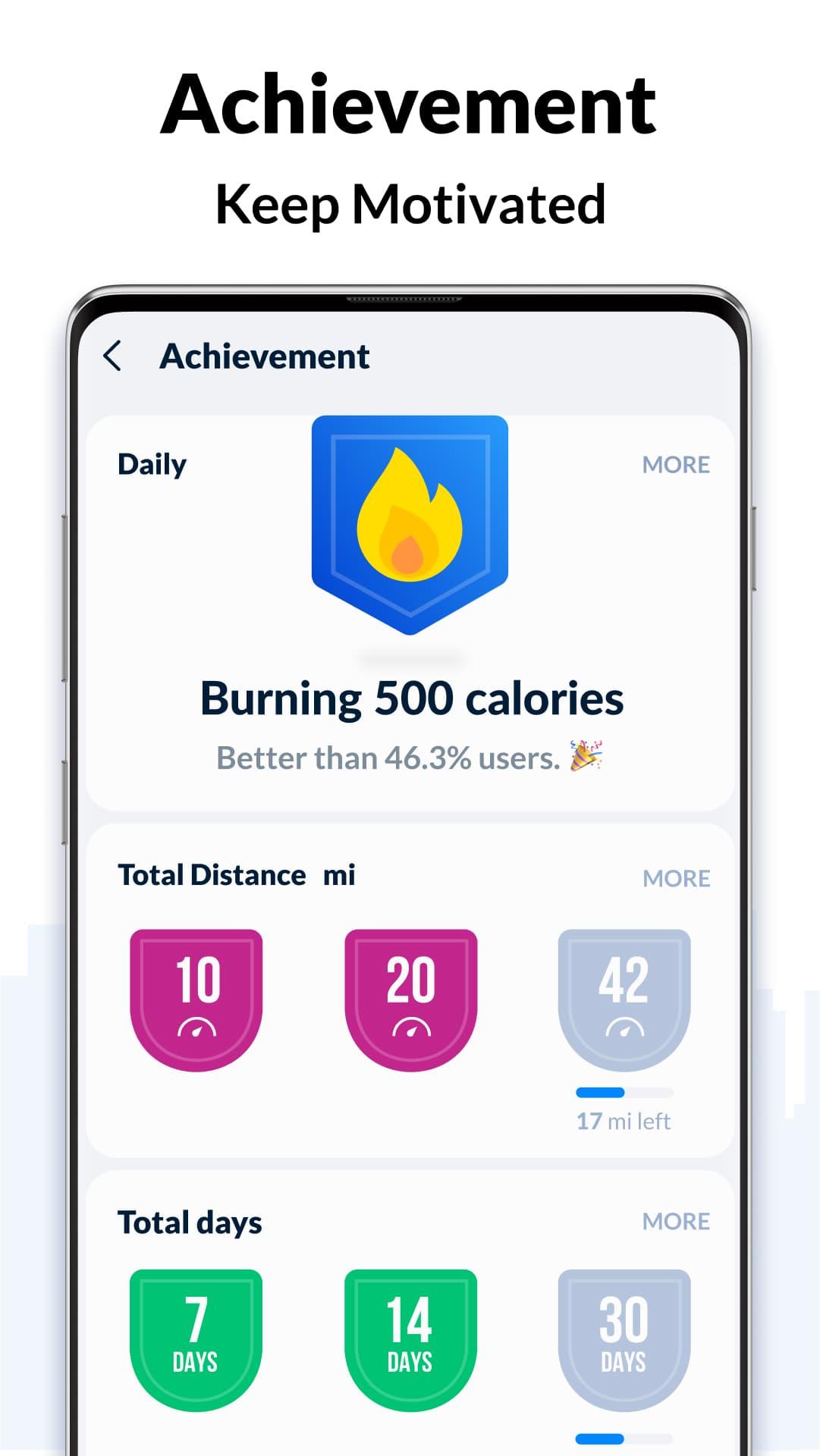
Set daily steps goal. Continuously achieve your goal will keep you motivated. You can also set targets for your fitness activity (distance, calories, duration, etc.).
Fashion & Simple Design
Designed and developed by our Google Play Best of 2018 winning team, its clean, simple, and fashion design brings excellent user experience.
Colorful Themes
More themes coming soon. Select your favorite theme for the step tracker and enjoy the step counting.
Health Tracker App
Health tracker app records your health data (weight trends, sleep conditions, water intake details, diet, etc.) and helps you maintain a healthy lifestyle. Stay active, lose weight and keep fit with activity & health tracker.
More features coming soon, such as sync data with Fitbit, Samsung Health, MyFitnessPal...
Important Notes
* To ensure accurate step counting, make sure the information you entered on the settings page is correct.
* You can adjust the sensitivity level of the step tracker for more accurate step counting.
* Some devices may stop counting when the screen is locked due to their power saving processing.
* Devices with older version can’t count steps with locked screen.
Steps tracker
Want a steps tracker to track your daily steps? This accurate steps tracker can help you.
Steps counter
Steps counter helps track your daily steps, burned calories, and weight loss progress. Lose weight with steps counter.
Steps counting app
This steps counting app is very easy to use. Open it and start to walk, steps counting app automatically records your steps.
Pedometer step counter
A simple pedometer step counter auto tracks your steps. Walk with pedometer step counter, keep fit and get in better shape.
Walking app
Need a pedometer for walking to track your steps? This walking app is your best choice.
Walking distance tracker
This walking distance tracker tracks your steps and calculates distance accurately. It's a full-featured walking distance tracker. It is also good for your health.
Step Tracker - Pedometer: A Comprehensive GuideIntroduction
Step Tracker - Pedometer is a mobile application designed to track and monitor your daily steps, providing valuable insights into your physical activity levels. With its user-friendly interface and advanced features, it empowers you to stay motivated, set goals, and improve your overall health.
Key Features
* Step Tracking: Accurately counts your steps using the built-in accelerometer, providing a detailed record of your daily activity.
* Distance Tracking: Calculates the distance you cover based on your step count, helping you visualize your progress and set distance-based goals.
* Calorie Tracking: Estimates the number of calories burned based on your steps, distance, and personal data, allowing you to monitor your energy expenditure.
* Goal Setting: Set daily, weekly, or monthly step goals to stay motivated and track your progress towards achieving them.
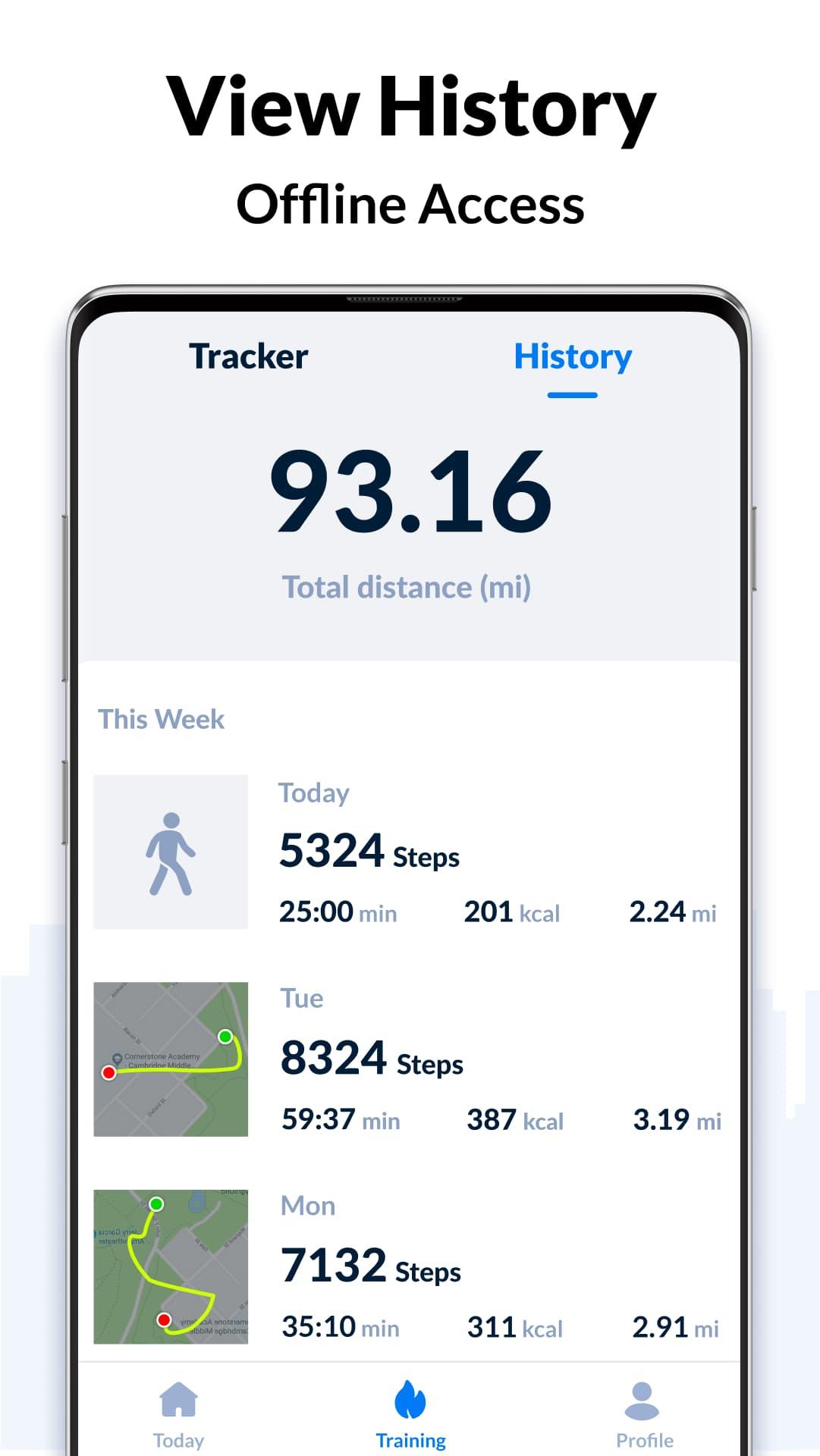
* Historical Data: Stores your past step data, allowing you to review your activity trends and identify patterns over time.
* Challenges: Participate in challenges to earn rewards and stay engaged with the app, encouraging you to push your limits.
* Integration with Health Apps: Seamlessly integrates with Apple Health and Google Fit, allowing you to sync your step data and track it alongside other health metrics.
Benefits of Using Step Tracker - Pedometer
* Increased Motivation: By setting goals and tracking your progress, you can stay motivated to stay active and meet your fitness targets.
* Improved Health: Regular physical activity is crucial for overall health, and Step Tracker - Pedometer helps you stay accountable and achieve recommended step counts.
* Weight Management: By monitoring your calorie expenditure, you can make informed decisions about your diet and lifestyle to support weight loss or maintenance.
* Better Sleep: Studies have shown that regular exercise can improve sleep quality, and Step Tracker - Pedometer encourages you to stay active throughout the day.
* Reduced Stress: Physical activity releases endorphins, which have mood-boosting effects and can help reduce stress levels.
How to Use Step Tracker - Pedometer
* Download the app from the App Store or Google Play.
* Create an account and enter your personal information, such as age, weight, and height.
* Start tracking your steps by carrying your phone with you throughout the day.
* Set goals, view historical data, and participate in challenges to stay motivated and engaged.
Tips for Success
* Keep your phone on you at all times to ensure accurate step tracking.
* Set realistic goals to avoid discouragement and maintain motivation.
* Participate in challenges to add variety and excitement to your fitness routine.
* Use the app's insights to identify areas for improvement and make necessary adjustments.
* Be consistent with your activity levels to maximize the benefits of regular exercise.
Daily step tracker, free pedometer & map tracker to count steps and calories.
The most accurate & simple step tracker auto tracks your daily steps, burned calories, walking distance, duration, pace, health data, etc., and display them in intuitive graphs for easy checking.
Power Saving Pedometer
Step counter counts your daily steps with the built-in sensor, which greatly saves battery. It records steps accurately even when the screen is locked, whether your phone is in your hand, your pocket, your bag, or your armband.
Real-time Map Tracker
In GPS tracking mode, step counter tracks your fitness activity in detail (distance, pace, time, calories), and records your routes on the map with GPS in real-time. But if you don’t choose GPS tracking, it will count steps with built-in sensor to save battery.
100% Free & 100% Private
No locked features. No login required. You can freely use all features without login.
Easy to Use Step Counter
It auto records your steps. Pause, resume steps counting, reset steps to count from 0 if you want. Once you pause it, background data refreshing will stop. You will get your daily steps report on time, you can also check your real-time steps in the notification bar.
Report Graph
Your walking data will be displayed in clear graphs. You can easily check your daily, weekly and monthly walking statistics. Support for syncing data with Google Fit.
Targets and Achievements
Set daily steps goal. Continuously achieve your goal will keep you motivated. You can also set targets for your fitness activity (distance, calories, duration, etc.).
Fashion & Simple Design
Designed and developed by our Google Play Best of 2018 winning team, its clean, simple, and fashion design brings excellent user experience.
Colorful Themes
More themes coming soon. Select your favorite theme for the step tracker and enjoy the step counting.
Health Tracker App
Health tracker app records your health data (weight trends, sleep conditions, water intake details, diet, etc.) and helps you maintain a healthy lifestyle. Stay active, lose weight and keep fit with activity & health tracker.
More features coming soon, such as sync data with Fitbit, Samsung Health, MyFitnessPal...
Important Notes
* To ensure accurate step counting, make sure the information you entered on the settings page is correct.
* You can adjust the sensitivity level of the step tracker for more accurate step counting.
* Some devices may stop counting when the screen is locked due to their power saving processing.
* Devices with older version can’t count steps with locked screen.
Steps tracker
Want a steps tracker to track your daily steps? This accurate steps tracker can help you.
Steps counter
Steps counter helps track your daily steps, burned calories, and weight loss progress. Lose weight with steps counter.
Steps counting app
This steps counting app is very easy to use. Open it and start to walk, steps counting app automatically records your steps.
Pedometer step counter
A simple pedometer step counter auto tracks your steps. Walk with pedometer step counter, keep fit and get in better shape.
Walking app
Need a pedometer for walking to track your steps? This walking app is your best choice.
Walking distance tracker
This walking distance tracker tracks your steps and calculates distance accurately. It's a full-featured walking distance tracker. It is also good for your health.
Step Tracker - Pedometer: A Comprehensive GuideIntroduction
Step Tracker - Pedometer is a mobile application designed to track and monitor your daily steps, providing valuable insights into your physical activity levels. With its user-friendly interface and advanced features, it empowers you to stay motivated, set goals, and improve your overall health.
Key Features
* Step Tracking: Accurately counts your steps using the built-in accelerometer, providing a detailed record of your daily activity.
* Distance Tracking: Calculates the distance you cover based on your step count, helping you visualize your progress and set distance-based goals.
* Calorie Tracking: Estimates the number of calories burned based on your steps, distance, and personal data, allowing you to monitor your energy expenditure.
* Goal Setting: Set daily, weekly, or monthly step goals to stay motivated and track your progress towards achieving them.
* Historical Data: Stores your past step data, allowing you to review your activity trends and identify patterns over time.
* Challenges: Participate in challenges to earn rewards and stay engaged with the app, encouraging you to push your limits.
* Integration with Health Apps: Seamlessly integrates with Apple Health and Google Fit, allowing you to sync your step data and track it alongside other health metrics.
Benefits of Using Step Tracker - Pedometer
* Increased Motivation: By setting goals and tracking your progress, you can stay motivated to stay active and meet your fitness targets.
* Improved Health: Regular physical activity is crucial for overall health, and Step Tracker - Pedometer helps you stay accountable and achieve recommended step counts.
* Weight Management: By monitoring your calorie expenditure, you can make informed decisions about your diet and lifestyle to support weight loss or maintenance.
* Better Sleep: Studies have shown that regular exercise can improve sleep quality, and Step Tracker - Pedometer encourages you to stay active throughout the day.
* Reduced Stress: Physical activity releases endorphins, which have mood-boosting effects and can help reduce stress levels.
How to Use Step Tracker - Pedometer
* Download the app from the App Store or Google Play.
* Create an account and enter your personal information, such as age, weight, and height.
* Start tracking your steps by carrying your phone with you throughout the day.
* Set goals, view historical data, and participate in challenges to stay motivated and engaged.
Tips for Success
* Keep your phone on you at all times to ensure accurate step tracking.
* Set realistic goals to avoid discouragement and maintain motivation.
* Participate in challenges to add variety and excitement to your fitness routine.
* Use the app's insights to identify areas for improvement and make necessary adjustments.
* Be consistent with your activity levels to maximize the benefits of regular exercise.





