



Easy project management
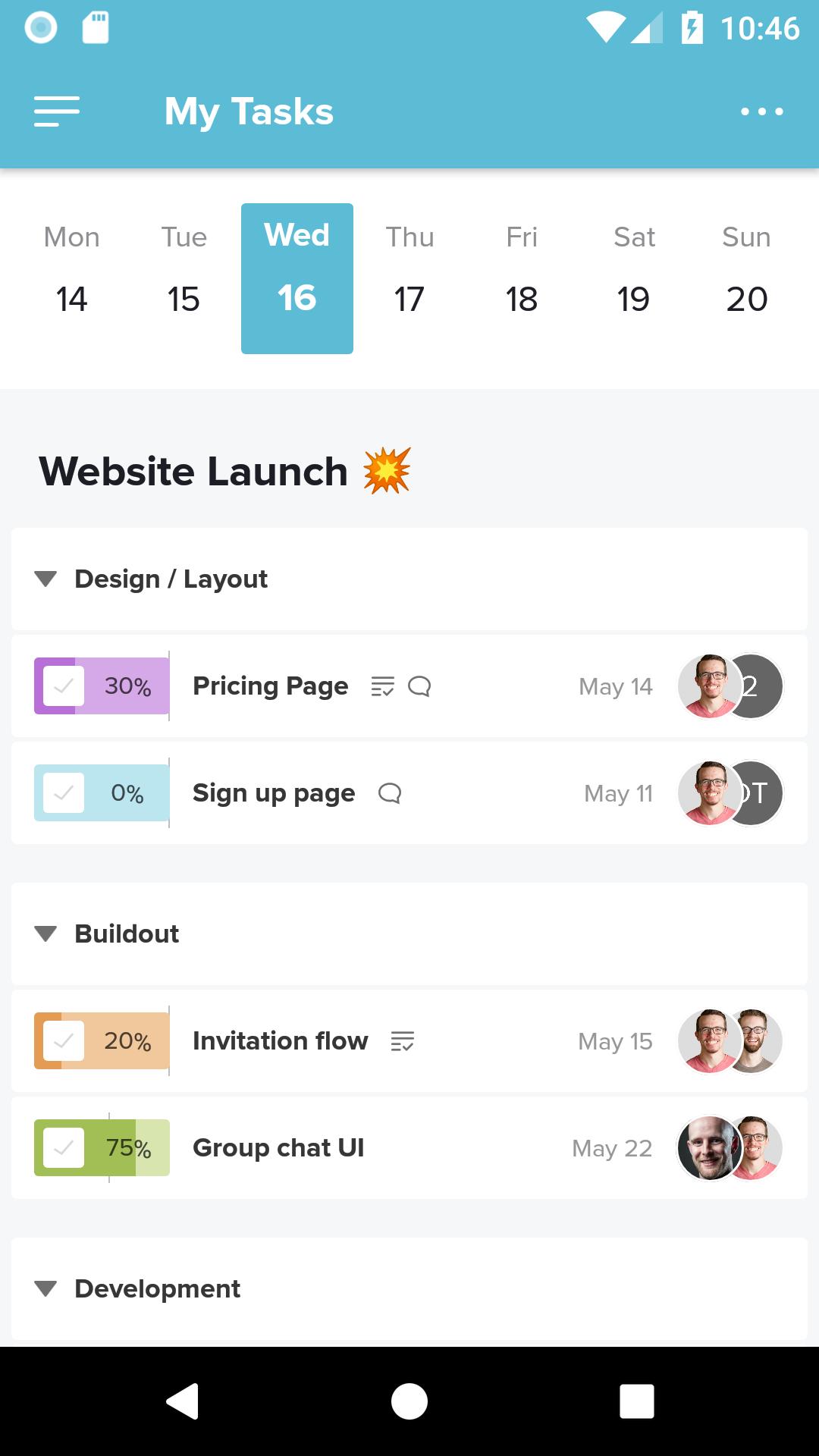
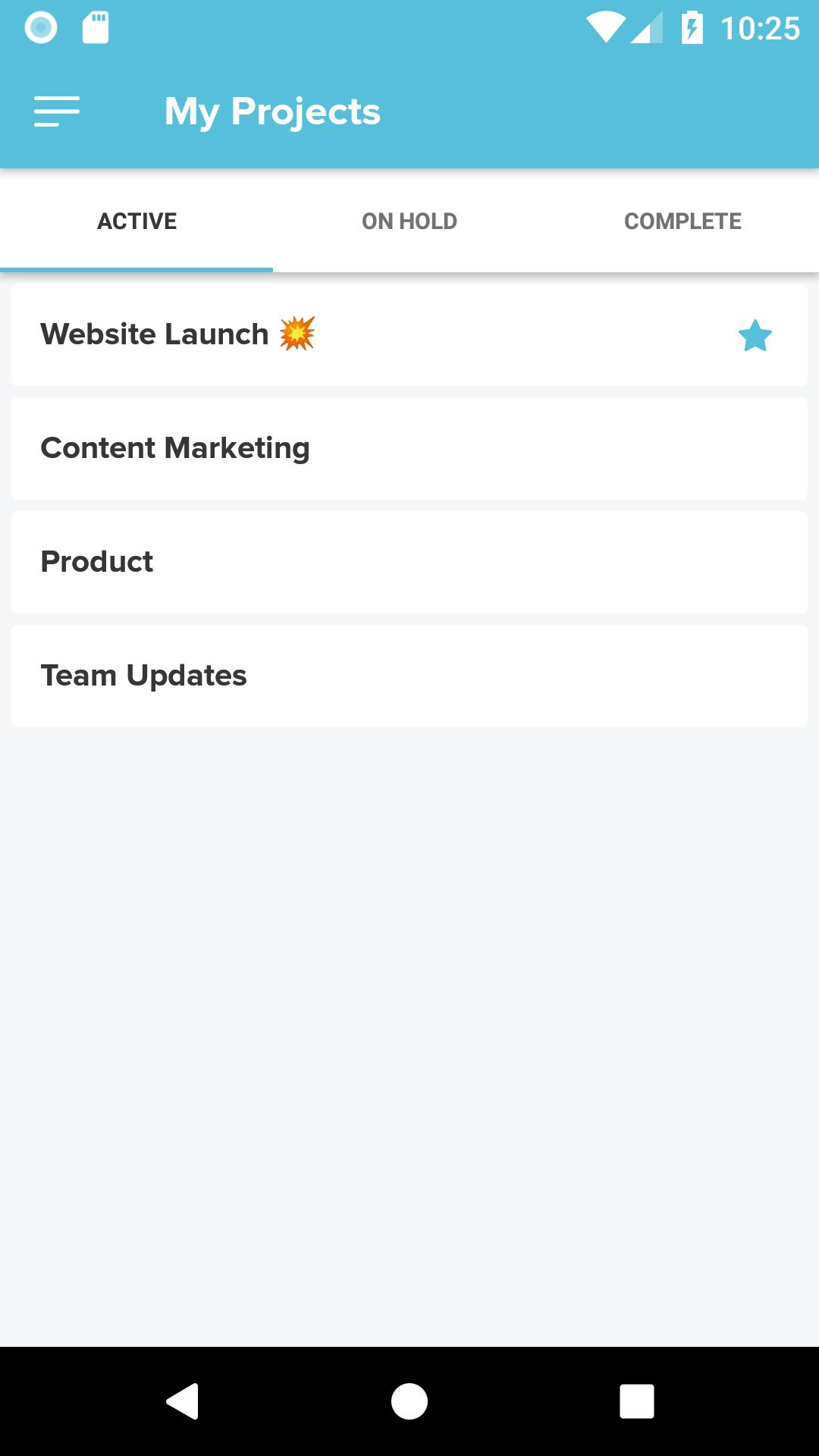
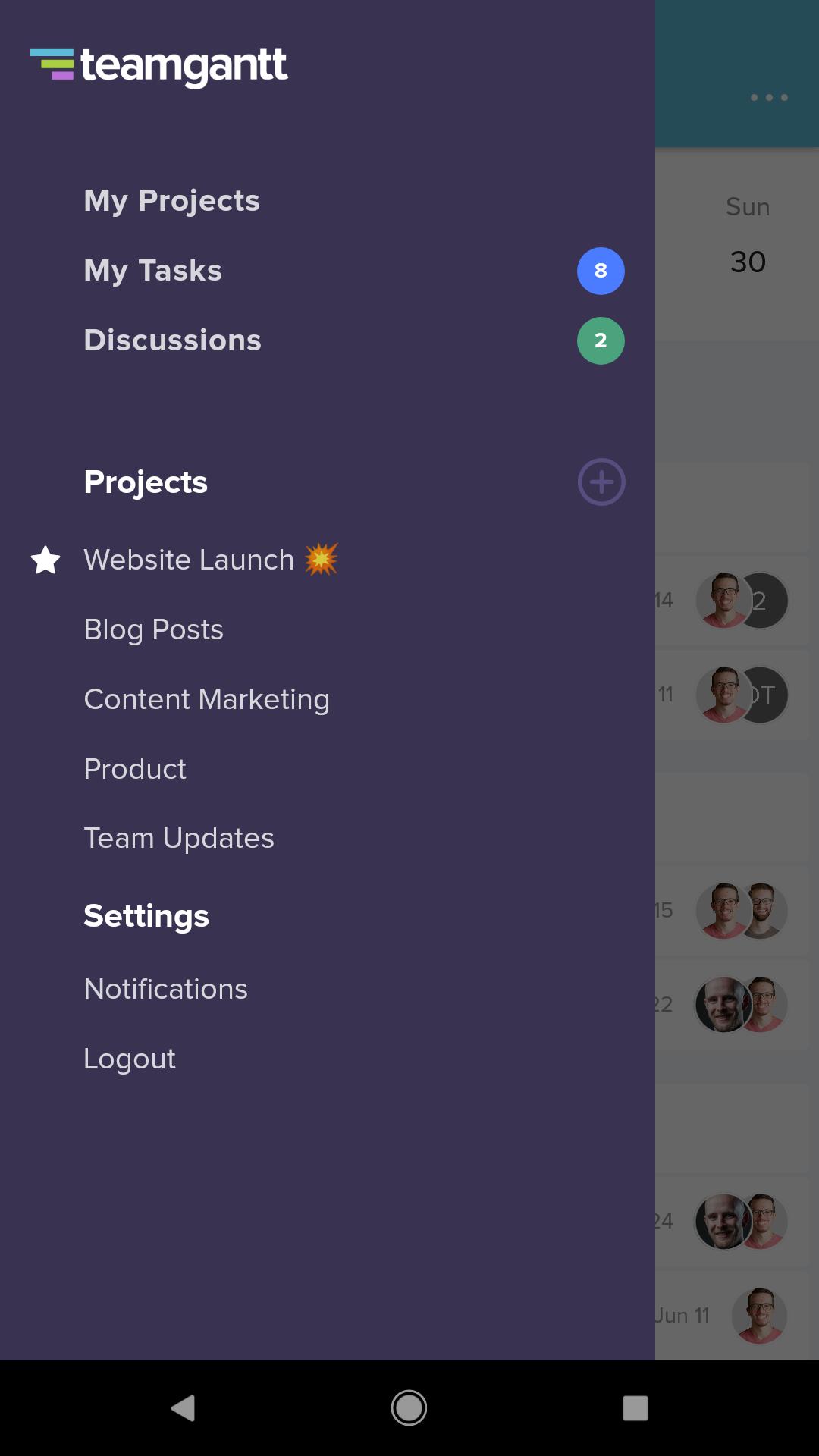
Meet TeamGantt’s companion app! You’ll find gantt charts in our popular project management web app. But you can check, update, and chat about projects and tasks with this lite version.
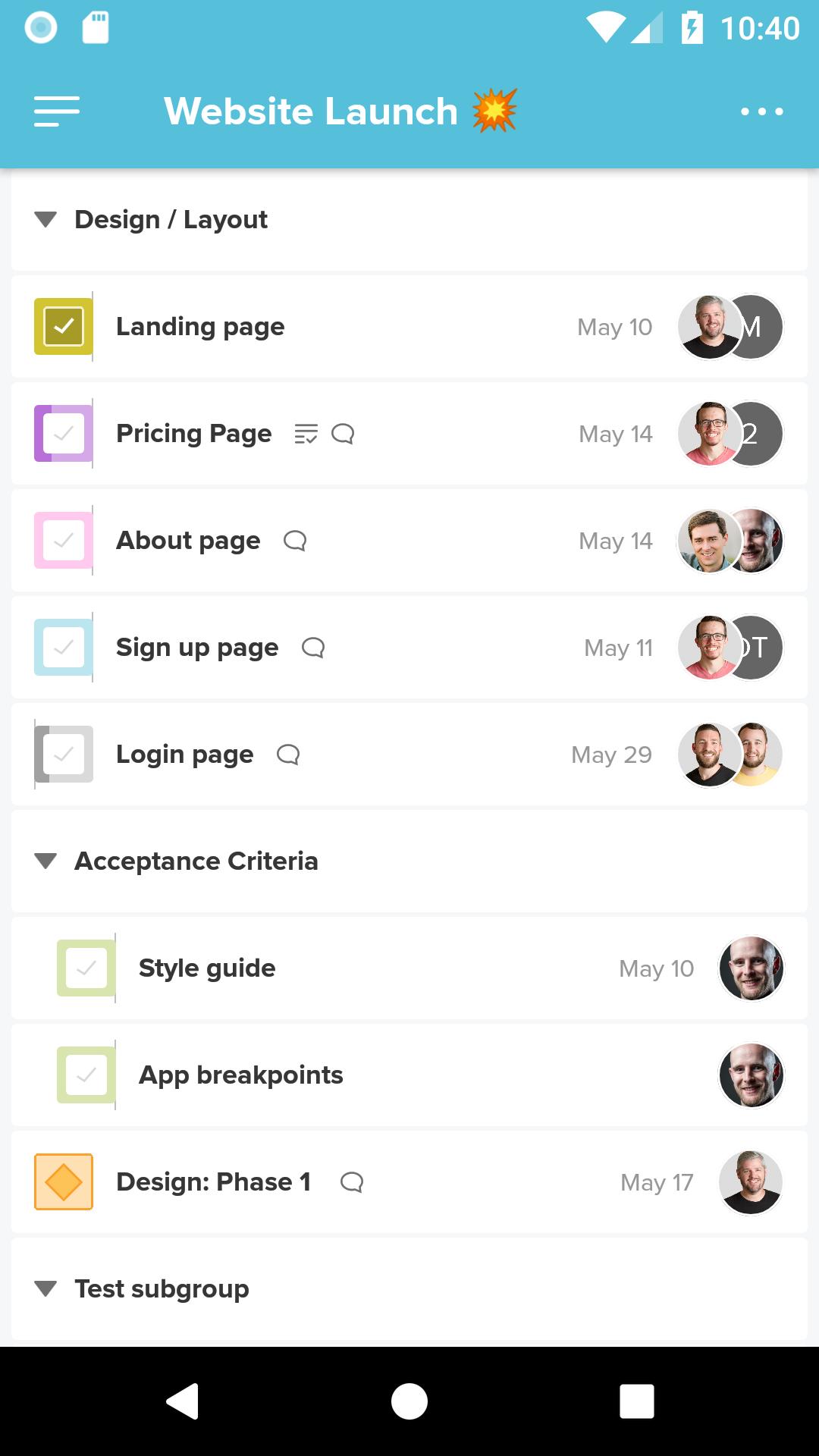
This app uses mobile-optimized list views in place of project timelines so you can:
• Create and update tasks
• View and organize task lists
• Create and edit checklist items
• Assign work to other team members
• Add due dates
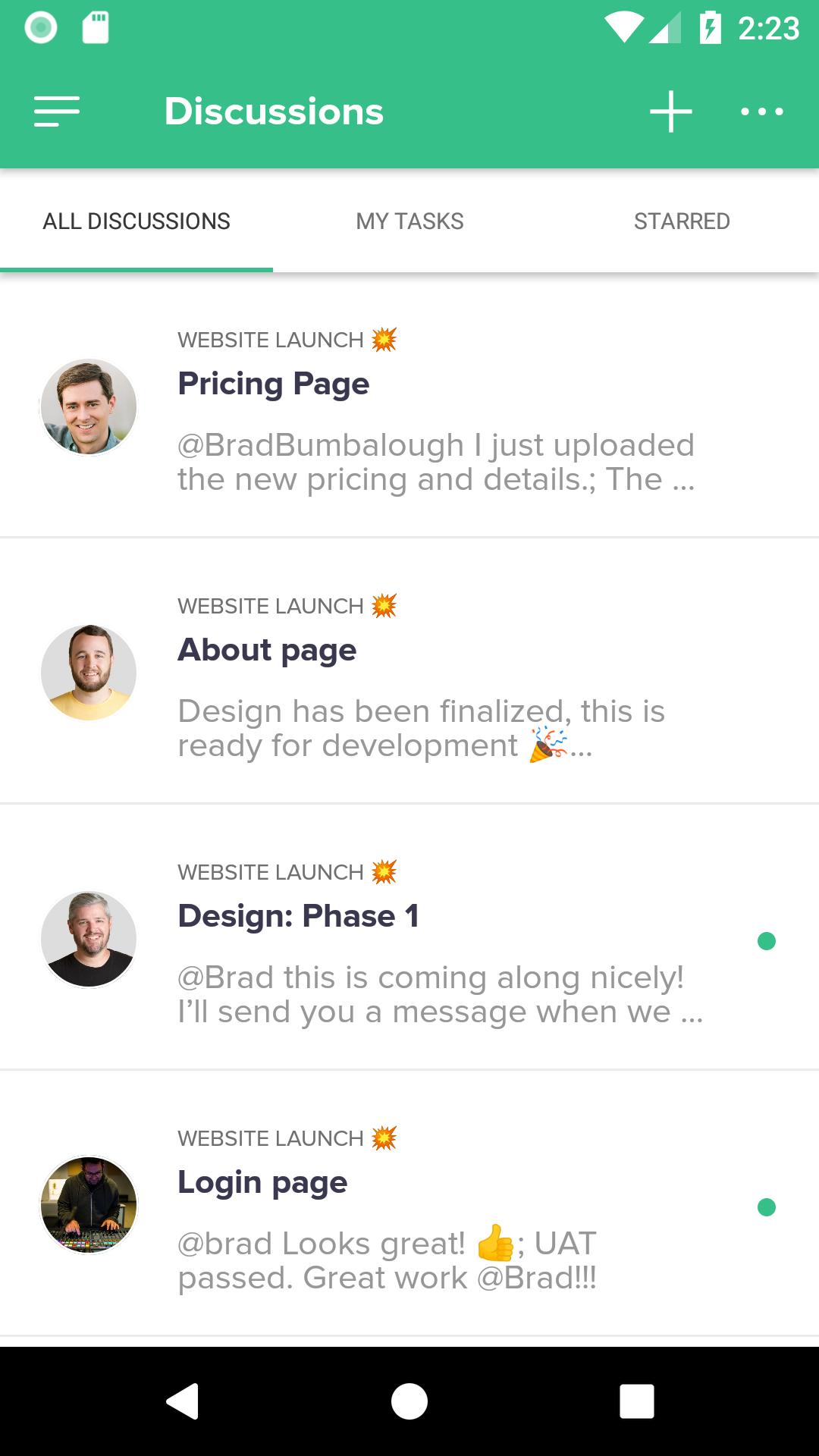
• View and start discussions
• Upload and access project files and documents
• Track and modify time spent on tasks
To view your timeline and access full TeamGantt functionality, log into our website.
To use this app, you must create a TeamGantt account, which you can do for free. TeamGantt is the easiest way for project managers to save time, hit deadlines, and deliver within budget.
Use of this app is subject to the TeamGantt Terms of Service, which can be found at https://www.teamgantt.com/terms.
What's New in the Latest Version 2.5.3
Last updated on May 28, 2024
A couple time tracking bug fixes
TeamGantt CompanionTeamGantt Companion is a powerful tool that helps project managers and teams stay organized and on track. It integrates seamlessly with TeamGantt, the popular online project management software, to provide a comprehensive solution for managing projects of all sizes.
Key Features
* Real-time Synchronization: TeamGantt Companion synchronizes with TeamGantt in real-time, ensuring that your project data is always up-to-date. This eliminates the need for manual data entry and reduces the risk of errors.
* Task Management: Manage tasks efficiently with features such as task creation, assignment, and tracking. You can set deadlines, priorities, and dependencies to ensure that your team is working towards a common goal.
* Collaboration: TeamGantt Companion fosters collaboration by allowing multiple users to work on projects simultaneously. Team members can comment on tasks, share files, and receive notifications about updates.
* Project Scheduling: Create and manage project schedules with ease. TeamGantt Companion's Gantt chart view provides a visual representation of your project timeline, making it easy to track progress and identify potential bottlenecks.
* Resource Management: Optimize resource allocation by assigning team members to tasks and tracking their availability. TeamGantt Companion helps ensure that your resources are used effectively and that projects are completed on time.
* Reporting and Analytics: Generate reports and analyze project data to gain insights into your team's performance. TeamGantt Companion provides customizable reports that can be exported in various formats.
* Mobile Access: Access your projects and tasks from anywhere with TeamGantt Companion's mobile app. Stay connected with your team and make updates on the go.
Benefits
* Increased Productivity: TeamGantt Companion streamlines project management processes, freeing up time for more important tasks.
* Improved Collaboration: Enhanced collaboration features foster teamwork and ensure that everyone is on the same page.
* Better Resource Management: Optimize resource allocation to avoid overbooking and ensure efficient use of resources.
* Enhanced Decision-Making: Access to real-time project data and analytics provides valuable insights for decision-making.
* Increased Project Success: TeamGantt Companion helps teams stay organized, on track, and achieve project success.
Conclusion
TeamGantt Companion is an indispensable tool for project managers and teams looking to enhance their project management capabilities. Its seamless integration with TeamGantt, comprehensive features, and user-friendly interface make it an ideal solution for managing projects of all sizes. By leveraging TeamGantt Companion, teams can improve productivity, enhance collaboration, optimize resource allocation, and ultimately achieve greater project success.
Easy project management
Meet TeamGantt’s companion app! You’ll find gantt charts in our popular project management web app. But you can check, update, and chat about projects and tasks with this lite version.
This app uses mobile-optimized list views in place of project timelines so you can:
• Create and update tasks
• View and organize task lists
• Create and edit checklist items
• Assign work to other team members
• Add due dates
• View and start discussions
• Upload and access project files and documents
• Track and modify time spent on tasks
To view your timeline and access full TeamGantt functionality, log into our website.
To use this app, you must create a TeamGantt account, which you can do for free. TeamGantt is the easiest way for project managers to save time, hit deadlines, and deliver within budget.
Use of this app is subject to the TeamGantt Terms of Service, which can be found at https://www.teamgantt.com/terms.
What's New in the Latest Version 2.5.3
Last updated on May 28, 2024
A couple time tracking bug fixes
TeamGantt CompanionTeamGantt Companion is a powerful tool that helps project managers and teams stay organized and on track. It integrates seamlessly with TeamGantt, the popular online project management software, to provide a comprehensive solution for managing projects of all sizes.
Key Features
* Real-time Synchronization: TeamGantt Companion synchronizes with TeamGantt in real-time, ensuring that your project data is always up-to-date. This eliminates the need for manual data entry and reduces the risk of errors.
* Task Management: Manage tasks efficiently with features such as task creation, assignment, and tracking. You can set deadlines, priorities, and dependencies to ensure that your team is working towards a common goal.
* Collaboration: TeamGantt Companion fosters collaboration by allowing multiple users to work on projects simultaneously. Team members can comment on tasks, share files, and receive notifications about updates.
* Project Scheduling: Create and manage project schedules with ease. TeamGantt Companion's Gantt chart view provides a visual representation of your project timeline, making it easy to track progress and identify potential bottlenecks.
* Resource Management: Optimize resource allocation by assigning team members to tasks and tracking their availability. TeamGantt Companion helps ensure that your resources are used effectively and that projects are completed on time.
* Reporting and Analytics: Generate reports and analyze project data to gain insights into your team's performance. TeamGantt Companion provides customizable reports that can be exported in various formats.
* Mobile Access: Access your projects and tasks from anywhere with TeamGantt Companion's mobile app. Stay connected with your team and make updates on the go.
Benefits
* Increased Productivity: TeamGantt Companion streamlines project management processes, freeing up time for more important tasks.
* Improved Collaboration: Enhanced collaboration features foster teamwork and ensure that everyone is on the same page.
* Better Resource Management: Optimize resource allocation to avoid overbooking and ensure efficient use of resources.
* Enhanced Decision-Making: Access to real-time project data and analytics provides valuable insights for decision-making.
* Increased Project Success: TeamGantt Companion helps teams stay organized, on track, and achieve project success.
Conclusion
TeamGantt Companion is an indispensable tool for project managers and teams looking to enhance their project management capabilities. Its seamless integration with TeamGantt, comprehensive features, and user-friendly interface make it an ideal solution for managing projects of all sizes. By leveraging TeamGantt Companion, teams can improve productivity, enhance collaboration, optimize resource allocation, and ultimately achieve greater project success.





