



Fast PDF & JPG Scanner: Edit, Convert, and Manage Documents Easily
Transform Your Phone into a Portable Scanner with TeraScan - Scan, Edit, & Share with Ease
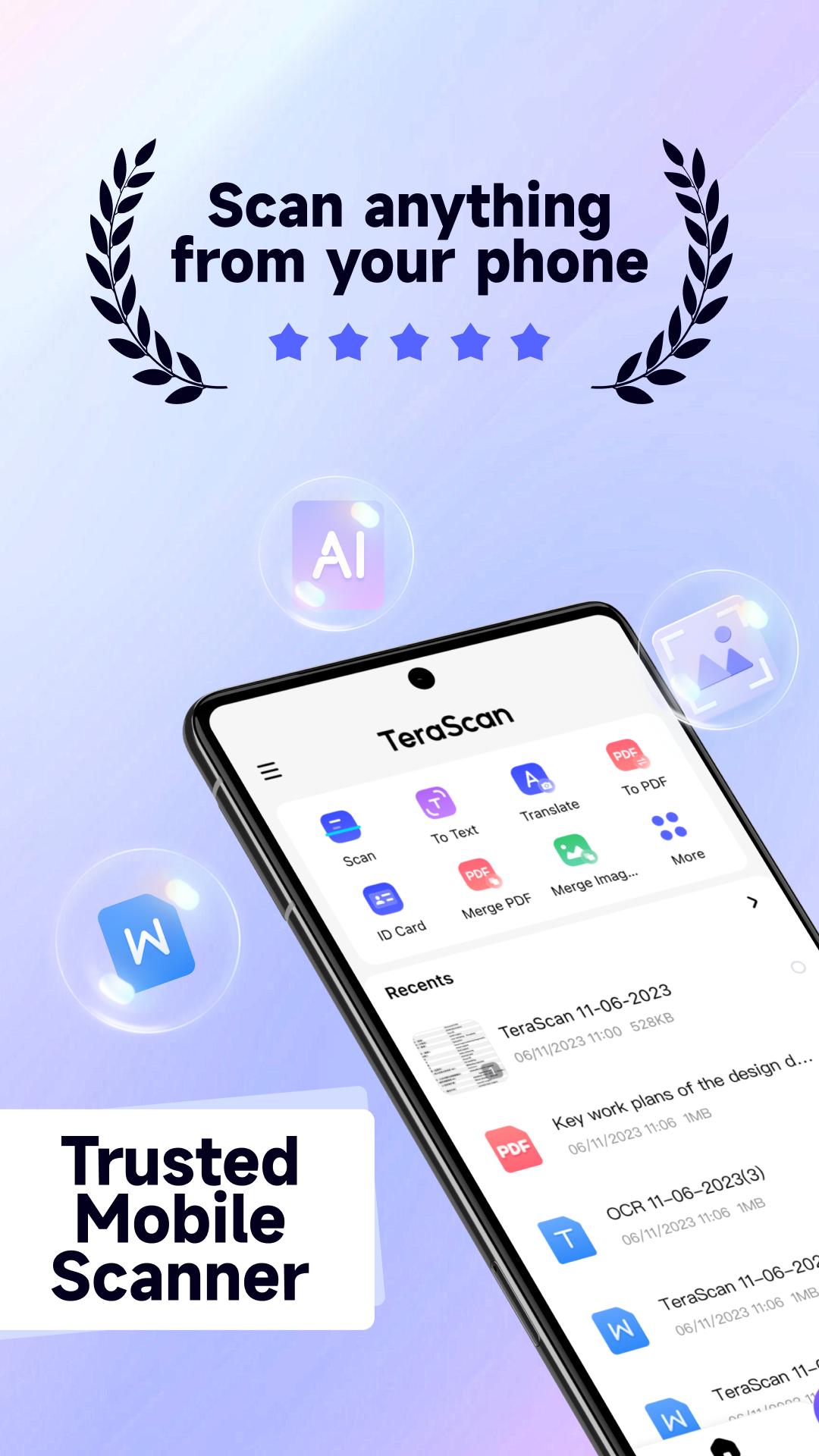
TeraScan: The all-in-one mobile scanner app that lets you capture, edit, convert, and share documents with just a few taps, anywhere and anytime. Whether it’s contracts, receipts, notes, or business cards, whether you're at home, in the office, or on the go, TeraScan ensures high-quality scans at your fingertips.
Key Features:
* High-Efficiency Scanning: Quick scans with a tap. Capture contracts, tax forms, receipts, notes, business cards and assignments with high quality. Multi-page documents and save with a single tap.
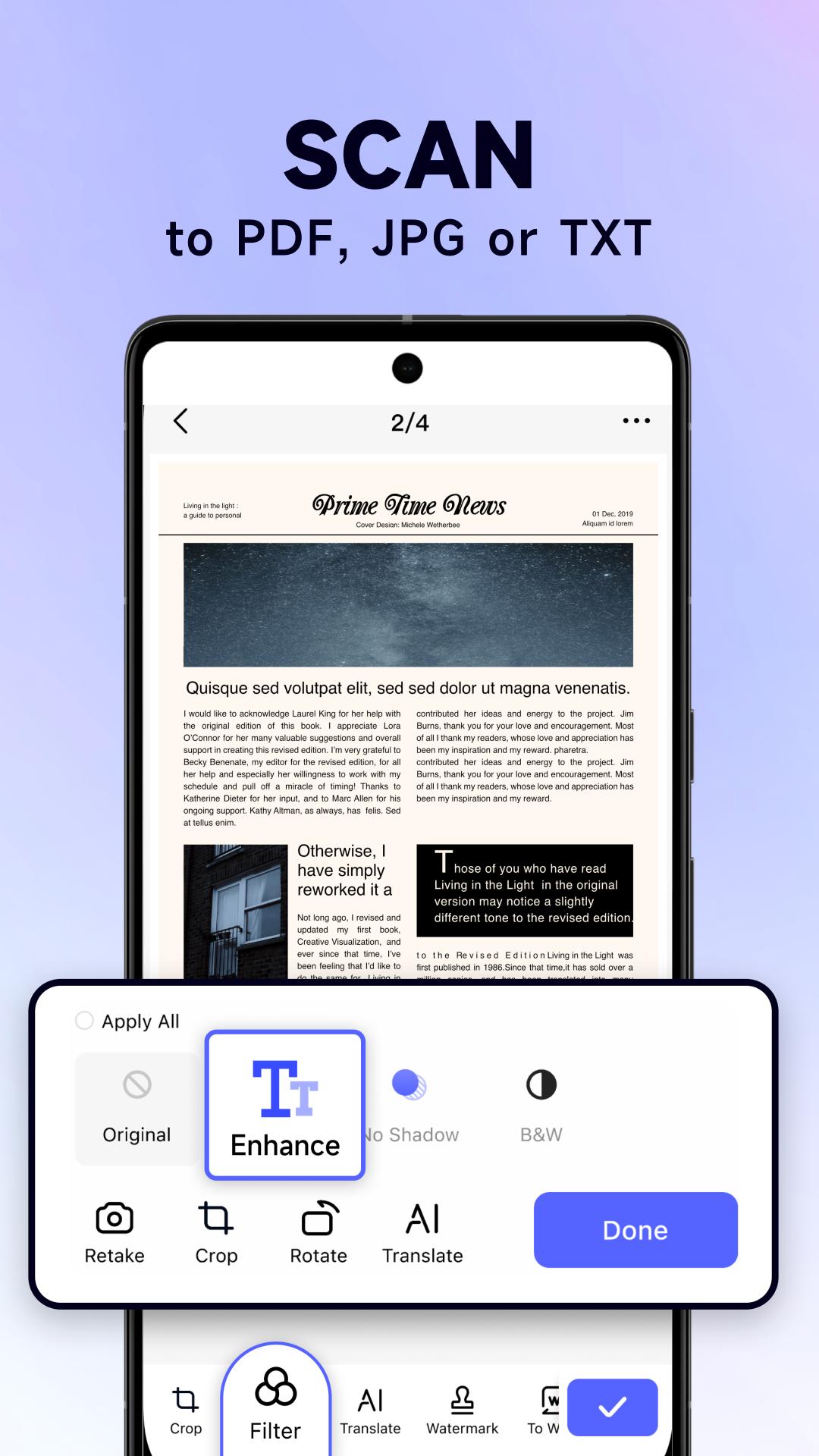
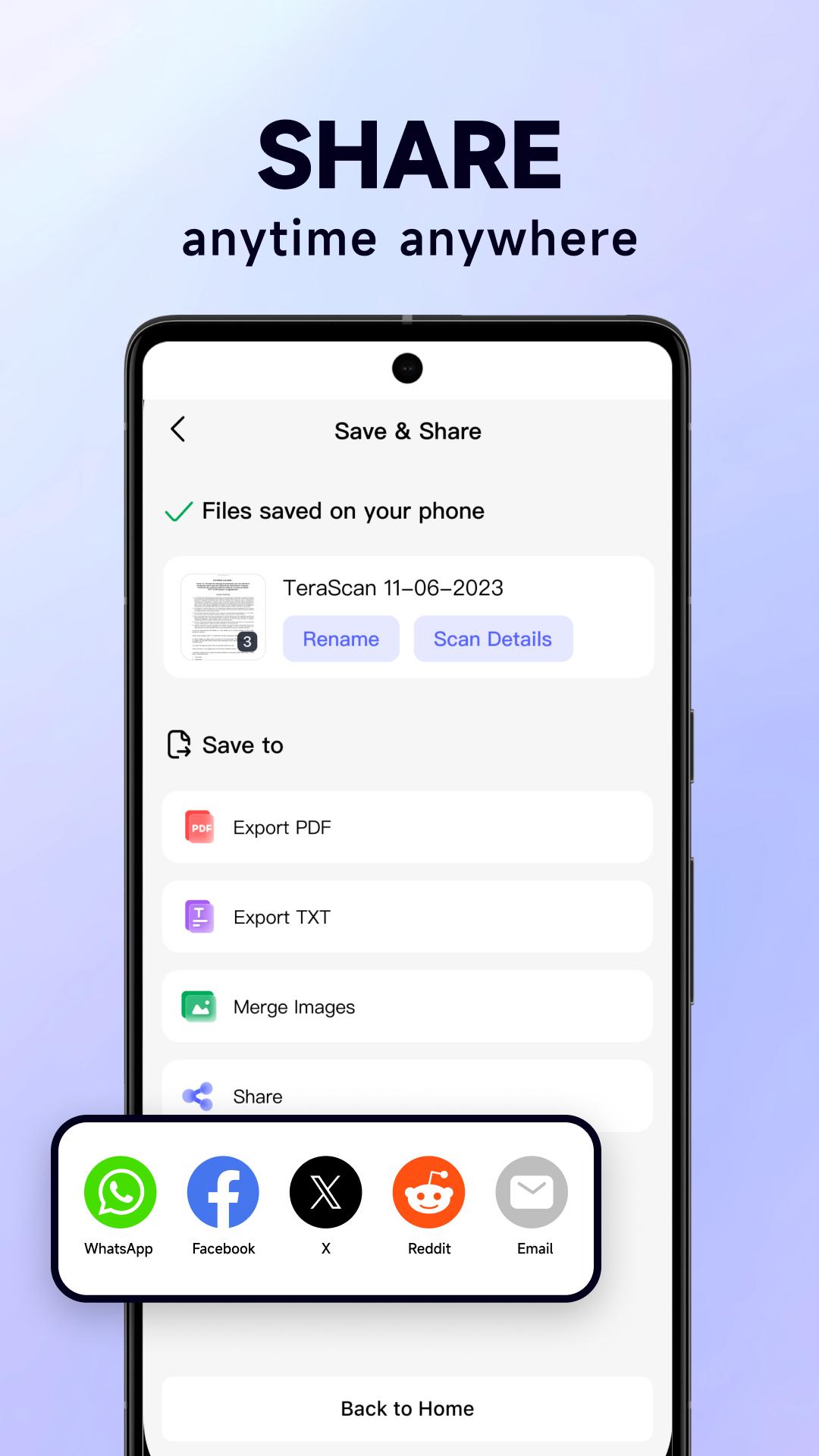
* Multi-Format Support: Easily save and digitize documents in multiple formats including JPG, PDF, TXT, and more, catering to all your needs.
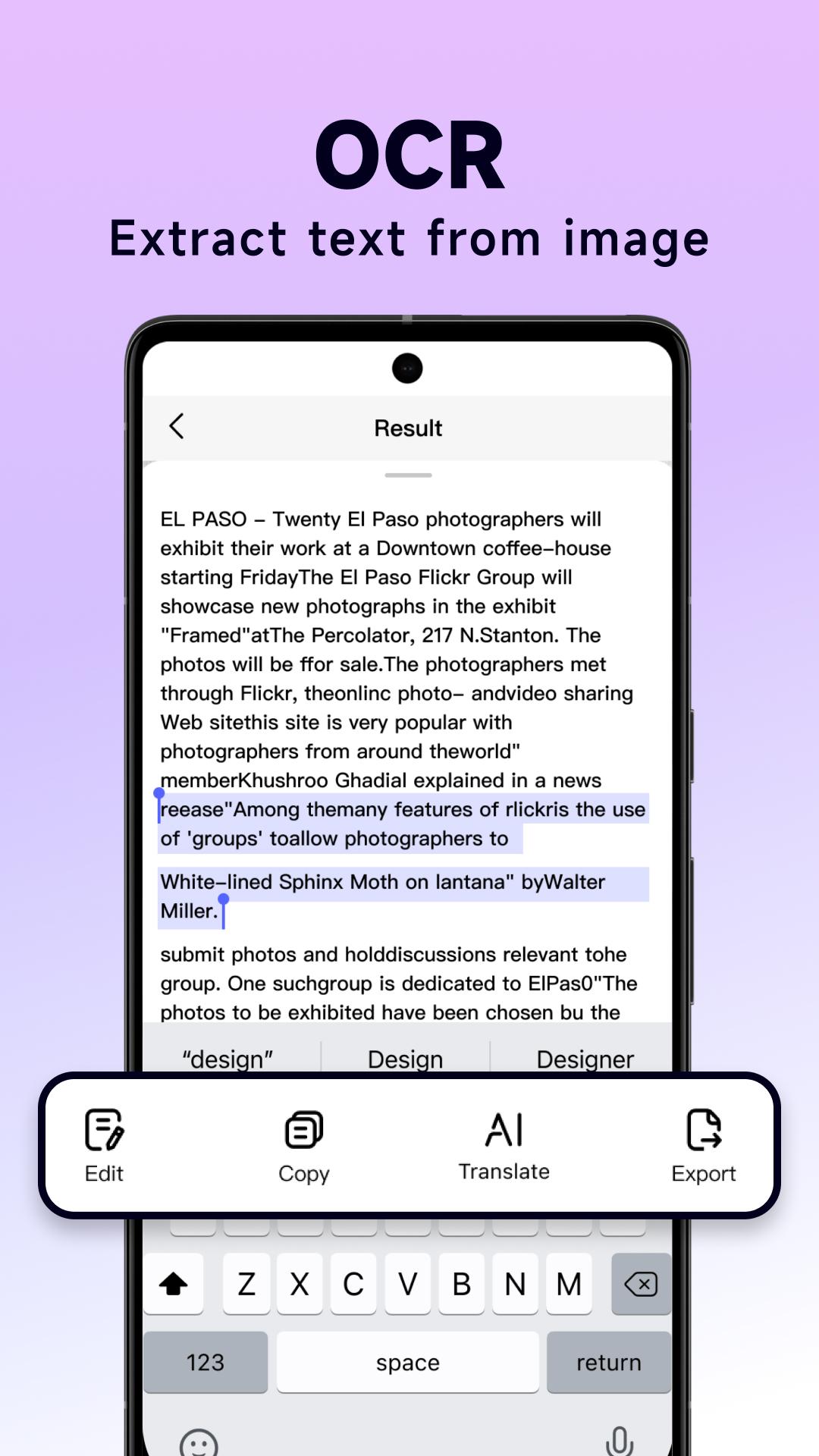
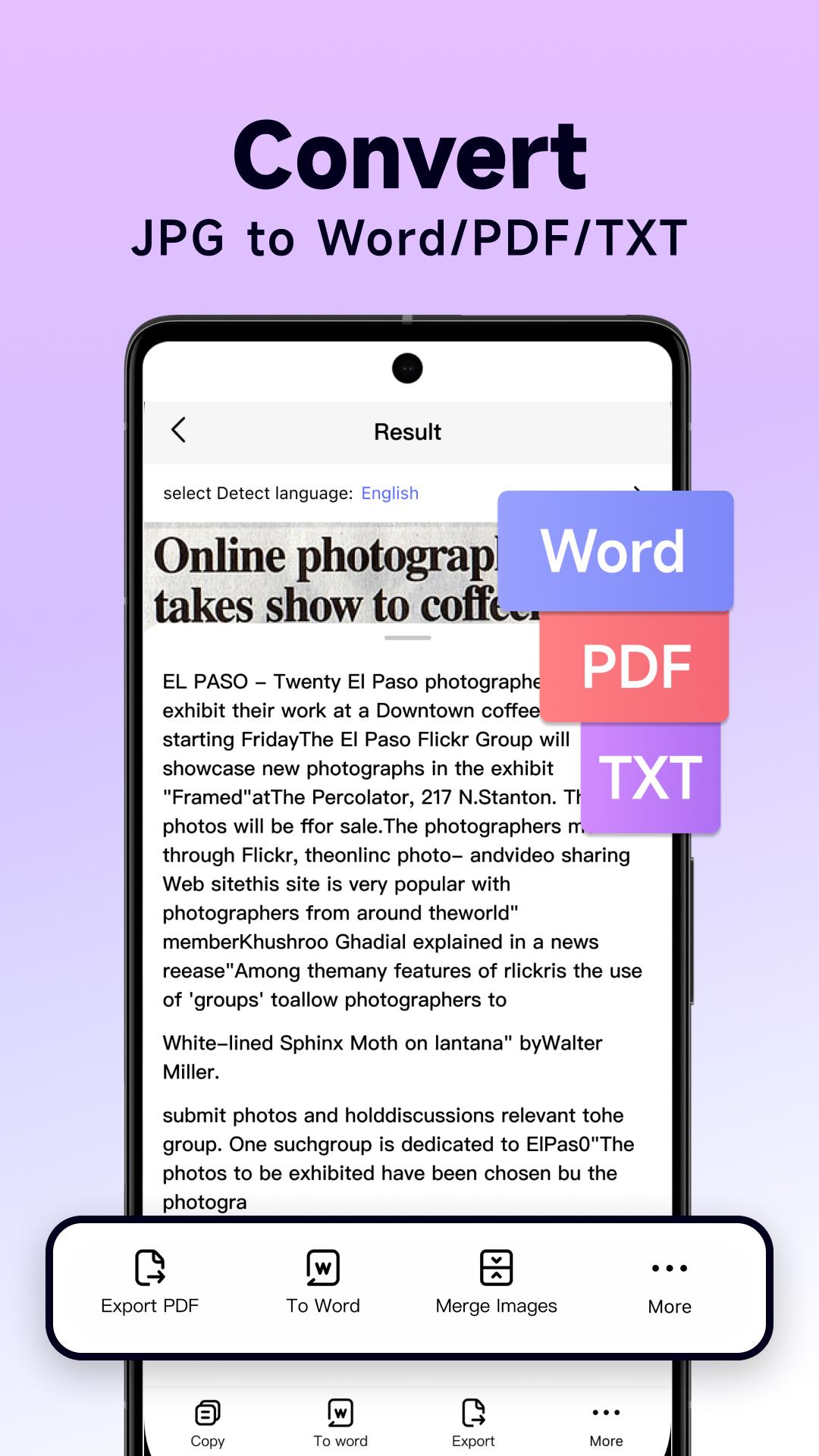
* Extract Text(OCR Technology): Extract text from images with our advanced OCR feature. Ideal for digitizing books, articles, and reports - turning them into editable text.
* AI-Powered Translation: Real-time text translation across 15+ languages, including photo translation for texts within images.
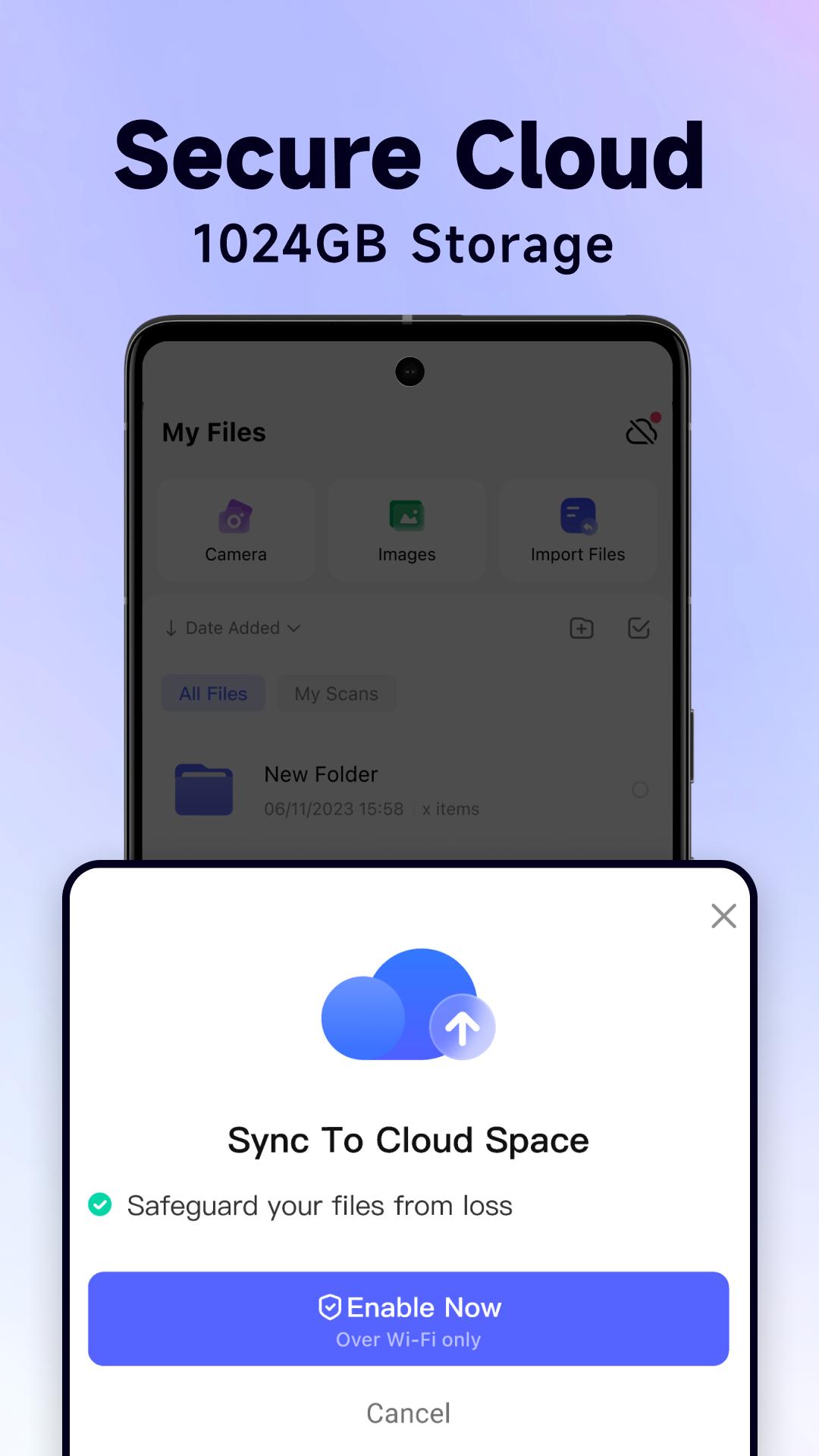
* Cloud Storage: Safely store up to 1024 GB of documents in the cloud and access them from any device.
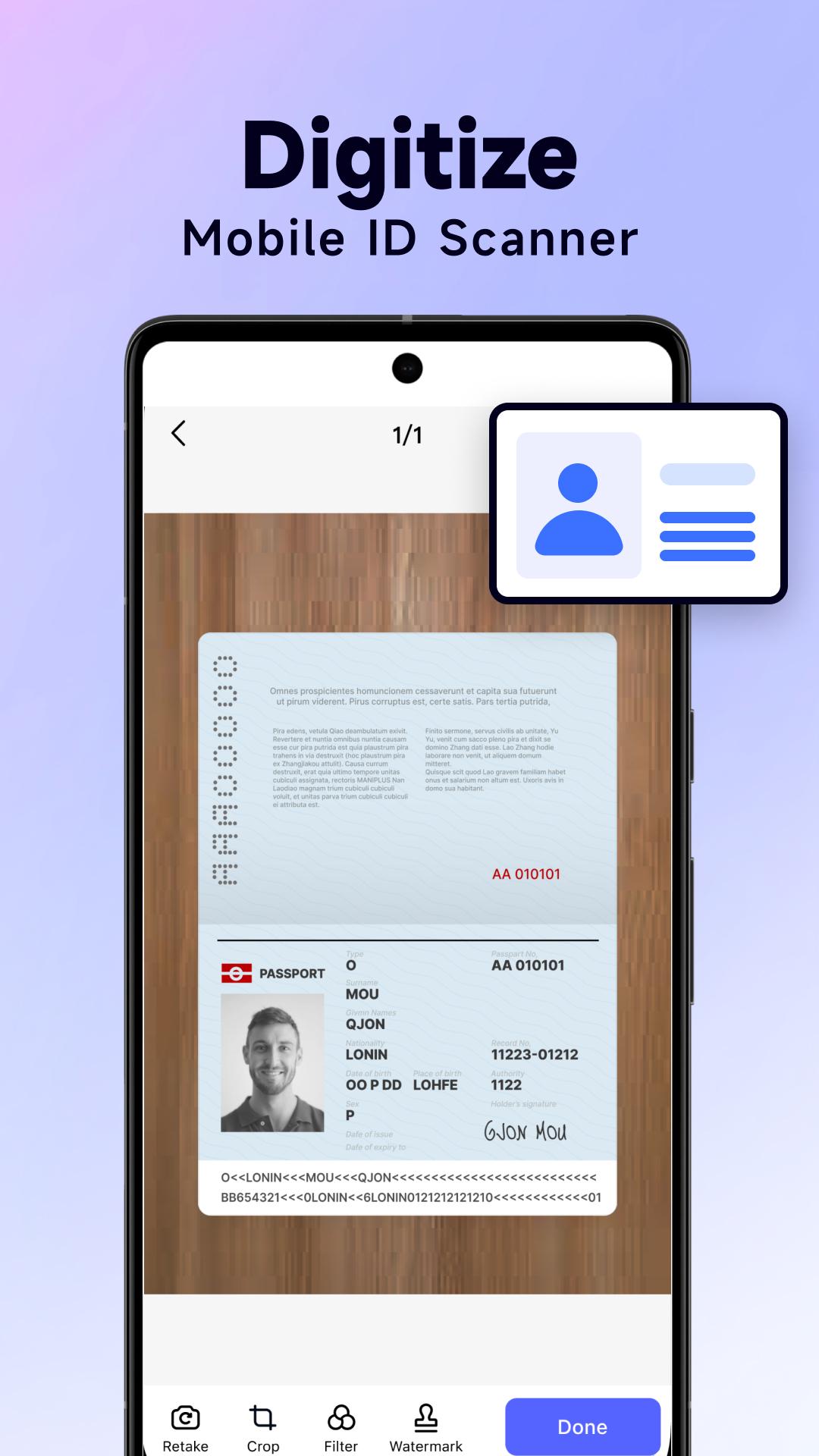
* ID Card Scanning: Effortlessly scan and share your ID cards with TeraScan.
* QR Code Scanner: Instantly scan and decode information from QR codes, simplifying access to data.
* Security Watermarks: Add customized security watermarks to your files for enhanced protection.
* Advanced Document Editing: Utilize filters and editing tools to enhance scan quality. Adjust brightness, contrast, and more for clear and sharp documents.
* Images Merge: Combine multiple images into one document for organized document management.
Why TeraScan?
* Privacy & Security You Can Trust: We prioritize your privacy. Adhering to strict data protection standards, your documents remain confidential and secure.
* User-Friendly Design: Enjoy an intuitive interface designed for maximum efficiency and ease of use.
* High Efficiency: Save time with our quick scanning process and automated features.
* Innovative Updates: Committed to excellence, we regularly introduce new features and improvements based on user feedback and technological advancements.
Experience TeraScan - Download Now!
Unlock the full potential of your mobile device with TeraScan. Embrace the convenience of having a powerful scanner in your pocket. Download now and start your journey to efficient document management!
Contact Us & Support
We value your feedback and are here to support you. Reach out to us at for assistance or suggestions.
Explore More:
* Terms of Use: https://s2.terascanapp.com/terms.html
* Privacy Policy: https://s2.terascanapp.com/privacy.html
TeraScan turns your mobile into an efficient document scanner app that scan anything anywhere and anytime. Try TeraScan to scan, edit, convert and share documents easily.
What's New in the Latest Version 1.4.2
Last updated on Jun 18, 2024
We have some updates for you:
- Experience better file scan results.
- Premium benefits update.
- Performance and UI improvements
TeraScan is a powerful and versatile software application designed to enhance the capabilities of scanners, enabling users to perform a wide range of image processing tasks with ease and efficiency.
Scanning Capabilities
TeraScan excels in capturing high-quality images from various scanner types, including flatbed, sheet-fed, and multi-function devices. It offers a comprehensive set of scanning parameters that allow users to customize the scanning process based on their specific requirements. These parameters include resolution, color depth, contrast, brightness, and image cropping.
Image Processing Features
Beyond scanning, TeraScan provides a robust suite of image processing tools that enable users to enhance, edit, and manipulate images. The software includes features such as:
* Color Correction: Adjust image colors, including hue, saturation, and lightness, to improve visual quality.
* Noise Reduction: Remove unwanted noise and artifacts from images, resulting in cleaner and more detailed results.
* Sharpening: Enhance image sharpness to improve clarity and definition.
* Cropping and Resizing: Precisely crop and resize images to isolate specific areas or adjust their dimensions.
* Text Recognition (OCR): Convert scanned text documents into editable digital formats, such as PDF or Word.
Document Management
TeraScan seamlessly integrates with popular document management systems, allowing users to easily import, export, and manage scanned documents. It supports various file formats, including TIFF, JPEG, PNG, and PDF, ensuring compatibility with a wide range of applications.
Advanced Features
For advanced users, TeraScan offers a range of specialized features that cater to specific needs:
* Batch Scanning: Automate the scanning of multiple documents simultaneously, saving time and effort.
* Scan-to-Cloud: Directly upload scanned images to cloud storage platforms, such as Dropbox or Google Drive, for convenient access and sharing.
* TWAIN Compatibility: Integrate TeraScan with TWAIN-compliant applications, enabling seamless scanning from within other software programs.
Benefits
TeraScan offers numerous benefits for users, including:
* Improved Image Quality: Enhance scanned images with advanced processing tools to achieve optimal results.
* Enhanced Productivity: Automate scanning tasks and streamline document management processes.
* Versatile Image Manipulation: Perform a wide range of image editing and enhancement operations with ease.
* Seamless Integration: Integrate with various scanners and document management systems for a seamless workflow.
Conclusion
TeraScan is a comprehensive and user-friendly software solution that empowers users to maximize the capabilities of their scanners and efficiently manage scanned images. Its advanced features, versatility, and seamless integration make it an indispensable tool for professionals in various fields, including document imaging, graphic design, and business operations.
Fast PDF & JPG Scanner: Edit, Convert, and Manage Documents Easily
Transform Your Phone into a Portable Scanner with TeraScan - Scan, Edit, & Share with Ease
TeraScan: The all-in-one mobile scanner app that lets you capture, edit, convert, and share documents with just a few taps, anywhere and anytime. Whether it’s contracts, receipts, notes, or business cards, whether you're at home, in the office, or on the go, TeraScan ensures high-quality scans at your fingertips.
Key Features:
* High-Efficiency Scanning: Quick scans with a tap. Capture contracts, tax forms, receipts, notes, business cards and assignments with high quality. Multi-page documents and save with a single tap.
* Multi-Format Support: Easily save and digitize documents in multiple formats including JPG, PDF, TXT, and more, catering to all your needs.
* Extract Text(OCR Technology): Extract text from images with our advanced OCR feature. Ideal for digitizing books, articles, and reports - turning them into editable text.
* AI-Powered Translation: Real-time text translation across 15+ languages, including photo translation for texts within images.
* Cloud Storage: Safely store up to 1024 GB of documents in the cloud and access them from any device.
* ID Card Scanning: Effortlessly scan and share your ID cards with TeraScan.
* QR Code Scanner: Instantly scan and decode information from QR codes, simplifying access to data.
* Security Watermarks: Add customized security watermarks to your files for enhanced protection.
* Advanced Document Editing: Utilize filters and editing tools to enhance scan quality. Adjust brightness, contrast, and more for clear and sharp documents.
* Images Merge: Combine multiple images into one document for organized document management.
Why TeraScan?
* Privacy & Security You Can Trust: We prioritize your privacy. Adhering to strict data protection standards, your documents remain confidential and secure.
* User-Friendly Design: Enjoy an intuitive interface designed for maximum efficiency and ease of use.
* High Efficiency: Save time with our quick scanning process and automated features.
* Innovative Updates: Committed to excellence, we regularly introduce new features and improvements based on user feedback and technological advancements.
Experience TeraScan - Download Now!
Unlock the full potential of your mobile device with TeraScan. Embrace the convenience of having a powerful scanner in your pocket. Download now and start your journey to efficient document management!
Contact Us & Support
We value your feedback and are here to support you. Reach out to us at for assistance or suggestions.
Explore More:
* Terms of Use: https://s2.terascanapp.com/terms.html
* Privacy Policy: https://s2.terascanapp.com/privacy.html
TeraScan turns your mobile into an efficient document scanner app that scan anything anywhere and anytime. Try TeraScan to scan, edit, convert and share documents easily.
What's New in the Latest Version 1.4.2
Last updated on Jun 18, 2024
We have some updates for you:
- Experience better file scan results.
- Premium benefits update.
- Performance and UI improvements
TeraScan is a powerful and versatile software application designed to enhance the capabilities of scanners, enabling users to perform a wide range of image processing tasks with ease and efficiency.
Scanning Capabilities
TeraScan excels in capturing high-quality images from various scanner types, including flatbed, sheet-fed, and multi-function devices. It offers a comprehensive set of scanning parameters that allow users to customize the scanning process based on their specific requirements. These parameters include resolution, color depth, contrast, brightness, and image cropping.
Image Processing Features
Beyond scanning, TeraScan provides a robust suite of image processing tools that enable users to enhance, edit, and manipulate images. The software includes features such as:
* Color Correction: Adjust image colors, including hue, saturation, and lightness, to improve visual quality.
* Noise Reduction: Remove unwanted noise and artifacts from images, resulting in cleaner and more detailed results.
* Sharpening: Enhance image sharpness to improve clarity and definition.
* Cropping and Resizing: Precisely crop and resize images to isolate specific areas or adjust their dimensions.
* Text Recognition (OCR): Convert scanned text documents into editable digital formats, such as PDF or Word.
Document Management
TeraScan seamlessly integrates with popular document management systems, allowing users to easily import, export, and manage scanned documents. It supports various file formats, including TIFF, JPEG, PNG, and PDF, ensuring compatibility with a wide range of applications.
Advanced Features
For advanced users, TeraScan offers a range of specialized features that cater to specific needs:
* Batch Scanning: Automate the scanning of multiple documents simultaneously, saving time and effort.
* Scan-to-Cloud: Directly upload scanned images to cloud storage platforms, such as Dropbox or Google Drive, for convenient access and sharing.
* TWAIN Compatibility: Integrate TeraScan with TWAIN-compliant applications, enabling seamless scanning from within other software programs.
Benefits
TeraScan offers numerous benefits for users, including:
* Improved Image Quality: Enhance scanned images with advanced processing tools to achieve optimal results.
* Enhanced Productivity: Automate scanning tasks and streamline document management processes.
* Versatile Image Manipulation: Perform a wide range of image editing and enhancement operations with ease.
* Seamless Integration: Integrate with various scanners and document management systems for a seamless workflow.
Conclusion
TeraScan is a comprehensive and user-friendly software solution that empowers users to maximize the capabilities of their scanners and efficiently manage scanned images. Its advanced features, versatility, and seamless integration make it an indispensable tool for professionals in various fields, including document imaging, graphic design, and business operations.





