



Easy Cut Video Editor & VidCut App, You Cut with Effect, Music,Filter,Text.
VidCut is No Watermark,No in-app purchase.
VidCut is a totaly free Video Editor, it can help you edit videos with music for YouTube and other social media.Edit videos like a pro.
Video merger, Cut, Trim, Split, Compress, Fast/Slow motion, Photo Slideshow Maker, Add music, Apply FX video filters, Add text to video, Rotate video, No crop video, Share videos to YouTube... Without losing quality!
Edit videos like a pro. Create your own videos from photos or video clips with YouCut in minutes. No video editing experience needed. Try it Now.
FREE & No Watermark!
Features:
● No in-app purchase,.All video editing features are completely free to use.
● No Watermark
As a free video editor for YouTube and video maker with music, VidCut will never add Watermark to your video.
● Free Video Editor & Video Maker
YouCut has the most useful features that other top pro YouTube video editor, or TikTok editor.
● Video Merger & Video Joiner
Merge video clips into one video.
It is a professional video maker for YouTube, also the pro video cutter and video joiner, helps rotate video and crop video, compress and combine videos without losing quality.
● Video Cutter & Video Trimmer
Cut and trim video to the length you need.
Edit videos with music and rotate video.
Export video in HD quality. Easy-to-use video maker, and the best video cutter and YouTube video editor.
● Video Splitter & Video Slicer
Slice and split video into two separate video clips.
Edit videos with music like a pro, totally free video editor and video maker for android.
● Video Speed Control
Free video editing app & PRO video editor with music, fast/slow motion.
Fast/slow motion, crop video and adjust video speed with video filters and effects.
Speed up your video in a fun way.
Slow down your video for special moments.
● Video editor with music and effects
It is a pro video combiner and slideshow maker that meets your need in every way.
Adjust music volume, fade in/out options supported.
Easy-to-use music video maker for YouTube.
● Add Text to Video
Add text to video, many fonts & styles supported.
● Video Filters and FX Effects
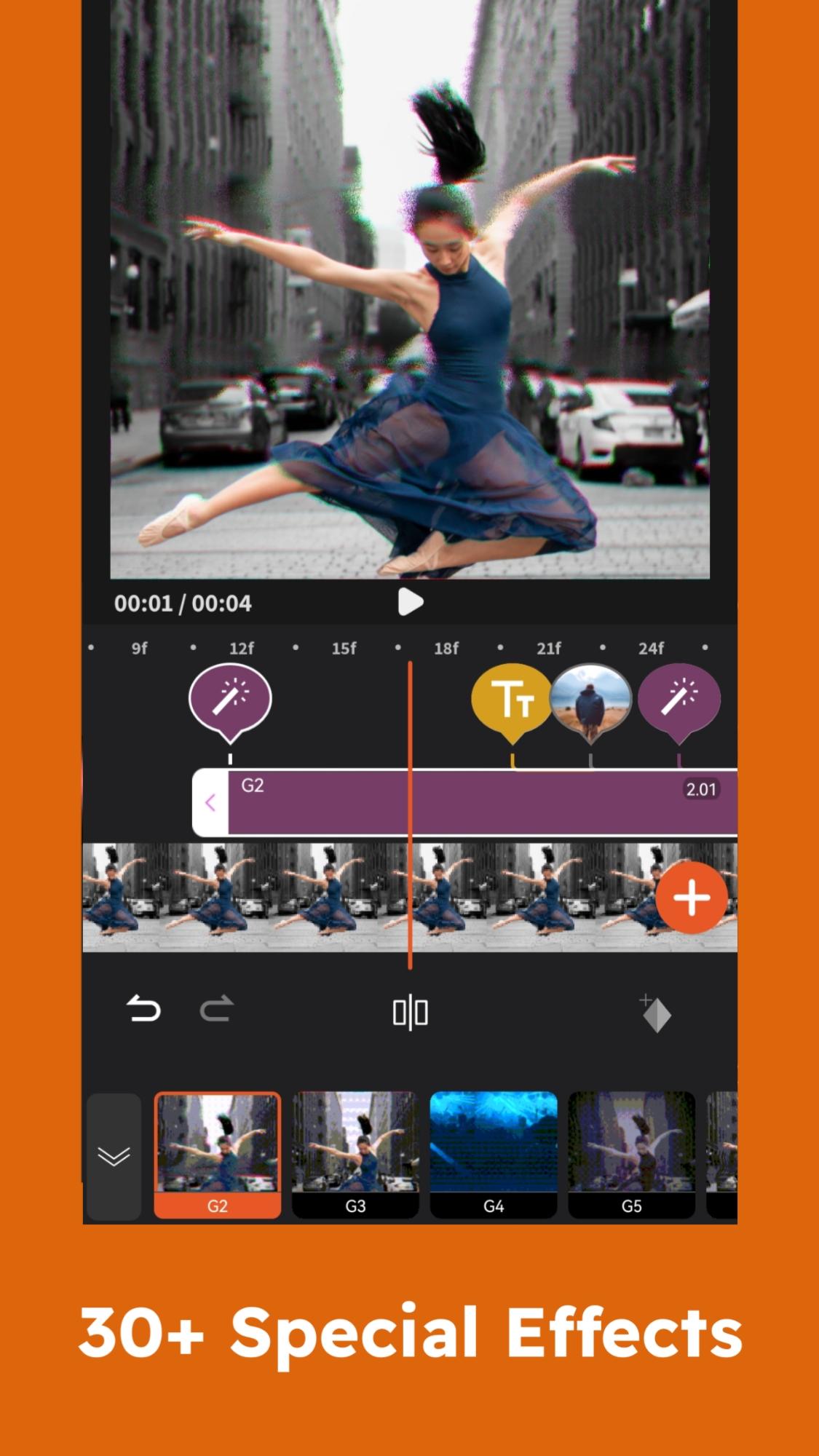
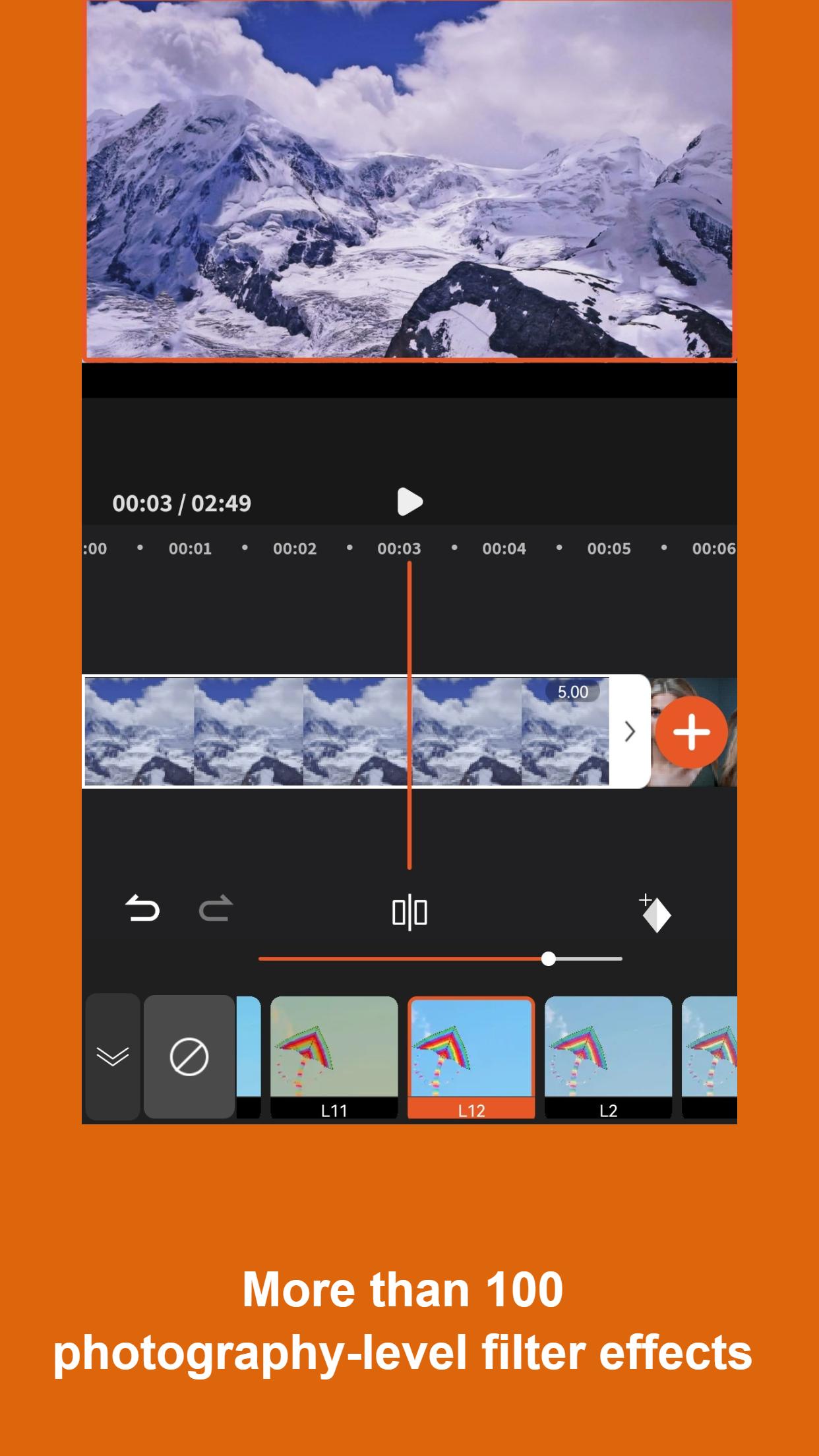
Add beautiful movie style video filters and FX effects to video.
Video merger and video combiner without watermark.
● Video Color Adjust
Adjust video brightness, contrast, saturation, etc.
Customize video filters and effects. Best movie cutter and video crop app.
● Change Video Aspect Ratio
Fit your video in any Aspect Ratios like 1:1, 16:9, 3:2, etc. No crop video maker free and video cutter app.
● Change Video Background
Add different borders and no crop to your video.
1. Change the background color of your video.
2. Custom background as you need to meet social media app like Instagram with white background.
3. Blur background to fit for social media.
● Video Compressor & Converter
1. Choose resolution to compress and convert your video. Best HD video maker and video editing app.
2. CatCut - Pro TikTok editor and mp4 editor supports resolution up to 4K.
3. CatCut - one of the best editing apps that can save more than 90% size without losing much quality.
● Video Cropper
Crop video to any ratio you want. Zoom in/out your video. For all editors, CatCut is also ready with Chroma-key, PIP, mosaic and reverse.
● Share Video
Share video to social media like YouTube, Instagram, Facebook, etc.
If you have any question about Video Editor For YouTube, feel free to let us know. Email:
Disclaimer:
VidCut is not affiliated, associated, sponsored, endorsed by, or in any way officially connected with YouTube, Instagram, TikTok, Facebook.
VidCut's Privacy policy: https://sites.google.com/view/vidcut-privacy-policy/%E9%A6%96%E9%A1%B5
VidCut's Terms of use: https://sites.google.com/view/vidcut-terms/%E9%A6%96%E9%A1%B5
What's New in the Latest Version 1.4.0
Last updated on Jul 7, 2024
1. Optimized application UI.
2. Fixed known bugs.
VidCut is a versatile video editing software that empowers users of all skill levels to create professional-looking videos. With its user-friendly interface and comprehensive features, VidCut simplifies the video editing process, making it accessible to beginners while offering advanced capabilities for experienced editors.
Intuitive Interface for Beginners
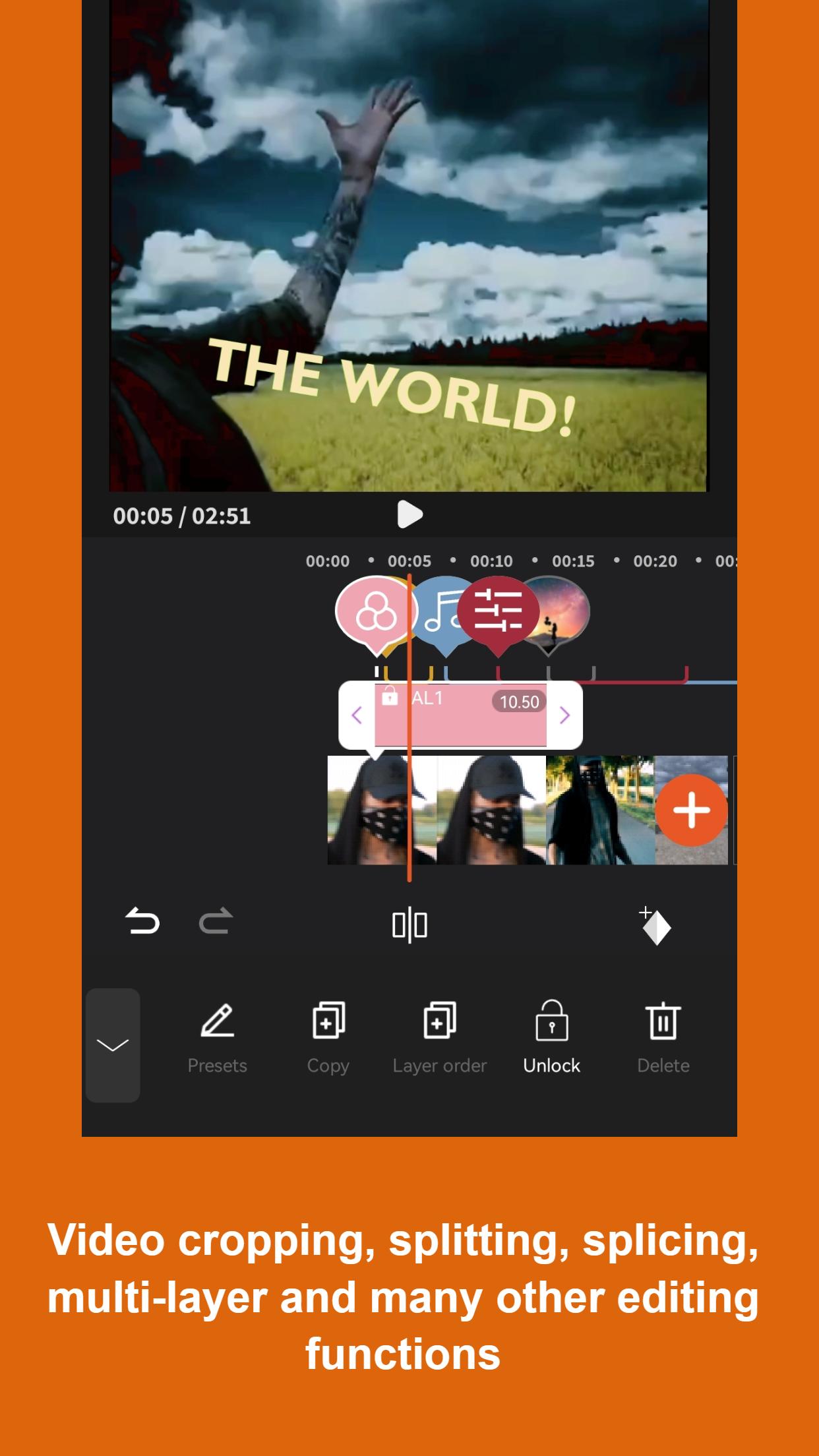
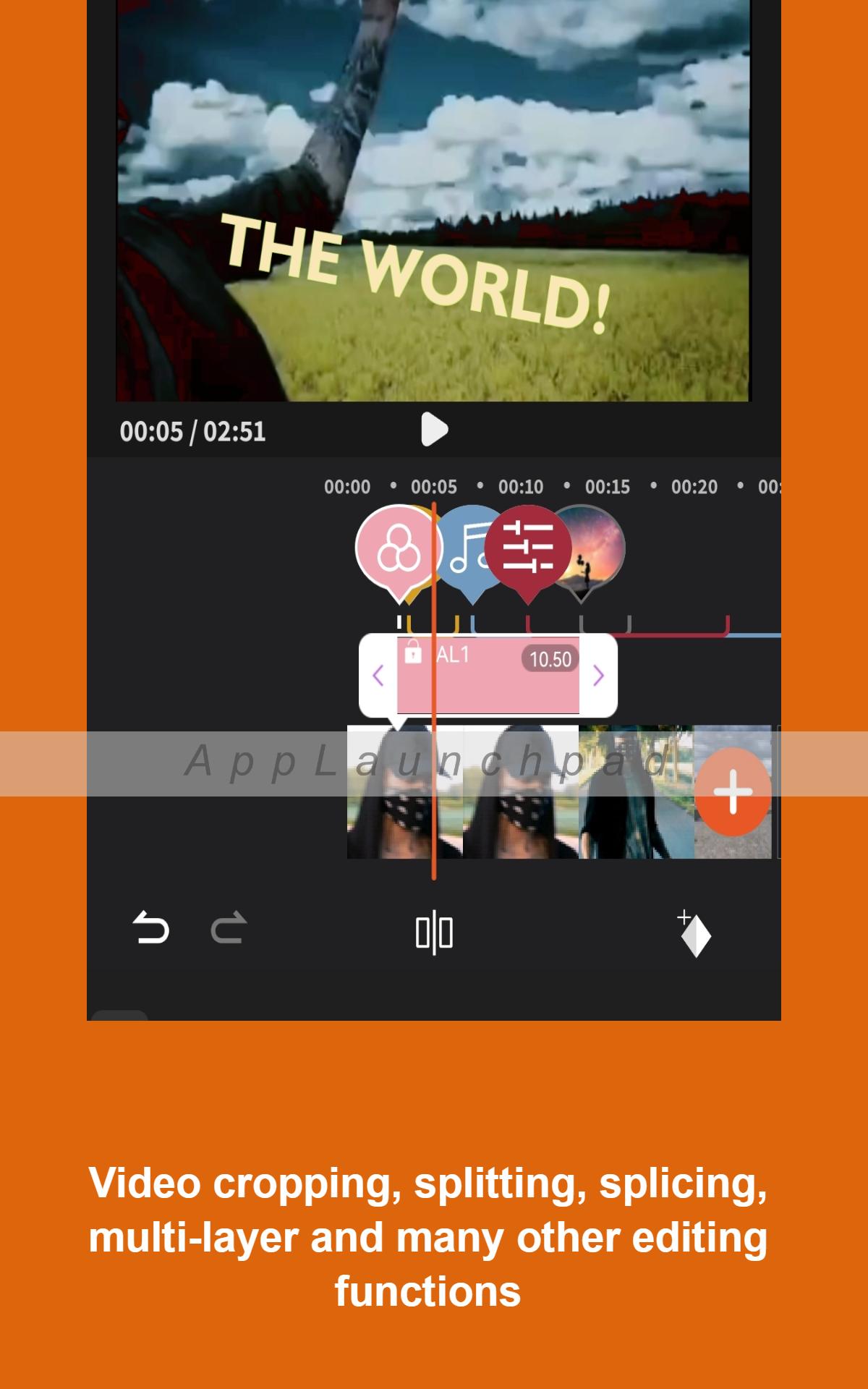
VidCut's intuitive interface makes it easy for beginners to get started with video editing. The drag-and-drop functionality allows users to quickly import and arrange their footage. The timeline view provides a clear overview of the project, making it simple to trim, cut, and rearrange clips.
Advanced Features for Experienced Editors
Despite its beginner-friendly design, VidCut offers a range of advanced features that cater to experienced editors. These include:
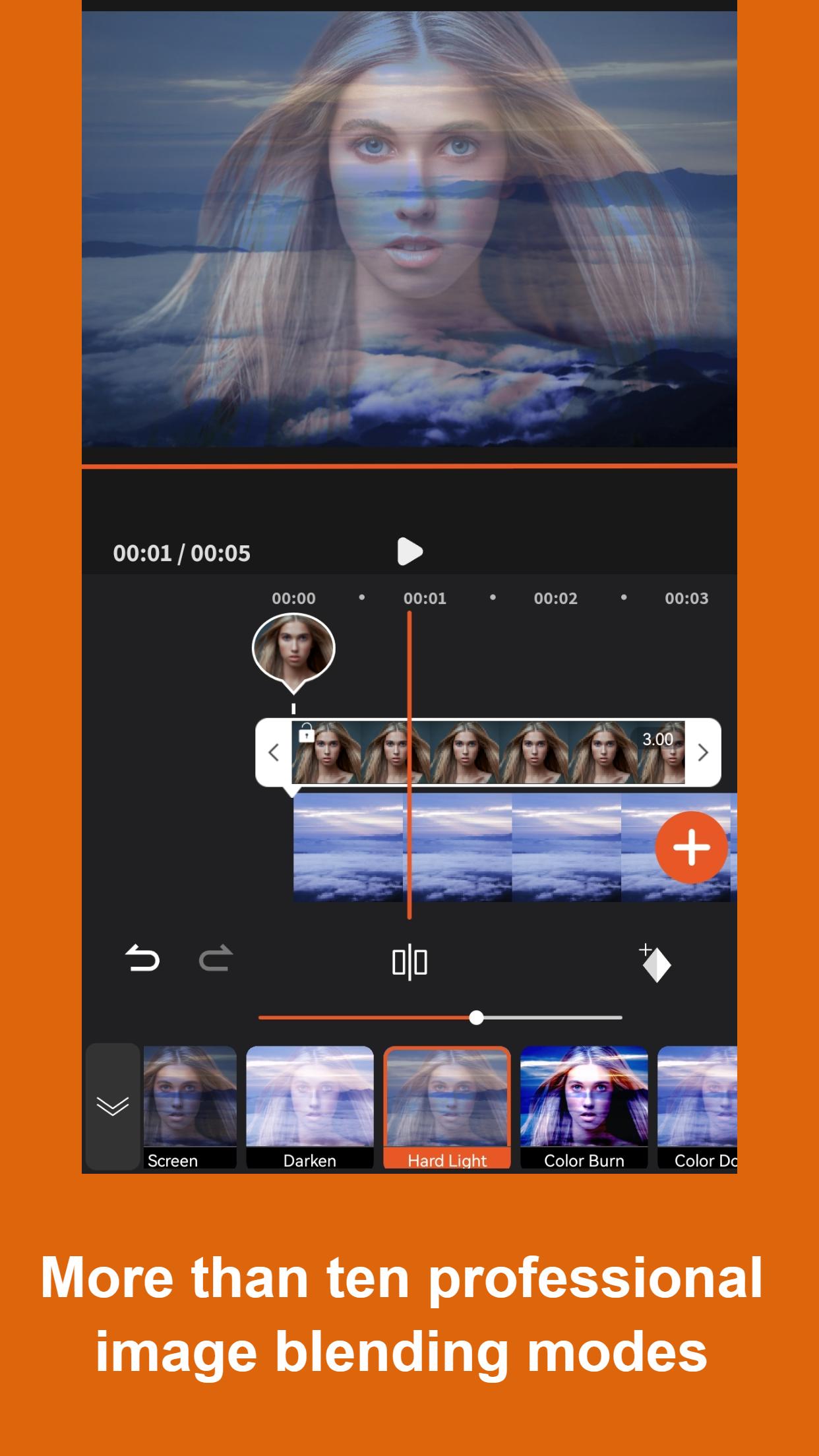
* Multi-track editing: Create complex videos with multiple layers of audio, video, and effects.
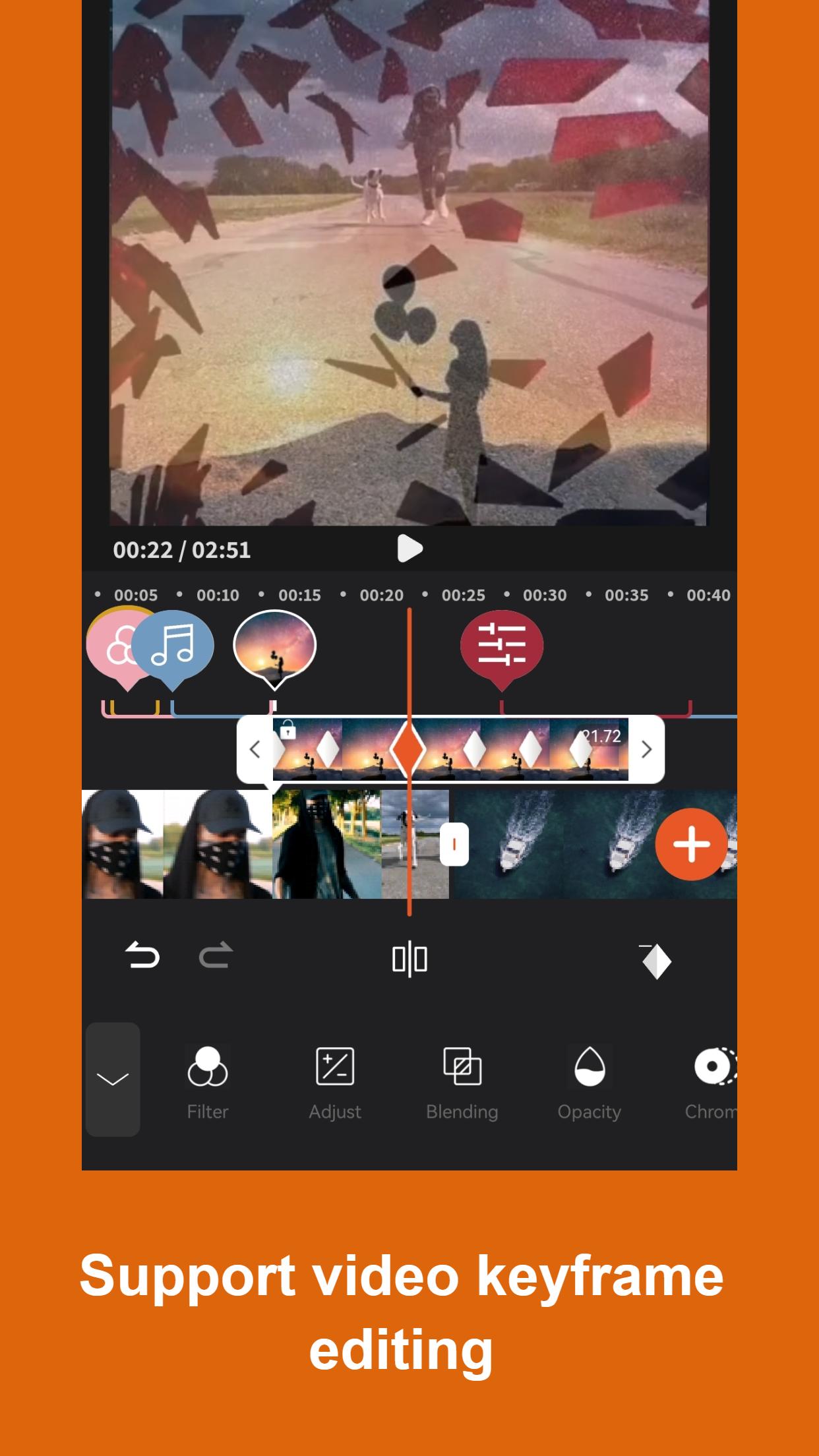
* Keyframing: Control the animation and movement of elements within your video over time.
* Chroma keying: Remove green screens and composite footage from different sources.
* Video stabilization: Eliminate shaky footage and create smooth, cinematic videos.
Wide Range of Editing Tools
VidCut provides a comprehensive suite of editing tools that allow users to enhance their videos. These include:
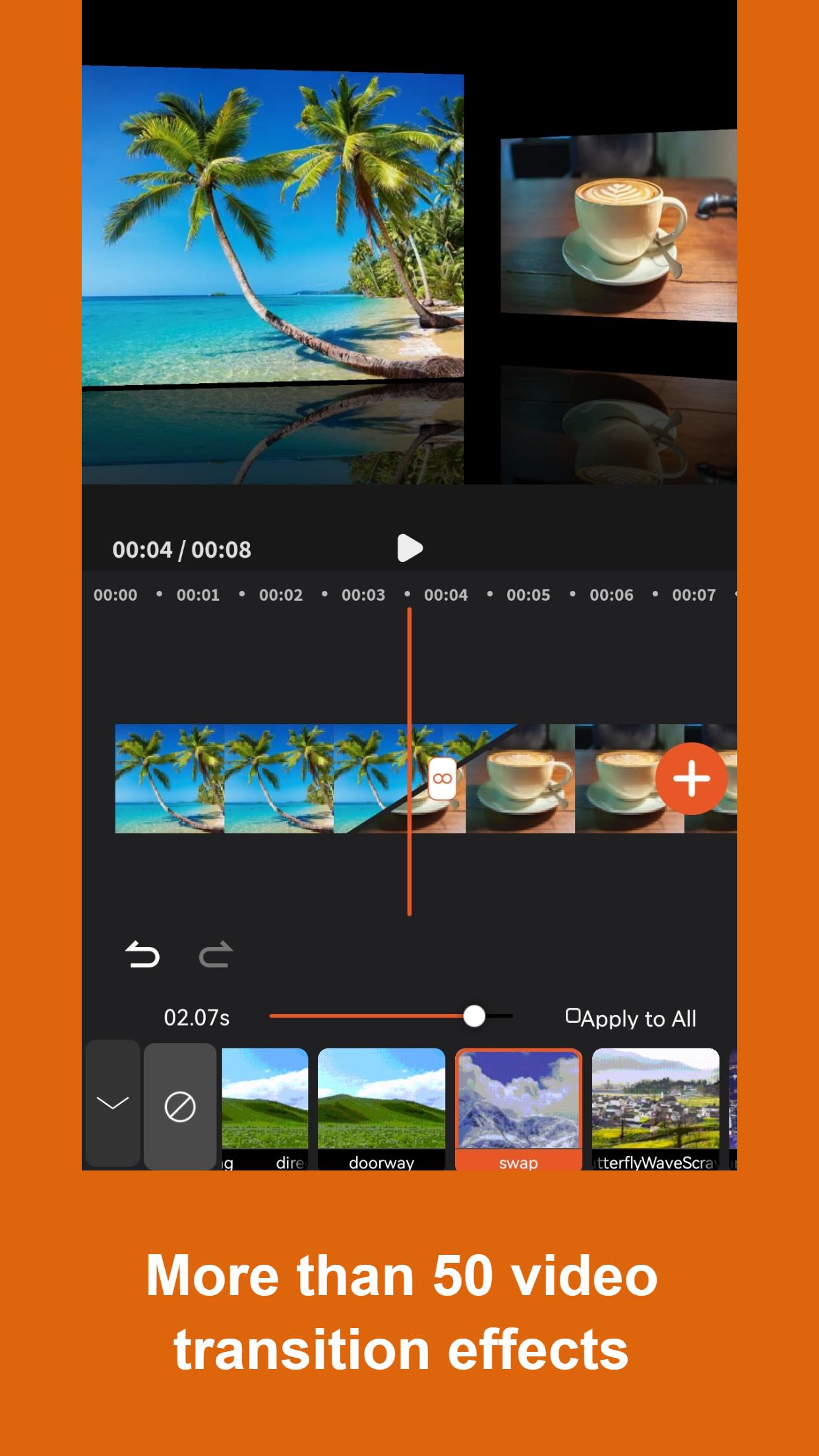
* Filters and transitions: Enhance the visual appeal of your videos with a variety of filters and transitions.
* Text and titles: Add text overlays, titles, and subtitles to your videos.
* Audio editing: Adjust the volume, fade in/out, and apply effects to your audio tracks.
* Motion graphics: Create animated titles, lower thirds, and other motion graphics to elevate your videos.
Export Options for Various Platforms
VidCut supports a wide range of export options to ensure your videos are compatible with different platforms. Users can export their videos in various resolutions, formats, and bitrates, making it easy to share on social media, upload to websites, or create DVDs.
Conclusion
VidCut is a versatile video editing software that caters to the needs of users at all levels. Its intuitive interface and comprehensive features make it easy for beginners to create professional-looking videos, while its advanced capabilities empower experienced editors to unleash their creativity. Whether you're a novice or a seasoned pro, VidCut provides the tools and flexibility to bring your video editing vision to life.
Easy Cut Video Editor & VidCut App, You Cut with Effect, Music,Filter,Text.
VidCut is No Watermark,No in-app purchase.
VidCut is a totaly free Video Editor, it can help you edit videos with music for YouTube and other social media.Edit videos like a pro.
Video merger, Cut, Trim, Split, Compress, Fast/Slow motion, Photo Slideshow Maker, Add music, Apply FX video filters, Add text to video, Rotate video, No crop video, Share videos to YouTube... Without losing quality!
Edit videos like a pro. Create your own videos from photos or video clips with YouCut in minutes. No video editing experience needed. Try it Now.
FREE & No Watermark!
Features:
● No in-app purchase,.All video editing features are completely free to use.
● No Watermark
As a free video editor for YouTube and video maker with music, VidCut will never add Watermark to your video.
● Free Video Editor & Video Maker
YouCut has the most useful features that other top pro YouTube video editor, or TikTok editor.
● Video Merger & Video Joiner
Merge video clips into one video.
It is a professional video maker for YouTube, also the pro video cutter and video joiner, helps rotate video and crop video, compress and combine videos without losing quality.
● Video Cutter & Video Trimmer
Cut and trim video to the length you need.
Edit videos with music and rotate video.
Export video in HD quality. Easy-to-use video maker, and the best video cutter and YouTube video editor.
● Video Splitter & Video Slicer
Slice and split video into two separate video clips.
Edit videos with music like a pro, totally free video editor and video maker for android.
● Video Speed Control
Free video editing app & PRO video editor with music, fast/slow motion.
Fast/slow motion, crop video and adjust video speed with video filters and effects.
Speed up your video in a fun way.
Slow down your video for special moments.
● Video editor with music and effects
It is a pro video combiner and slideshow maker that meets your need in every way.
Adjust music volume, fade in/out options supported.
Easy-to-use music video maker for YouTube.
● Add Text to Video
Add text to video, many fonts & styles supported.
● Video Filters and FX Effects
Add beautiful movie style video filters and FX effects to video.
Video merger and video combiner without watermark.
● Video Color Adjust
Adjust video brightness, contrast, saturation, etc.
Customize video filters and effects. Best movie cutter and video crop app.
● Change Video Aspect Ratio
Fit your video in any Aspect Ratios like 1:1, 16:9, 3:2, etc. No crop video maker free and video cutter app.
● Change Video Background
Add different borders and no crop to your video.
1. Change the background color of your video.
2. Custom background as you need to meet social media app like Instagram with white background.
3. Blur background to fit for social media.
● Video Compressor & Converter
1. Choose resolution to compress and convert your video. Best HD video maker and video editing app.
2. CatCut - Pro TikTok editor and mp4 editor supports resolution up to 4K.
3. CatCut - one of the best editing apps that can save more than 90% size without losing much quality.
● Video Cropper
Crop video to any ratio you want. Zoom in/out your video. For all editors, CatCut is also ready with Chroma-key, PIP, mosaic and reverse.
● Share Video
Share video to social media like YouTube, Instagram, Facebook, etc.
If you have any question about Video Editor For YouTube, feel free to let us know. Email:
Disclaimer:
VidCut is not affiliated, associated, sponsored, endorsed by, or in any way officially connected with YouTube, Instagram, TikTok, Facebook.
VidCut's Privacy policy: https://sites.google.com/view/vidcut-privacy-policy/%E9%A6%96%E9%A1%B5
VidCut's Terms of use: https://sites.google.com/view/vidcut-terms/%E9%A6%96%E9%A1%B5
What's New in the Latest Version 1.4.0
Last updated on Jul 7, 2024
1. Optimized application UI.
2. Fixed known bugs.
VidCut is a versatile video editing software that empowers users of all skill levels to create professional-looking videos. With its user-friendly interface and comprehensive features, VidCut simplifies the video editing process, making it accessible to beginners while offering advanced capabilities for experienced editors.
Intuitive Interface for Beginners
VidCut's intuitive interface makes it easy for beginners to get started with video editing. The drag-and-drop functionality allows users to quickly import and arrange their footage. The timeline view provides a clear overview of the project, making it simple to trim, cut, and rearrange clips.
Advanced Features for Experienced Editors
Despite its beginner-friendly design, VidCut offers a range of advanced features that cater to experienced editors. These include:
* Multi-track editing: Create complex videos with multiple layers of audio, video, and effects.
* Keyframing: Control the animation and movement of elements within your video over time.
* Chroma keying: Remove green screens and composite footage from different sources.
* Video stabilization: Eliminate shaky footage and create smooth, cinematic videos.
Wide Range of Editing Tools
VidCut provides a comprehensive suite of editing tools that allow users to enhance their videos. These include:
* Filters and transitions: Enhance the visual appeal of your videos with a variety of filters and transitions.
* Text and titles: Add text overlays, titles, and subtitles to your videos.
* Audio editing: Adjust the volume, fade in/out, and apply effects to your audio tracks.
* Motion graphics: Create animated titles, lower thirds, and other motion graphics to elevate your videos.
Export Options for Various Platforms
VidCut supports a wide range of export options to ensure your videos are compatible with different platforms. Users can export their videos in various resolutions, formats, and bitrates, making it easy to share on social media, upload to websites, or create DVDs.
Conclusion
VidCut is a versatile video editing software that caters to the needs of users at all levels. Its intuitive interface and comprehensive features make it easy for beginners to create professional-looking videos, while its advanced capabilities empower experienced editors to unleash their creativity. Whether you're a novice or a seasoned pro, VidCut provides the tools and flexibility to bring your video editing vision to life.





