



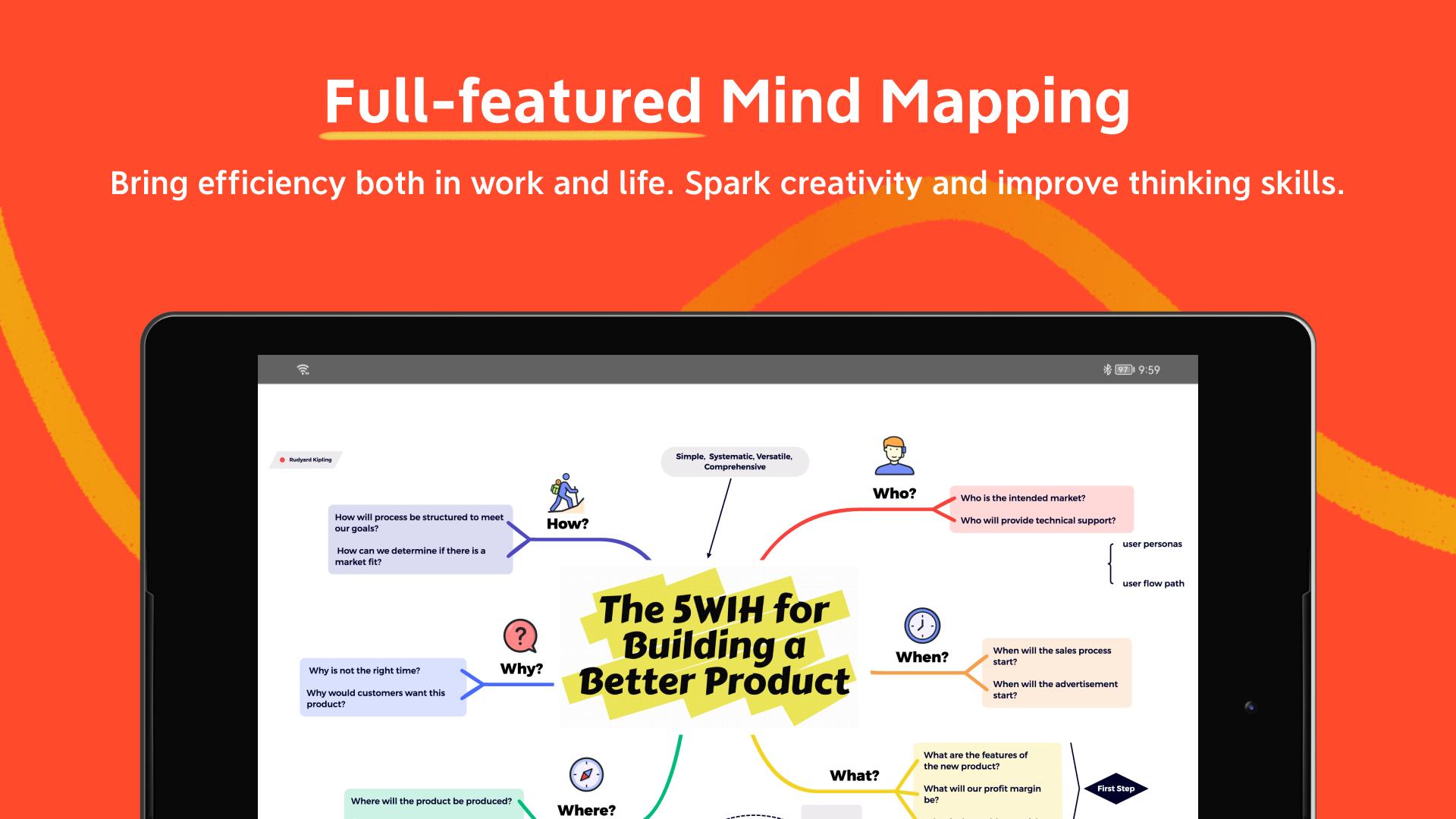

Brainstorm ideas, Mind Mapping, Outline, and Present mind maps as slides.
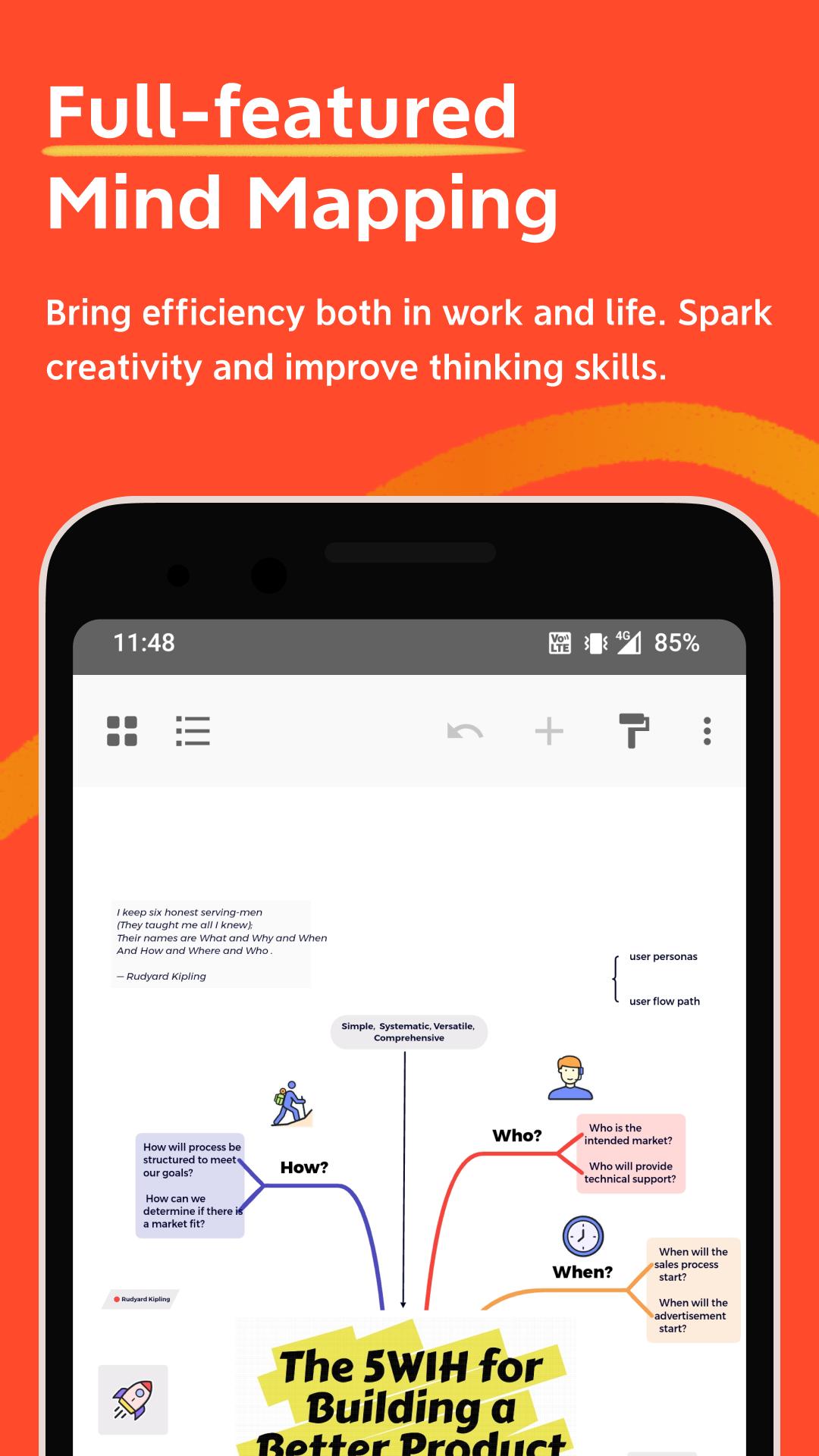
Xmind is a full-featured mind mapping and brainstorming tool that helps to unleash creativity, capture inspiration, and boost productivity.
You’ve never mind mapped like this before: Brainstorm ideas, organize with outline and present your mind map in just one place with premium experience across all platforms.
### Visualize information with mind map being simple & easy
• Templates: Kick-start any mind map with 30 well-designed templates covering your creative needs.
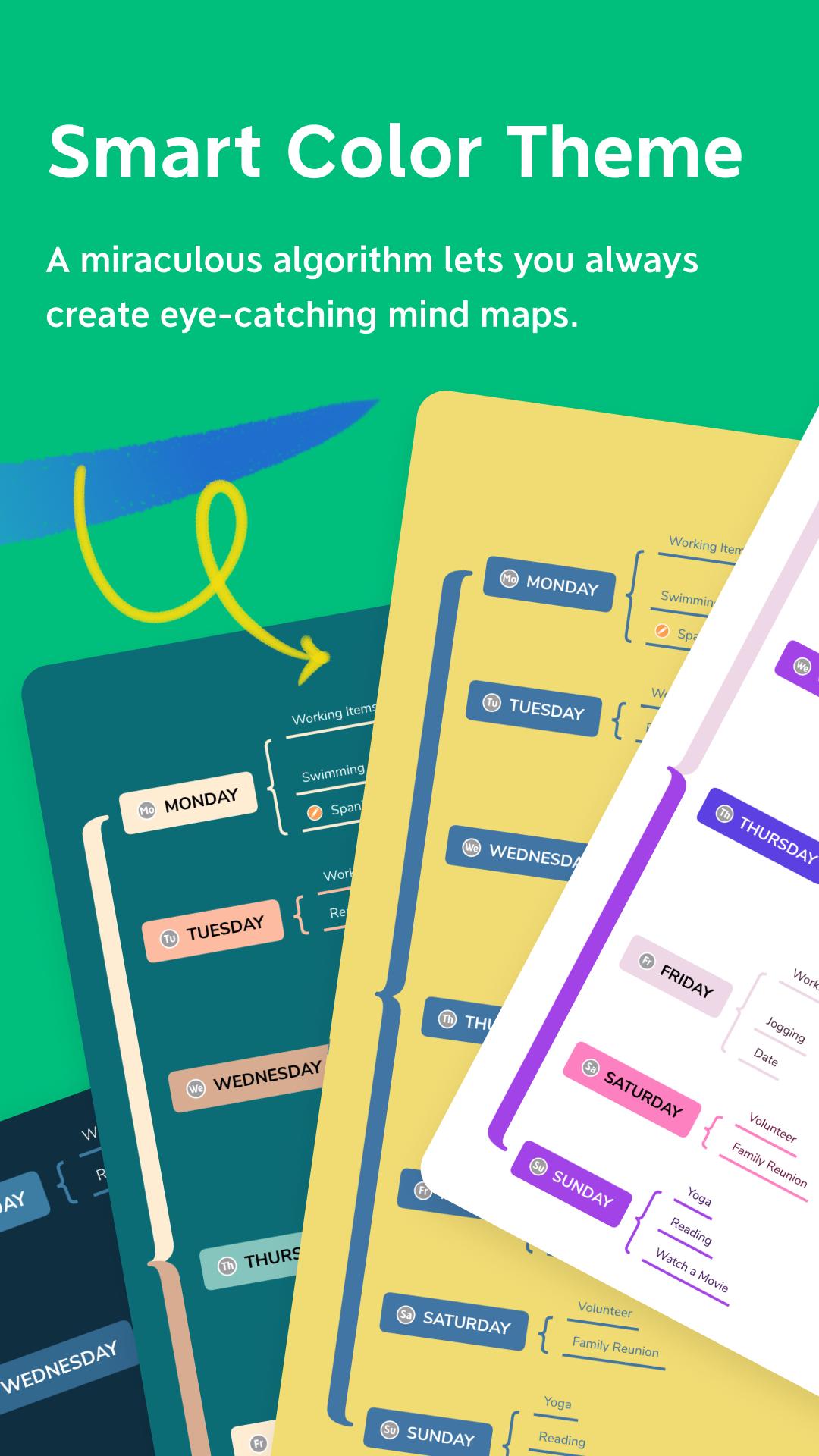
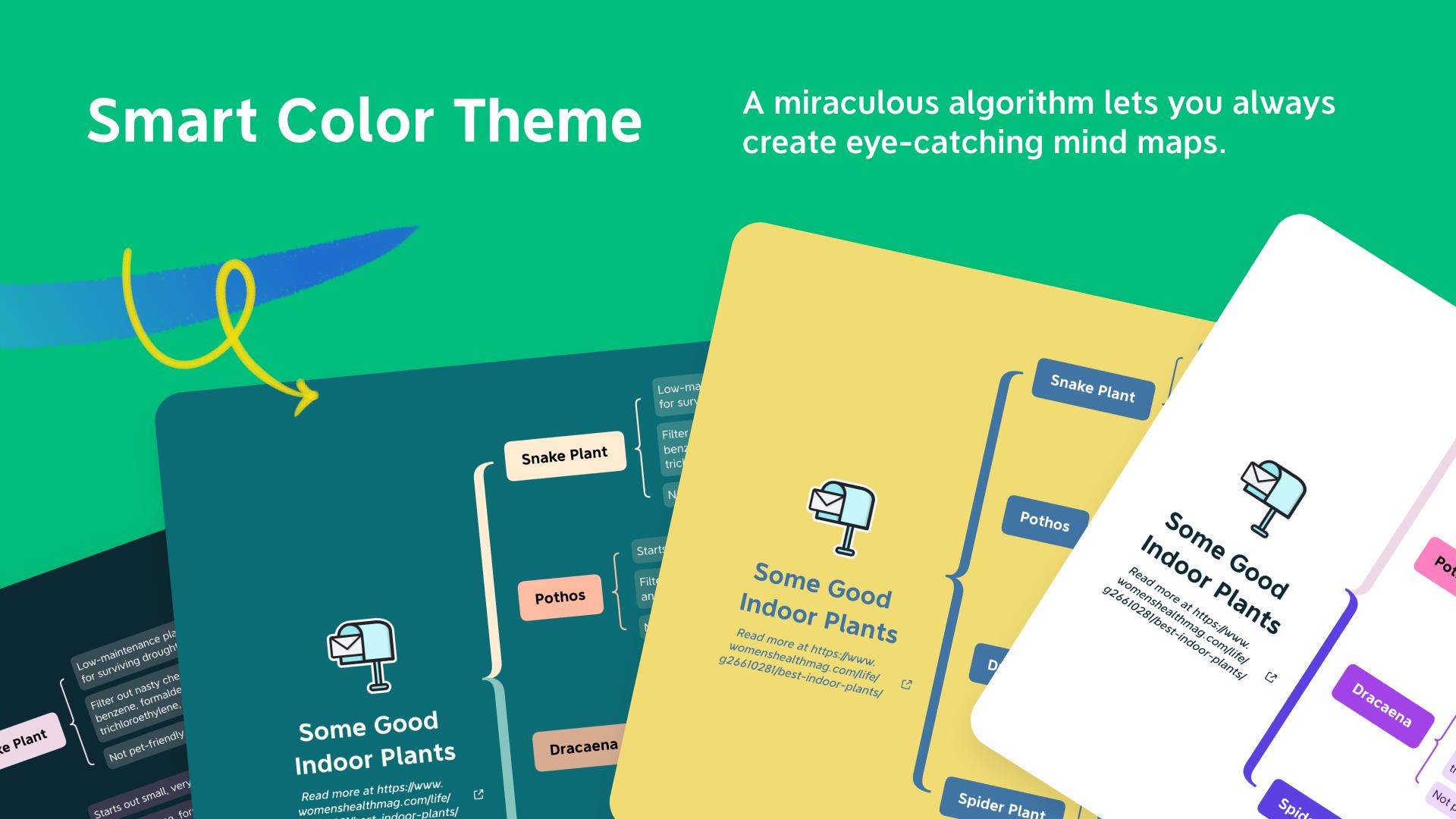
• Skeleton & Smart Color Theme: Create your one-of-a-kind mind maps with countless combinations of preset structures and color themes.
• Structure: Find the right way to help your thoughts and ideas grow with 9 different structures including Mind Map, Logic Chart, Brace Map, Org Chart, Tree Chart, Timeline, Fishbone, Tree Table and Matrix.
• Combine Structure: Use a combination of multiple structures in one mind map when dealing with a complex project.
• Insert: Elaborate and enrich a topic with image, audio note, equation, label, hyperlink, topic link, etc.
• Equation/LaTeX: Jot down mathematics and chemical equations with LaTeX.
• Audio Note: Record information in a faster way and never miss a word for any creative ideas.
### Focus on content, and stay organized & productive
• Outliner: Outline your thoughts and ideas hierarchically and keep it going in mind map.
• Multiple Organizers: Connect any two topics with Relationships, group ideas with Boundary and conclude each part with Summary.
• Pitch Mode: Present mind map as a slideshow with auto-generated transitions and layouts based on your content with just a click.
• Multitasking: Open, read and edit 2 files side by side at a time.
• Quick Entry: Start typing immediately to collect ideas.
• Filters: Tag topics using marker & label to add more visual information.
• Search: Search, and locate any content within the mind map.
### Always being so stylish, keep mind mapping with fun
• Smart Color Theme: Build an aesthetically appealing mind map with a smart algorithm effortlessly.
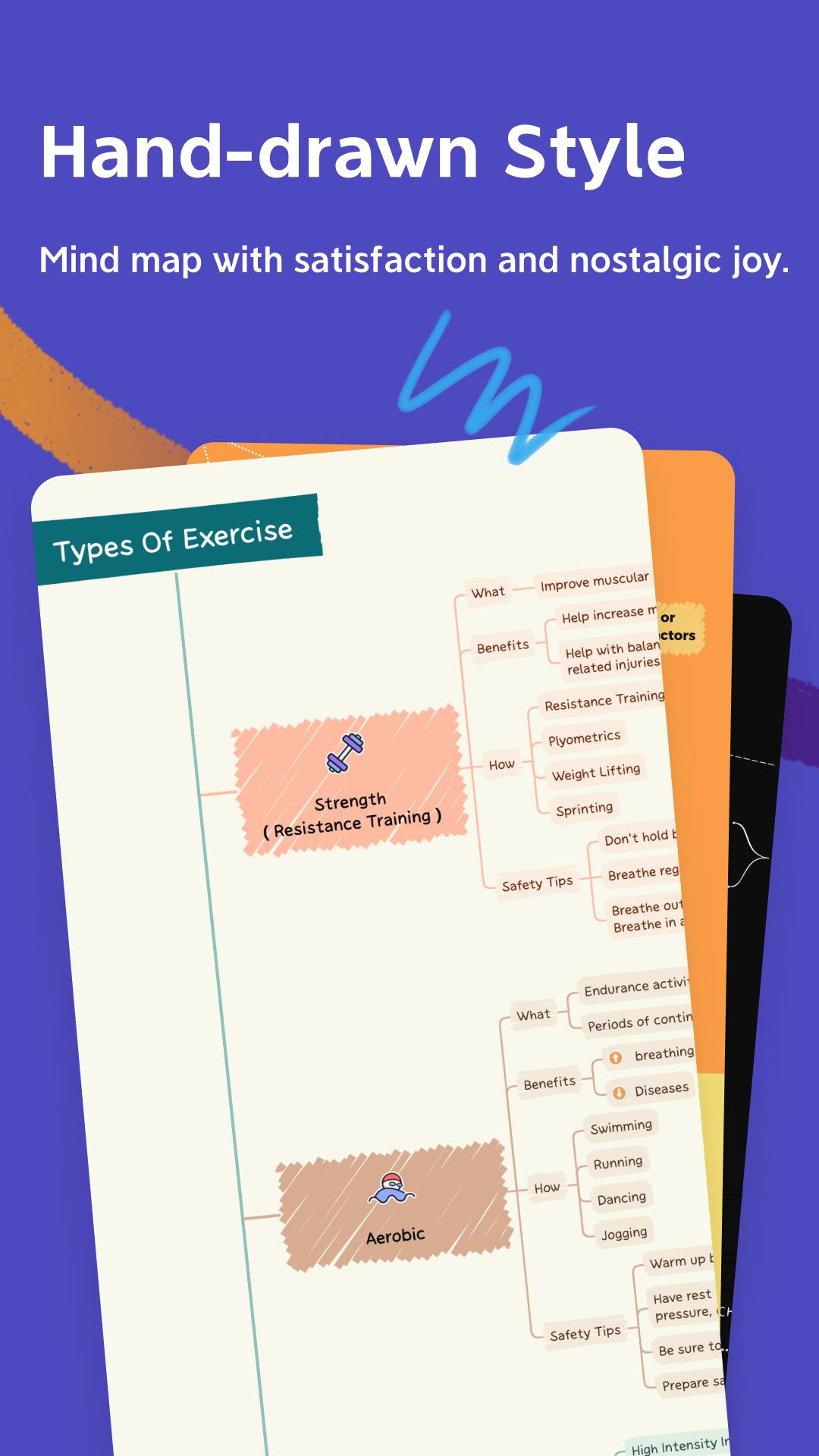
• Hand-drawn Style: Switch the mind map into the hand-drawn look with just a click.
• Colored Branch: Stimulate creativity with more rainbow color schemes.
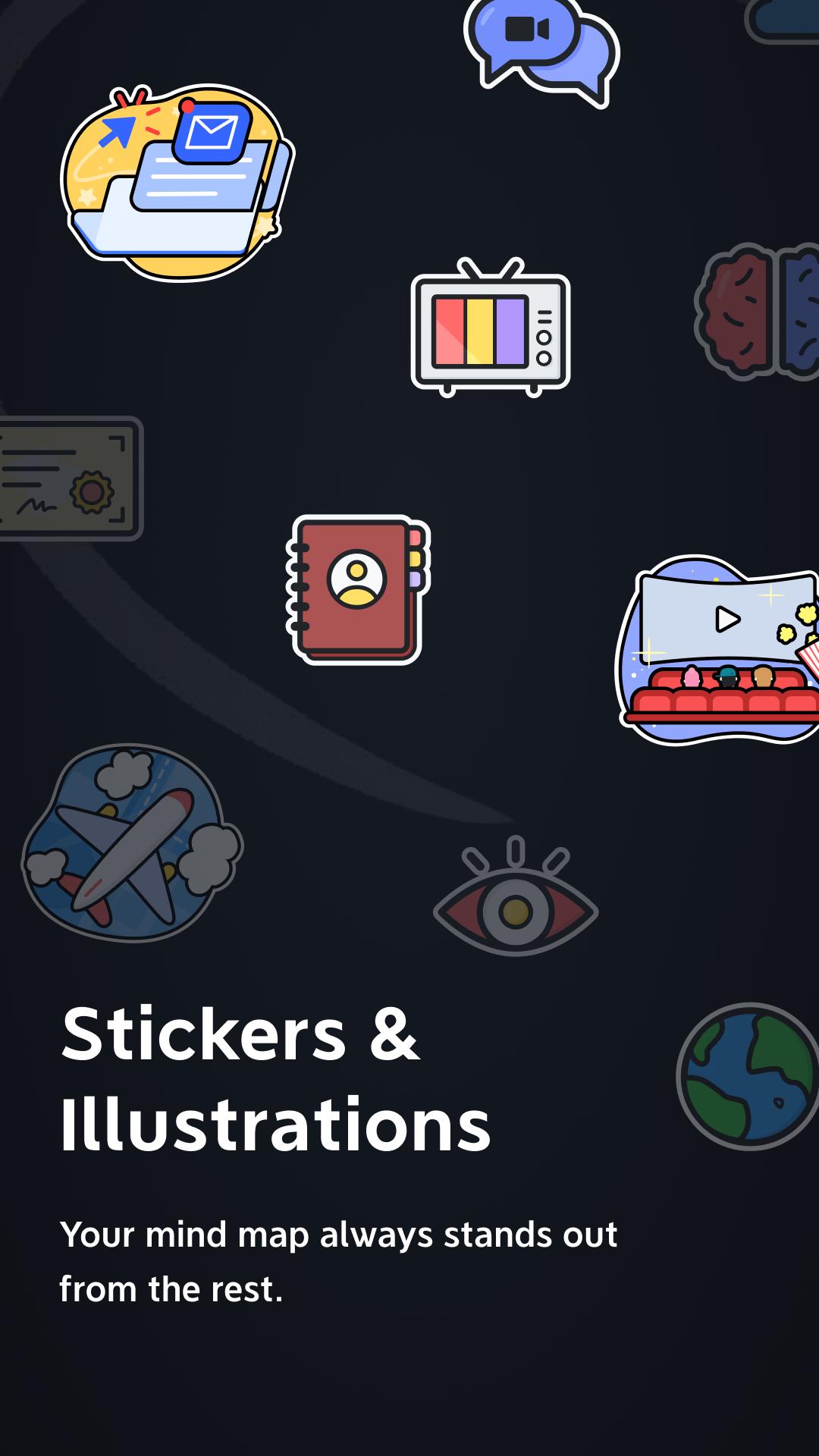
• Illustrations: Visualize your mind map without text with 40 illustrations covering over 13 categories.
• Sticker: Find your favorite stickers from our over 400 brand-new collections.
### Save & share mind map with ease
• Export: PDF, PNG, Markdown.
• Wi-Fi Transfer: Transfer your Xmind files between devices connected to same local network easily.
• Set Password: Encrypt your Xmind files with a password for security.
### Subscribe to Xmind
• Products: Xmind Desktop & Mobile (1-year), Xmind Desktop & Mobile (6-Month), Xmind for Mobile (1-year), Xmind for Mobile (6-Month)
• Type: Auto-Renewable Subscriptions
• Price: $59.99/Year, $39.99/6 Months, $29.99/Year, $19.99/6 Months
• Cancel Subscription: Go to “Play Store“ > “Settings” > “Payments & subscriptions” > “Subscriptions“ , select Xmind and cancel your subscription. If you do not end the subscription more than 24 hours before the end of the subscription period, the subscription will be automatically renewed.
• Google account for automatic renewal subscriptions will be automatically charged for an additional 6/12 months in Google account 24 hours prior to the expiration of each billing cycle.
• Terms of Service (including subscription rules): https://www.xmind.net/terms/
• Privacy Policy: https://www.xmind.net/privacy/
### Need Help?
Let us know if you have any feedback, or if we can help in any way at .
What's New in the Latest Version 24.04.11286
Last updated on Jul 1, 2024
Added “Grid” structure;
Xmind is a powerful and user-friendly mind mapping and brainstorming software that helps individuals and teams organize their thoughts, ideas, and information. It offers a wide range of features and capabilities that empower users to visualize, structure, and collaborate on complex concepts and projects.
Key Features:
* Mind Mapping: Xmind allows users to create visually appealing mind maps, which are hierarchical diagrams that represent relationships between ideas. The software provides a variety of templates and styles to customize the appearance of mind maps, making them both visually appealing and informative.
* Brainstorming: Xmind facilitates brainstorming sessions by providing a collaborative space where users can share and develop ideas. The software offers features such as real-time editing, idea voting, and commenting, enabling teams to work together effectively and generate innovative solutions.
* Note-Taking: Xmind integrates note-taking capabilities into its mind maps, allowing users to capture additional information and context for each idea. Notes can be organized into categories, tagged, and linked to external resources, providing a comprehensive knowledge base for projects.
* Collaboration: Xmind supports real-time collaboration, enabling multiple users to work on the same mind map simultaneously. Users can share their maps with others, invite them to contribute, and track changes made by different team members.
* Export and Integration: Xmind offers a variety of export options, including PDF, Microsoft Word, PowerPoint, and image formats. This flexibility allows users to share their mind maps with others who may not have access to the software or to integrate them into other applications and workflows.
Benefits:
* Enhanced Organization: Xmind helps users organize their thoughts and ideas into a structured and visual format, making it easier to understand and recall information.
* Improved Brainstorming: The software fosters creativity and collaboration during brainstorming sessions, enabling teams to generate more ideas and develop innovative solutions.
* Increased Productivity: By streamlining the process of capturing, organizing, and sharing information, Xmind helps users work more efficiently and productively.
* Enhanced Communication: Xmind's visual and hierarchical nature facilitates clear and effective communication of complex ideas and concepts.
Applications:
Xmind is widely used in various fields and applications, including:
* Project Management: Creating project plans, organizing tasks, and tracking progress.
* Idea Generation: Brainstorming new ideas, developing solutions, and solving problems.
* Knowledge Management: Capturing and organizing information, creating knowledge bases, and facilitating learning.
* Education: Taking notes, organizing study materials, and preparing presentations.
* Business Planning: Developing business strategies, creating marketing plans, and analyzing market research.
Brainstorm ideas, Mind Mapping, Outline, and Present mind maps as slides.
Xmind is a full-featured mind mapping and brainstorming tool that helps to unleash creativity, capture inspiration, and boost productivity.
You’ve never mind mapped like this before: Brainstorm ideas, organize with outline and present your mind map in just one place with premium experience across all platforms.
### Visualize information with mind map being simple & easy
• Templates: Kick-start any mind map with 30 well-designed templates covering your creative needs.
• Skeleton & Smart Color Theme: Create your one-of-a-kind mind maps with countless combinations of preset structures and color themes.
• Structure: Find the right way to help your thoughts and ideas grow with 9 different structures including Mind Map, Logic Chart, Brace Map, Org Chart, Tree Chart, Timeline, Fishbone, Tree Table and Matrix.
• Combine Structure: Use a combination of multiple structures in one mind map when dealing with a complex project.
• Insert: Elaborate and enrich a topic with image, audio note, equation, label, hyperlink, topic link, etc.
• Equation/LaTeX: Jot down mathematics and chemical equations with LaTeX.
• Audio Note: Record information in a faster way and never miss a word for any creative ideas.
### Focus on content, and stay organized & productive
• Outliner: Outline your thoughts and ideas hierarchically and keep it going in mind map.
• Multiple Organizers: Connect any two topics with Relationships, group ideas with Boundary and conclude each part with Summary.
• Pitch Mode: Present mind map as a slideshow with auto-generated transitions and layouts based on your content with just a click.
• Multitasking: Open, read and edit 2 files side by side at a time.
• Quick Entry: Start typing immediately to collect ideas.
• Filters: Tag topics using marker & label to add more visual information.
• Search: Search, and locate any content within the mind map.
### Always being so stylish, keep mind mapping with fun
• Smart Color Theme: Build an aesthetically appealing mind map with a smart algorithm effortlessly.
• Hand-drawn Style: Switch the mind map into the hand-drawn look with just a click.
• Colored Branch: Stimulate creativity with more rainbow color schemes.
• Illustrations: Visualize your mind map without text with 40 illustrations covering over 13 categories.
• Sticker: Find your favorite stickers from our over 400 brand-new collections.
### Save & share mind map with ease
• Export: PDF, PNG, Markdown.
• Wi-Fi Transfer: Transfer your Xmind files between devices connected to same local network easily.
• Set Password: Encrypt your Xmind files with a password for security.
### Subscribe to Xmind
• Products: Xmind Desktop & Mobile (1-year), Xmind Desktop & Mobile (6-Month), Xmind for Mobile (1-year), Xmind for Mobile (6-Month)
• Type: Auto-Renewable Subscriptions
• Price: $59.99/Year, $39.99/6 Months, $29.99/Year, $19.99/6 Months
• Cancel Subscription: Go to “Play Store“ > “Settings” > “Payments & subscriptions” > “Subscriptions“ , select Xmind and cancel your subscription. If you do not end the subscription more than 24 hours before the end of the subscription period, the subscription will be automatically renewed.
• Google account for automatic renewal subscriptions will be automatically charged for an additional 6/12 months in Google account 24 hours prior to the expiration of each billing cycle.
• Terms of Service (including subscription rules): https://www.xmind.net/terms/
• Privacy Policy: https://www.xmind.net/privacy/
### Need Help?
Let us know if you have any feedback, or if we can help in any way at .
What's New in the Latest Version 24.04.11286
Last updated on Jul 1, 2024
Added “Grid” structure;
Xmind is a powerful and user-friendly mind mapping and brainstorming software that helps individuals and teams organize their thoughts, ideas, and information. It offers a wide range of features and capabilities that empower users to visualize, structure, and collaborate on complex concepts and projects.
Key Features:
* Mind Mapping: Xmind allows users to create visually appealing mind maps, which are hierarchical diagrams that represent relationships between ideas. The software provides a variety of templates and styles to customize the appearance of mind maps, making them both visually appealing and informative.
* Brainstorming: Xmind facilitates brainstorming sessions by providing a collaborative space where users can share and develop ideas. The software offers features such as real-time editing, idea voting, and commenting, enabling teams to work together effectively and generate innovative solutions.
* Note-Taking: Xmind integrates note-taking capabilities into its mind maps, allowing users to capture additional information and context for each idea. Notes can be organized into categories, tagged, and linked to external resources, providing a comprehensive knowledge base for projects.
* Collaboration: Xmind supports real-time collaboration, enabling multiple users to work on the same mind map simultaneously. Users can share their maps with others, invite them to contribute, and track changes made by different team members.
* Export and Integration: Xmind offers a variety of export options, including PDF, Microsoft Word, PowerPoint, and image formats. This flexibility allows users to share their mind maps with others who may not have access to the software or to integrate them into other applications and workflows.
Benefits:
* Enhanced Organization: Xmind helps users organize their thoughts and ideas into a structured and visual format, making it easier to understand and recall information.
* Improved Brainstorming: The software fosters creativity and collaboration during brainstorming sessions, enabling teams to generate more ideas and develop innovative solutions.
* Increased Productivity: By streamlining the process of capturing, organizing, and sharing information, Xmind helps users work more efficiently and productively.
* Enhanced Communication: Xmind's visual and hierarchical nature facilitates clear and effective communication of complex ideas and concepts.
Applications:
Xmind is widely used in various fields and applications, including:
* Project Management: Creating project plans, organizing tasks, and tracking progress.
* Idea Generation: Brainstorming new ideas, developing solutions, and solving problems.
* Knowledge Management: Capturing and organizing information, creating knowledge bases, and facilitating learning.
* Education: Taking notes, organizing study materials, and preparing presentations.
* Business Planning: Developing business strategies, creating marketing plans, and analyzing market research.





