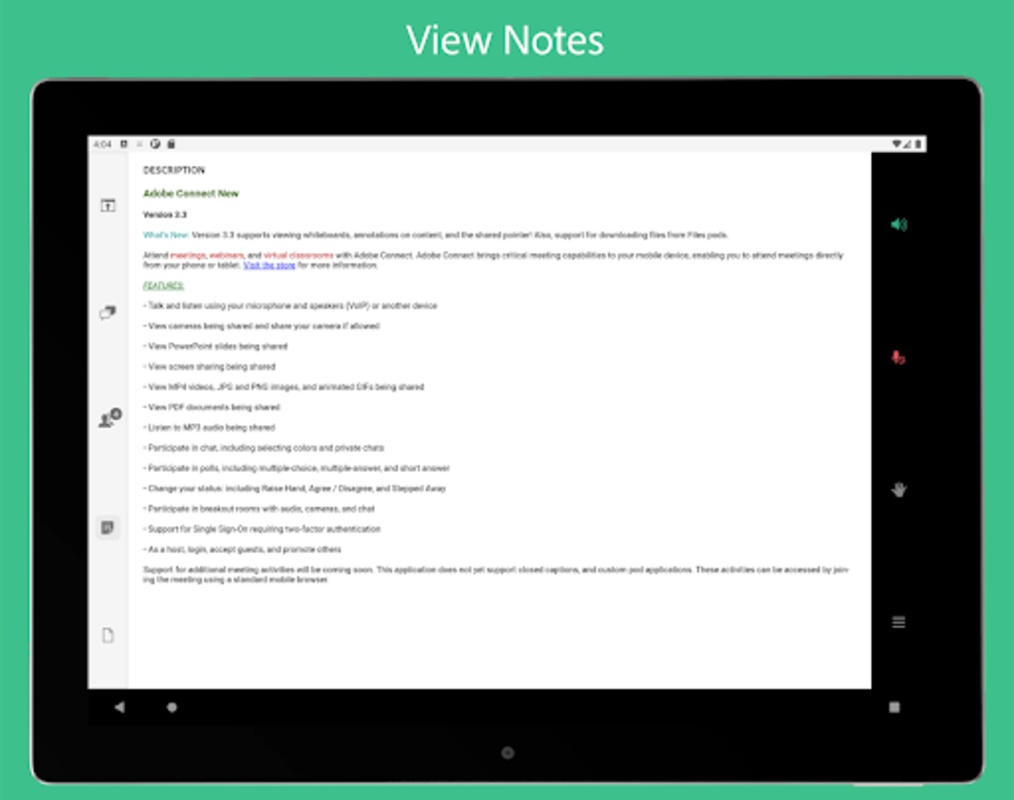
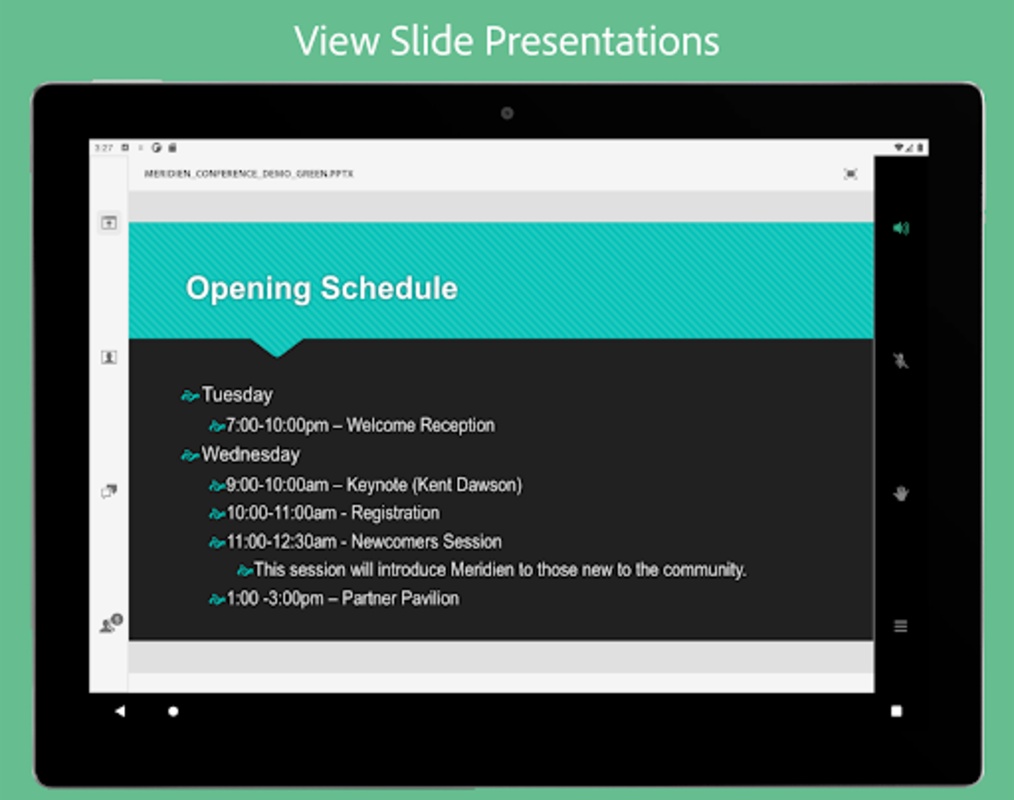
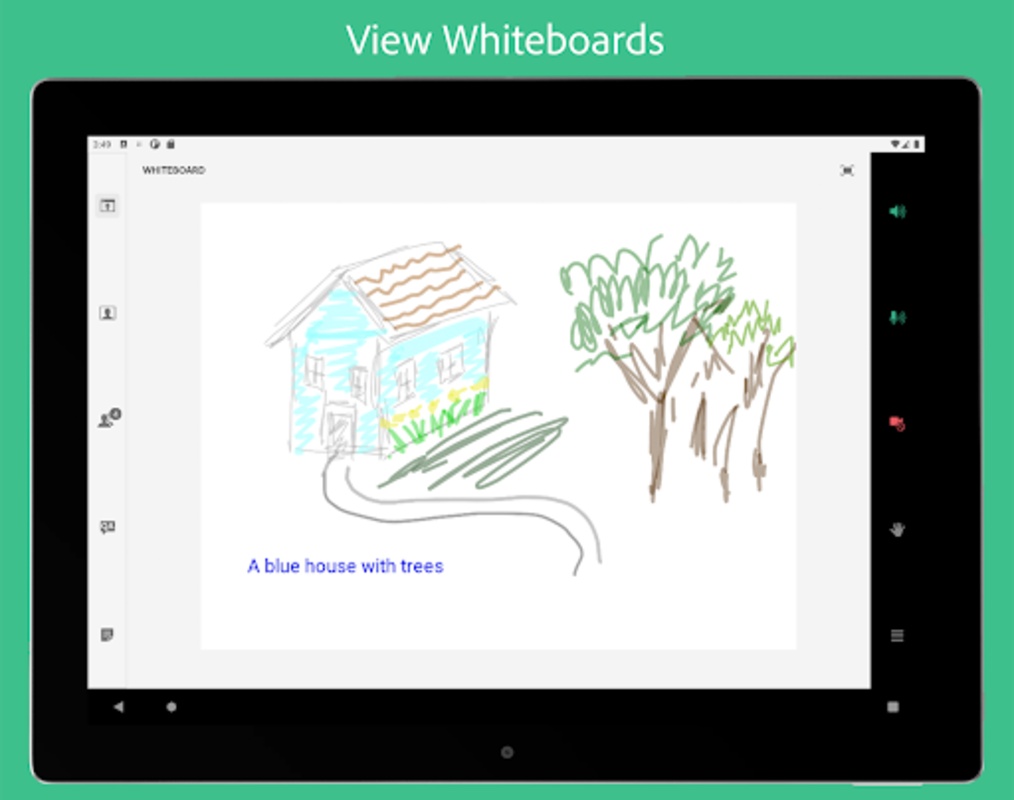

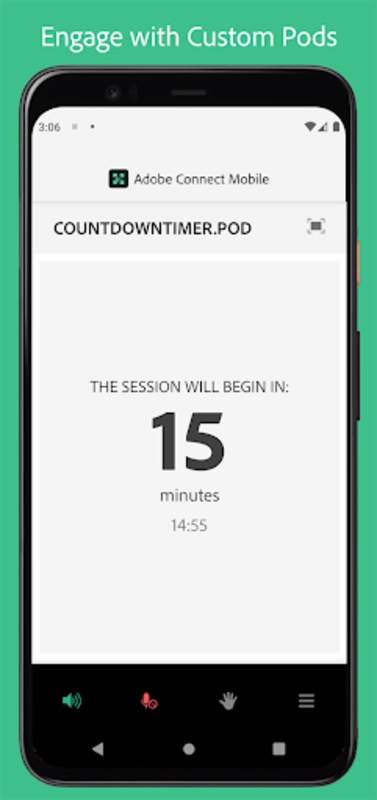
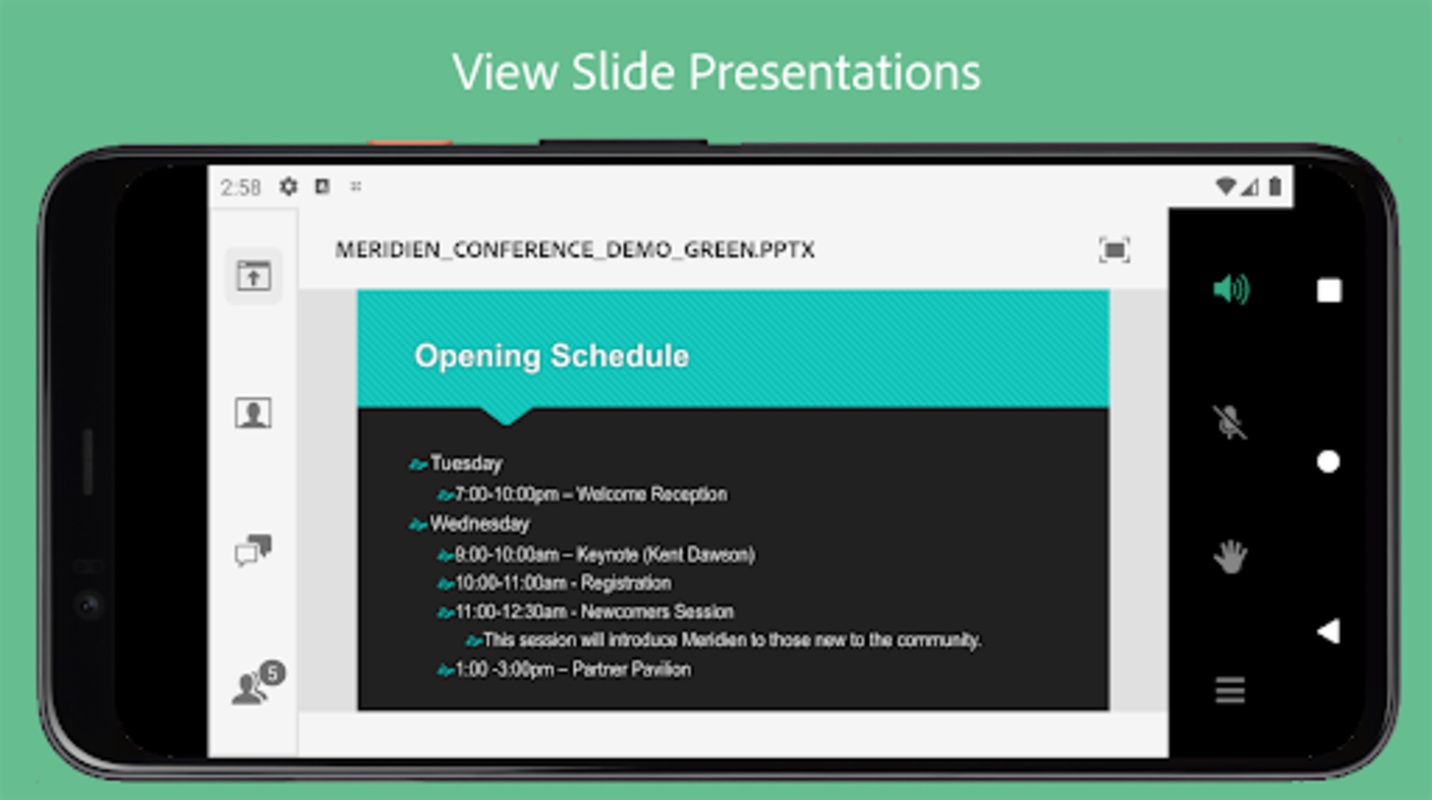
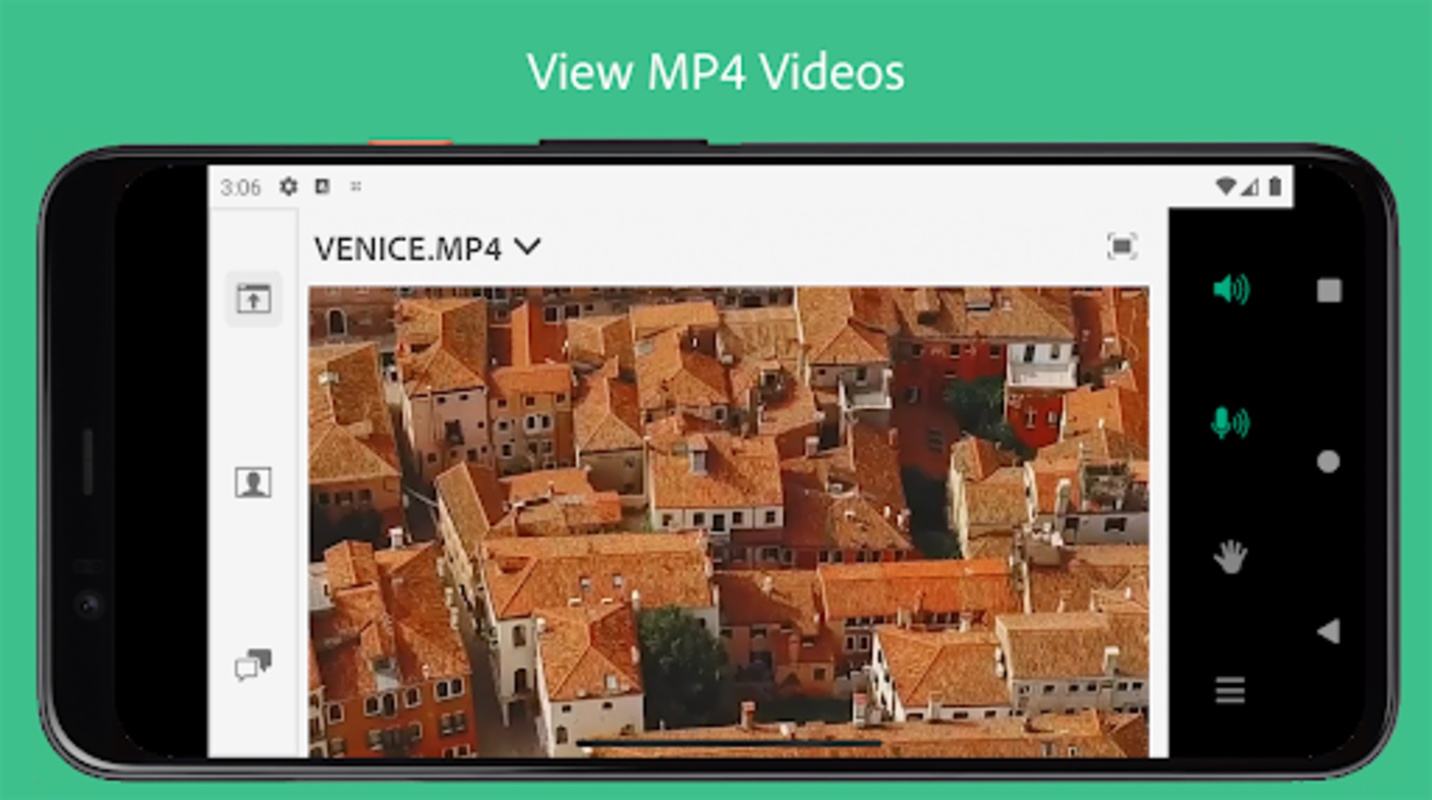

Explore the capabilities of virtual engagement with Adobe Connect New, offering a way to participate in meetings, webinars, and virtual classrooms from your mobile device. With Adobe Connect New, join from anywhere using your smartphone or tablet for a seamless interaction, whether on the move or from the comfort of your home.
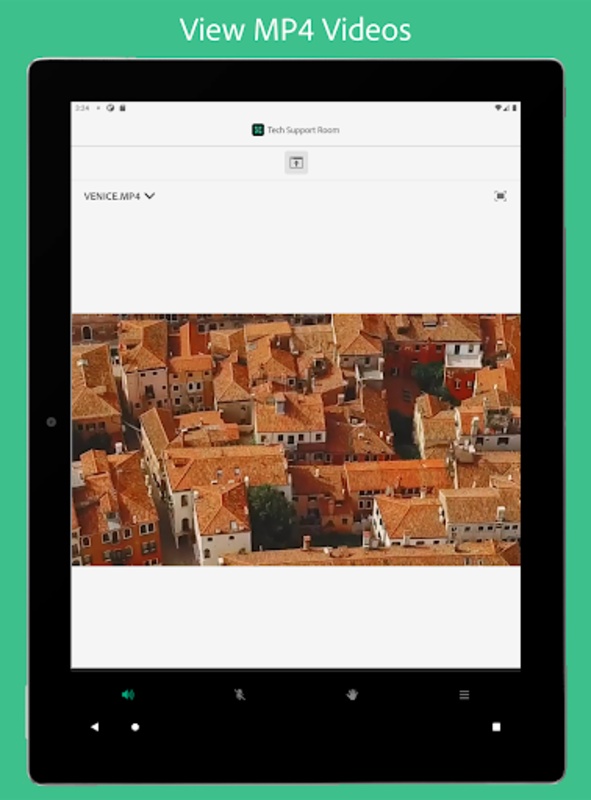
Featuring a fresh, modern interface, it establishes a high standard for mobile collaboration. High-resolution camera broadcasts are supported, and users can enjoy both landscape and portrait viewing modes for an optimal visual experience.
Content
Adobe Connect is not a "new" product in the traditional sense. While Adobe continually updates and improves the software, the platform itself has been around for over two decades. Therefore, discussing Adobe Connect "New" requires focusing on its current iteration and recent feature updates that contribute to its ongoing evolution as a web conferencing and virtual classroom platform.
Core Functionality and Evolution
At its heart, Adobe Connect remains a robust platform for online meetings, webinars, and virtual training. Its core functionality revolves around providing a space for real-time interaction between presenters and participants. This interaction is facilitated through various tools, including audio and video conferencing, screen sharing, interactive whiteboards, polls, Q&A sessions, and breakout rooms. Over the years, Adobe has refined these features, improving their usability and performance. Recent updates have focused on enhancing the user experience, streamlining the interface, and expanding mobile accessibility.
Enhanced User Experience
Adobe has made significant strides in improving the user interface, making it more intuitive and user-friendly. The modern interface is designed to be cleaner and more accessible, allowing users to easily navigate the various features and functionalities. This improved usability translates to a more engaging and productive experience for both presenters and participants.
Streamlined Interface
The streamlined interface contributes to a more efficient workflow. Presenters can easily access and manage their content, control the meeting flow, and interact with participants. The simplified layout reduces clutter and allows users to focus on the content and the interaction, rather than navigating a complex interface.
Expanded Mobile Accessibility
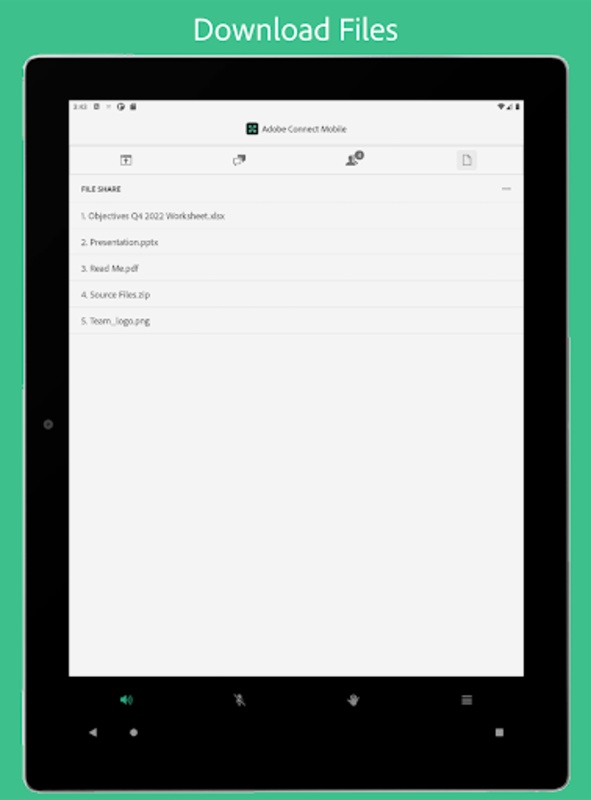
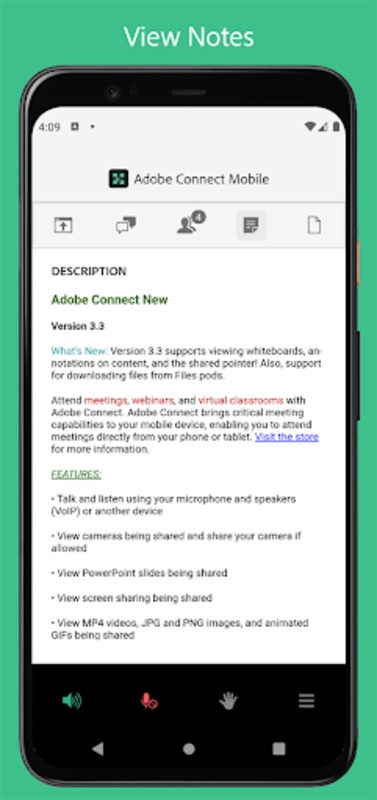
Recognizing the increasing importance of mobile devices, Adobe has invested in improving the mobile experience for Adobe Connect. The mobile app allows users to attend meetings, participate in webinars, and access learning materials from anywhere, anytime. This flexibility empowers users to stay connected and engaged even when they are on the go.
Persistent Virtual Rooms
One of the distinguishing features of Adobe Connect is its persistent virtual rooms. Unlike other web conferencing platforms that create temporary meeting spaces, Adobe Connect allows users to create persistent rooms that can be reused for multiple sessions. This feature is particularly beneficial for online training programs, where instructors can set up a virtual classroom with all the necessary materials and resources, and then reuse the same room for multiple sessions throughout the course.
Customizable and Branded Environments
Adobe Connect offers extensive customization options, allowing organizations to brand their virtual rooms and create a consistent online presence. This branding capability helps reinforce corporate identity and create a more professional and engaging experience for participants.
Integration with Learning Management Systems (LMS)
Adobe Connect integrates seamlessly with various learning management systems (LMS), allowing organizations to track learner progress and assess learning outcomes. This integration streamlines the training process and provides valuable data for evaluating the effectiveness of online learning programs.
Focus on Engagement and Interaction
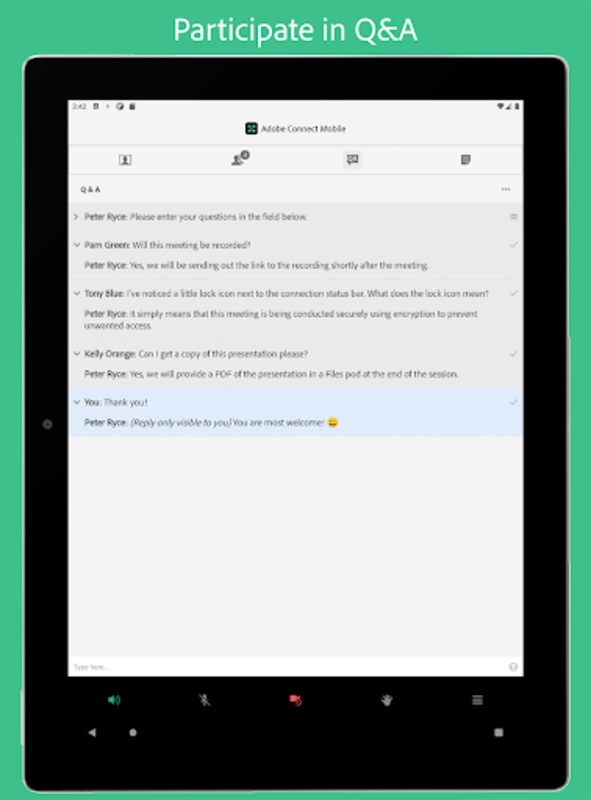
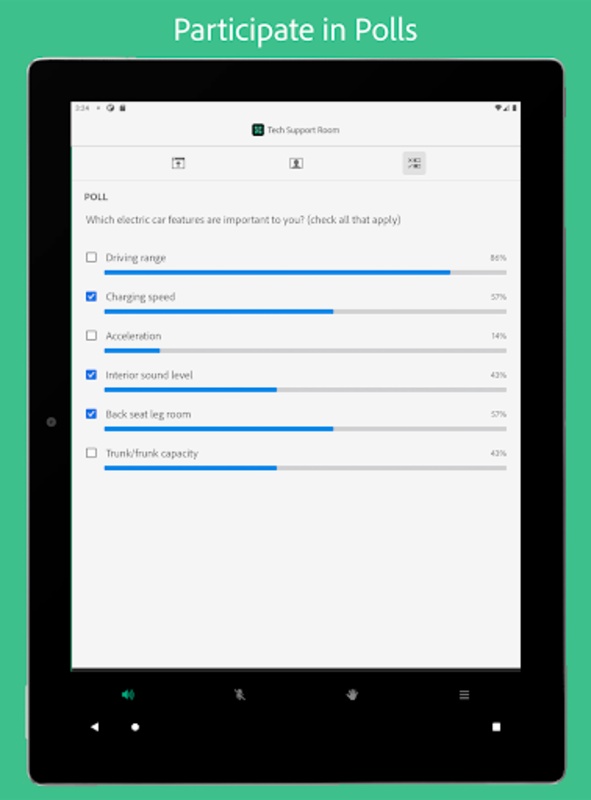
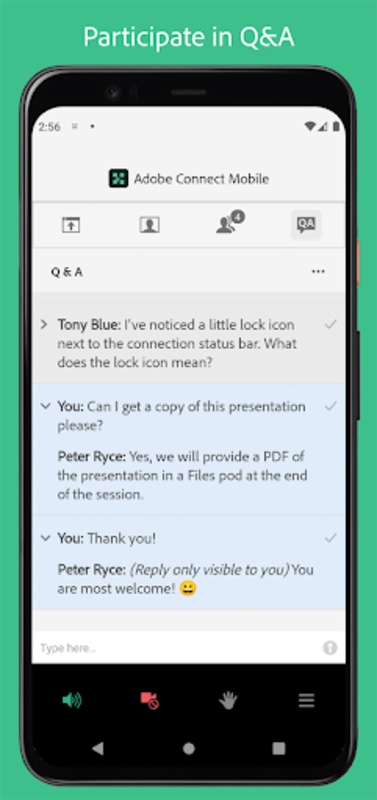
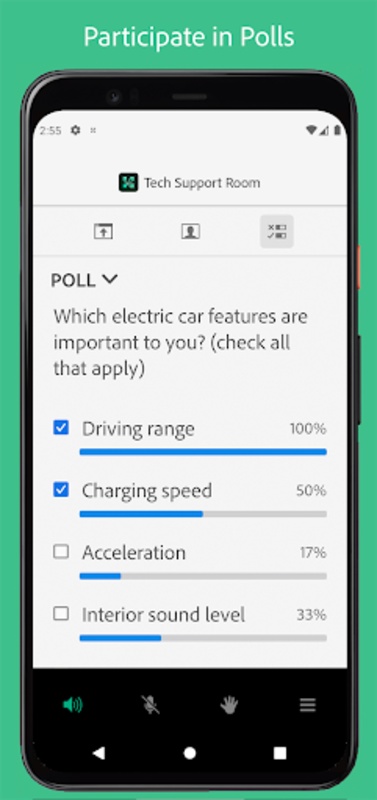
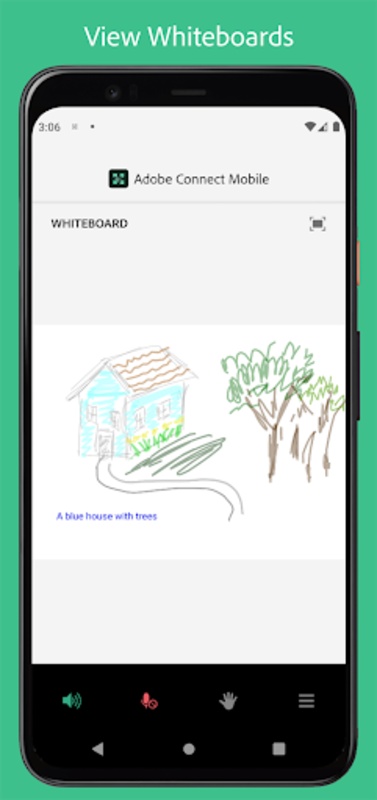
Adobe Connect provides a rich set of tools for fostering engagement and interaction in virtual environments. Features such as polls, Q&A sessions, breakout rooms, and interactive whiteboards encourage active participation and create a more dynamic learning experience.
Security and Reliability
Adobe Connect is built on a secure and reliable platform, ensuring the confidentiality and integrity of online meetings and training sessions. The platform adheres to industry-standard security protocols, providing users with peace of mind.
Continued Development and Innovation
Adobe continues to invest in the development of Adobe Connect, adding new features and functionalities to meet the evolving needs of its users. This commitment to innovation ensures that Adobe Connect remains a leading platform for online collaboration and virtual learning. By focusing on user experience, accessibility, and engagement, Adobe Connect strives to provide a powerful and effective platform for connecting people and fostering collaboration in the digital age.
Explore the capabilities of virtual engagement with Adobe Connect New, offering a way to participate in meetings, webinars, and virtual classrooms from your mobile device. With Adobe Connect New, join from anywhere using your smartphone or tablet for a seamless interaction, whether on the move or from the comfort of your home.
Featuring a fresh, modern interface, it establishes a high standard for mobile collaboration. High-resolution camera broadcasts are supported, and users can enjoy both landscape and portrait viewing modes for an optimal visual experience.
Content
Adobe Connect is not a "new" product in the traditional sense. While Adobe continually updates and improves the software, the platform itself has been around for over two decades. Therefore, discussing Adobe Connect "New" requires focusing on its current iteration and recent feature updates that contribute to its ongoing evolution as a web conferencing and virtual classroom platform.
Core Functionality and Evolution
At its heart, Adobe Connect remains a robust platform for online meetings, webinars, and virtual training. Its core functionality revolves around providing a space for real-time interaction between presenters and participants. This interaction is facilitated through various tools, including audio and video conferencing, screen sharing, interactive whiteboards, polls, Q&A sessions, and breakout rooms. Over the years, Adobe has refined these features, improving their usability and performance. Recent updates have focused on enhancing the user experience, streamlining the interface, and expanding mobile accessibility.
Enhanced User Experience
Adobe has made significant strides in improving the user interface, making it more intuitive and user-friendly. The modern interface is designed to be cleaner and more accessible, allowing users to easily navigate the various features and functionalities. This improved usability translates to a more engaging and productive experience for both presenters and participants.
Streamlined Interface
The streamlined interface contributes to a more efficient workflow. Presenters can easily access and manage their content, control the meeting flow, and interact with participants. The simplified layout reduces clutter and allows users to focus on the content and the interaction, rather than navigating a complex interface.
Expanded Mobile Accessibility
Recognizing the increasing importance of mobile devices, Adobe has invested in improving the mobile experience for Adobe Connect. The mobile app allows users to attend meetings, participate in webinars, and access learning materials from anywhere, anytime. This flexibility empowers users to stay connected and engaged even when they are on the go.
Persistent Virtual Rooms
One of the distinguishing features of Adobe Connect is its persistent virtual rooms. Unlike other web conferencing platforms that create temporary meeting spaces, Adobe Connect allows users to create persistent rooms that can be reused for multiple sessions. This feature is particularly beneficial for online training programs, where instructors can set up a virtual classroom with all the necessary materials and resources, and then reuse the same room for multiple sessions throughout the course.
Customizable and Branded Environments
Adobe Connect offers extensive customization options, allowing organizations to brand their virtual rooms and create a consistent online presence. This branding capability helps reinforce corporate identity and create a more professional and engaging experience for participants.
Integration with Learning Management Systems (LMS)
Adobe Connect integrates seamlessly with various learning management systems (LMS), allowing organizations to track learner progress and assess learning outcomes. This integration streamlines the training process and provides valuable data for evaluating the effectiveness of online learning programs.
Focus on Engagement and Interaction
Adobe Connect provides a rich set of tools for fostering engagement and interaction in virtual environments. Features such as polls, Q&A sessions, breakout rooms, and interactive whiteboards encourage active participation and create a more dynamic learning experience.
Security and Reliability
Adobe Connect is built on a secure and reliable platform, ensuring the confidentiality and integrity of online meetings and training sessions. The platform adheres to industry-standard security protocols, providing users with peace of mind.
Continued Development and Innovation
Adobe continues to invest in the development of Adobe Connect, adding new features and functionalities to meet the evolving needs of its users. This commitment to innovation ensures that Adobe Connect remains a leading platform for online collaboration and virtual learning. By focusing on user experience, accessibility, and engagement, Adobe Connect strives to provide a powerful and effective platform for connecting people and fostering collaboration in the digital age.